1. Introduction
Welcome to the user manual for your new Generic AMOLED Watch ZT-MAX20. This guide provides essential information for setting up, operating, and maintaining your smartwatch. The Super AMOLED Watch ZT-MAX20 blends modern design with practical features to elevate your everyday experience. Whether you need fitness tracking, notifications, or a classic analog look, this watch delivers reliability and style. Built with premium materials and advanced tech, it’s designed for daily wear, workouts, or special occasions.
Please read this manual thoroughly before using your device to ensure proper function and longevity.
2. What's in the Box
Upon opening your Generic AMOLED Watch ZT-MAX20 package, you should find the following items:
- Generic AMOLED Watch ZT-MAX20
- Watch Band (2 included)
- Charging Cable
- User Manual (this document)
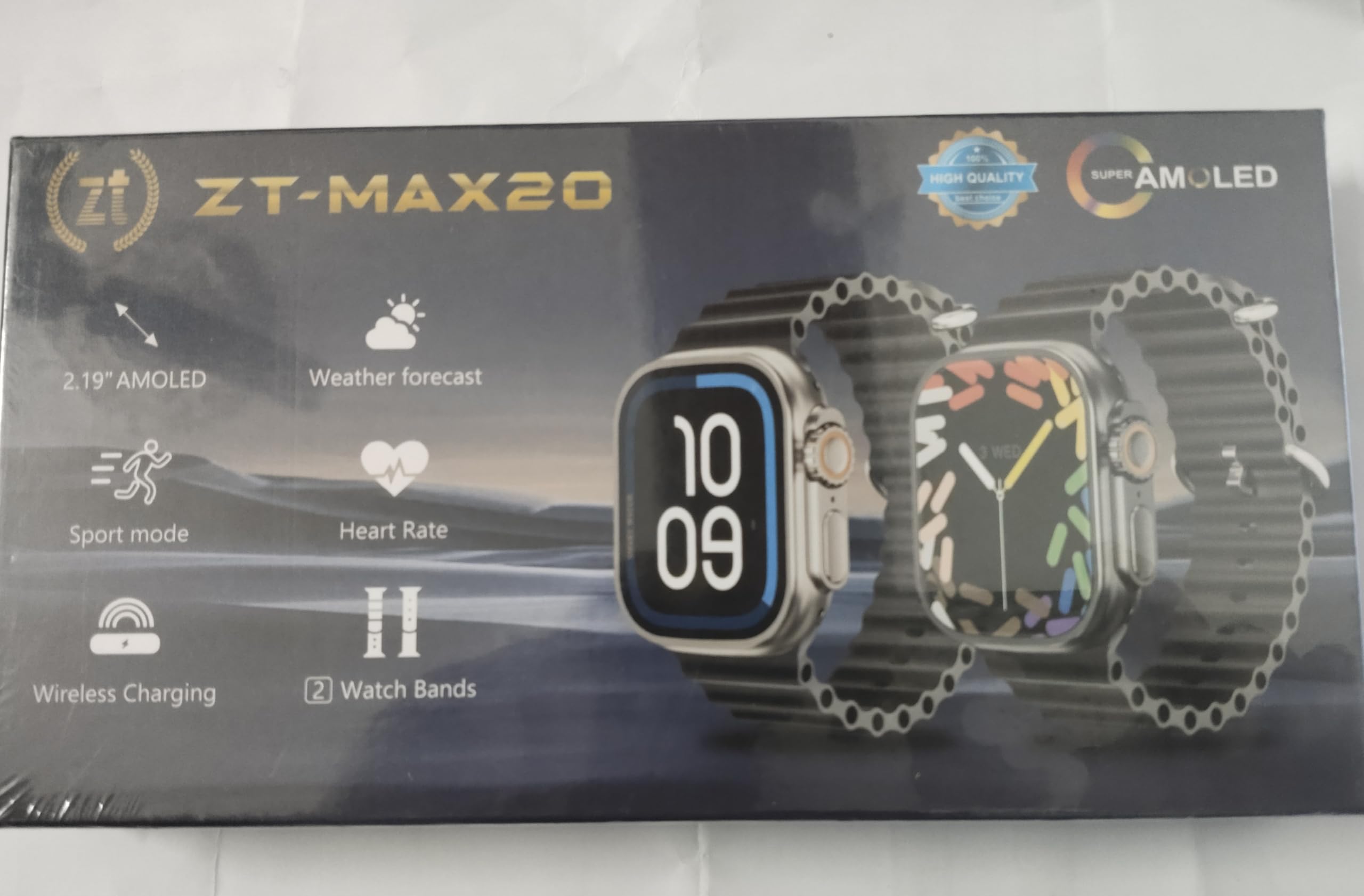
Image: The Generic AMOLED Watch ZT-MAX20 displayed with its two interchangeable watch bands, charging cable, and user manual, as typically found in the product packaging.
3. Product Overview and Features
The Generic AMOLED Watch ZT-MAX20 is equipped with a vibrant AMOLED display and a range of functionalities to support your daily activities and health monitoring.
Key Features:
- Communication: Dial (for calls)
- Fitness Tracking: Run (activity tracking)
- Health Monitoring: ECG (Electrocardiogram) - Note: This device is not a medical device. Not all capabilities are available in all areas.
- Entertainment: Music control
- Utility: Photograph (remote camera control), Calculator, Weather updates
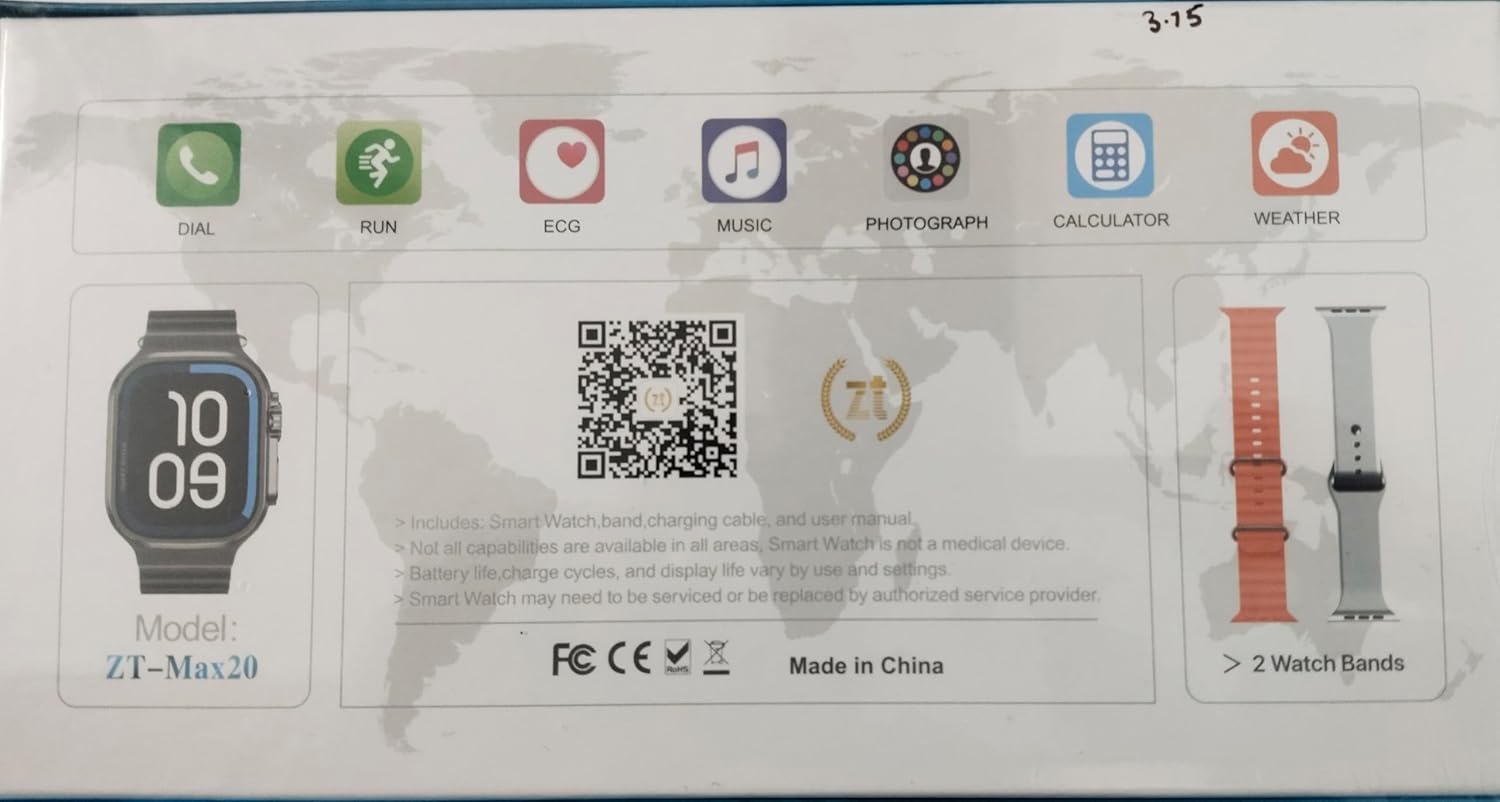
Image: A close-up view of the Generic AMOLED Watch ZT-MAX20 display, illustrating the various application icons for features such as Dial, Run, ECG, Music, Photograph, Calculator, and Weather.
4. Setup
4.1 Charging the Watch
- Connect the charging cable to a USB power adapter (not included) or a computer's USB port.
- Attach the magnetic end of the charging cable to the charging contacts on the back of your watch. Ensure it snaps into place securely.
- The watch display will indicate charging status. Charge the watch fully before first use.
4.2 Powering On/Off
- To Power On: Press and hold the side button until the screen lights up.
- To Power Off: Press and hold the side button, then select the 'Power Off' option on the screen.
4.3 App Installation and Pairing
To unlock the full potential of your smartwatch, download the companion application on your smartphone.
- Download the App: Scan the QR code below with your smartphone's camera or visit https://app.jusonsmart.com/public/ztfit_download.html to download the official application.
- Enable Bluetooth: Ensure Bluetooth is enabled on your smartphone.
- Pairing: Open the downloaded app, follow the on-screen instructions to create an account (if required), and search for your ZT-MAX20 watch to pair it. Confirm the pairing request on both your phone and watch.
Image: A QR code displayed on the watch screen, which can be scanned to download the companion application for the ZT-MAX20 smartwatch.
5. Operating Instructions
5.1 Basic Navigation
- Touchscreen: Swipe left, right, up, or down to navigate through menus and notifications. Tap to select an item.
- Side Button: Press to return to the home screen or wake the display. Press and hold for power options or to access specific functions.
5.2 Using Core Functions
- Calls (Dial): Once paired, you can initiate or answer calls directly from your watch.
- Fitness Tracking (Run): Select the 'Run' app to start tracking your steps, distance, and calories burned during your workout.
- ECG: Follow the in-app instructions to take an ECG reading. Remember, this feature is for informational purposes and not a substitute for professional medical advice.
- Music: Control music playback on your paired smartphone (play, pause, skip tracks).
- Photograph: Use your watch as a remote shutter for your smartphone's camera.
- Calculator: Access a basic calculator for quick computations.
- Weather: View current weather conditions and forecasts for your location (requires app synchronization).
6. Maintenance
6.1 Cleaning Your Watch
Wipe the watch and bands regularly with a soft, damp, lint-free cloth. Avoid using harsh chemicals or abrasive materials.
6.2 Water Resistance
The ZT-MAX20 is water resistant, suitable for daily use, sweat, rain, and light water exposure. It is not recommended for swimming, showering, or diving. Avoid exposure to hot water or steam.
6.3 Battery Care
To maximize battery life and charge cycles, avoid extreme temperatures. Battery life, charge cycles, and display life vary by use and settings. For optimal performance, charge your watch before the battery is completely depleted.
7. Troubleshooting
If you encounter issues with your Generic AMOLED Watch ZT-MAX20, try the following steps:
- Watch not powering on: Ensure the watch is fully charged. Connect it to the charging cable and a power source.
- Cannot pair with smartphone: Ensure Bluetooth is enabled on your phone and the watch. Restart both devices and try pairing again through the app.
- Inaccurate readings: Ensure the watch is worn snugly on your wrist. Clean the sensors on the back of the watch.
- App not syncing: Check your phone's internet connection and ensure the app has necessary permissions. Restart the app and watch.
- Factory Reset: If issues persist, you may perform a factory reset via the watch settings. This will erase all data on the watch.
If the Smart Watch requires servicing or replacement, please contact an authorized service provider.
8. Specifications
| Brand | Generic |
| Model | ZT-MAX20 |
| Manufacturer | China |
| Item Weight | 200 g |
| Mounting Hardware | Watch Band |
| Number of Items | 1 |
| Connector Type | Bluetooth |
| Country of Origin | China |
| ASIN | B0GCZX29K8 |
| Date First Available | 29 December 2025 |
| Packer | india |
| Importer | india |
| Generic Name | Super Amoled Watch |
| Connectivity Technology | Bluetooth |
| Included Components | Watch Band |
9. Warranty and Support
This product comes with a standard manufacturer's warranty. For specific warranty details, please refer to the documentation provided with your purchase or contact the retailer. For technical support or service inquiries, please reach out to the authorized service provider or the point of purchase.


