
Introduction
Thank you for choosing the UNVO YYK-526 Bluetooth Earphones. This manual provides detailed instructions on how to set up, operate, and maintain your earphones to ensure optimal performance and longevity. Please read this manual carefully before using the product and retain it for future reference.
The YYK-526 is designed for versatile use, featuring a 270-degree rotating microphone, an LED charging case, and compatibility with a wide range of devices including mobile phones, tablets, computers, and more, thanks to its included Bluetooth transmitter.

This image shows the UNVO YYK-526 earphone worn by a user, highlighting its design for clear voice reception and comfortable fit. The microphone is positioned to accurately capture human voices and reduce background noise during calls.
Package Contents
Upon unboxing, please ensure all the following items are present:
- UNVO YYK-526 Bluetooth Earphone
- Charging Case
- USB-A Bluetooth Transmitter
- USB Type-C Charging Cable
- User Manual (this document)
- Additional Ear Tips (various sizes)
Setup
1. Charging the Earphone and Case
Before first use, fully charge the earphone and its charging case. The earphone has a 60mAh battery, and the charging case has a 500mAh battery. A full charge takes approximately 1.5 hours.
- Place the earphone into the charging case.
- Connect the charging case to a power source using the provided USB Type-C cable.
- The LED display on the charging case will show the current battery level. Once fully charged, the display will indicate 100%.

This image shows the YYK-526 earphone and its Bluetooth transmitter neatly placed inside the open charging case. The case features an LED display indicating the current battery level, ensuring you know when to recharge.
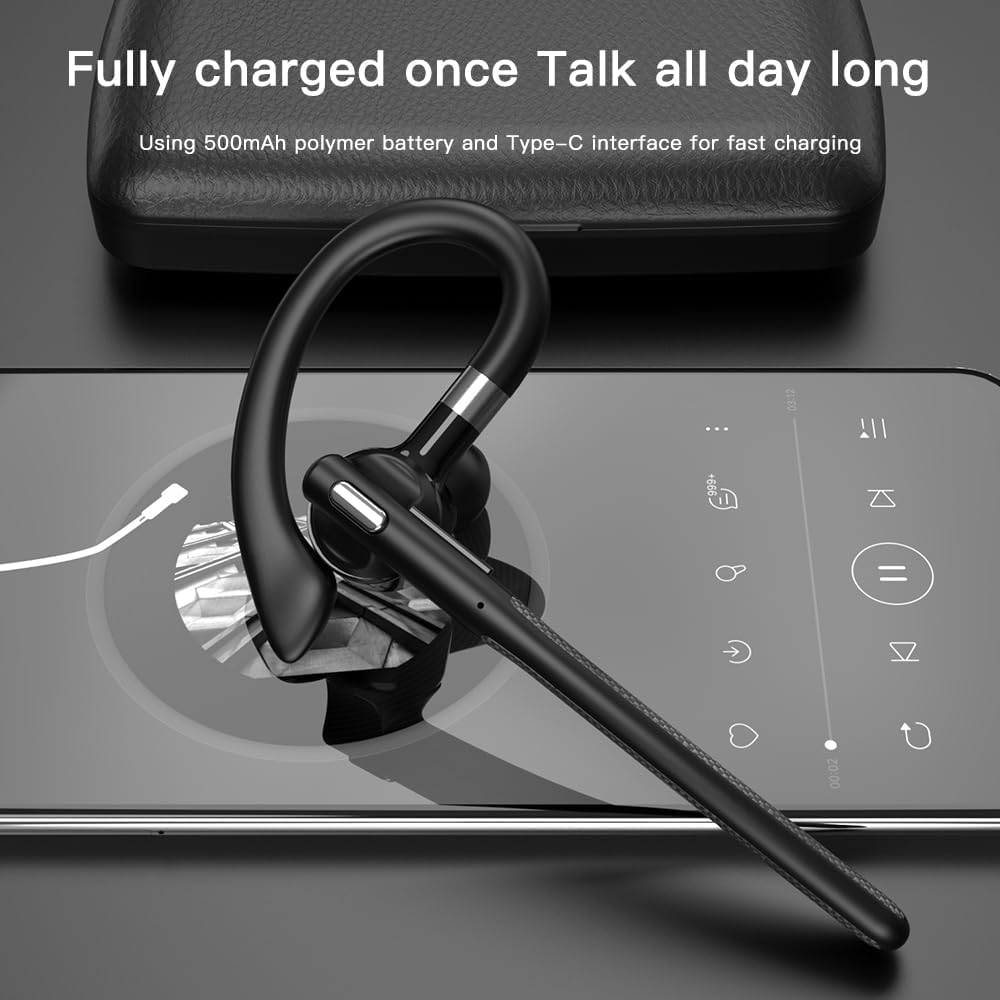
The image displays the YYK-526 earphone connected for charging via its Type-C interface, emphasizing its long battery life after a full charge, suitable for extended use throughout the day.
2. Pairing with a Device
The YYK-526 uses Bluetooth V5.3+EDR for stable connectivity up to 10 meters.
- Direct Bluetooth Connection:
- Take the earphone out of the charging case. It will automatically enter pairing mode (indicated by a flashing LED light).
- On your mobile phone, tablet, or computer, enable Bluetooth and search for available devices.
- Select "YYK-526" from the list of devices. Once connected, the LED light on the earphone will stop flashing.
- Using the Bluetooth Transmitter:
- Plug the USB-A Bluetooth transmitter into a compatible device (e.g., desktop computer, laptop, TV with USB-A port, game console).
- Ensure the earphone is in pairing mode. The transmitter will automatically attempt to connect to the earphone.
- Once connected, the indicator light on the transmitter will become solid.
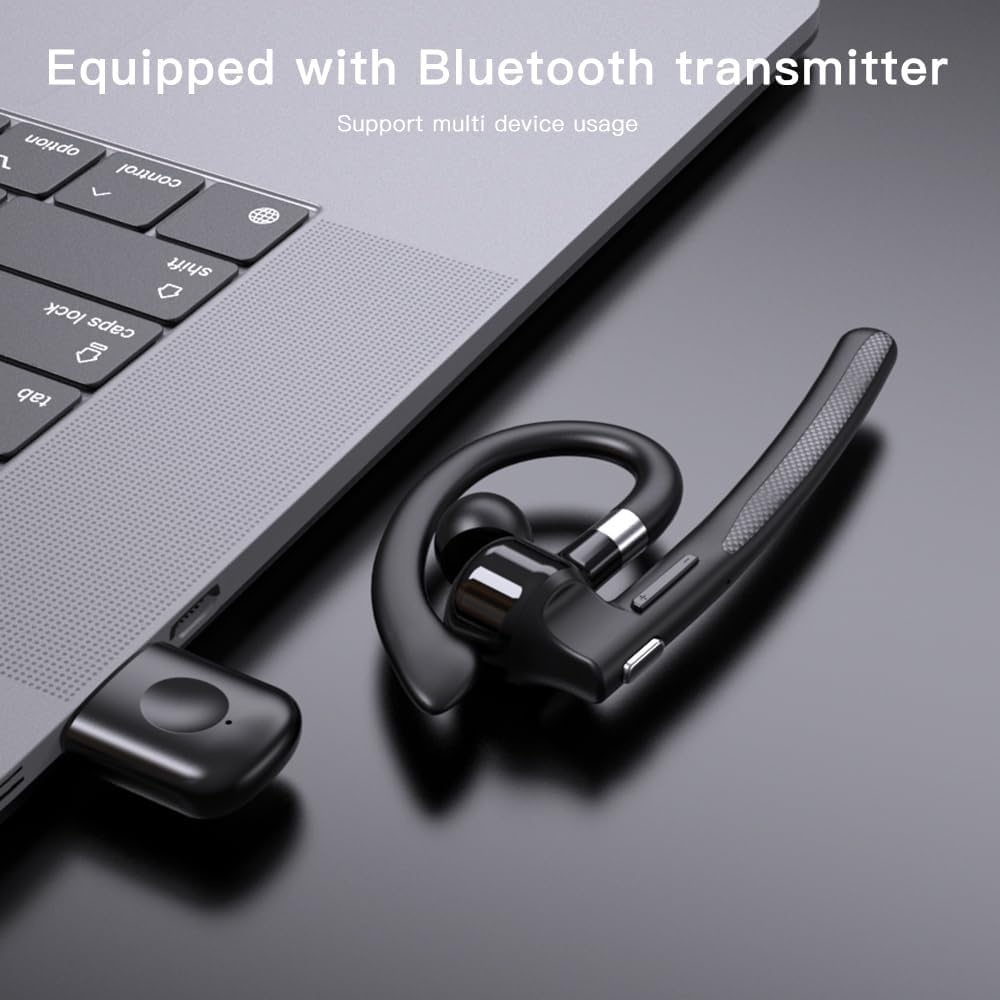
The UNVO YYK-526 earphone is shown alongside its dedicated Bluetooth transmitter, which can be connected to devices like laptops, desktop computers, and other USB-A compatible equipment to enable wireless audio.
3. Wearing the Earphone
The YYK-526 features an ear hook design for a secure and comfortable fit. The microphone boom can rotate 270 degrees to allow for use on either the left or right ear, and to optimize microphone positioning for clear voice capture.
- Gently place the ear hook over your ear.
- Adjust the earbud into your ear canal for a snug fit.
- Rotate the microphone boom to position it towards your mouth for optimal voice pickup.
Operating Instructions
Earphone Controls
The YYK-526 earphone features intuitive buttons for easy control of calls and music playback.

A detailed view of the earphone's control buttons. It highlights the Multi-Function Button for power, play/pause, and call management, along with dedicated Volume Up (next song) and Volume Down (previous song) buttons for easy operation.
- Multi-Function Button:
- Power On/Off: Press and hold for 3 seconds.
- Play/Pause: Single press during music playback.
- Answer/End Call: Single press during an incoming call or active call.
- Reject Call: Press and hold for 2 seconds during an incoming call.
- Voice Assistant: Double press to activate your device's voice assistant.
- Volume + Button:
- Increase Volume: Single press.
- Next Song: Press and hold for 2 seconds.
- Volume - Button:
- Decrease Volume: Single press.
- Previous Song: Press and hold for 2 seconds.
Call Quality and Noise Reduction
The YYK-526 incorporates Environmental Noise Cancellation (ENC) technology to enhance call clarity by reducing ambient noise, ensuring a stable and high-definition voice experience.

This diagram visually represents the Environmental Noise Cancellation (ENC) feature of the YYK-526 earphone, which works to reduce ambient noise and deliver high-definition voice quality for stable and clear call experiences.
Maintenance
Cleaning
- Wipe the earphone and charging case with a soft, dry, lint-free cloth.
- Do not use harsh chemicals, cleaning solvents, or strong detergents.
- Regularly clean the ear tips and speaker mesh to prevent wax buildup, which can affect sound quality.
Storage
- When not in use, store the earphone in its charging case to protect it from dust and damage.
- Store in a cool, dry place, away from extreme temperatures and direct sunlight.

The YYK-526 earphone is shown resting on its closed charging case, illustrating the compact and portable design of the system when not in use or during transport.
Battery Care
- Avoid fully discharging the battery frequently.
- Charge the device regularly, even if not in use for extended periods, to maintain battery health.
Water Resistance
The YYK-526 earphones are rated IPX5, meaning they are resistant to splashes of water from any direction. They are suitable for sports and light rain but should not be submerged in water.
Troubleshooting
If you encounter issues with your UNVO YYK-526 earphones, please refer to the following common solutions:
- No Power: Ensure the earphone and charging case are fully charged. Connect the charging case to a power source.
- Cannot Pair:
- Ensure the earphone is in pairing mode (flashing LED).
- Turn off Bluetooth on other nearby devices to avoid interference.
- Forget/delete "YYK-526" from your device's Bluetooth list and try pairing again.
- Restart your device and the earphone.
- No Sound:
- Check the volume level on both the earphone and your connected device.
- Ensure the earphone is properly connected to your device.
- Try playing audio from a different application or source.
- Poor Call Quality:
- Ensure the microphone boom is positioned correctly towards your mouth.
- Move closer to your connected device to improve signal strength.
- Avoid environments with excessive background noise.
Specifications
| Feature | Specification |
|---|---|
| Model Name | YYK-526 |
| Brand | UNVO |
| Connectivity Technology | Wireless (Bluetooth) |
| Bluetooth Version | V5.3+EDR (Chip: Jerry 6973) |
| Supported Protocols | AVRCP V1.6, A2DP V1.3, HFP V1.7, Simultaneous LE and BR / EDR |
| Wireless Range | Up to 10 meters (33 feet) |
| Earphone Battery Capacity | 60mAh |
| Charging Case Battery Capacity | 500mAh |
| Usage/Playback Time | Approximately 6 hours (at 80% volume) |
| Standby Time | 80 hours |
| Charging Time | Approximately 1.5 hours |
| Water Resistance Rating | IPX5 |
| Microphone Rotation | 270 degrees |
| Control Method | Push Button |
| Earpiece Shape | Hook |
| Hardware Interface | USB Type-C (for charging case) |
| Item Weight | 77g (Net), 161.5g (Gross) |
Warranty and Support
UNVO products are manufactured with high-quality standards. For warranty information, please refer to the specific terms provided at the time of purchase or contact your retailer. If you experience any issues or require technical assistance, please contact UNVO customer support through the official channels provided with your purchase or on the UNVO website.
Please have your model number (YYK-526) and proof of purchase ready when contacting support.