Introduction
This manual provides instructions for the proper use and maintenance of your UYRUREL Silicone Protective Case, designed exclusively for the iFLYTEK AIH-2541 AI Translation Earphones. Please read this manual thoroughly to ensure optimal protection and longevity for your device.
Product Overview
The UYRUREL Silicone Protective Case offers robust protection and enhanced usability for your iFLYTEK AIH-2541 AI Translation Earphones. Key features include:
- Precision Fit: Specifically molded for iFLYTEK AIH-2541 earphones, ensuring all ports and indicators are accessible.
- High-Quality Silicone: Made from skin-friendly, environmentally safe, and non-toxic elastomer silicone.
- Shockproof Protection: Provides effective defense against bumps, drops, and daily wear.
- Waterproof and Easy to Clean: The material is resistant to water and can be easily cleaned.
- Visible LED Indicator: Designed with a precise cutout to allow visibility of the charging LED without removing the case.
- Wireless Charging Compatible: Supports wireless charging and cable charging without needing to remove the case.
- Integrated Lanyard: Includes a durable lanyard for secure carrying and to prevent loss.

Figure 1: High-Quality Material Features. This image illustrates the key properties of the silicone material, including its environmental friendliness, non-toxic composition, softness, elasticity, ease of cleaning, and chemical stability.
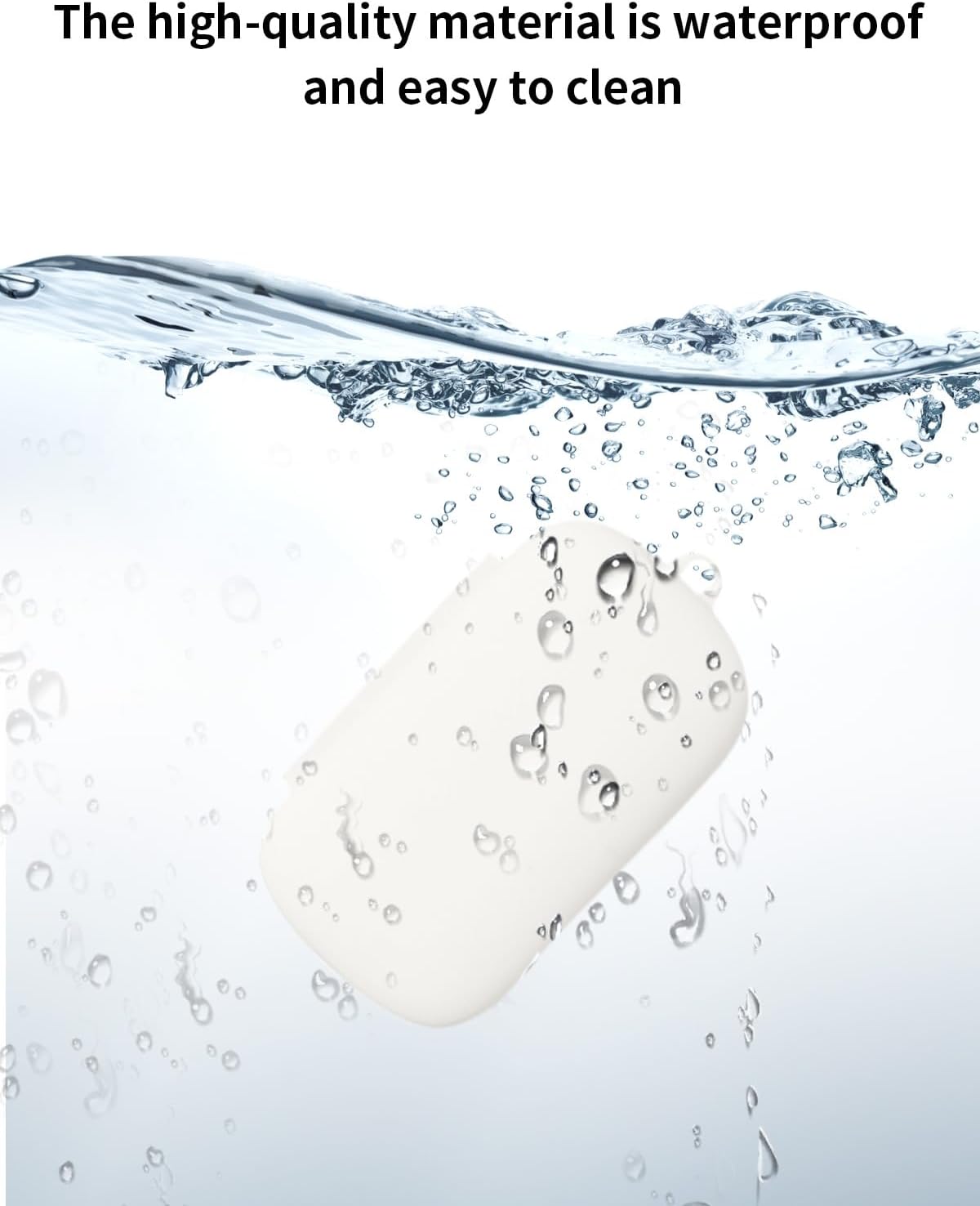
Figure 2: Waterproof Feature. The case is shown in water, emphasizing its waterproof nature and ease of cleaning.
Setup and Installation
Follow these steps to properly install the protective case onto your iFLYTEK AIH-2541 AI Translation Earphones charging case.
- Prepare the Earphone Case: Ensure your iFLYTEK AIH-2541 earphone charging case is clean and free of dust or debris.
- Open the Protective Case: Gently open the top lid of the UYRUREL silicone protective case.
- Insert Earphone Case: Carefully place your iFLYTEK AIH-2541 earphone charging case into the bottom section of the silicone protective case. Ensure it is seated correctly.
- Close the Lid: Close the top lid of the silicone case over the earphone case. Gently push it down until it fits snugly. The precise mold opening will help prevent slippage.
- Attach Lanyard (Optional): If desired, attach the included lanyard to the designated loop on the side of the silicone case.

Figure 3: Easy Installation. This image illustrates the simple steps to install the silicone case: open the shell, close the main unit, and gently push it in.

Figure 4: Precise Mold Opening. This image highlights the precise internal molding of the case, which ensures a secure fit and prevents the earphone case from slipping.
Operating Instructions
Once installed, the UYRUREL Silicone Protective Case allows for seamless operation of your iFLYTEK AIH-2541 AI Translation Earphones.
- Charging: The case is designed to allow both wireless charging and charging via cable without removal. The precise cutouts ensure full access to the charging port.
- LED Indicator: The front LED light of your earphone charging case remains visible through the protective case, allowing you to monitor charging status at a glance.
- Portability: Utilize the included lanyard to securely attach your earphone case to a bag, belt loop, or other personal items, enhancing portability and reducing the risk of loss.

Figure 5: Lanyard Usage. This image demonstrates how the lanyard can be used to carry the case securely, preventing loss.
Maintenance and Care
To maintain the appearance and protective qualities of your UYRUREL Silicone Protective Case, follow these simple care instructions:
- Cleaning: The silicone material is easy to clean. Use a soft, damp cloth to wipe away dirt, dust, or smudges. For more stubborn marks, a mild soap solution can be used, followed by rinsing with water and air drying.
- Drying: Ensure the case is completely dry before re-inserting your earphone charging case.
- Avoid Harsh Chemicals: Do not use abrasive cleaners or harsh chemicals, as these may damage the silicone material.
- Storage: When not in use, store the case in a cool, dry place away from direct sunlight.
Troubleshooting
This section addresses common concerns regarding the UYRUREL Silicone Protective Case.
| Issue | Possible Cause | Solution |
|---|---|---|
| Case does not fit snugly. | Incorrect earphone model or improper installation. | Ensure your earphones are iFLYTEK AIH-2541. Re-install the case, ensuring it is fully seated and aligned. |
| LED indicator is not visible. | Earphone case not properly aligned within the protective case. | Adjust the earphone case inside the silicone cover to align with the cutout for the LED. |
| Case appears dirty or stained. | Accumulation of dirt or residue from daily use. | Clean the case as described in the "Maintenance and Care" section. |
Specifications
The following are the technical specifications for the UYRUREL Silicone Protective Case:
| Feature | Detail |
|---|---|
| Compatible Devices | iFLYTEK AIH-2541 AI Translation Earphones |
| Material | High-quality Elastomer Silicone |
| Form Factor | Protective Case |
| Color | White |
| Special Features | Slim Fit, Shockproof, Front LED Visible, Wireless Charging Compatible, Lanyard Included |
| Item Weight | 3.52 ounces (approximately 100 grams) |
| Package Dimensions | 0.1 x 0.1 x 0.1 inches (Note: These dimensions appear to be placeholders and may not reflect actual product size.) |
| Manufacturer | UYRUREL |
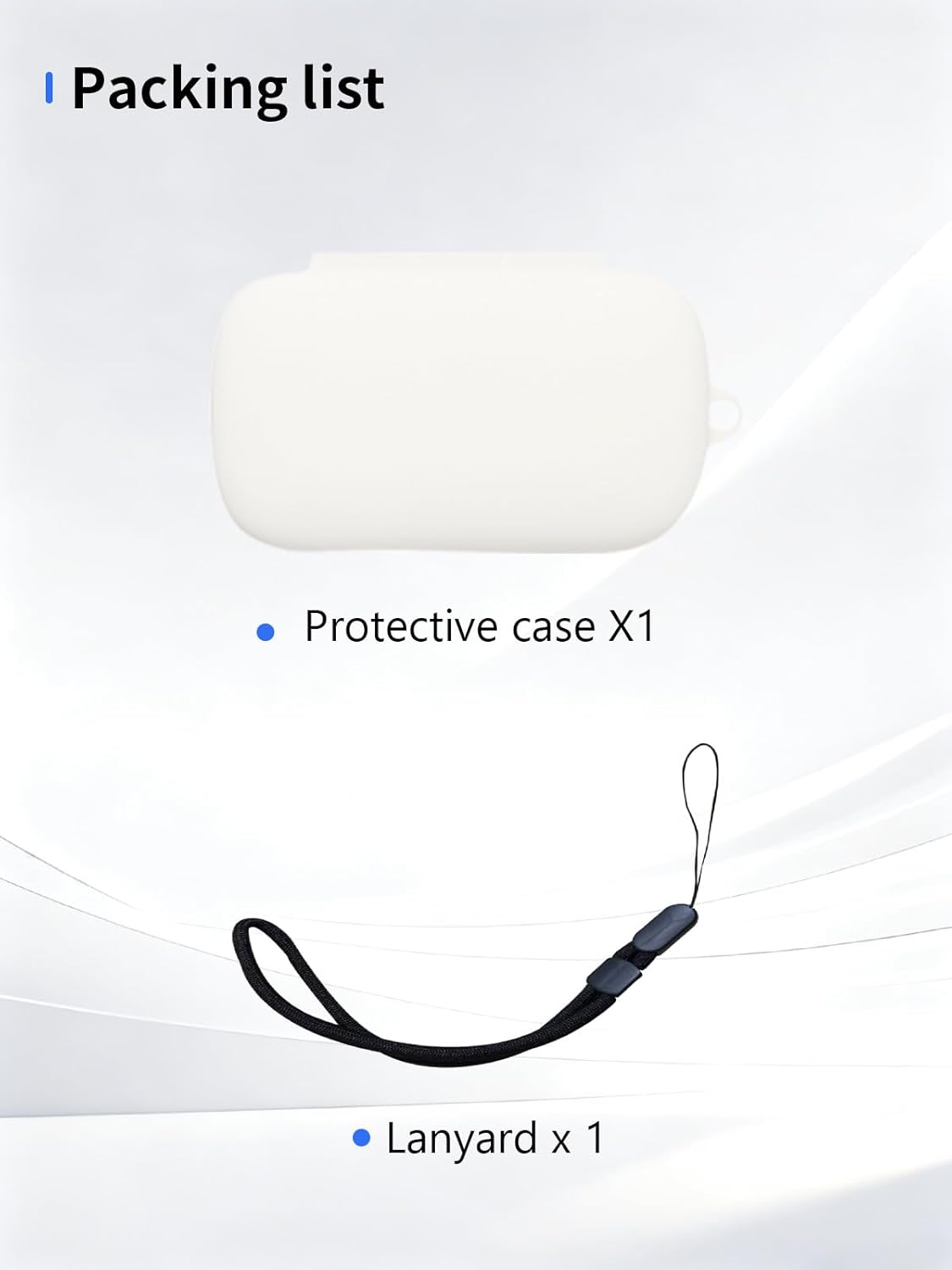
Figure 6: Packing List. This image displays the items included in the package: one protective case and one lanyard.
Warranty and Support
Specific warranty details for the UYRUREL Silicone Protective Case are not provided within this manual. For warranty information, please refer to the product packaging, the seller's website, or contact UYRUREL customer support directly.
If you encounter any issues or have questions regarding your product, please contact the seller or manufacturer for assistance. Contact information is typically available on the product packaging or purchase receipt.