
Introduction
This manual provides detailed instructions for the installation, operation, and maintenance of your Driauto 10.1 Inch Double DIN Touchscreen Android Stereo. Please read this manual thoroughly before using the product to ensure proper functionality and safety.
What's in the Box
- Car radio
- Backup camera
- Microphone (MIC)
- Power Cable
- USB Cables (4/6 Pin)
- Rear Camera Input Cable
- RCA Cable
- GPS Antenna
- User Manual
- Brackets

Image: The package contents include the main unit, various cables, a backup camera, GPS antenna, mounting brackets, and user manual.
Product Overview
The Driauto 10.1 Inch Android Stereo features an 8-core Android 15 system with 6GB RAM and 128GB storage, providing enhanced multi-tasking and smooth performance. The 10.1-inch (1280x720) touchscreen offers crisp visuals and responsive controls.

Image: A clear view of the 10.1-inch touchscreen display, showcasing its sleek design.
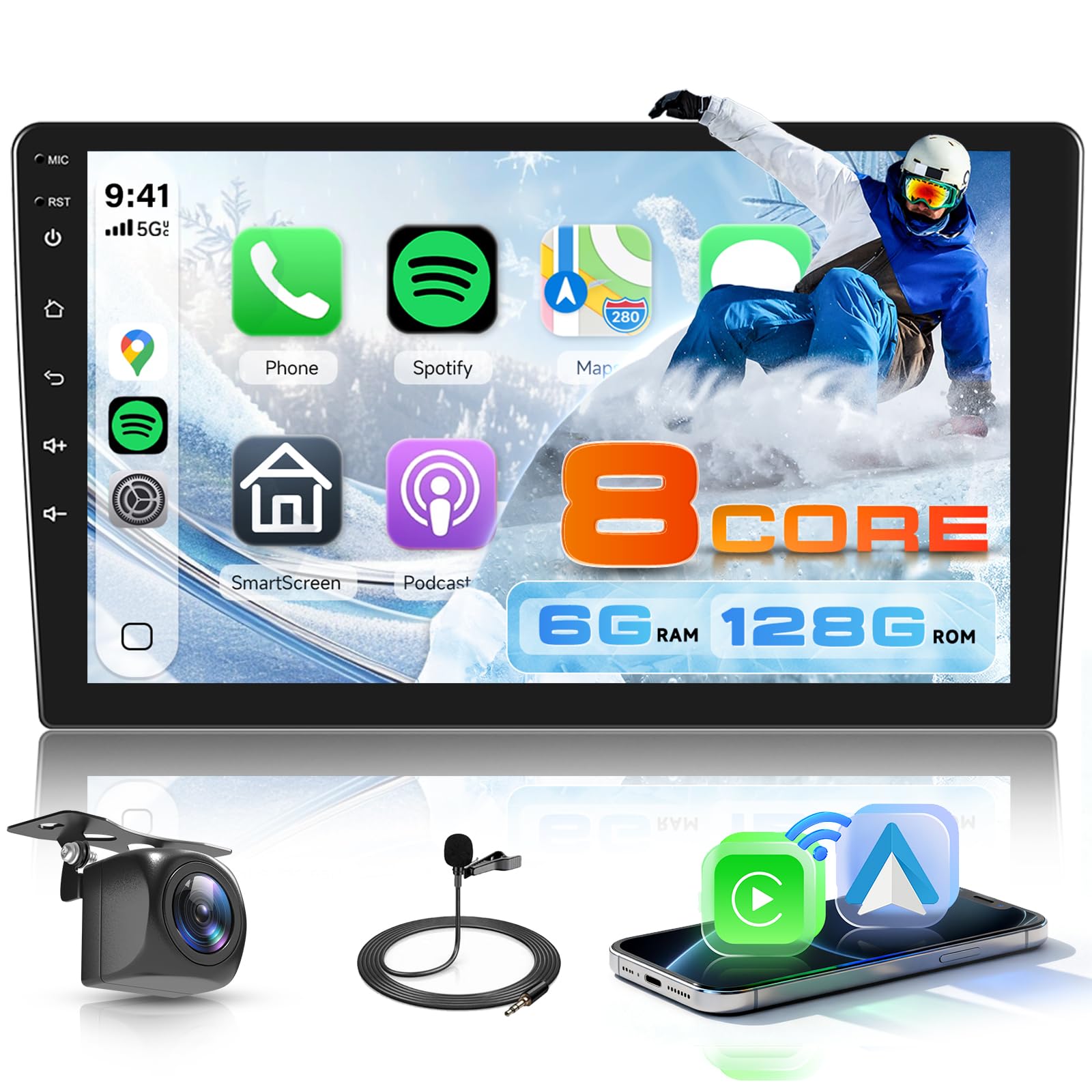
Image: Side view of the unit, highlighting the physical control buttons for power, home, back, and volume adjustments.

Image: Rear view of the head unit, showing the various ports for power, antenna, GPS, and other connections.
Key Features
Wireless Connectivity
- Wireless CarPlay & Android Auto: Seamlessly integrate your smartphone for navigation, calls, messages, and music via voice or touch controls.
- Mirror Link: Mirror your phone's screen (apps, music, videos) directly onto the stereo display via Wi-Fi.
- Bluetooth: Pair phones for music streaming, hands-free calls, and file transfer.
- WiFi Connection: Connect to external WiFi hotspots or use phone tethering to browse the internet and download apps.
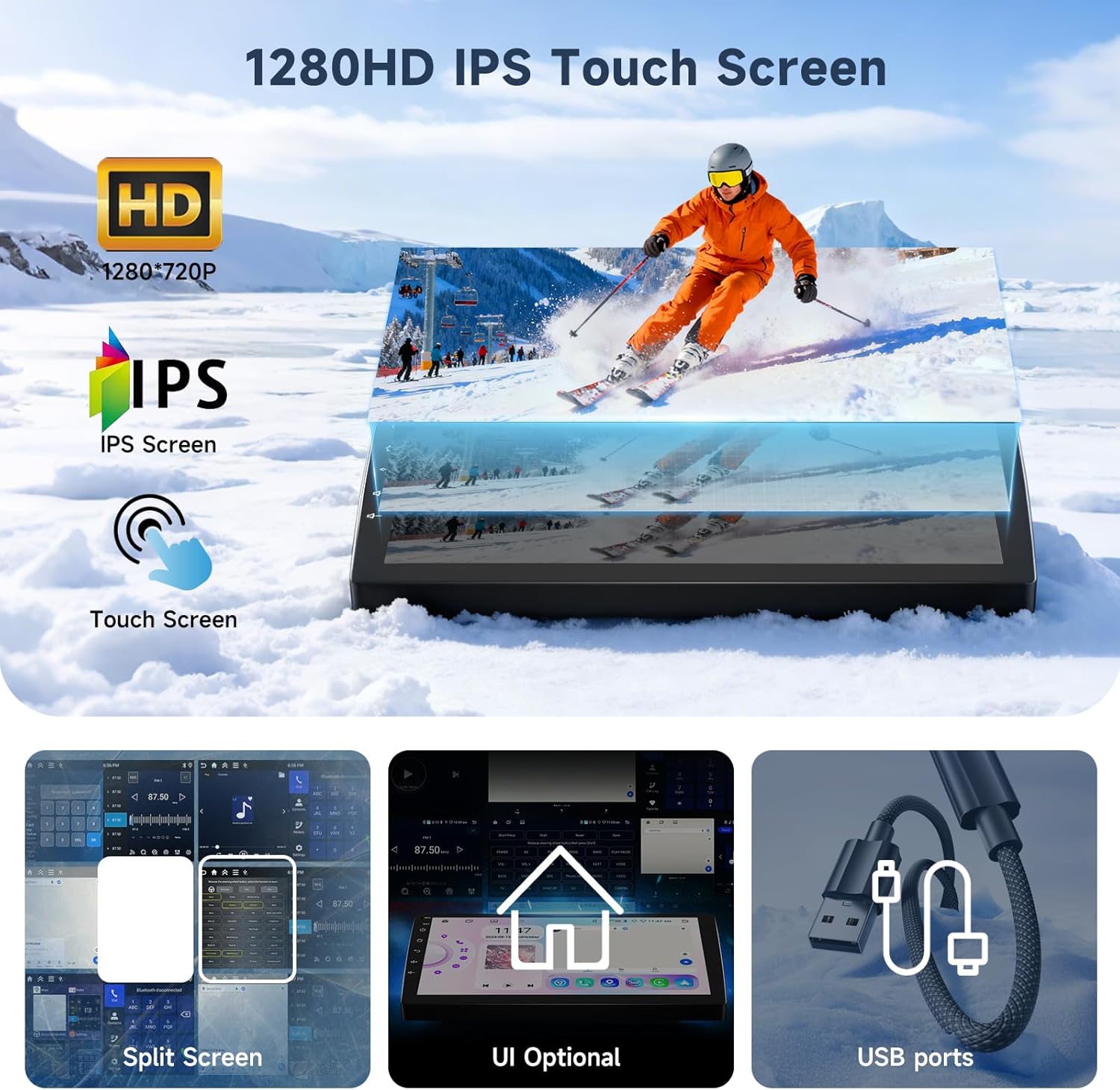
Image: The stereo display showing the interfaces for Wireless Carplay and Android Auto, along with Mirror Link functionality.
Navigation & Network
- Built-in GPS Navigation: Access online/offline maps, voice guidance, and real-time traffic updates.

Image: The stereo display showing GPS navigation and available WiFi connection options.
Audio System
- FM/RDS Radio: Receive clear radio signals for music, news, and traffic updates.
- DSP Hi-Fi: Advanced Digital Signal Processing (DSP) technology enhances audio clarity with multi-band EQ for sound customization.

Image: The stereo display showing FM/RDS radio interface and DSP sound customization options.
Safety & Control
- Safe Parking: Works with a reversing camera (included) to display rear view with assist lines. Supports connecting up to 4 cameras for an optional 360° panoramic view.
- Steering Wheel Control: Supports original steering wheel control learning for convenient function access.
Image: The stereo display showing the backup camera view with parking assist lines and an illustration of steering wheel controls.
Installation Guide
Proper installation is crucial for optimal performance. It is recommended to consult a professional for installation if you are unfamiliar with car audio systems.
General Installation Steps:
- Carefully remove your vehicle's existing stereo unit and dashboard trim.
- Connect the provided wiring harness to your vehicle's wiring. Ensure all connections are secure and correctly matched according to the wiring diagram in the user manual.
- Connect the GPS antenna, radio antenna, and any other external accessories like the microphone or backup camera.
- Mount the new Driauto stereo unit using the provided brackets.
- Test the unit's functionality before fully reassembling the dashboard.
Video: This video demonstrates the general process of installing a car stereo, including wiring connections and mounting. It provides a visual guide for users during the installation process.
Operating Instructions
Basic Operation:
- Power On/Off: Press and hold the power button on the side of the unit.
- Volume Control: Use the physical volume buttons or the touchscreen interface.
- Navigation: Tap on the Maps icon to access GPS navigation.
- Media Playback: Select Music or Video apps to play media from various sources.
- App Management: Customize the homepage by selecting and rearranging apps. Choose from multiple UI themes.
Advanced Features:
- Split Screen: Use two applications simultaneously on the screen.
- Steering Wheel Control Learning: Access the settings menu to configure the unit to respond to your vehicle's original steering wheel controls.
Video: This video demonstrates the usage of a 10-inch car stereo, showcasing its interface and various functions like media playback and app navigation.
Maintenance & Updates
Keep your system updated for optimal performance and security. The unit supports Over-The-Air (OTA) updates to address software issues and improve protection.
- Regularly check for system updates through the settings menu.
- Keep the screen clean using a soft, dry cloth. Avoid abrasive cleaners.
Troubleshooting
If you encounter any issues, please refer to the following general troubleshooting steps:
- No Power: Check all power connections and the vehicle's fuse box.
- No Sound: Verify speaker connections, volume levels, and audio settings (DSP).
- Touchscreen Unresponsive: Try restarting the unit. If the issue persists, perform a factory reset (refer to the detailed user manual for instructions).
- Connectivity Issues (Bluetooth/WiFi/CarPlay/Android Auto): Ensure your smartphone's Bluetooth/WiFi is enabled and visible. Re-pair devices if necessary. Check for software updates on both the stereo and your phone.
- GPS Signal Loss: Ensure the GPS antenna is properly installed and has a clear view of the sky.
For more detailed troubleshooting, please consult the full user manual provided with your product.
Specifications
| Brand | Driauto |
| Model | B0GCF5GNM4 |
| Operating System | Android 15 |
| RAM | 6GB |
| Storage | 128GB |
| Screen Size | 10.1 Inches |
| Display Resolution | 1280x720 (HD) |
| Connectivity | Bluetooth, USB, Wi-Fi |
| Special Features | 360 Panoramic (Optional), 8 Core Processor, Android Auto, Bluetooth, Carplay, DSP |
| Included Components | Car radio, MIC, backup cam |
Warranty & Support
Your Driauto 10.1 Inch Android Stereo comes with a 2-year warranty. For warranty claims, technical support, or any inquiries, please contact Driauto customer service through the retailer where you purchased the product.
You can also visit the Driauto Store on Amazon for additional product information and support resources.