1. Introduction
Thank you for choosing the Generic IMD08 1800 in-lbs Cordless Impact Driver. This manual provides essential information for the safe and efficient operation, maintenance, and troubleshooting of your new tool. Please read this manual thoroughly before use and retain it for future reference.
2. Safety Information
Always observe basic safety precautions to reduce the risk of fire, electric shock, and personal injury when using power tools. Keep your work area clean and well-lit. Do not operate power tools in explosive atmospheres, such as in the presence of flammable liquids, gases, or dust. Keep children and bystanders away while operating a power tool.
Use personal protective equipment. Always wear eye protection. Protective equipment such as dust mask, non-skid safety shoes, hard hat, or hearing protection used for appropriate conditions will reduce personal injuries.
3. Product Overview
The Generic IMD08 Cordless Impact Driver is designed for efficient fastening and loosening tasks. It features a brushless motor, multiple speed settings, and an integrated LED work light.
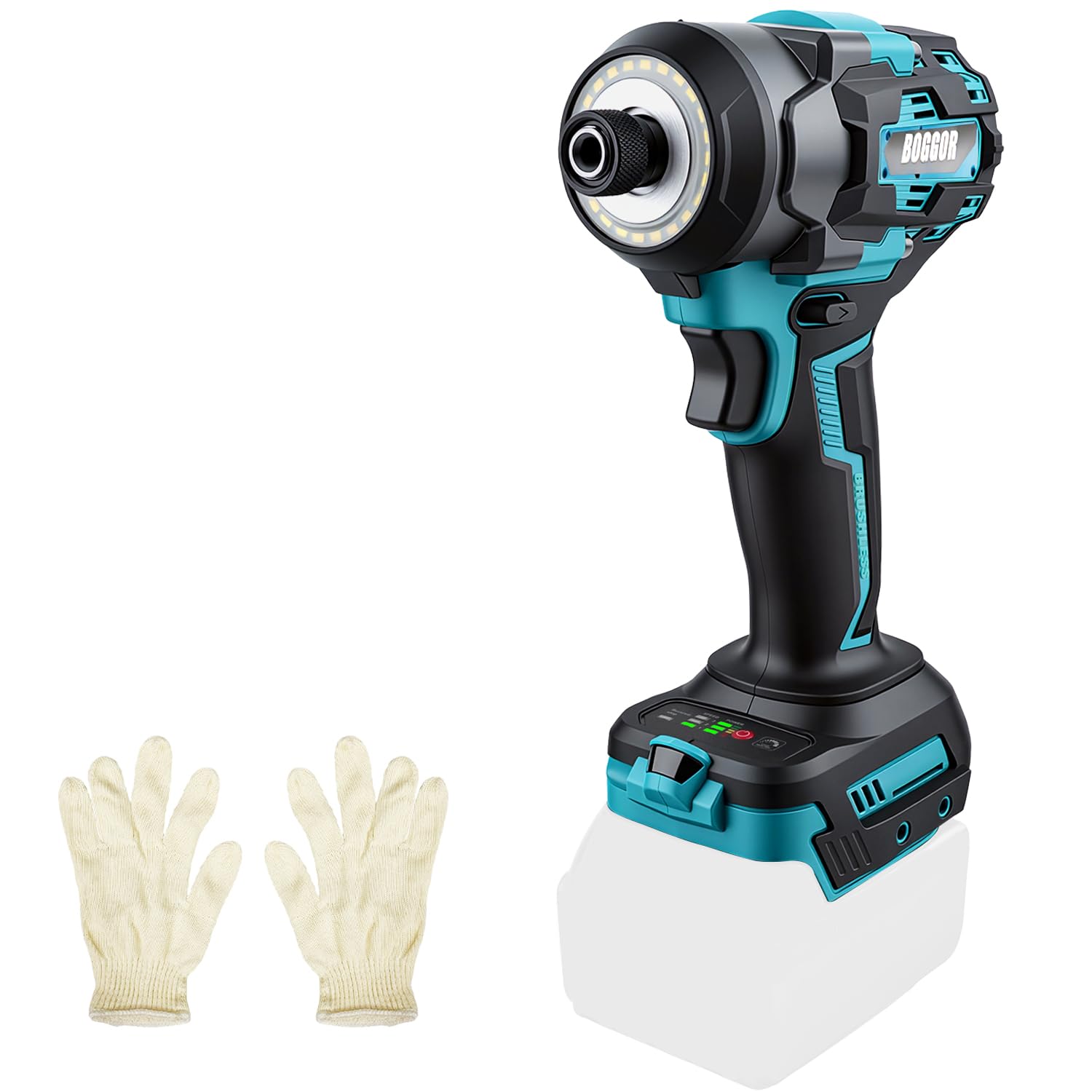
The Generic IMD08 Cordless Impact Driver, featuring a compact design and 1/4 inch hex chuck.

The compact design of the impact driver, weighing 1.25 kg, makes it easy to handle and maneuver.
4. Setup
4.1 Battery Installation
This impact driver is compatible with Makita 18V batteries (e.g., BL1815, BL1840, BL1820, BL1850). For optimal performance, a 4Ah battery or higher is recommended.

The impact driver is compatible with Makita 18V batteries. For optimal performance, a 4Ah battery or higher is recommended.
To install the battery, align the battery with the tool's receptacle and slide it in until it clicks securely into place. To remove, press the release button on the battery and slide it out.
4.2 Bit Installation and Removal
The impact driver uses a 1/4 inch hex chuck for quick bit changes.

To install a bit, pull the coupler forward, insert the bit into the chuck, and release the coupler to secure it.

To remove a bit, pull the coupler forward and pull the bit straight out.
5. Operating Instructions
5.1 Powering On/Off
To power on the tool, press the trigger. The tool will start operating. Release the trigger to turn off the tool.
5.2 Speed Settings
The impact driver features 4-speed settings (0-2300 RPM) for versatile use. These include 3 forward speeds, 1 reverse speed, and auto-stop technology. Adjust the speed according to the material and fastener type.

This image illustrates the four distinct speed modes available on the impact driver, detailing their respective RPM and torque outputs for various applications.
5.3 Forward and Reverse Modes
Use the direction selector switch to choose between forward rotation (for tightening screws) and reverse rotation (for loosening screws). Place the switch in the center position to lock the trigger and prevent accidental operation.
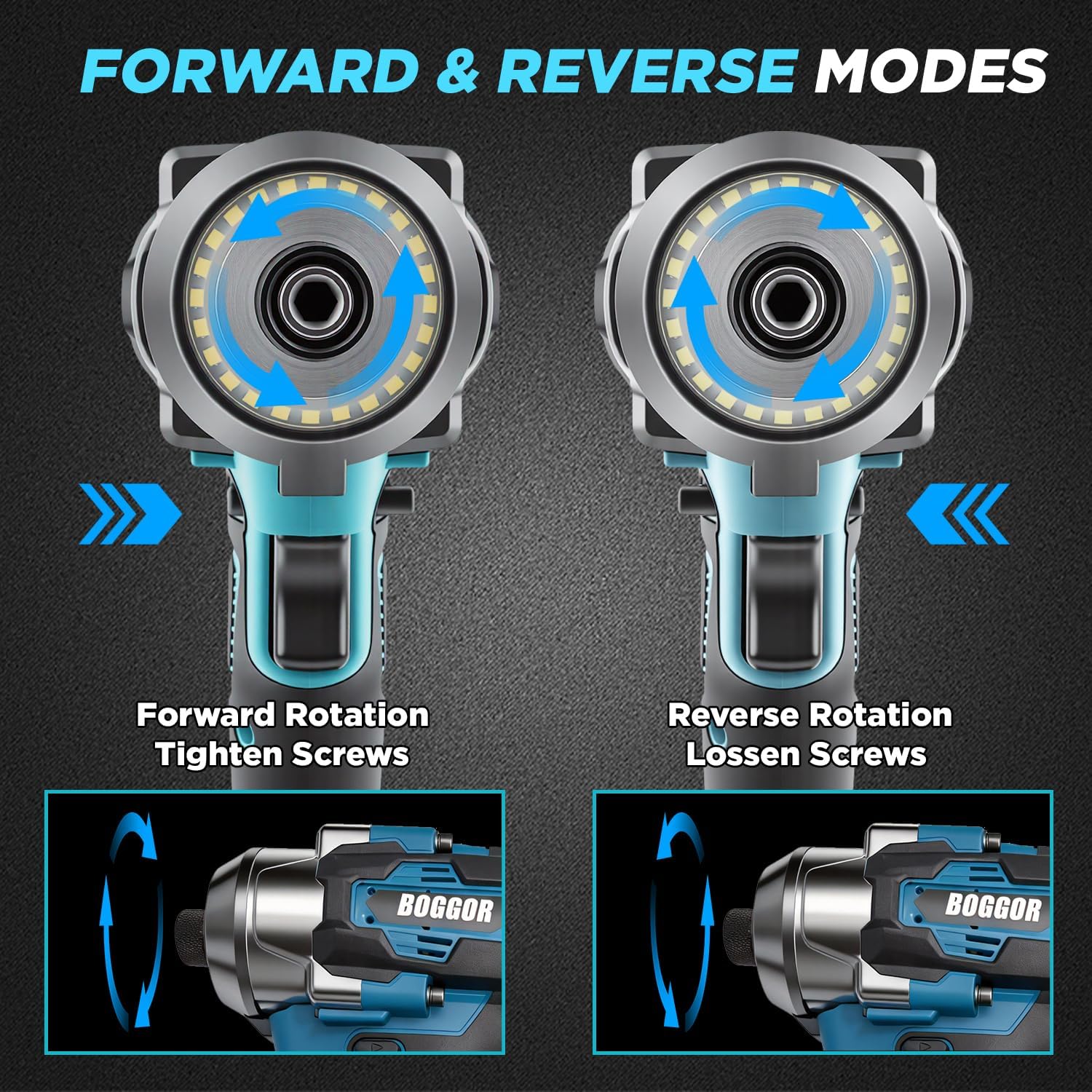
The impact driver features clear forward and reverse modes for tightening and loosening screws, controlled by a simple selector.
5.4 Auto-Stop Safety Function
The intelligent resistance detection feature halts rotation instantly to prevent stripped screws and material damage. This provides precise torque control for tasks like furniture assembly, cabinet installation, and general DIY jobs. Integrated voltage protection safeguards against overloads.
5.5 LED Work Light
The built-in LED work light illuminates the work area for better visibility, especially in low-light conditions.

The integrated LED work light provides illumination for improved visibility in dimly lit environments.
5.6 Applications
This impact driver is suitable for a variety of tasks, including tightening or loosening screws, automotive repairs, and home renovation projects.
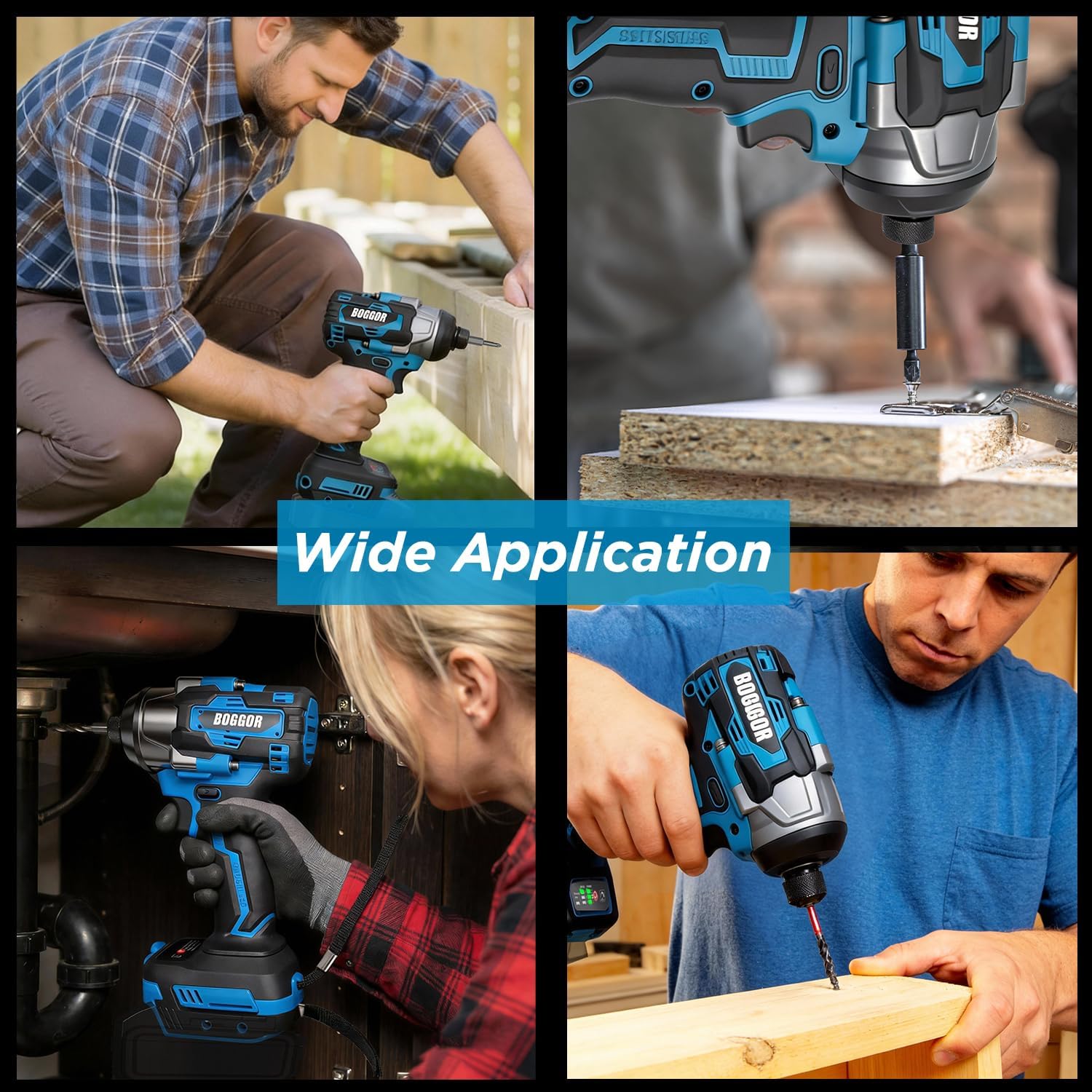
The impact driver is suitable for a wide range of applications, including woodworking, furniture assembly, and general repairs.
5.7 Product Demonstration Video
This video demonstrates the basic operation and features of the 1800 in-lbs Cordless Impact Driver, including battery installation and usage.
6. Maintenance
Regular maintenance ensures the longevity and optimal performance of your impact driver.
- Cleaning: Keep the tool's ventilation openings clean to prevent overheating. Use a soft, damp cloth to wipe down the exterior. Do not use harsh chemicals or abrasive cleaners.
- Battery Care: Store batteries in a cool, dry place away from direct sunlight. Do not expose batteries to extreme temperatures. Follow the manufacturer's instructions for charging and discharging.
- Bit Maintenance: Ensure bits are clean and free from debris before insertion. Replace worn or damaged bits to maintain efficiency and prevent damage to fasteners.
7. Troubleshooting
If you encounter issues with your impact driver, refer to the following common problems and solutions:
| Problem | Possible Cause | Solution |
|---|---|---|
| Tool does not start | Battery not charged or improperly installed. | Ensure battery is fully charged and correctly inserted. |
| Reduced power/torque | Low battery charge; incorrect speed setting. | Recharge battery; select a higher speed setting. |
| Bit not holding securely | Coupler not fully engaged; worn bit. | Ensure coupler is pulled forward and released completely; replace bit if worn. |
| Overheating | Blocked ventilation; continuous heavy use. | Clear vents; allow tool to cool down. |
8. Specifications
| Feature | Specification |
|---|---|
| Model Number | IMD08 |
| Max Tightening Torque | 1800 in-lbs (200 N.M) |
| Max Loosening Torque | 1800 in-lbs (200 N.M) |
| Motor Type | Brushless |
| Speed Settings | 4 Modes (0-2300 RPM) |
| Chuck Size | 1/4 inch Hex |
| Compatible Battery | Makita 18V (BL1815, BL1840, BL1820, BL1850, etc.) |
| Voltage | 18 Volts |
| Special Features | Brushless Motor, Built-In LED Working Light, Compact, Cordless, Variable Speed, Auto-Stop Technology |
| Product Dimensions | 8 x 7 x 22 cm |
| Item Weight | 1.2 kg |
| Material | Plastic |
| Country of Origin | China |
9. Warranty and Support
The product includes a 1-year service warranty. For any questions, technical support, or warranty claims, please contact the seller directly through your purchase platform.