1. Introduction
Thank you for choosing the VOOPNU DH-JHD07 Air Purifier. This device is designed to improve indoor air quality by effectively filtering airborne pollutants. Please read this manual carefully before use to ensure proper operation and maintenance.
Key Features
- Visible Purification: Integrated PM2.5 display and light indicators show real-time air quality.
- Automatic Operation: AUTO mode adjusts fan speed based on detected air quality.
- Energy Efficient: Low power consumption, especially in AUTO mode.
- Pet-Friendly Design: Large grille pre-filtration system prevents pet hair from clogging the purifier.
- High Coverage: Purifies up to 1095 sq. ft/hour with 360° air intake.
- Advanced Filtration: H13 True HEPA four-layer filtration system captures 99.97% of airborne pollutants.
- Safety Features: Pure physical filtration (no ozone threat) and one-touch child lock.
- Quiet Operation: Low-noise operation with one-touch mute for undisturbed environments.
- Multiple Settings: Adjustable wind speeds for various scenarios and a filter replacement reminder.
2. Product Overview
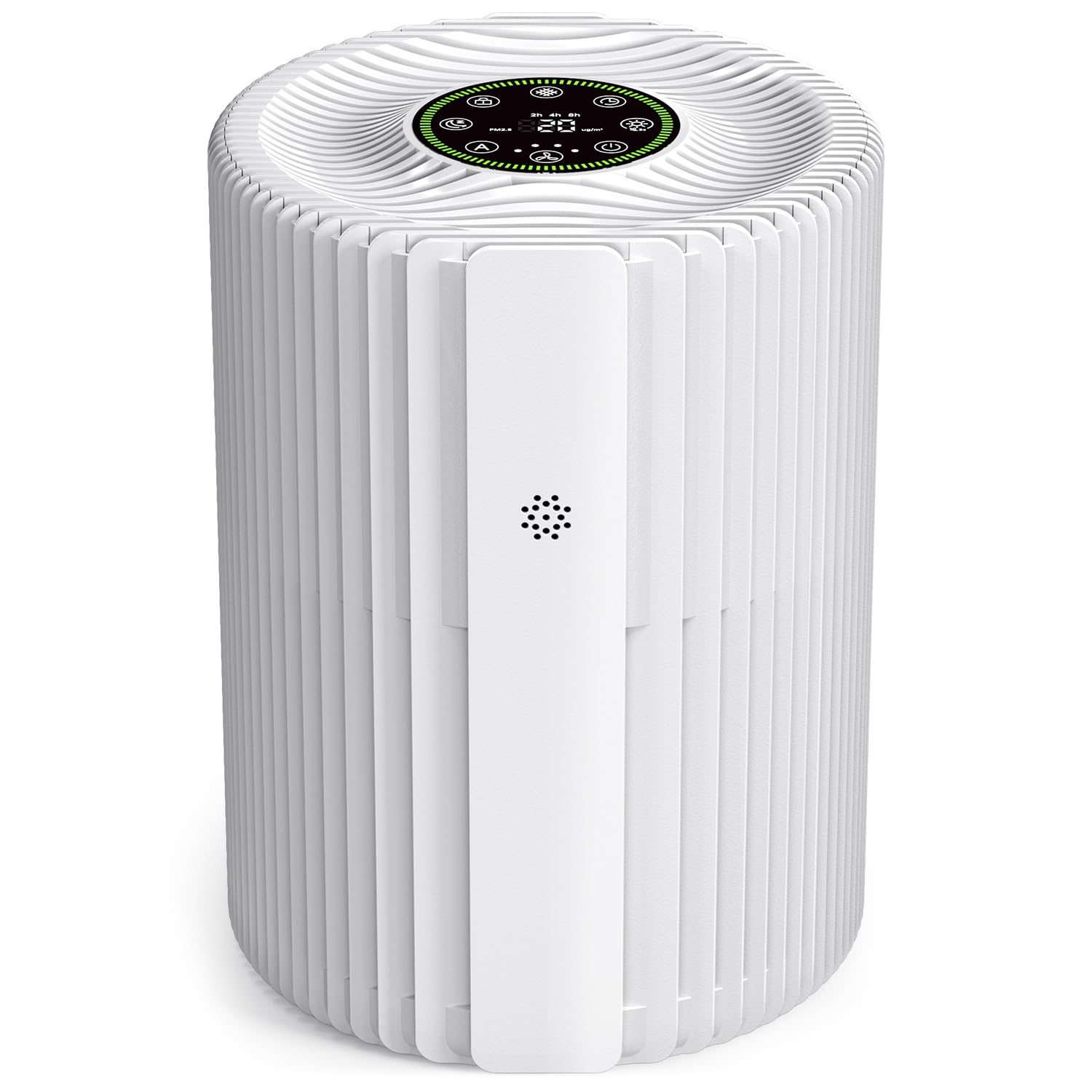
Figure 1: VOOPNU DH-JHD07 Air Purifier, a compact unit designed for efficient air purification.

Figure 2: Top view of the air purifier showing the smart touch panel with real-time PM2.5 readings and air quality indicators (Good, Moderate, Bad).
3. Setup
3.1 Unpacking
Carefully remove the air purifier and all accessories from the packaging. Ensure all components are present: the air purifier unit, power cable, and user manual.
3.2 Filter Installation
The H13 True HEPA filter is pre-installed in the unit. Before first use, you must remove the plastic packaging from the filter.
- Turn the air purifier upside down.
- Twist the base cover counter-clockwise to unlock and remove it.
- Carefully pull out the filter.
- Remove all plastic packaging from the filter.
- Insert the unwrapped filter back into the unit.
- Replace the base cover and twist clockwise to lock it securely.

Figure 3: Image demonstrating the removal of the filter from the bottom of the air purifier for packaging removal or replacement.
3.3 Power Connection
Connect the provided power cable to the power port on the air purifier and then plug the adapter into a standard electrical outlet.
Video 1: This video demonstrates the initial setup and operation of the VOOPNU Air Purifier, including power connection and basic function overview.
4. Operating Instructions
4.1 Power On/Off
Press the power button (U) on the touch panel to turn the unit on or off.
4.2 Auto Mode and Air Quality Display
The air purifier features a built-in air quality sensor that detects PM2.5 levels in real-time. The display shows the PM2.5 concentration in μg/m³ and changes color to indicate air quality:
- Green: Good air quality (0-35 μg/m³)
- Yellow: Moderate air quality (36-75 μg/m³)
- Red: Bad air quality (>75 μg/m³)
In AUTO mode (press the A button), the fan speed automatically adjusts based on the detected air quality to optimize purification efficiency.
4.3 Fan Speed Adjustment
Press the fan speed button (✇) to cycle through different fan speeds (1, 2, 3, and AUTO). Speed 1 is the lowest, and Speed 3 is the highest.
4.4 Sleep Mode
Activate Sleep Mode by pressing the moon icon button (☾). In this mode, the purifier operates at its lowest fan speed with minimal noise (approximately 20dB) and the display lights dim or turn off to ensure a peaceful sleeping environment. You can also press the mute button to silence button sounds.

Figure 4: The air purifier operating quietly in Sleep Mode, ideal for nighttime use in a bedroom.
4.5 Timer Function
Press the timer button (◷) to set the operating time for 2, 4, or 8 hours. The unit will automatically turn off after the selected duration.
4.6 Child Lock
To prevent accidental changes to settings, press and hold the child lock button (🔒) for 3 seconds to activate or deactivate the child lock function. When activated, other buttons will not respond.

Figure 5: The air purifier features a child lock function to ensure safety around children and pets.
5. Maintenance
5.1 Filter Replacement
The air purifier is equipped with a filter replacement reminder that activates after approximately 2,000 hours of use. For optimal performance and clean air, it is recommended to replace the filter regularly, typically every 3-6 months, depending on usage and air quality.
- Turn off and unplug the air purifier.
- Turn the unit upside down and remove the base cover.
- Remove the old filter and dispose of it properly.
- Insert a new VOOPNU DH-JHD07 replacement filter (ensure all packaging is removed).
- Replace and lock the base cover.
- Plug in and power on the unit. Press and hold the filter reset button (often indicated by a filter icon) for 3-5 seconds until the indicator light turns off, resetting the filter timer.
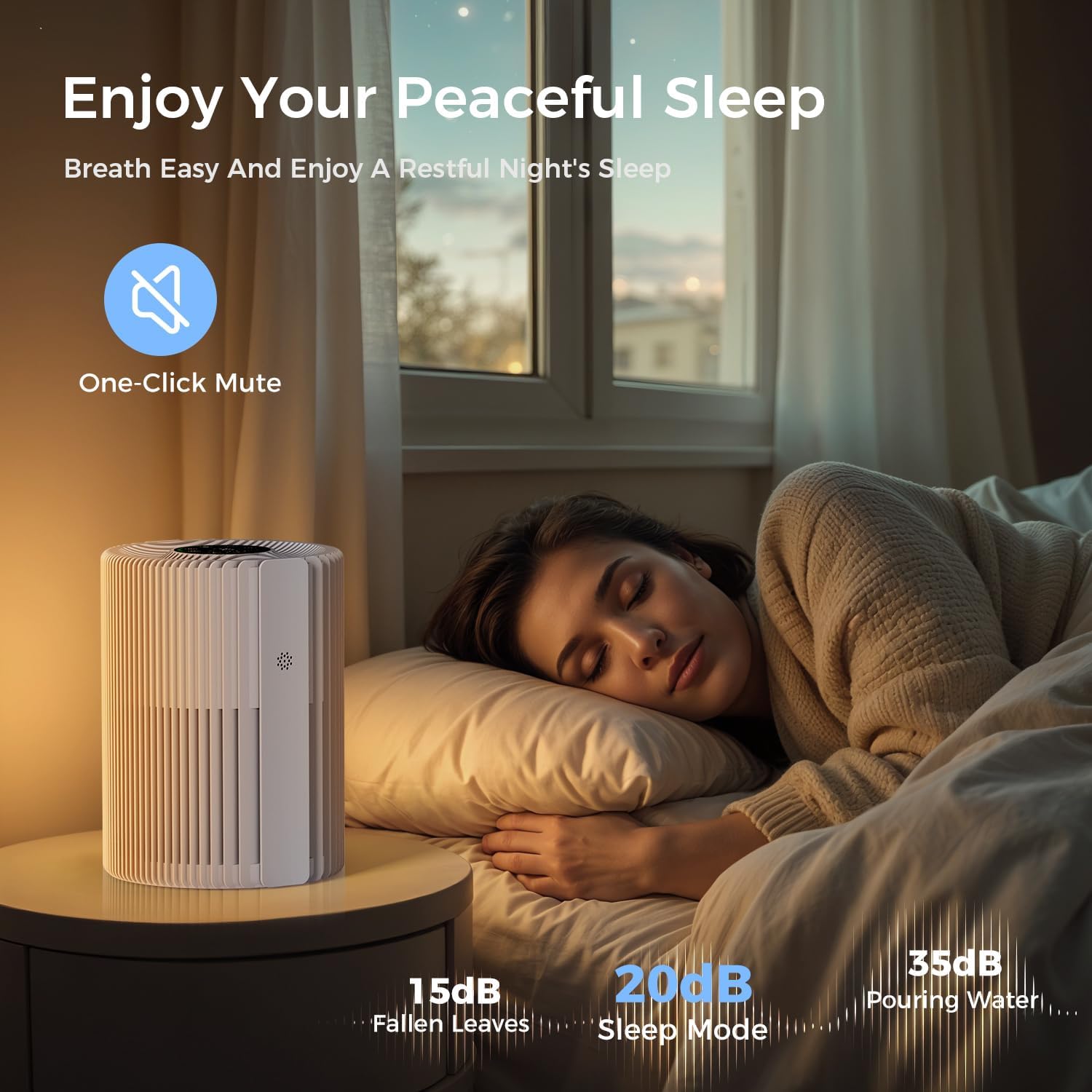
Figure 6: Illustration of the four-layer filtration system, including the Hair Barrier Layer, Pre-Filter Layer, H13 HEPA Layer, and Activated Carbon Layer.

Figure 7: The large grille pre-filtration system is designed to effectively intercept pet hair, preventing clogging and simplifying maintenance.
5.2 Cleaning the Unit
Wipe the exterior of the air purifier with a soft, dry cloth. Do not use abrasive cleaners or immerse the unit in water. Regularly clean the air intake and outlet vents to ensure unobstructed airflow.
6. Troubleshooting
| Problem | Possible Cause | Solution |
|---|---|---|
| Unit does not turn on | Not plugged in; Power outlet malfunction; Child lock activated | Ensure power cable is securely plugged in; Try a different outlet; Deactivate child lock by pressing and holding the lock button. |
| Airflow is weak | Filter is dirty or clogged; Air inlets/outlets blocked | Replace the filter; Ensure no obstructions are blocking the air inlets or outlets. |
| Unusual noise | Filter not installed correctly; Foreign object inside unit | Reinstall the filter correctly; Check for and remove any foreign objects. |
| Air quality reading remains high | Sensor is dirty; High pollution in the environment | Clean the air quality sensor (refer to maintenance section); Allow more time for purification or increase fan speed. |
| Filter replacement indicator stays on after replacement | Filter timer not reset | Press and hold the filter reset button for 3-5 seconds to reset the timer. |
7. Specifications
| Feature | Detail |
|---|---|
| Model Number | DH-JHD07 |
| Product Dimensions | 6.93"D x 6.93"W x 9.51"H (17.6 x 17.6 x 24.15 cm) |
| Item Weight | 2.2 Pounds (1 kg) |
| Brand | VOOPNU |
| Color | White |
| Power Source | DC |
| Filter Type | H13 True HEPA (4-layer filtration) |
| Coverage Area | Up to 1095 sq. ft/hour |
| Noise Level (Sleep Mode) | Approx. 20dB |
8. Warranty and Support
This VOOPNU product comes with a standard manufacturer's warranty. For detailed warranty information, please refer to the warranty card included in your product packaging or contact VOOPNU customer support.
If you encounter any issues or have questions regarding your air purifier, please contact our customer support team:
- Email: support@voopnu.com (example)
- Phone: 1-800-XXX-XXXX (example)
- Website: VOOPNU Official Store


