
Introduction
Thank you for choosing the Fenpos M12 Body Camera. This compact and versatile device is designed for high-quality audio and video recording in various scenarios. Featuring a 180° rotating lens, 4K video resolution, and Wi-Fi connectivity, it's an ideal tool for personal security, sports, and professional documentation. Please read this manual carefully to ensure proper use and optimal performance of your device.
What's in the Box
- 1 x Fenpos M12 Body Camera
- 1 x 64GB Micro SD Card (pre-installed or separate)
- 1 x USB Charging Cable
- 1 x User Manual
- 1 x Back Clip
- 1 x Mini Tripod
- 1 x Lanyard

Image: Fenpos M12 Body Camera shown with its various accessories, including the USB cable, lanyard, back clip, and mini tripod.
Product Overview
The Fenpos M12 Body Camera features a compact design with intuitive controls. Key components include:
- 180° Rotating Lens: Allows flexible recording angles.
- 1.47-inch IPS Screen: For real-time viewing and menu navigation.
- LED Fill Light: Enhances visibility in low-light conditions for clear night vision.
- Three Shortcut Buttons: For easy operation (Power, Record, Photo/Audio).
- Micro SD Card Slot: Supports up to 256GB (64GB card included).
- USB-C Port: For charging and data transfer.
- Integrated Back Clip: For easy attachment to clothing or bags.
- Tripod Thread: For mounting on standard tripods.
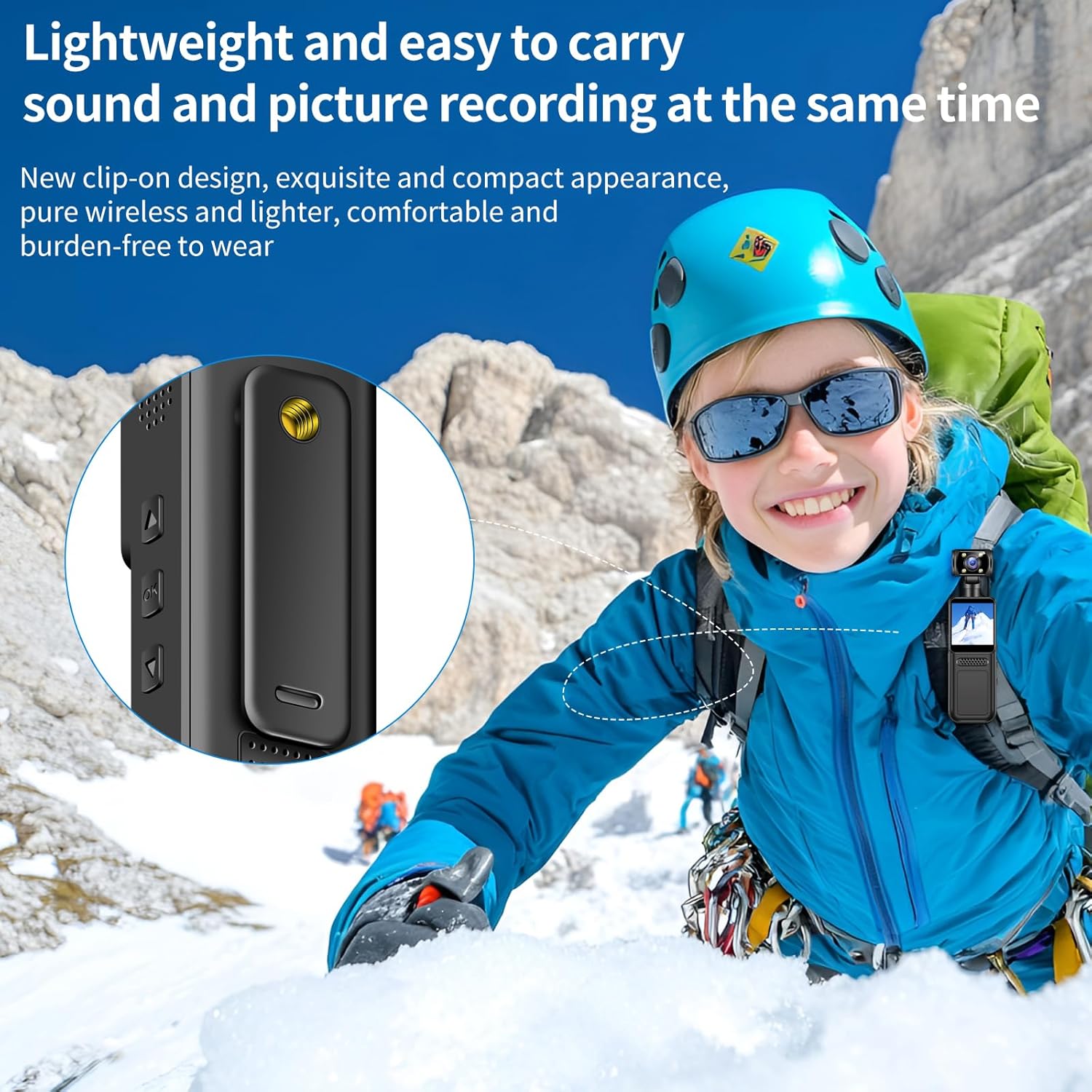
Image: Close-up of the Fenpos M12 Body Camera highlighting its 180° rotating lens, allowing for versatile recording angles.
Setup
1. Inserting the Micro SD Card
The camera supports Micro SD cards up to 256GB. A 64GB card is included. Gently insert the Micro SD card into the designated slot until it clicks into place. Ensure the camera is powered off before inserting or removing the card to prevent data loss.
2. Charging the Camera
Connect the camera to a USB power source (e.g., computer, wall adapter) using the provided USB-C cable. The battery indicator on the screen will show charging status. A full charge typically takes 3-4 hours and provides 6-7 hours of continuous operation.
3. Power On/Off
- Power On: Long press the Power button for approximately 3 seconds until the screen lights up and displays the welcome message.
- Power Off: Long press the Power button for approximately 3 seconds until the screen displays