
1. Introduction
This manual provides detailed instructions for the ZYW AI Box Wireless CarPlay/Android Auto Adapter (Model 961GAIBOX). This device is designed to upgrade your vehicle's factory-installed wired CarPlay or Android Auto system to a wireless smart infotainment hub. It enables seamless wireless connectivity for iPhones (iOS 10.0+) and Android phones (Android 11.0+), eliminating the need for messy cables. The AI Box also integrates a full Android 10.0 operating system, allowing for app streaming and enhanced multimedia capabilities.
2. Product Overview
2.1 Key Features
- Wireless Connectivity: Converts wired Apple CarPlay and Android Auto to wireless.
- Integrated Android 10.0 OS: Provides a full Android operating system for app installation and streaming.
- High Performance: Equipped with a high-performance Qualcomm processor, 8GB RAM, and 128GB ROM for smooth operation.
- 4K Video Streaming: Supports stable 4K streaming for applications like YouTube and Netflix.
- Advanced Thermal Management: Designed with efficient heat dissipation to prevent overheating and ensure long-term reliability.
- Dual-Band Wi-Fi & Bluetooth: Features 2.4G/5G dual-band Wi-Fi and Bluetooth 5.0 for fast and stable data transmission.
- TF Card Expansion: Supports TF card expansion up to 256GB for offline media storage.
- Digital Bass Restoration Processor: Enhances in-car audio for an immersive sound experience.
- HDMI Output: Supports rear seat screen display for split-screen viewing.
- Split Screen Mode: Allows simultaneous navigation and entertainment (3:7/5:5/7:3 ratios).
- GPS + Beidou Positioning: Ensures accurate real-time navigation.
- OTA Updates: Over-The-Air updates keep the device current with the latest features.

Image: Comparison of ZYW AI Box advantages over other solutions, focusing on technical aspects.
2.2 Package Contents
The ZYW AI Box package includes the following items:
- ZYW AI Box Host Unit
- Bypass Power Cable
- Type-C to A/C Cable
- User Manual
- ACR-1 Remote Control (for Digital Bass Restoration Processor)
- 20-foot RJ14 Cable (for ACR-1 Remote Control)

Image: ZYW AI Box, its packaging, and included cables.
3. Setup Instructions
The ZYW AI Box is designed for effortless plug-and-play installation. Follow these steps to set up your device:
- Verify Car Compatibility: Ensure your vehicle has factory-installed wired Apple CarPlay or Android Auto.
- Connect the AI Box: Using the provided Type-C to A/C cable, connect the ZYW AI Box to your car's USB port that supports CarPlay/Android Auto.
- Initial Boot-up: The AI Box will power on automatically. The car's infotainment screen should display the AI Box interface.
- Enable Bluetooth and Wi-Fi on Phone: On your smartphone (iPhone or Android), enable both Bluetooth and Wi-Fi.
- Pair with AI Box:
- On your car's screen, navigate to the Bluetooth settings within the AI Box interface.
- Search for the AI Box's Bluetooth name (e.g., "AIBOX-BT-XXXX") on your phone and pair.
- Confirm the pairing code if prompted.
- Select CarPlay or Android Auto: Once paired, the system will prompt you to use Wireless CarPlay or Wireless Android Auto. Select the appropriate option for your device.

Image: Step-by-step guide for connecting and pairing the ZYW AI Box.
4. Operating Instructions
4.1 Switching Between Systems
The ZYW AI Box offers three main operating modes: Wireless CarPlay, Wireless Android Auto, and the integrated Android 10.0 OS. You can switch between these modes using the intuitive interface on your car's screen. A floating button or dedicated icons typically allow for quick transitions.

Image: Overview of the ZYW AI Box's multi-system support.
4.2 Using Wireless CarPlay/Android Auto
- Once connected, your phone's CarPlay or Android Auto interface will appear on the car screen.
- Control functions using your car's touchscreen, steering wheel controls, or voice assistants (Siri/Google Assistant).
- Access navigation, music, calls, and messages wirelessly.
4.3 Using Android 10.0 OS
- Access the full Android 10.0 operating system directly on your car's screen.
- App Installation: Download and install applications from the Google Play Store (requires internet connection via SIM card or mobile hotspot).
- Media Playback: Stream videos from pre-installed apps like Netflix and YouTube, or play media from a connected TF card (up to 256GB).
- Navigation: Utilize GPS + Beidou positioning for accurate real-time navigation, even if your car lacks original navigation.
- Split Screen: Use the split-screen feature to run navigation and entertainment apps simultaneously.
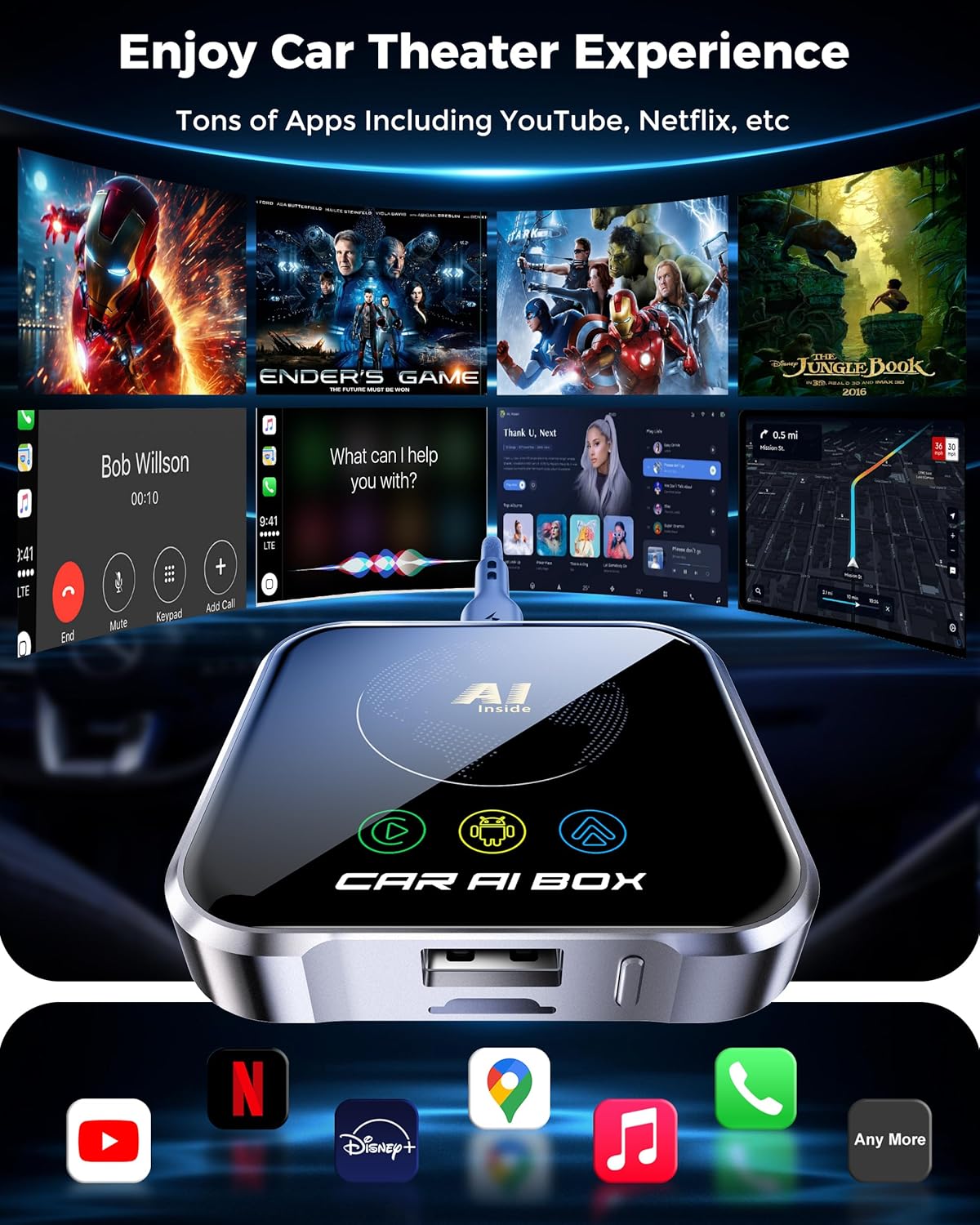
Image: Car infotainment screen showing various applications for entertainment and navigation.
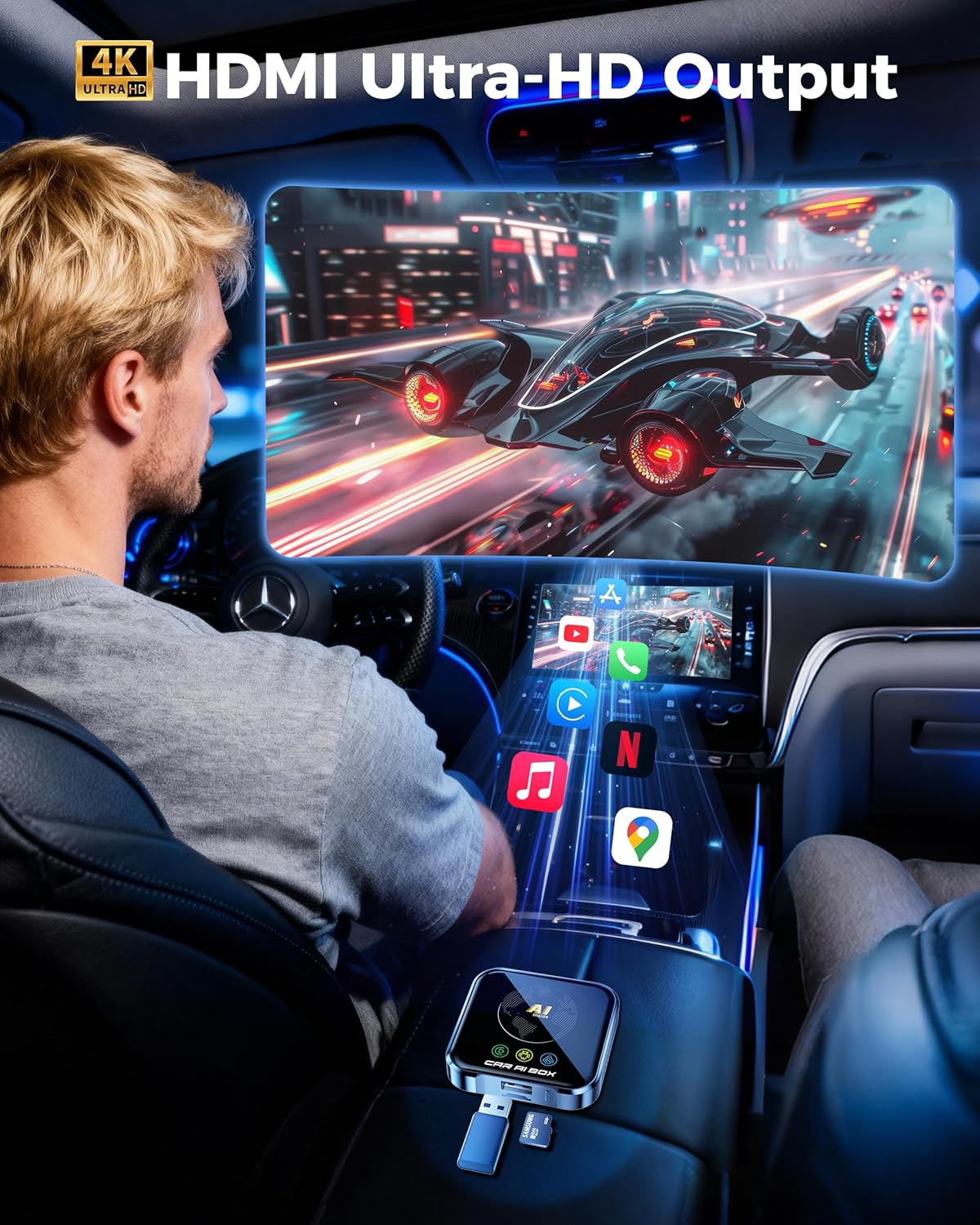
Image: Example of 4K Ultra-HD video output on a car display.
4.4 Digital Bass Restoration Processor
The integrated Digital Bass Restoration Processor enhances the in-car audio experience. Use the included ACR-1 remote control and RJ14 cable to adjust bass levels and optimize sound for music, movies, and podcasts.
5. Maintenance
- Software Updates: The ZYW AI Box supports Over-The-Air (OTA) updates. Periodically check for and install available updates to ensure optimal performance and access to new features.
- Cleaning: Use a soft, dry cloth to clean the device. Avoid using liquid cleaners or abrasive materials.
- Temperature: The device is designed to operate reliably in temperatures from -30°C to 75°C. Avoid exposing it to extreme temperatures outside this range for prolonged periods.
- Storage: When not in use for extended periods, disconnect the device from the car's USB port.
6. Troubleshooting
| Problem | Possible Cause | Solution |
|---|---|---|
| Device does not power on. | Loose USB connection, car's USB port not active, incompatible car model. | Ensure the USB cable is securely connected. Try a different USB port in the car if available. Verify car compatibility (see Section 8). |
| Cannot connect to Wireless CarPlay/Android Auto. | Bluetooth/Wi-Fi not enabled on phone, incorrect pairing, phone OS version incompatible. | Ensure Bluetooth and Wi-Fi are enabled on your phone. Re-attempt Bluetooth pairing. Verify your phone's OS (iOS 10.0+ or Android 11.0+). |
| Lagging or buffering during video streaming. | Weak internet connection, high network traffic, device overheating. | Ensure a stable internet connection (SIM card or hotspot). Close unnecessary background apps. Check device for excessive heat; ensure proper ventilation. |
| Apps crashing or freezing. | Insufficient memory, software glitch, app incompatibility. | Restart the AI Box. Clear cache for the problematic app. Check for and install any available OTA software updates. |
| No sound or poor audio quality. | Volume settings, audio output selection, Digital Bass Restoration settings. | Check volume levels on both the car and the AI Box. Ensure correct audio output is selected in AI Box settings. Adjust settings on the ACR-1 remote control. |
7. Specifications
| Feature | Detail |
|---|---|
| Brand | ZYW |
| Model Number | 961GAIBOX |
| Operating System | Android 10.0 |
| RAM | 8GB |
| ROM | 128GB |
| Processor | High-performance Qualcomm Processor |
| Wi-Fi | 2.4G/5G Dual-Band Wi-Fi 6 |
| Bluetooth | Bluetooth 5.0 |
| TF Card Support | Up to 256GB |
| Operating Temperature | -30°C to 75°C |
| Dimensions (L x W x H) | 10.01 x 2.01 x 13 cm |
| Weight | 131.54 grams |
| Connector Type | Micro USB |
8. Compatibility
The ZYW AI Box is compatible with most mainstream vehicle models (2016+) that have factory-installed wired Apple CarPlay or Android Auto. It works with iPhones running iOS 10.0 or later and Android phones running Android 11.0 or later.
Important Notes:
- Not compatible with BMW vehicles.
- Not compatible with modified Sony head units.
- Mitsubishi models may require prior confirmation of compatibility.
For a detailed list of compatible vehicles, please refer to the official compatibility pages:

Image: Visual representation of vehicle compatibility and links for detailed information.
9. Support Information
For any questions, technical assistance, or support regarding your ZYW AI Box, please refer to the contact information provided with your purchase or visit the official ZYW support website. Our professional support team is available to provide assistance.
The product comes with a 30-day return policy as per Amazon's terms.