
JBES JBES Pro
JBES Pro Bluetooth 5.4 In-Ear Earbuds User Manual
Model: JBES Pro
1. Introduction
Thank you for choosing the JBES Pro Bluetooth 5.4 In-Ear Earbuds. This manual provides detailed instructions for setting up, operating, and maintaining your new earbuds. Please read this manual carefully before use and retain it for future reference.
2. Important Safety Information
- Do not expose the earbuds or charging case to extreme temperatures, humidity, or corrosive environments.
- Avoid listening at high volume levels for extended periods to prevent hearing damage.
- Keep the device away from children and pets.
- Do not attempt to disassemble or modify the product. This may void the warranty and cause damage.
- Use only the provided charging cable or a certified Type-C cable for charging.
- Dispose of the product responsibly according to local regulations.
3. Package Contents
Please check the package for the following items:
- JBES Pro In-Ear Earbuds (L/R)
- Charging Case
- USB Type-C Charging Cable
- User Manual

Image: JBES Pro In-Ear Earbuds and their charging case.
4. Setup
4.1 Charging the Earbuds and Case
Before first use, fully charge the earbuds and the charging case.
- Place the earbuds into the charging case, ensuring they are correctly seated.
- Connect the USB Type-C cable to the charging port on the case and the other end to a USB power adapter (not included) or a computer's USB port.
- The LED display on the charging case will show the battery level. A full charge for the case takes approximately 2 hours.
- The earbuds will charge automatically when placed in the case. A full charge for the earbuds takes approximately 1.5 hours.

Image: The smart LED display on the charging case indicates the battery percentage of the case and the individual earbuds.
4.2 Pairing with Your Device
The earbuds use Bluetooth 5.4 for a fast and stable connection.
- First-time Pairing: Open the charging case. The earbuds will automatically enter pairing mode, indicated by a flashing light on the earbuds.
- On your device (smartphone, tablet, etc.), enable Bluetooth.
- Search for "JBES Pro" in the list of available Bluetooth devices and select it to connect.
- Once connected, a voice prompt will confirm the successful pairing.
- Automatic Reconnection: After the initial pairing, the earbuds will automatically connect to the last paired device when taken out of the charging case.

Image: Bluetooth 5.4 technology provides increased connection range, stability, and speed compared to older versions.
5. Operating the Earbuds
5.1 Touch Controls
The JBES Pro earbuds feature touch-sensitive controls on each earbud. The specific functions are:
- Play/Pause: Single tap on either earbud.
- Next Track: Double tap on the right earbud.
- Previous Track: Double tap on the left earbud.
- Answer/End Call: Single tap on either earbud.
- Reject Call: Press and hold either earbud for 2 seconds.
- Activate Voice Assistant: Triple tap on either earbud.
5.2 Environmental Noise Cancellation (ENC)
The earbuds are equipped with 4 microphones and ENC technology to reduce environmental noise during calls, ensuring clear communication.
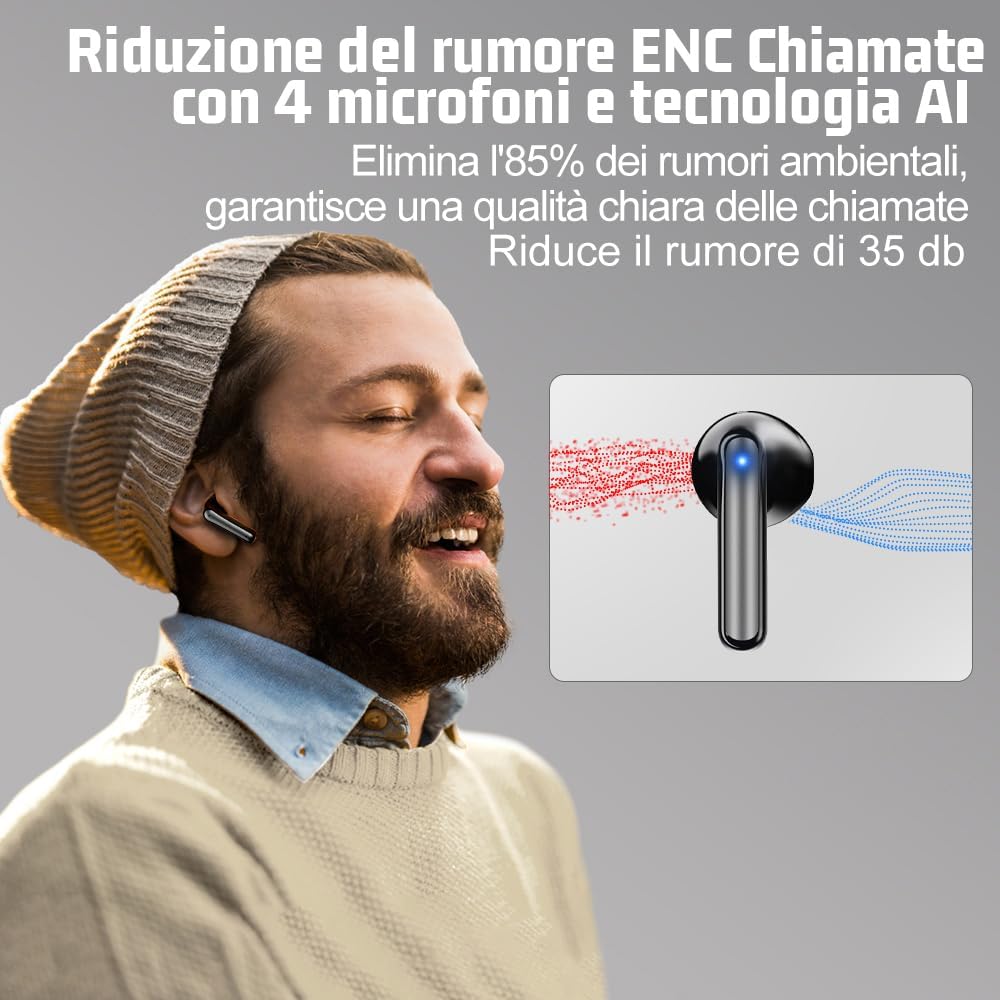
Image: Environmental Noise Cancellation (ENC) technology with 4 microphones actively reduces background noise for clearer calls.
5.3 Mono and Stereo Mode
The earbuds support both mono and stereo modes. You can use both earbuds together for a stereo experience or use a single earbud (left or right) independently for mono audio, allowing you to share one earbud with another person or stay aware of your surroundings.
6. Maintenance
6.1 Cleaning
- Gently wipe the earbuds and charging case with a soft, dry, lint-free cloth.
- Do not use harsh chemicals, cleaning solvents, or strong detergents.
- Clean the charging contacts on the earbuds and inside the case regularly with a dry cotton swab to ensure proper charging.
6.2 Storage
- When not in use, store the earbuds in their charging case to protect them and keep them charged.
- Store the device in a cool, dry place, away from direct sunlight and extreme temperatures.
6.3 Water Resistance (IP5)
The earbuds have an IP5 water resistance rating, meaning they are protected against low-pressure water jets from any direction. This makes them suitable for sports and use in light rain. However, they are not designed for swimming or submersion in water.
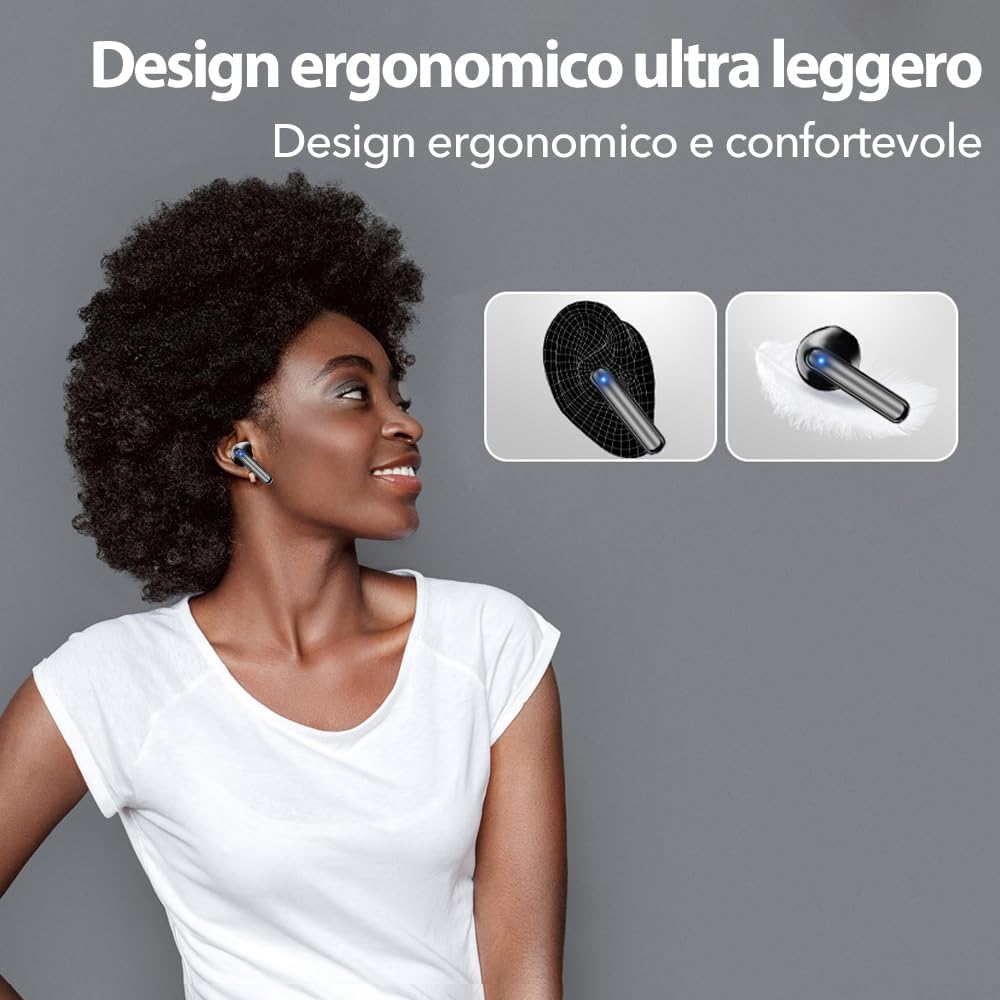
Image: The ergonomic design ensures a comfortable and secure fit, suitable for various activities.
7. Troubleshooting
| Problem | Possible Cause | Solution |
|---|---|---|
| Earbuds not pairing | Bluetooth is off on device; earbuds not in pairing mode; device too far. | Ensure Bluetooth is on. Place earbuds in case, close, then open to re-enter pairing mode. Move device closer. |
| No sound from earbuds | Volume too low; earbuds not connected; media paused. | Increase volume on device. Reconnect earbuds. Check media playback status. |
| One earbud not working | Low battery; connection issue. | Ensure both earbuds are charged. Place both earbuds back in the case, close, then open to reset connection. |
| Charging case not charging | Cable issue; power source issue. | Try a different USB Type-C cable and power adapter. Ensure connections are secure. |
8. Specifications
- Brand: JBES
- Model Name: JBES Pro
- Connectivity Technology: Wireless (Bluetooth)
- Wireless Communication Technology: Bluetooth 5.4
- Ear Placement: In-Ear
- Form Factor: In-Ear
- Noise Control: Environmental Noise Cancellation (ENC)
- Microphones: 4 (for ENC calls)
- Driver Size: 13mm (Biofiber composite diaphragms)
- Battery Life (Earbuds): Approximately 6-7 hours (single charge)
- Total Battery Life (with Charging Case): Up to 60 hours (at 60% volume)
- Charging Port: USB Type-C
- Fast Charging: 10 minutes charge for 1 hour use
- Water Resistance Rating: IP5
- Low Latency: 60ms
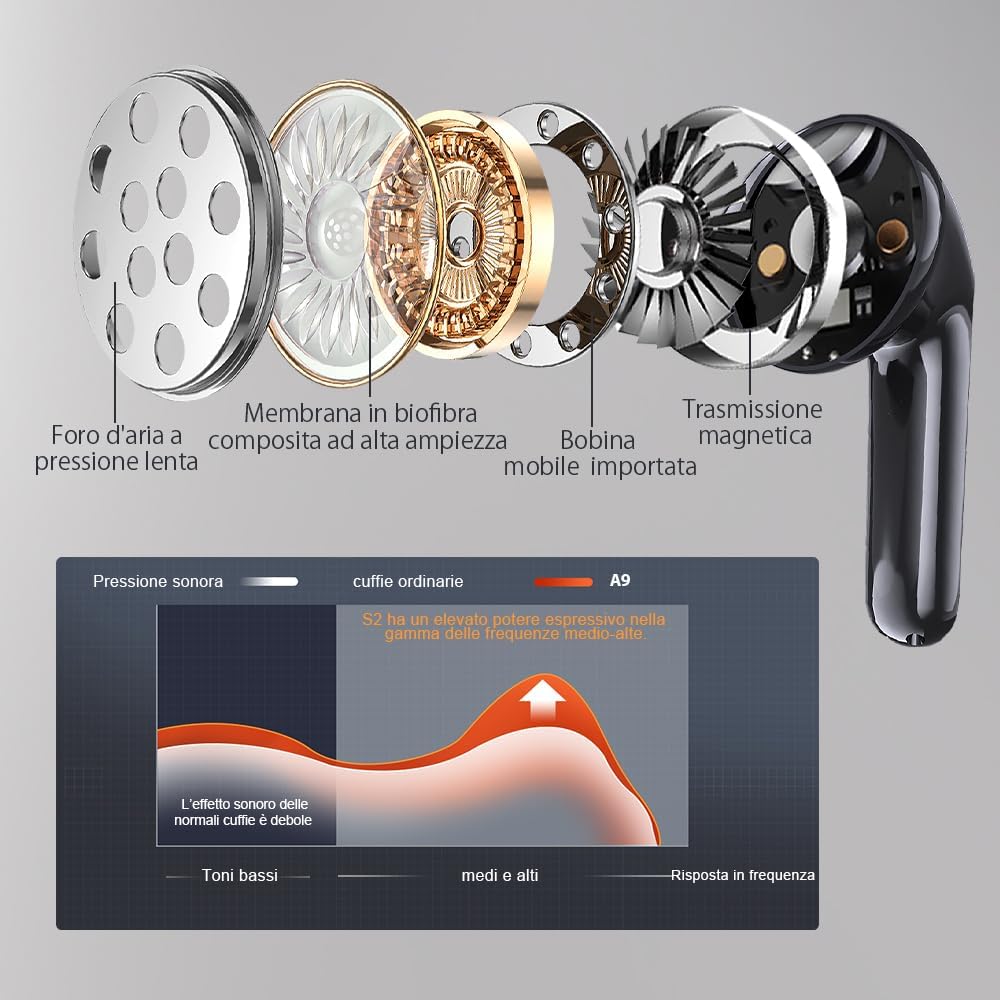
Image: Internal structure of the earbud, highlighting the 13mm biofiber composite diaphragm and acoustic engineering for superior sound quality.
9. Warranty and Support
JBES is committed to providing quality products and customer satisfaction. If you encounter any issues or are not 100% satisfied with your purchase, please contact the official JBES customer service. Our team will endeavor to assist you promptly and resolve any concerns.
For warranty claims or technical support, please refer to the contact information provided on the product packaging or the official JBES website.
Ask a question about this manual
Ask about setup, troubleshooting, compatibility, parts, safety, or missing instructions. Manuals+ will review the question and use this page’s manual context to help answer it.