
1. Introduction
Welcome to the Nexall N90 Android 16 Tablet user manual. This guide provides essential information for setting up, operating, and maintaining your device. Please read thoroughly to ensure optimal performance and longevity of your tablet.
2. Package Contents
The Nexall N90 tablet comes with a comprehensive accessory kit to enhance your user experience. Please verify that all items are present in your package:
- Nexall N90 Tablet Unit
- Keyboard
- Mouse
- Touch Pen
- Protective Case
- Enhanced Film (Screen Protector)
- Wired Earphones
- OTG Adapter
- Tablet Stand
- AC Adapter
- USB Cable
- User Manual (Japanese)

Image: All accessories included with the Nexall N90 tablet, such as the keyboard, mouse, touch pen, protective case, screen protector, wired earphones, OTG adapter, tablet stand, AC adapter, USB cable, and user manual.
3. Device Overview
The Nexall N90 features a sleek, all-metal body with a lightweight and thin design, making it highly portable. It is equipped with a 12-inch 2K display and a powerful 8-core processor for smooth performance.
3.1 Physical Features
- Display: 12-inch 2K (2000x1200) TDDI Touch Screen with 120Hz refresh rate and 380 nits brightness.
- Cameras: 16MP Rear Camera and 8MP Front Camera.
- Ports: USB Type-C port for charging and data transfer, MicroSD card slot for expandable storage, 3.5mm headphone jack.
- Buttons: Power button, Volume buttons.
- Audio: Stereo speakers.
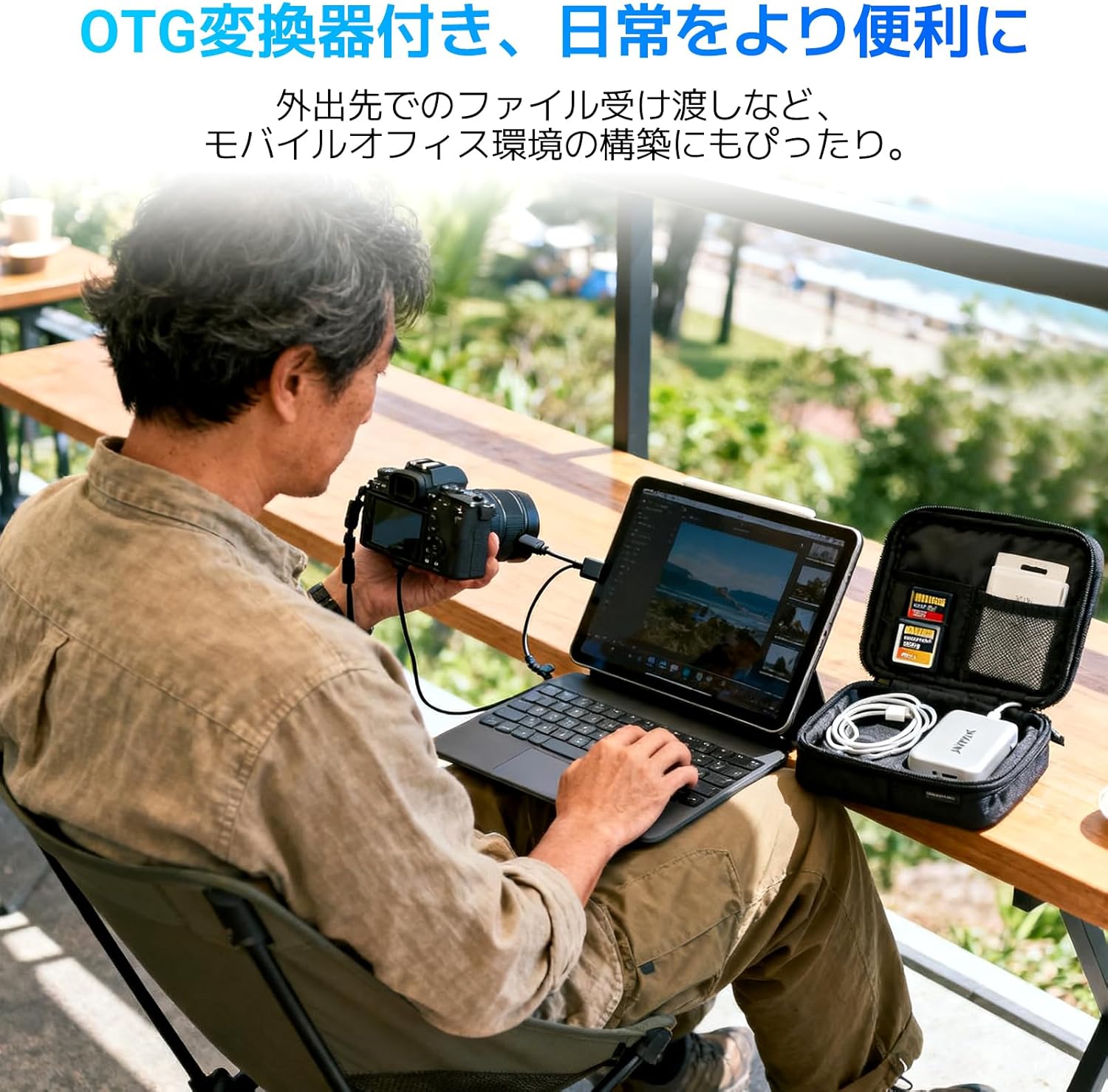
Image: Front view of the Nexall N90 tablet, showcasing its 12-inch display.
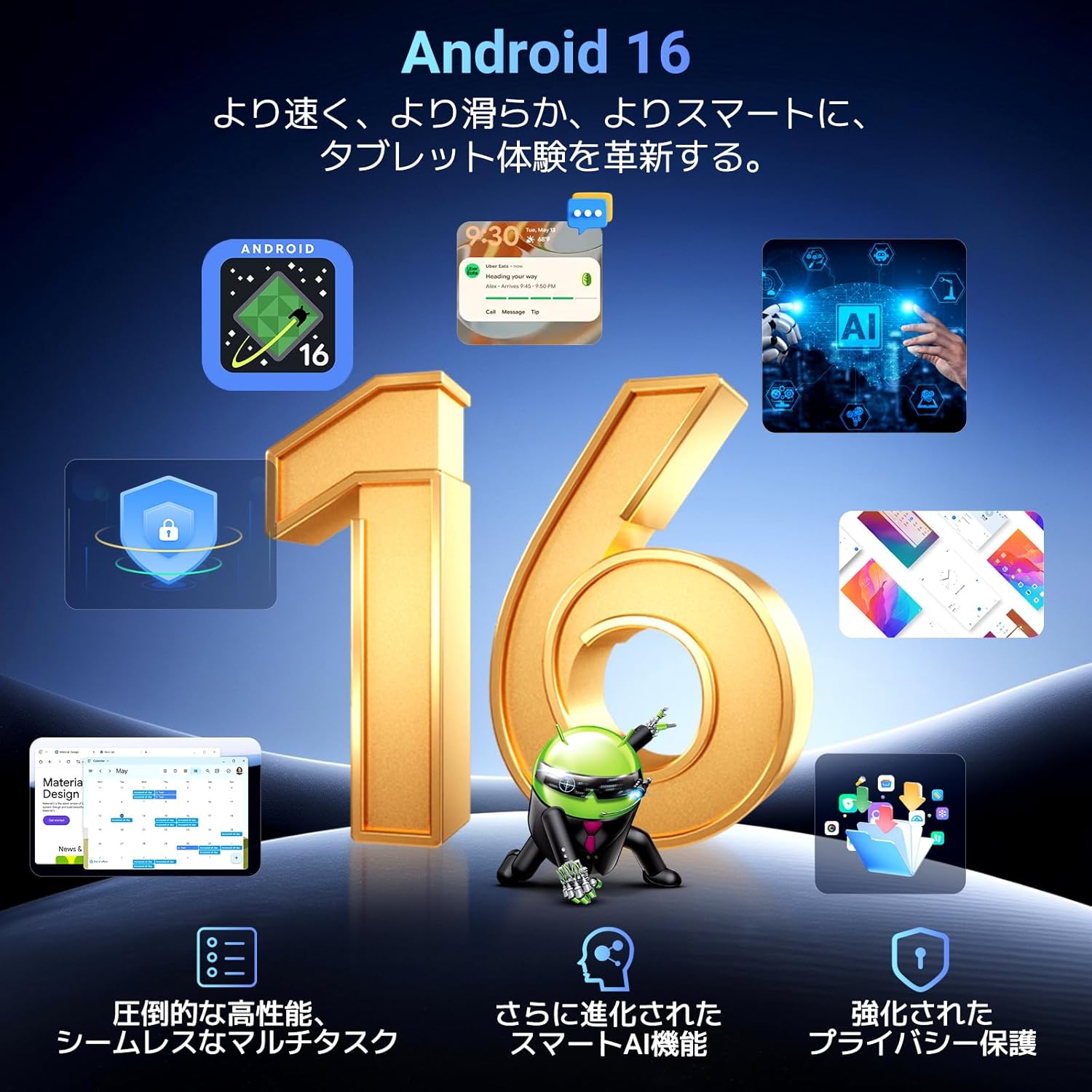
Image: Back view of the Nexall N90 tablet, highlighting the rear camera module.

Image: Side profile of the Nexall N90 tablet, illustrating its slim 8mm thickness and lightweight design (approximately 615g).
4. Setup
4.1 Initial Power On
- Press and hold the Power button for 3-5 seconds to turn on the tablet.
- If the tablet does not power on, ensure it is charged for at least 30 minutes, then try again.
- Swipe up from the bottom of the screen to unlock it.
4.2 Language Settings
To change the system language:
- Go to Settings.
- Select System > Languages & input > Languages.
- Tap Add a language and select your preferred language.
- Drag your preferred language to the top of the list to set it as the primary language.
Video: A demonstration of how to change the language settings on an Android tablet. This video shows navigating through the settings menu to select and prioritize a new language.
4.3 Wi-Fi Connection
To connect to a Wi-Fi network:
- Go to Settings.
- Select Network & internet > Wi-Fi.
- Turn on Wi-Fi.
- Select your desired network from the list and enter the password if prompted.
4.4 Google Account Setup
To set up your Google account:
- During initial setup, follow the on-screen prompts to sign in with your Google account.
- If you skipped this step, go to Settings > Accounts > Add account > Google.
- Enter your Google account credentials to complete the setup.
5. Operating the Tablet
5.1 Basic Navigation
- Tap: Touch an application icon to select and launch it.
- Tap and Hold: Tap and hold on an application or item to see relevant options or move it.
- Swipe: Swipe left/right or up/down to navigate between screens or interfaces.
- Pinch & Spread: Use two fingers to zoom in or out of photos and web content.
5.2 Android 16 OS and Gemini AI
The Nexall N90 runs on the latest Android 16 OS, offering improved app startup speed (up to 32% faster) and 25% longer battery life. It also features enhanced security and privacy controls. The tablet supports Google's next-generation AI, Gemini, for various tasks including text and image generation, data analysis, report creation, and multi-language translation.

Image: Visual representation of Android 16 features, including enhanced performance, smart AI functions, and improved privacy protection.

Image: Illustration of the Gemini AI Smart Engine, demonstrating its capabilities in information gathering, creative support, report generation, data analysis, and multi-language support.
5.3 PC Mode and Split Screen
Utilize the PC Mode and the included keyboard to transform your tablet into a portable workstation for document creation and email management. The dynamic split-screen feature allows you to run multiple applications simultaneously, ideal for multitasking, studying, or video conferencing.

Image: A user demonstrating dynamic split-screen functionality, watching a tutorial video on one side and chatting on the other, highlighting efficient multitasking.
5.4 Connectivity (4G LTE, 5G Wi-Fi, GPS)
The N90 supports 4G LTE communication, allowing for voice calls and mobile data usage on the go by inserting a SIM card. Dual-band 2.4GHz/5GHz Wi-Fi ensures stable and high-speed connections for online meetings, file editing, and video streaming. The built-in GPS provides convenient navigation for travel.

Image: The Nexall N90 tablet displaying a navigation map in a car, demonstrating its built-in GPS functionality for accurate and fast positioning.
5.5 WideVine L1 and Face Recognition
Enjoy high-quality streaming from platforms like YouTube and Netflix with WideVine L1 certification. The tablet also features secure face recognition for convenient unlocking.

Image: The Nexall N90 tablet displaying a movie scene, with logos of streaming services like Netflix, Disney+, Prime Video, Hulu, and HBO, indicating Widevine L1 support for high-quality streaming.

Image: Depiction of the tablet's 16MP rear camera and 8MP front camera, along with an illustration of face recognition technology for secure unlocking.
Video: A demonstration of wireless screen projection from a tablet, showing how to cast the tablet's display to another device.
6. Maintenance
6.1 Battery Charging
The Nexall N90 is equipped with a large 9000mAh battery and supports 18W fast charging. Use the provided AC adapter and USB cable for optimal charging. The AI smart power-saving function ensures extended usage time.

Image: Visual representation of the 9000mAh large-capacity battery and 18W fast charging support, along with estimated usage times for video playback, gaming, music, and online browsing.
6.2 Storage Management
The tablet comes with 24GB RAM (8GB physical + 16GB virtual) and 128GB internal storage. Storage can be expanded up to 2TB using a MicroSD card, allowing you to store numerous apps, playlists, and videos.

Image: Diagram illustrating the tablet's 24GB RAM and 128GB ROM, with the capability to expand storage up to 2TB via a MicroSD card, showing capacity for photos, music, e-books, and apps.
7. Troubleshooting
If you encounter any issues with your Nexall N90 tablet, please try the following common troubleshooting steps:
- Device not powering on: Ensure the battery is charged. Connect the tablet to the charger for at least 30 minutes before attempting to power it on again.
- Screen unresponsive: Restart the tablet by holding the power button for 3-5 seconds.
- Wi-Fi connectivity issues: Check your router and ensure the Wi-Fi signal is strong. Try restarting both the tablet and the router.
- App crashes or freezes: Close the problematic app and reopen it. If the issue persists, clear the app's cache or reinstall it.
- Slow performance: Close unnecessary background applications. Consider performing a factory reset if performance issues continue after other troubleshooting steps (note: this will erase all data).
8. Specifications
| Feature | Specification |
|---|---|
| Brand | Nexall |
| Model Name | N90 |
| Operating System | Android 16 |
| Screen Size | 12 Inches |
| Resolution | 2000x1200 Pixels |
| CPU Brand | Unisoc (T7250 8-core) |
| RAM Capacity | 24GB (8GB + 16GB Virtual) |
| Memory Storage Capacity | 128 GB (Expandable up to 2TB) |
| Front Camera Resolution | 8 MP |
| Rear Camera Resolution | 16 MP |
| Connectivity | Bluetooth, Wi-Fi (802.11ac, 802.11n, 2.4GHz/5GHz), Cellular (4G LTE), GPS |
| Battery | 9000mAh (21.38 Watt-hours), 18W Fast Charging |
| Item Weight | 1.9 Kilograms (approx. 615g for tablet only) |
| Dimensions | 31.9 x 23 x 6.1 cm |
9. Warranty & Support
The Nexall N90 tablet comes with a 2-year manufacturer's warranty. In case of any product defects or issues, please contact customer support for returns or exchanges. Nexall offers 24/7 online support and repair services.

Image: Illustration of Nexall's customer support, highlighting 24/7 online support and 2-year repair support.