
Introduction
This manual provides essential instructions for the safe and efficient use of your POOLPURE DR-SP45G Cordless Pool Floor Cleaner. Please read all instructions carefully before operating the device and retain this manual for future reference.
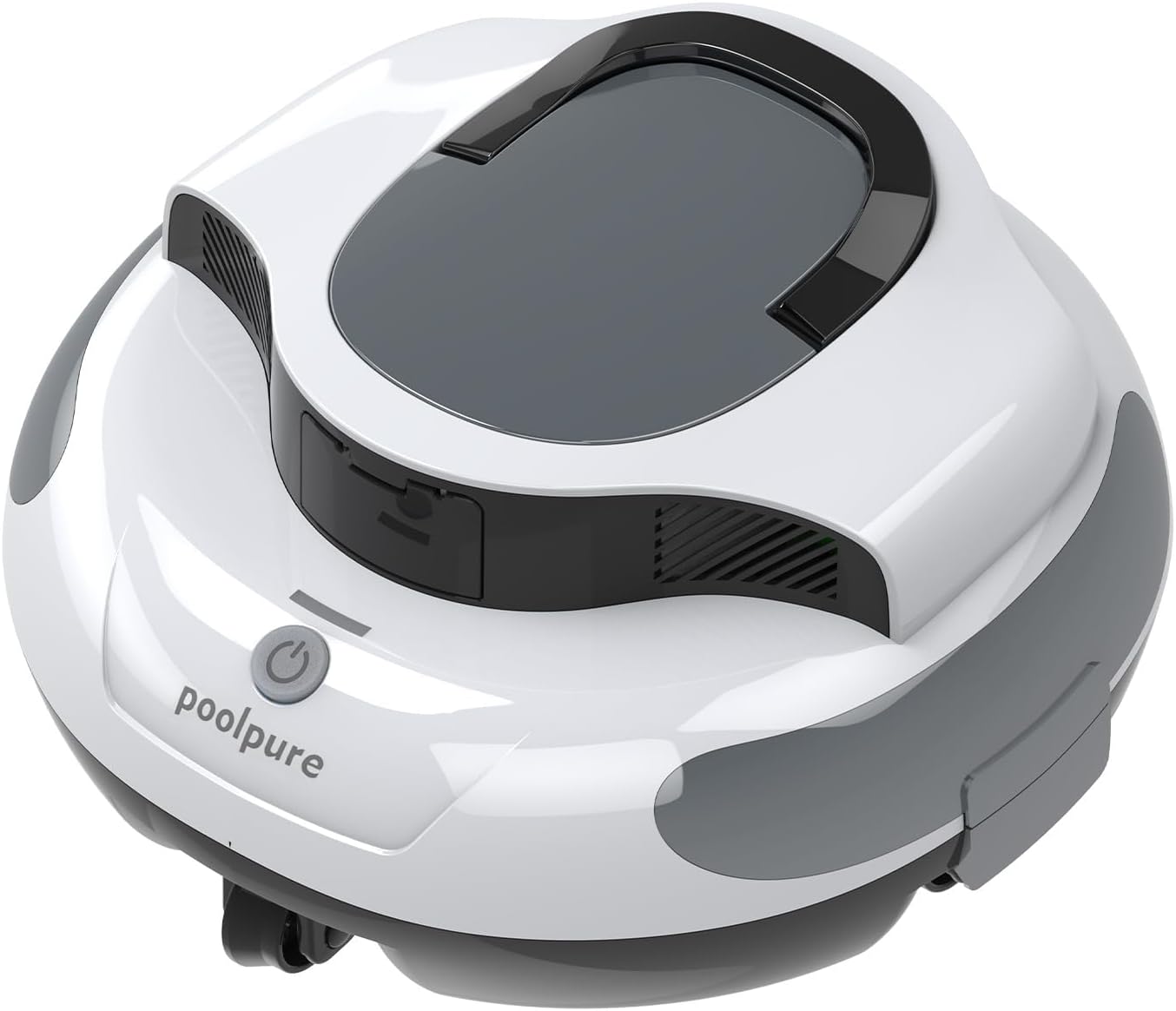
The POOLPURE DR-SP45G Cordless Pool Floor Cleaner, shown in white.
Important Safety Information
Always follow basic safety precautions when using electrical appliances, especially near water. Failure to do so may result in serious injury or property damage.
- Do not operate the cleaner when people or pets are in the pool.
- Ensure the charging port is dry before connecting the charger.
- Use only the original charger provided with the device.
- Keep the cleaner out of reach of children.
- Do not attempt to repair the device yourself. Contact customer support for assistance.
Setup
1. Unpacking and Inspection
Carefully remove all components from the packaging. Verify that all parts are present and undamaged. The package should include the cleaner unit, charging adapter, and retrieval hook.
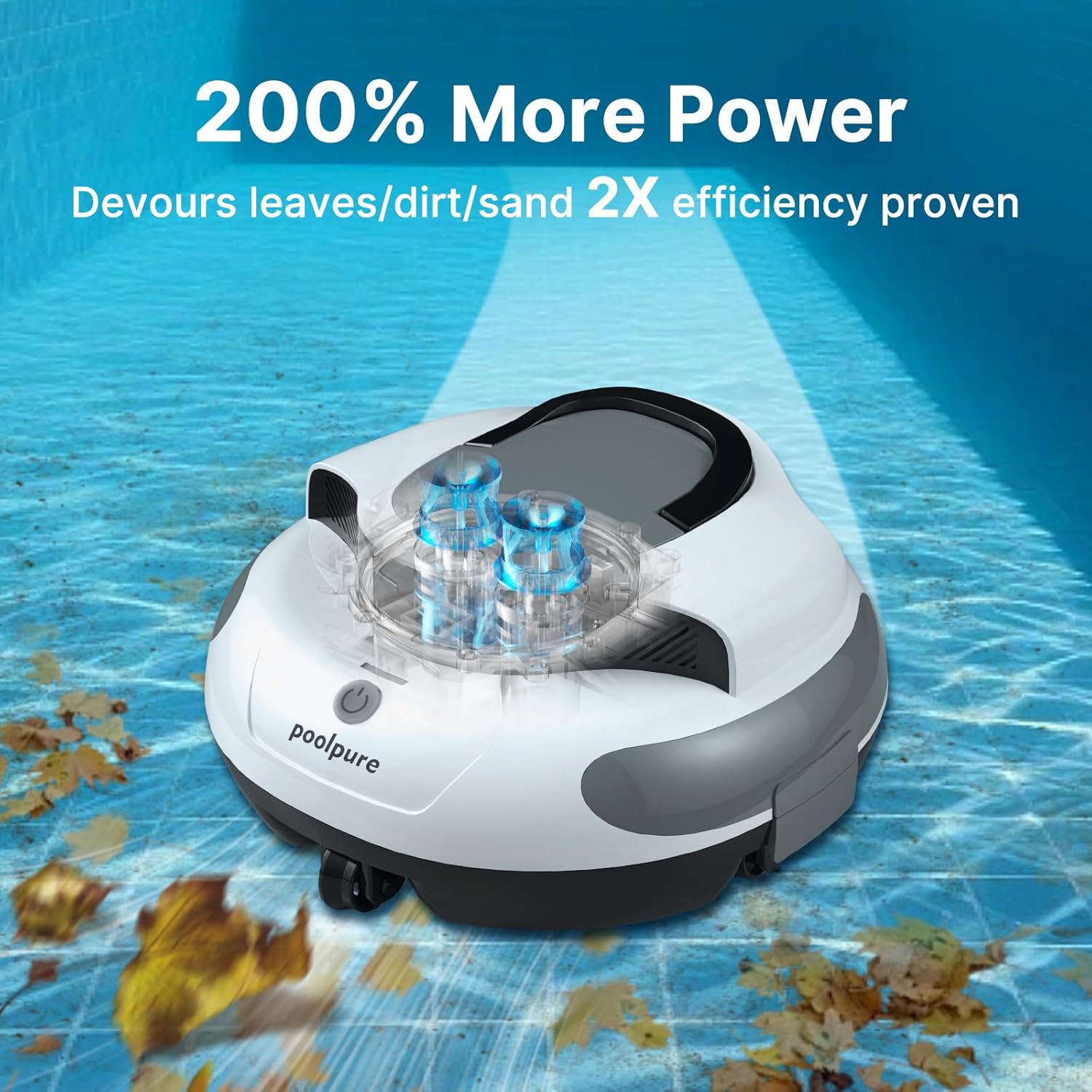
Image showing the main components of the POOLPURE DR-SP45G cleaner.
2. Initial Charging
Before first use, fully charge the cleaner. Connect the charging adapter to the cleaner's charging port and then to a power outlet. The charging indicator light will show the charging status. A full charge typically takes approximately 3 hours.

The POOLPURE DR-SP45G cleaner connected to its charging adapter.
3. Preparing for Deployment
Ensure the filter basket is clean and properly installed before placing the cleaner in the pool. The cleaner is designed for flat-bottom pools and can be used in both above-ground and in-ground pools without slopes.

Diagram illustrating compatible pool types for the POOLPURE DR-SP45G cleaner.
Operating Instructions
1. Starting the Cleaner
Once fully charged, press the power button located on the top of the unit. The cleaner will activate and begin its cleaning cycle. Gently submerge the cleaner into the pool water.

A hand pressing the one-button control to start the POOLPURE DR-SP45G cleaner.
2. Cleaning Cycle and Navigation
The DR-SP45G features dual motors and cyclic cleaning, making repeated passes to ensure thorough cleaning of the pool floor. It uses smart navigation to avoid obstacles and cover the pool area effectively. A full charge provides up to 120 minutes of runtime.
Video demonstrating the easy automated operation and one-touch activation of the POOLPURE DR-SP45G cleaner.
3. Low-Battery Return and Auto-Park
When the battery is low, the cleaner will automatically navigate to the edge of the pool and park itself for easy retrieval. This feature prevents the cleaner from stopping in the middle of the pool when power is depleted.

The POOLPURE DR-SP45G cleaner returning to the pool wall when its battery is low.
Maintenance
1. Retrieving the Cleaner
Use the provided retrieval hook attached to a standard pool pole to lift the cleaner out of the water. Allow excess water to drain before removing it completely from the pool.

A person using a pole with a hook to retrieve the POOLPURE DR-SP45G cleaner from the pool.
2. Cleaning the Filter Basket
After each use, remove the filter basket and rinse it thoroughly with a garden hose. The fine-mesh filter traps microscopic debris like sand and dust. Ensure the filter is completely clean before reinstalling it for the next use.

Close-up view of the fine-mesh filter of the POOLPURE DR-SP45G cleaner.
Video demonstrating how to easily clean and swap the scrubbers and filter basket of the POOLPURE DR-SP45G cleaner.
3. Storage
Store the cleaner in a cool, dry place away from direct sunlight and extreme temperatures. Ensure the battery is charged periodically during off-season storage to maintain battery health.
Troubleshooting
| Problem | Possible Cause | Solution |
|---|---|---|
| Cleaner does not start or stops prematurely. | Low battery; Obstruction in motor/wheels; Filter basket clogged. | Ensure unit is fully charged. Check for and remove any debris from motors or wheels. Clean the filter basket. |
| Cleaner gets stuck frequently. | Uneven pool floor; Large debris; Pool type incompatibility. | Remove large debris from the pool. Ensure the pool floor is suitable for robotic cleaners (flat bottom recommended). Manually reposition if stuck. |
| Poor cleaning performance. | Clogged filter; Low battery; Insufficient runtime. | Clean the filter basket thoroughly. Ensure the cleaner is fully charged before use. Allow the cleaner to complete its full cycle. |
| Charging indicator not working. | Faulty charger; Loose connection; Damaged charging port. | Check charger connection. Ensure charging port is dry and clean. If issues persist, contact customer support. |
Specifications
- Brand: POOLPURE
- Model Name: DR-SP45G
- Material: Metal, Plastic
- Color: White
- Product Dimensions (L x W x H): 13.8" x 13.5" x 7.8"
- Item Weight: 8 pounds
- Power Source: Battery Powered
- Control Method: Touch
- Voltage: 11.1 volts
- Lithium Battery Energy Content: 55.5 watt-hours
- Number of Batteries: 1 Lithium Ion (included)
- Charging Time: 3 hours
- Runtime: Up to 120 minutes
- Special Features: Cordless, High efficiency, Flat bottom pool compatibility, Dual-motor power
Warranty & Support
The POOLPURE DR-SP45G Cordless Pool Floor Cleaner comes with a limited warranty. Please refer to the warranty card included in your packaging for specific terms and conditions. For technical support, troubleshooting assistance, or warranty claims, please contact POOLPURE customer service through their official website or the retailer where the product was purchased.
Online Support: Visit the POOLPURE Store on Amazon for more information and contact options.