
1. Introduction
Thank you for choosing the VIOS 43-inch Full HD Smart LED TV. This manual provides essential information for setting up, operating, and maintaining your television. This Smart TV features a stunning Full HD 1080p display, integrated Android TV functionality, and Dolby Audio support for an immersive entertainment experience. Its modern, slim design complements any living space.
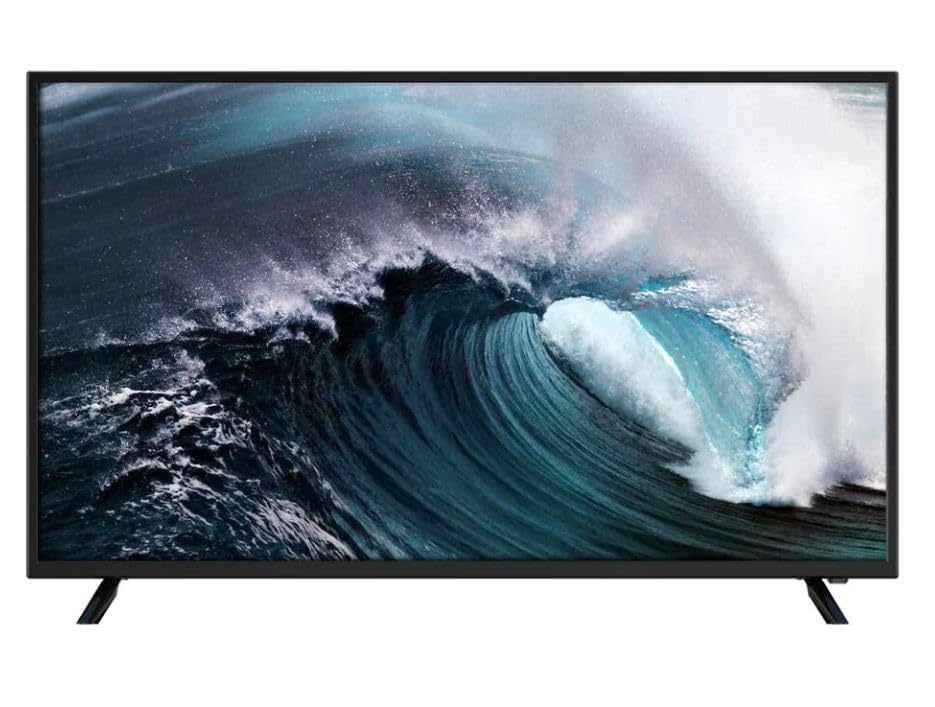
Figure 1.1: VIOS 43-inch Full HD Smart LED TV
2. Safety Information
Please read all safety instructions carefully before using your TV and keep this manual for future reference. Incorrect installation or operation may cause damage to the TV or personal injury.
- Power Supply: Ensure the TV is connected to an AC 100-240V, 50/60Hz power source. Do not overload power outlets.
- Ventilation: Do not block ventilation openings. Allow adequate space around the TV for proper airflow to prevent overheating.
- Placement: Place the TV on a stable, level surface. Avoid placing it in direct sunlight, near heat sources, or in environments with high humidity or dust.
- Water and Moisture: Do not expose the TV to rain or moisture. Do not place objects filled with liquids, such as vases, on the TV.
- Cleaning: Unplug the TV before cleaning. Use a soft, dry cloth. Do not use liquid cleaners or aerosol sprays.
- Children: Supervise children to prevent them from climbing on the TV or playing with the remote control.
- Servicing: Do not attempt to service the TV yourself. Refer all servicing to qualified service personnel.
3. Package Contents
Carefully unpack the box and ensure all items listed below are present and undamaged. If any items are missing or damaged, contact your retailer.
- VIOS 43-inch Full HD Smart LED TV
- Remote Control (Bluetooth)
- Power Cable
- TV Stands (2 pieces)
- Screws for Stands
- User Manual (this document)

Figure 3.1: VIOS Smart TV retail packaging
4. Setup
4.1 Installing the Stands
- Place the TV screen-down on a soft, flat surface (e.g., a blanket or foam) to prevent scratches.
- Align each stand with the corresponding screw holes on the bottom of the TV.
- Secure the stands using the provided screws. Ensure they are tightened firmly.
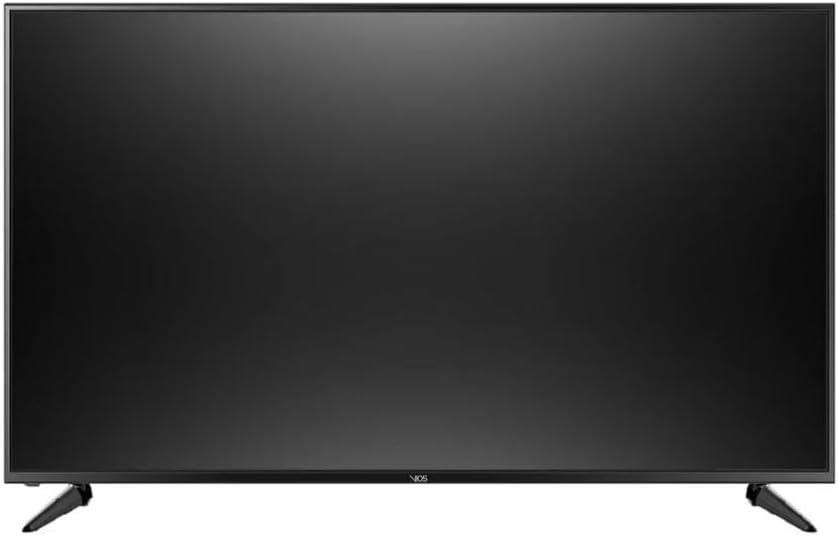
Figure 4.1: TV with stands installed
4.2 Wall Mounting (Optional)
This TV supports VESA mounting standard 300 x 200 mm. Use a compatible wall mount kit (sold separately) and follow the instructions provided with the wall mount. Ensure the wall can support the weight of the TV (approximately 17 kg) and the mount.
4.3 Connecting Devices
The TV is equipped with multiple ports for various external devices.
- HDMI Ports (x2): Connect Blu-ray players, game consoles, cable/satellite boxes, or other HDMI-enabled devices.
- USB Port (x1): Connect USB storage devices for media playback.
- Power Input: Connect the provided power cable to the TV and then to a wall outlet.
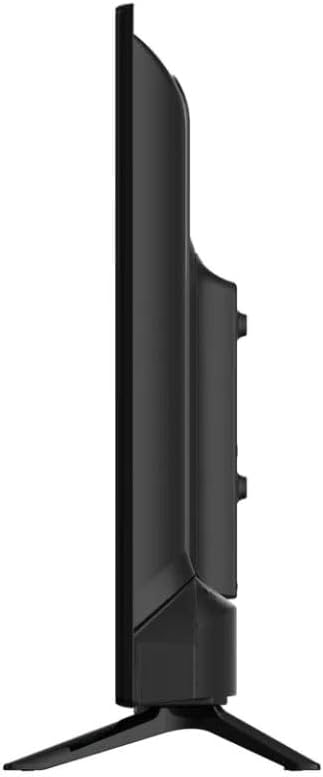
Figure 4.2: Side view with connectivity ports
4.4 First Time Setup
- Plug the power cable into a wall outlet.
- Press the power button on the remote control or on the TV.
- Follow the on-screen instructions to select your language, country, and connect to your Wi-Fi network.
- Sign in with your Google account to access the full features of Android TV, including the Google Play Store.
5. Operating
5.1 Remote Control
The TV comes with a Bluetooth remote control. For initial pairing, follow the on-screen instructions during the first-time setup or refer to the TV's settings menu under 'Remotes & Accessories'.
5.2 Android TV Interface
Navigate the Android TV home screen using the directional buttons on your remote. The home screen provides quick access to installed apps, recommended content, and settings.
5.3 Internet Applications
Your VIOS Smart TV provides access to a wide range of streaming services and applications via the Google Play Store. Pre-installed and supported applications include:
- Apple TV+
- Claro Video
- Crunchyroll
- Disney Plus
- Max
- Netflix
- Paramount+
- Prime Video
- Vix
- YouTube TV and more.
5.4 Dolby Audio
The integrated Dolby Audio technology enhances your sound experience, providing clear, immersive audio. Adjust audio settings in the TV's sound menu to customize your listening experience.

Figure 5.1: High-quality picture display
6. Maintenance
6.1 Cleaning the Screen
To clean the screen, first unplug the TV. Gently wipe the screen with a soft, lint-free cloth. For stubborn marks, slightly dampen the cloth with water or a specialized screen cleaner (ensure it's safe for LED screens) and wipe carefully. Do not spray liquid directly onto the screen.
6.2 Cleaning the Body
Wipe the TV's frame and back panel with a soft, dry cloth. Avoid using abrasive cleaners, waxes, or solvents as they can damage the finish.
6.3 General Care
- Avoid placing heavy objects on top of the TV.
- Do not expose the TV to extreme temperatures or humidity.
- Unplug the TV during lightning storms or when it will be unused for extended periods.
7. Troubleshooting
If you encounter issues with your TV, refer to the following common problems and solutions. If the problem persists, contact customer support.
| Problem | Possible Cause / Solution |
|---|---|
| No power | Ensure the power cable is securely plugged into the TV and the wall outlet. Check if the outlet is working. |
| No picture, but sound is present | Check the input source. Ensure external devices are powered on and connected correctly. Try restarting the TV. |
| No sound, but picture is present | Check the volume level and mute status. Ensure audio cables are connected correctly. Check TV audio settings. |
| Remote control not working | Check battery levels. Ensure there are no obstructions between the remote and the TV. Re-pair the Bluetooth remote if necessary. |
| Cannot connect to Wi-Fi | Ensure your Wi-Fi router is on and working. Re-enter the Wi-Fi password. Try restarting the TV and router. |
| Smart TV apps not loading | Check internet connection. Ensure apps are updated. Try clearing app cache or reinstalling the app. |
8. Specifications
| Feature | Specification |
|---|---|
| Brand | VIOS |
| Model Name | VI-43T231 |
| Screen Size | 43 Inches |
| Display Technology | LED |
| Resolution | 1080p (Full HD) |
| Refresh Rate | 60 Hz |
| Operating System | Android |
| Special Features | Dolby Audio, Enhanced Connectivity, Integrated Smart TV, Full HD |
| Connectivity Technology | Wi-Fi |
| HDMI Ports | 2 |
| USB Ports | 1 (USB 3.0) |
| Aspect Ratio | 16:9 |
| Product Dimensions (D x W x H) | 9 cm x 95 cm x 57 cm |
| Item Weight | 17 Kilograms |
| VESA Mount Standard | 300 x 200 mm |
| Power Voltage | 100-240 VAC 50-60 Hz |
| Control Method | Application, Remote Control (Bluetooth) |
| Model Year | 2023 |
| GTIN / UPC | 724065748850 |
9. Warranty and Support
9.1 Product Warranty
This VIOS TV comes with a 3 Months Limited Warranty on Parts and Labor. Please retain your proof of purchase for warranty claims. The warranty covers manufacturing defects under normal use. It does not cover damage caused by misuse, accidents, unauthorized repairs, or external factors.
9.2 Customer Support
For technical assistance, troubleshooting beyond this manual, or warranty inquiries, please contact VIOS customer support. Refer to the contact information provided with your purchase documentation or visit the official VIOS website.

