
Introduction
Thank you for choosing the zhizhi Smart Watch P91. This device is designed to enhance your daily life with advanced health monitoring, fitness tracking, and smart communication features. This manual provides essential information for setting up, operating, and maintaining your smartwatch to ensure optimal performance and longevity.
What's in the Box
- zhizhi Smart Watch P91 (Rose Gold)
- Magnetic Charging Cable
- Silicone Watch Strap (Pre-installed)
- Additional Interchangeable Watch Strap (Mesh or Sporty)
- User Manual

Image: zhizhi Smart Watch P91 packaging and included accessories.
Setup Guide
1. Charging the Smart Watch
Before initial use, fully charge your smartwatch. Connect the magnetic charging cable to the charging points on the back of the watch. Connect the USB end of the cable to a standard USB power adapter (not included) or a computer USB port. The watch display will indicate charging status. A full charge typically takes 1.5-2 hours.

Image: zhizhi Smart Watch P91 connected to its magnetic charging cable.
2. App Installation & Pairing
- Download the App: Scan the QR code provided in the manual or on the packaging, or search for the "Glory Fit" app in your smartphone's app store (Google Play Store for Android, Apple App Store for iOS).
- Enable Bluetooth: Turn on Bluetooth on your smartphone.
- Pair the Device: Open the "Glory Fit" app, navigate to the device section, and select "Add Device" or "Connect Device." Find "P91" in the list of available devices and tap to connect.

Image: Visual guide for app installation and device pairing.
3. Enabling Call Function
To use the Bluetooth calling feature, an additional step is required after initial pairing:
- After connecting the watch in the "Glory Fit" app, go to your smartphone's Bluetooth settings.
- Locate "P91" in the list of paired devices and tap on it.
- Ensure that the "Call Audio" or "Phone Audio" option is enabled for the P91 connection. This allows the watch to handle calls.
Key Features & Operation
Display Customization
The zhizhi Smart Watch P91 features a vibrant 1.85-inch HD full-touch color screen. You can personalize your watch face by choosing from over 250 pre-designed options within the app or by uploading your own photos to create a custom dial.

Image: Customizable watch faces and HD touch screen.
Health Monitoring
Monitor your well-being with advanced sensors:
- Heart Rate: Continuous 24/7 heart rate tracking provides insights into your cardiovascular health.
- Blood Oxygen (SpO2): Real-time monitoring of blood oxygen concentration helps ensure your physical indicators are normal.
- Sleep Monitoring: Records sleep onset time, duration, and patterns (deep sleep, light sleep, awake time) to help improve sleep quality.

Image: Heart rate and sleep monitoring features.
Fitness Tracking (120+ Sports Modes)
The smartwatch supports over 120 sports modes, including cycling, baseball, swimming, yoga, running, walking, pickleball, weightlifting, and more. It tracks all-day activity data such as steps, distance, and calories burned, helping you create scientific training plans.

Image: Daily activity and sports mode tracking.
Communication Features
Stay connected directly from your wrist:
- Bluetooth Calling: Answer, make, and reject calls directly from the watch using its built-in speaker and microphone.
- Message Notifications: Receive alerts for calls, texts, and SNS notifications (Facebook, WhatsApp, etc.) with a gentle vibration on your wrist.
- AI Voice Assistant: Powered by advanced AI voice assistant technology, it supports natural language interaction for everyday tasks like making calls or playing music.

Image: Bluetooth calling and voice assistant capabilities.
Additional Smart Functions
The zhizhi Smart Watch P91 offers a variety of practical features:
- Alarm Clock
- Compass
- Music Control
- Weather Forecast
- Gaming Entertainment
- Stopwatch & Timer
- Sedentary Reminder
- Camera Control
- Find My Phone

Image: Multifunction display of the smartwatch.
Water Resistance (IP68)
The smartwatch boasts an IP68 waterproof rating, making it suitable for daily activities such as handwashing, showering, and use in rainy conditions. It is not recommended for diving or sauna use.
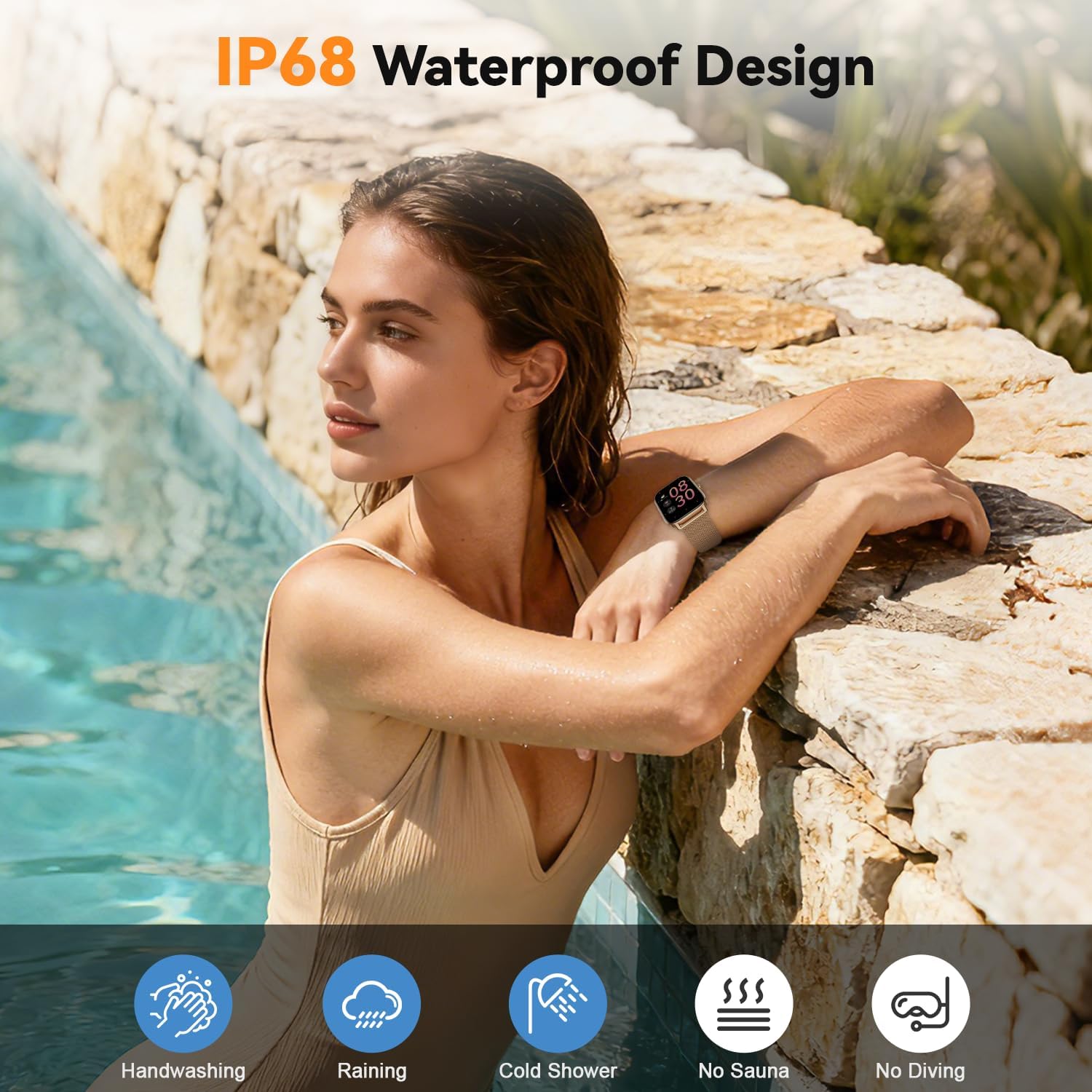
Image: IP68 Waterproof design features.
Battery Life
The zhizhi Smart Watch P91 features a deeply optimized battery system. A single charge provides:
- Up to 7 days of heavy use
- Up to 15 days of daily use
- Up to 45 days of standby time
Charging time is approximately 1.5-2 hours.

Image: Battery life and charging details.
Changing Watch Straps
The smartwatch includes two interchangeable straps to match any occasion. To change a strap, locate the small lever on the underside of the strap where it connects to the watch body. Push the lever inwards to release the strap. Align the new strap with the watch body and push the lever inwards again to secure it into place.

Image: Three watch bands for different looks.
Official Product Video
Video: "EarlySincere Smartwatch: Your Stylish Health & Fitness Buddy" - An official seller video demonstrating the smartwatch's features and stylish design.
Specifications
| Feature | Detail |
|---|---|
| Brand | zhizhi |
| Model Number | P91 |
| Screen Size | 1.85 Inches |
| Operating System | Android & iOS (Android 5.0+, iOS 9.0+) |
| Connectivity Technology | Bluetooth |
| Special Features | Bluetooth Call, Message Reminder, Fitness Tracker, Sleep Monitor, Blood Oxygen (SpO2) Monitor, Heart Rate Monitor, Calorie Tracker, Alarm Clock, Stopwatch, Timer, Pedometer, Camera Control, Music Playback/Control, Sedentary Reminder, Weather, Waterproof, Notifications, AI Voice Assistant |
| Waterproof Rating | IP68 |
| Battery Life (Daily Use) | 7-15 Days |
| Battery Life (Standby) | Up to 45 Days |
| Charging Time | 1.5-2 Hours |
| Item Weight | 5.9 ounces |
| Memory Storage Capacity | 30 MB |
| GPS | No GPS |
Troubleshooting
- Watch not turning on: Ensure the watch is fully charged. Connect it to the magnetic charger and allow it to charge for at least 30 minutes before attempting to power it on.
- Cannot pair with phone: Make sure Bluetooth is enabled on your phone and the watch is within range. Restart both your phone and the watch, then try pairing again through the "Glory Fit" app.
- Call function not working: Verify that "Call Audio" is enabled for the P91 in your phone's Bluetooth settings after initial pairing.
- Inaccurate health data: Ensure the watch is worn snugly on your wrist, about one finger's width from your wrist bone. Avoid wearing it too loose or too tight.
- Notifications not received: Check app permissions on your phone to ensure "Glory Fit" has access to notifications. Also, confirm that notifications are enabled within the "Glory Fit" app settings for the desired applications.
Maintenance
- Cleaning: Regularly clean the watch and straps with a soft, dry cloth. If necessary, use a slightly damp cloth with mild soap, then dry thoroughly.
- Avoid Chemicals: Do not use harsh chemicals, cleaning solvents, or strong detergents, as these may damage the watch's finish or functionality.
- Storage: When not in use for extended periods, store the watch in a cool, dry place.
- Water Exposure: While IP68 waterproof, avoid prolonged submersion in water, hot water, or steam. Dry the watch thoroughly after exposure to water.
Warranty & Support
The zhizhi Smart Watch P91 comes with a standard manufacturer's warranty. For specific warranty details, please refer to the documentation included in your product packaging or contact Shenzhen Buzz Tech CO.,LTD directly. For technical support or further assistance, please refer to the "Glory Fit" app's help section or visit the manufacturer's official support channels.


