
Introduction
The zhizhi Smart Watch P110 is a versatile wearable device designed to enhance your daily life with smart features and health tracking capabilities. This manual provides essential information for setting up, operating, and maintaining your device to ensure optimal performance and longevity.
Setup
1. Charging the Device
Before first use, fully charge your zhizhi Smart Watch P110. Connect the charging cable to the charging port on the back of the watch and to a USB power adapter (not included). The watch will display a charging indicator. A full charge typically takes approximately 2 hours.
2. Downloading the Companion App
The zhizhi Smart Watch P110 uses the GloryFit app for full functionality. Download the GloryFit app from your smartphone's app store (available for Android and iOS devices).
3. Pairing with Your Smartphone
- Ensure your watch is charged and powered on.
- Enable Bluetooth on your smartphone.
- Open the GloryFit app and follow the on-screen instructions to create an account or log in.
- In the app, navigate to the device pairing section and select "Add Device".
- Select "P110" from the list of available devices. Confirm the pairing request on both your phone and watch.
4. Attaching/Changing Watch Bands
Your zhizhi Smart Watch P110 comes with two interchangeable bands. To attach or change a band:
- Locate the quick-release pins on the back of the watch band.
- Slide the pin inwards to detach the current band.
- Align the new band with the watch lugs and slide the quick-release pin to secure it. Ensure both sides are firmly attached.
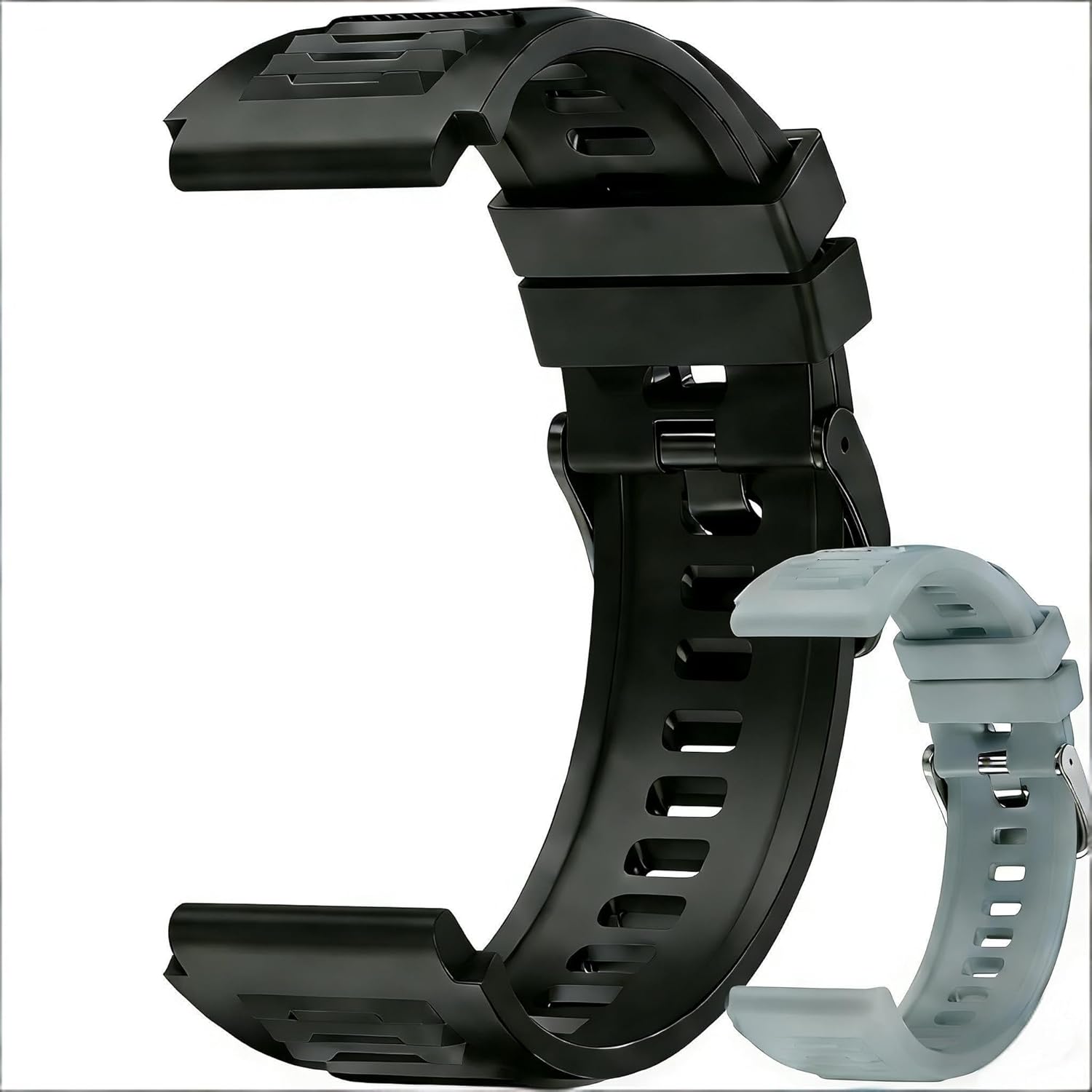
Image: Two smart watch bands, one black and one light grey, shown detached. These bands are interchangeable with the zhizhi Smart Watch P110.
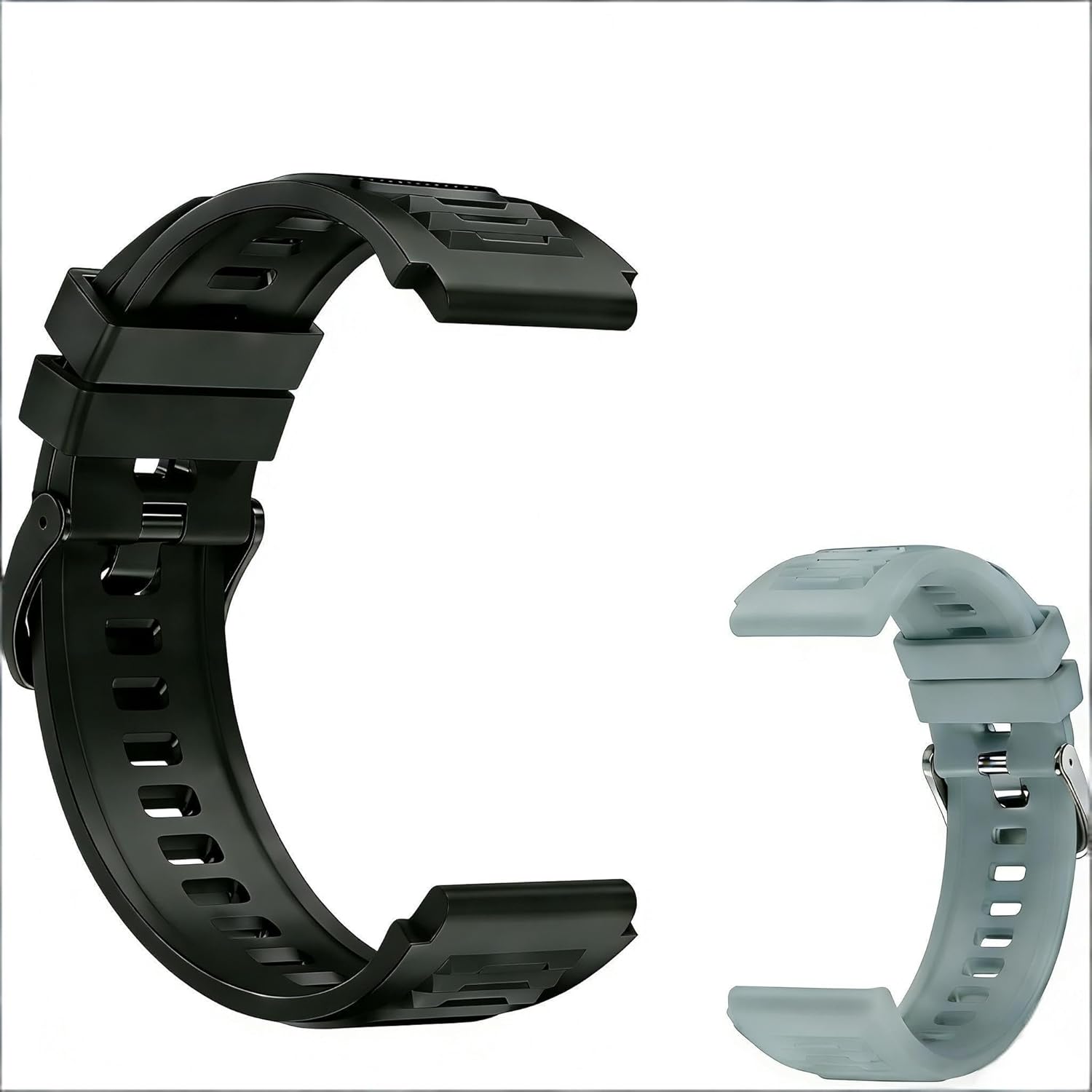
Image: A black smart watch band and a light grey smart watch band displayed side by side, illustrating the included band options for the zhizhi Smart Watch P110.
Operating the Smart Watch
Basic Navigation
The zhizhi Smart Watch P110 features an AMOLED HD touch screen. Swipe left, right, up, or down to navigate through menus, notifications, and widgets. Tap to select an option or open an application. A physical button on the side typically serves as a back button or to return to the home screen.
Bluetooth Calling
Once paired with your smartphone, you can make and receive calls directly from your watch. The built-in microphone and speaker allow for hands-free communication. Ensure your watch is within Bluetooth range of your phone for this feature to work.
Notifications
Receive notifications for incoming calls, text messages, and various social media applications directly on your watch. The watch will vibrate to alert you. You can manage which app notifications appear on your watch through the GloryFit app settings.
Health and Fitness Tracking
- Heart Rate Monitoring: The watch continuously monitors your heart rate throughout the day. View your current heart rate and historical data in the GloryFit app.
- Blood Oxygen Monitoring: Measure your blood oxygen levels on demand.
- Sleep Tracking: The watch automatically tracks your sleep patterns, including deep sleep, light sleep, and wake times. Analyze your sleep quality in the app.
- Activity Tracking: Records steps taken, distance traveled, and calories burned.
- Sports Modes: Choose from over 120 sports modes, including running, cycling, and yoga, to track specific workout data.
Additional Features
- Watch Face Customization: Personalize your watch face by choosing from various pre-installed designs or uploading your own photos via the GloryFit app.
- Music Control: Control music playback on your smartphone directly from your watch.
- Alarms and Timers: Set alarms and use the timer/stopwatch functions.
- Weather Information: Get real-time weather updates when connected to your phone.
- Voice Assistant: Access your smartphone's voice assistant for quick actions.
Maintenance
Cleaning Your Watch
Regularly clean your watch and band to prevent skin irritation and maintain functionality. Wipe the screen and watch body with a soft, damp, lint-free cloth. For the silicone bands, you can use mild soap and water. Ensure the watch is dry before charging or wearing.
Battery Care
To prolong battery life, avoid fully discharging the watch frequently. Charge the watch when the battery level is low. Store the watch in a cool, dry place if not used for extended periods, ensuring it has at least a 50% charge.
Water Resistance
The zhizhi Smart Watch P110 is waterproof, making it suitable for daily activities like washing hands, sweating, and light rain. However, it is not recommended for hot showers, saunas, or diving, as steam and high water pressure can compromise the seals.
Troubleshooting
- Watch not turning on: Ensure the watch is fully charged. Connect it to the charger for at least 30 minutes.
- Unable to pair with phone:
- Ensure Bluetooth is enabled on your phone.
- Make sure the watch is within range of your phone.
- Restart both your phone and the watch.
- Clear the Bluetooth cache on your phone (if applicable) and try pairing again.
- Ensure the GloryFit app has necessary permissions.
- Notifications not appearing:
- Check notification settings in the GloryFit app.
- Ensure your phone's notification settings allow the GloryFit app to send alerts.
- Verify the watch is connected via Bluetooth.
- Inaccurate health data:
- Ensure the watch is worn snugly on your wrist, about one finger's width above the wrist bone.
- Clean the sensor on the back of the watch.
- Environmental factors and movement can affect readings.
- Short battery life:
- Frequent use of features like Bluetooth calling, continuous heart rate monitoring, and bright screen settings can consume more power.
- Reduce screen brightness or adjust monitoring frequency in the app.
Specifications
| Brand | zhizhi |
| Model | P110 |
| Operating System | Android and iOS compatible |
| Display Type | AMOLED |
| Memory Storage Capacity | 30 MB |
| Battery Type | Lithium Polymer (1 required, included) |
| Water Resistance Level | Waterproof |
| Package Dimensions | 28 x 8 x 1 cm; 100 g |
Warranty and Support
Warranty Information
The zhizhi Smart Watch P110 comes with a standard manufacturer's warranty. Please refer to the product packaging or the official zhizhi website for specific warranty terms and conditions, including coverage duration and claim procedures.
Customer Support
For technical assistance, troubleshooting not covered in this manual, or warranty claims, please contact zhizhi customer support. Contact details can typically be found on the product packaging, the official zhizhi website, or through your retailer's support channels.
