Introduction
This manual provides detailed instructions for the setup, operation, maintenance, and troubleshooting of your Hwagol Smart Watch. Please read this manual thoroughly before using the device to ensure proper function and longevity.
What's in the Box
Verify that all items are present in the package:
- Hwagol Smart Watch (Model 619704314148)
- Charging Cable
- Interchangeable Straps (typically one stainless steel and two silicone straps)
- User Manual (this document)
Setup
1. Charging the Device
Before first use, fully charge your Hwagol Smart Watch. Connect the provided charging cable to the charging port on the back of the watch and to a standard USB power adapter (not included). The watch display will indicate charging status.

Image: The Hwagol Smart Watch connected to its charging cable, illustrating the charging process.
2. App Installation and Pairing
To unlock the full functionality of your smart watch, you need to install the companion application on your smartphone.
- Download the App: Search for the recommended companion app (e.g., 'FitCloudPro' or similar, as indicated in the watch's quick start guide or packaging) in your smartphone's app store (Google Play Store for Android, Apple App Store for iOS).
- Install and Open: Install the app and open it. Follow the on-screen prompts to create an account or log in.
- Enable Bluetooth: Ensure Bluetooth is enabled on your smartphone.
- Pair the Watch: In the app, navigate to the device pairing section. Select your Hwagol Smart Watch from the list of available devices. Confirm the pairing request on both your phone and the watch if prompted.
3. Initial Configuration
After successful pairing, configure basic settings:
- Personal Information: Enter your age, height, weight, and gender in the app for accurate health tracking.
- Permissions: Grant necessary permissions to the app (e.g., notification access, location services) for full functionality.
- Watch Face: Customize your watch face through the app or directly on the watch. Over 200 online UI options are available.
Operating Instructions
1. Basic Navigation
The Hwagol Smart Watch features a 1.52-inch HD touch screen with 360*360 resolution.
- Swipe Up/Down: Access quick settings or notifications.
- Swipe Left/Right: Navigate through widgets and main functions (e.g., activity, heart rate, weather).
- Tap: Select an item or confirm an action.
- Press Side Buttons: The watch typically has side buttons for power, back, or quick access to sport modes. Refer to the watch's on-screen prompts for specific button functions.
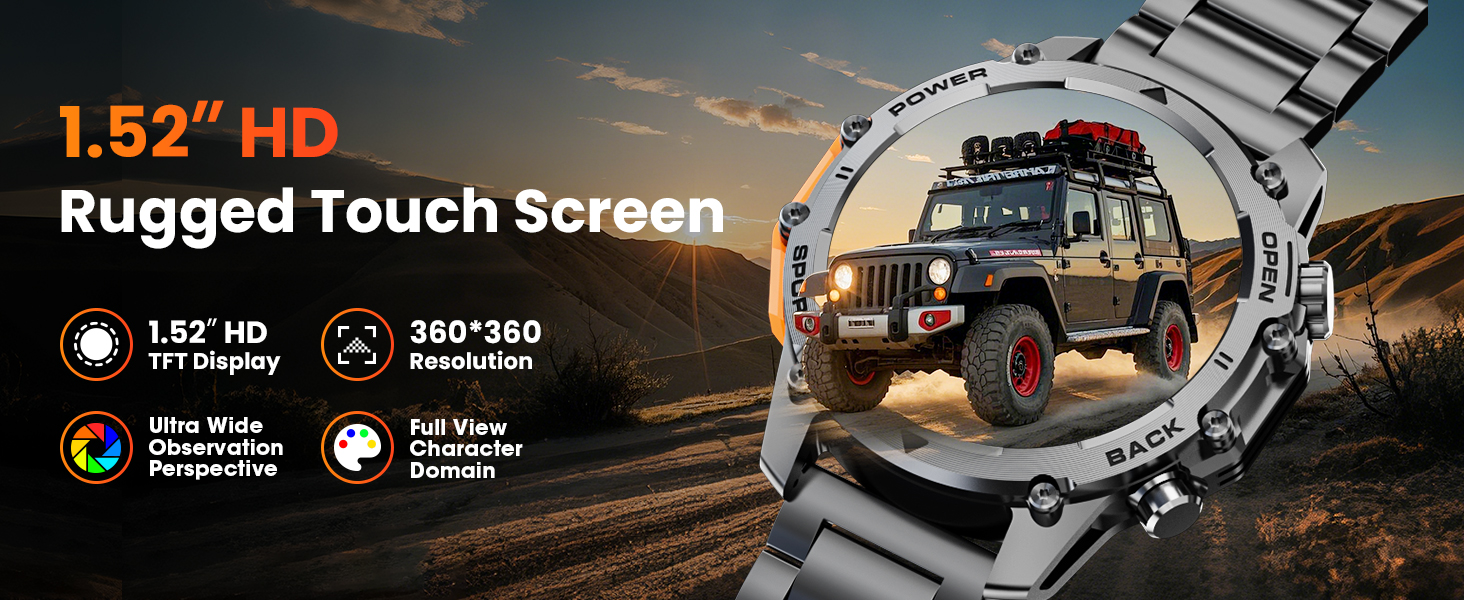
Image: A close-up of the Hwagol Smart Watch display, highlighting its 1.52-inch HD screen and resolution.
2. Bluetooth Calling
Once paired with your smartphone, you can make and receive calls directly from your watch.
- Making Calls: Access the dial pad or contact list on the watch to initiate a call.
- Receiving Calls: When a call comes in, the watch will display the caller ID. Tap the green icon to answer or the red icon to reject.
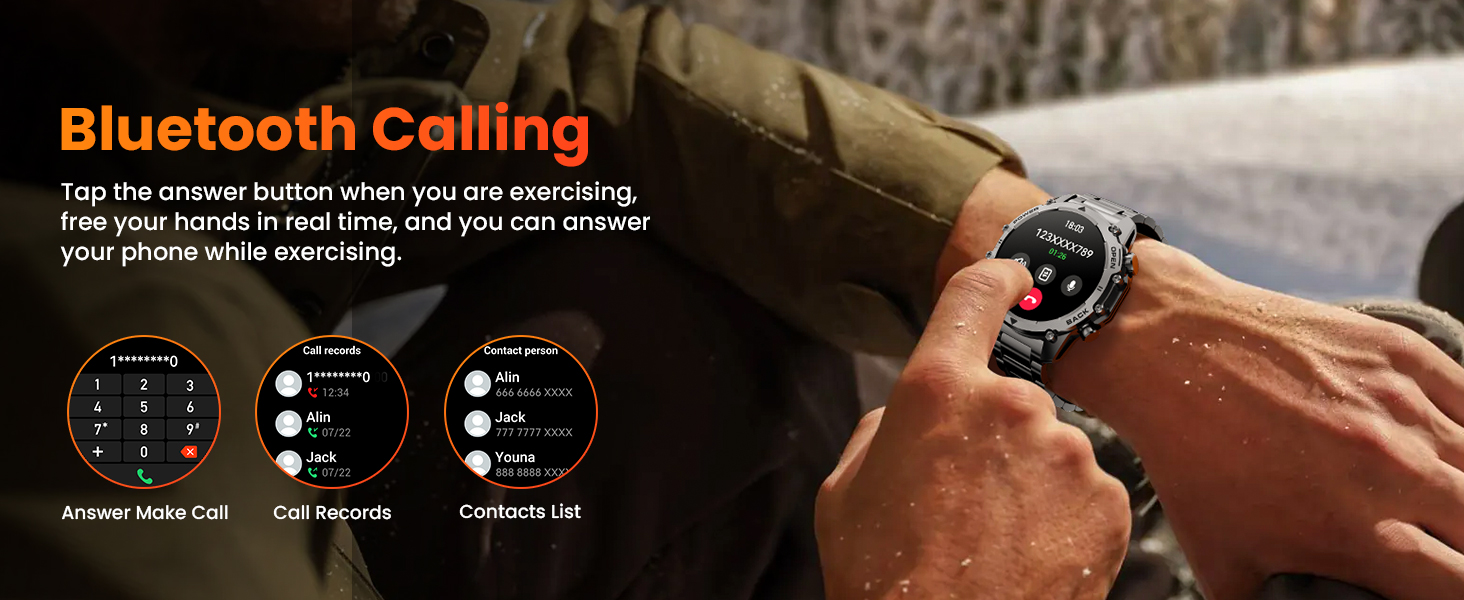
Image: The Hwagol Smart Watch displaying an incoming call, demonstrating the Bluetooth calling function.
3. Smart Notifications
Receive notifications from your smartphone directly on your watch.
- Ensure notification permissions are granted to the app on your smartphone.
- Notifications for calls, messages, and various social media apps will be displayed on the watch screen.
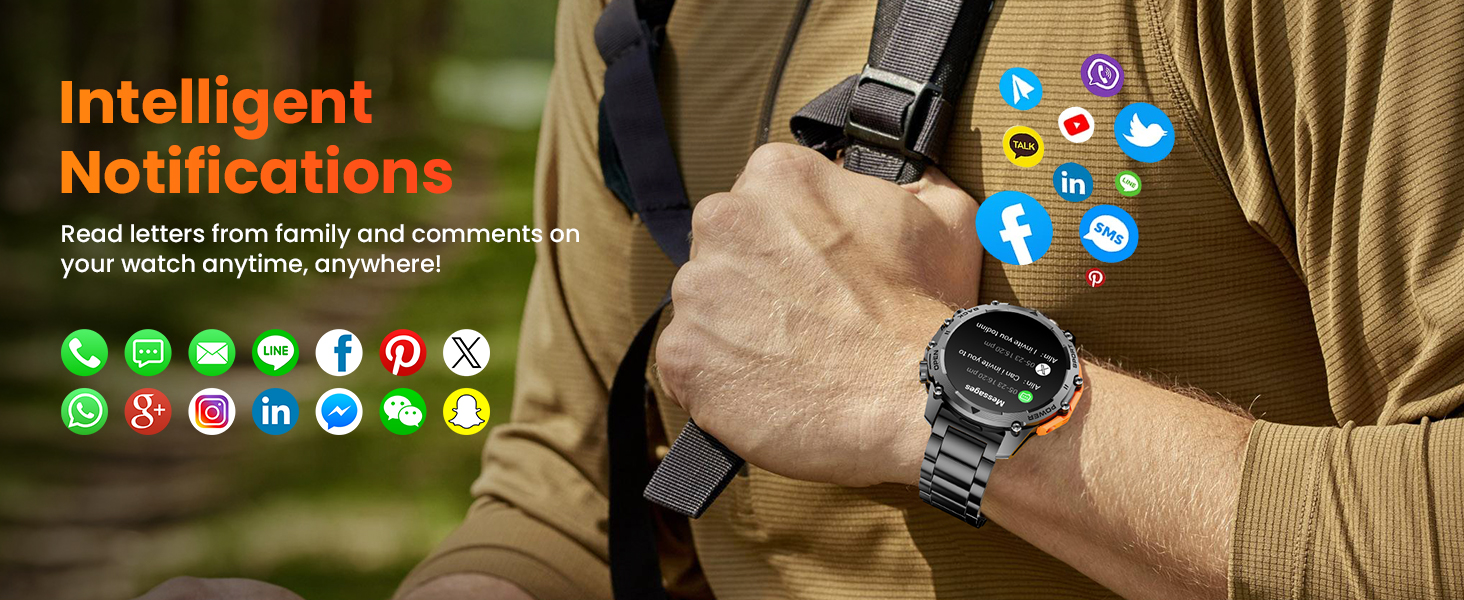
Image: The Hwagol Smart Watch showing various app notification icons, illustrating the intelligent notification feature.
4. Sport Modes
The watch supports over 100 sport modes for tracking various physical activities.
- Access the 'Sport' menu on the watch.
- Select your desired activity (e.g., running, cycling, mountaineering).
- The watch will track metrics such as steps, distance, calories burned, and heart rate during your workout.
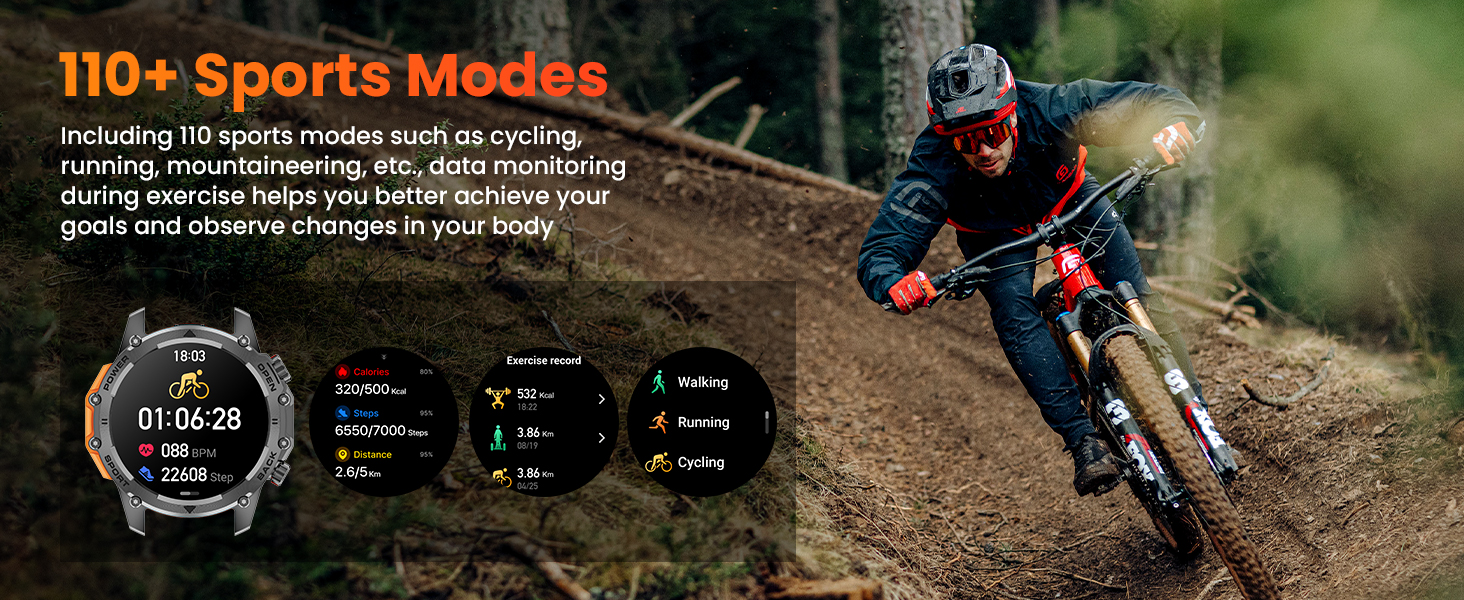
Image: The Hwagol Smart Watch displaying various sport mode icons and activity tracking data.
5. 24/7 Health Monitoring
The watch continuously monitors key health metrics.
- Heart Rate Monitor: Provides real-time heart rate data.
- Blood Oxygen Monitor (SpO2): Measures blood oxygen saturation levels.
- Sleep Quality Tracking: Monitors your sleep patterns, including deep sleep, light sleep, and wake times.
- View detailed historical data for all health metrics within the companion app.
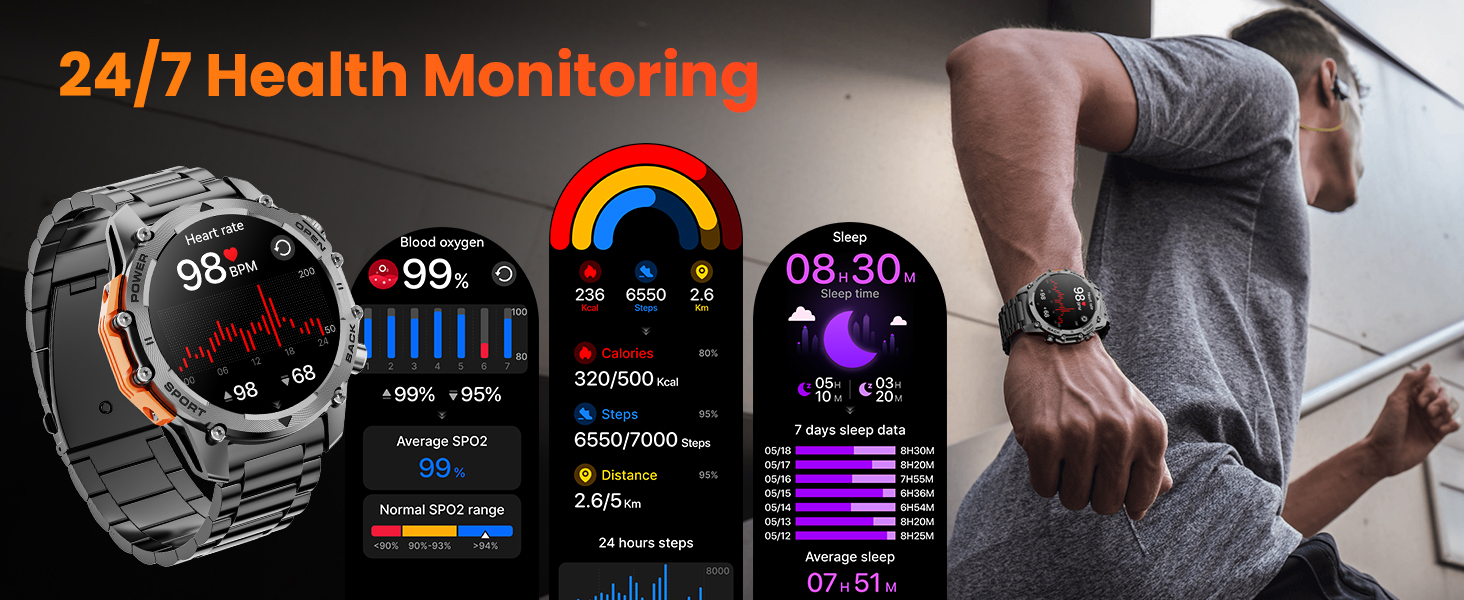
Image: The Hwagol Smart Watch displaying heart rate, blood oxygen, and sleep tracking data.
6. Flashlight
Activate the super bright flashlight feature for illumination in dark environments.
- Access the flashlight function from the quick settings menu or a dedicated app on the watch.
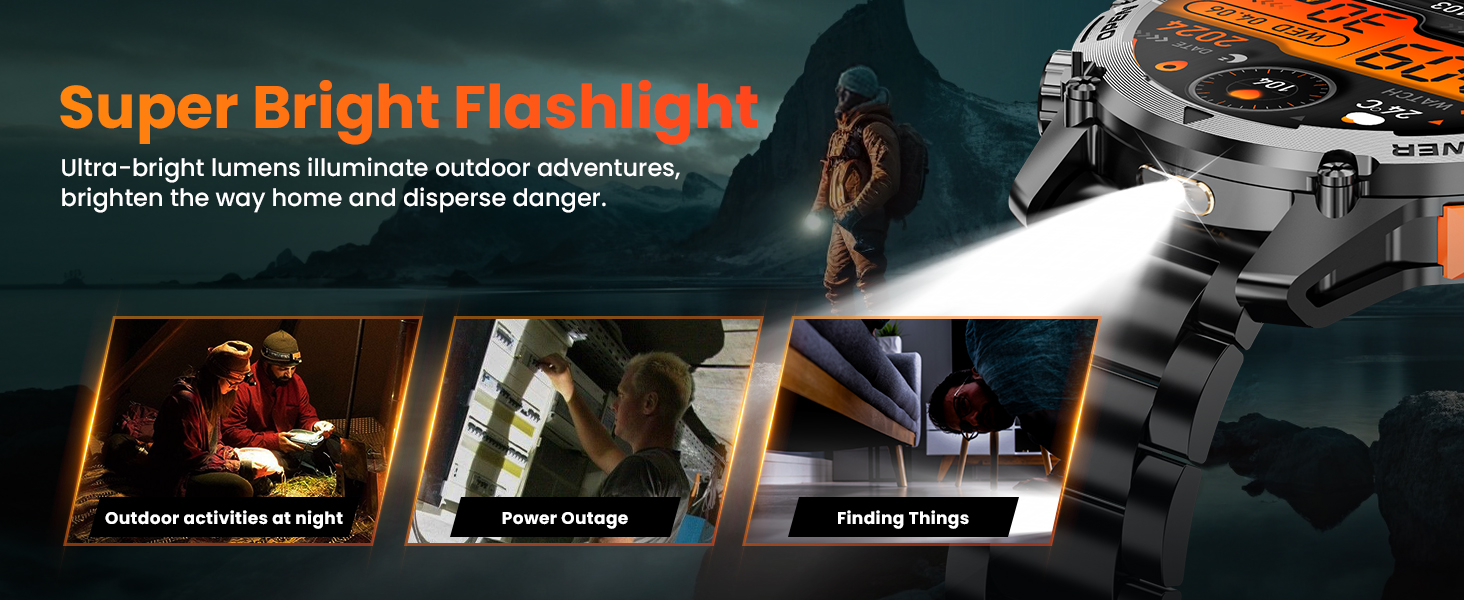
Image: The Hwagol Smart Watch with its flashlight activated, showing its utility in various scenarios.
7. Other Features
The Hwagol Smart Watch includes several additional useful functions:
- Music Player Control: Control music playback on your smartphone (play, pause, skip tracks).
- Remote Photo Taking: Use your watch as a remote shutter for your smartphone camera.
- Weather Forecast: View current weather conditions and forecasts.
- Calculator: Perform basic calculations.
- Voice Assistant: Interact with your smartphone's voice assistant.
- Alarm Clock: Set alarms directly from your watch.
- Water Drinking Reminder: Receive reminders to stay hydrated.
- Breathing Training: Guided breathing exercises for relaxation.
- Mobile Phone Search: Locate your paired smartphone by making it ring.
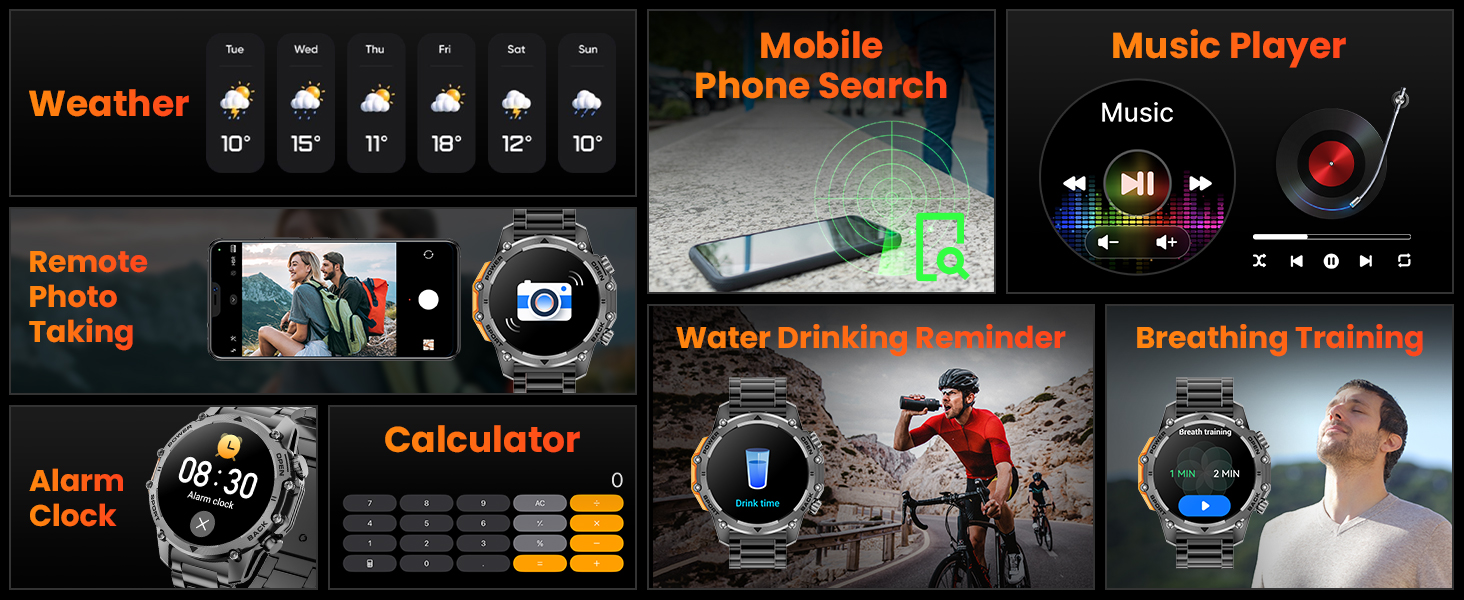
Image: A collage of the Hwagol Smart Watch's various features including weather, music control, remote camera, calculator, and health reminders.
Maintenance
1. Cleaning
Regular cleaning helps maintain the watch's appearance and functionality.
- Wipe the watch screen and body with a soft, damp, lint-free cloth.
- For silicone straps, wash with mild soap and water, then rinse thoroughly and dry.
- For metal straps, use a soft brush to remove debris from links, then wipe with a damp cloth.
- Avoid using harsh chemicals or abrasive materials.
2. Strap Replacement
The Hwagol Smart Watch comes with interchangeable straps (stainless steel and silicone) to suit different occasions.
- To remove a strap, locate the quick-release pins on the underside of the strap where it connects to the watch body.
- Slide the pin inwards to detach the strap.
- To attach a new strap, align one end of the pin with the watch lug hole, then slide the other end of the pin inwards and guide it into the opposite lug hole. Release the pin to secure the strap.

Image: The Hwagol Smart Watch with its various interchangeable straps and a tool for replacement.
3. Water Resistance
The watch is designed to be water-resistant. However, it is not suitable for deep diving or high-pressure water activities. Avoid prolonged exposure to hot water or steam.
Troubleshooting
If you encounter issues with your Hwagol Smart Watch, refer to the following common solutions:
| Issue | Possible Solution |
|---|---|
| Watch won't turn on | Ensure the watch is fully charged. Connect it to the charger for at least 30 minutes. |
| Cannot pair with smartphone | Ensure Bluetooth is enabled on your phone. Restart both the watch and phone. Make sure the watch is not already paired with another device. Try resetting the watch to factory settings. |
| Notifications not received | Check app permissions on your phone for notification access. Ensure the app is running in the background. Disable 'Do Not Disturb' mode on both devices. Verify that notifications are enabled within the watch app settings. |
| Inaccurate health data | Ensure the watch is worn snugly on your wrist, not too tight or too loose. Update your personal information (age, height, weight) in the app. Clean the sensor on the back of the watch. |
| Short battery life | Reduce screen brightness. Turn off continuous heart rate monitoring if not needed. Limit frequent use of power-intensive features like Bluetooth calling. Ensure the watch is fully charged. |
Specifications
- Model Number: 619704314148
- Brand: Hwagol
- Screen Size: 1.52 Inches
- Display Type: TFT HD, 360*360 Resolution
- Battery Capacity: 500mAh
- Battery Life: 4-6 days (heavy use), 20 days (standby)
- Connectivity: Bluetooth
- Operating System Compatibility: Android, iOS
- GPS: Via Smartphone
- Health Monitoring: Heart Rate, Blood Oxygen (SpO2), Sleep Tracking
- Sport Modes: 100+
- Durability: Military-grade (wear-resistant, shock-resistant, water-resistant, sand-resistant)
- Item Weight: 0.634 ounces
- Package Dimensions: 6.73 x 3.74 x 1.34 inches

Image: The Hwagol Smart Watch highlighting its 3-proof military-grade durability against impact, dust, high, and low temperatures.
Warranty and Support
For warranty information and customer support, please refer to the documentation included with your purchase or contact Hwagol customer service through their official website. Keep your proof of purchase for warranty claims.
- Manufacturer: Hwagol
- ASIN: B0G5MSRRTG


