
Introduction
Thank you for choosing the Aopircs F038M Rechargeable Camping Fan. This portable and versatile fan is designed to provide cooling and illumination in various outdoor and indoor settings. Featuring a long-lasting battery, multiple speed and light settings, a convenient remote control, and a robust design, it is an ideal companion for camping, travel, emergencies, and everyday use. Please read this manual carefully to ensure proper use and maintenance of your device.
What's in the Box
- Aopircs F038M Portable Fan
- USB-C Charging Cable
- Remote Control

Key Features
- Large Capacity Battery: Equipped with a rechargeable battery providing 8 to 60 hours of cooling on a single charge (depending on speed). Features universal USB-C charging and a reverse charging port for mobile devices.
- Wireless Control & Precision Airflow: Control the fan from up to 10 feet away with the included compact remote. Choose from 4 wind speed settings and 3 levels of LED lighting. Manually adjust the airflow direction with 110° left/right swivel and 145° up/down tilt.
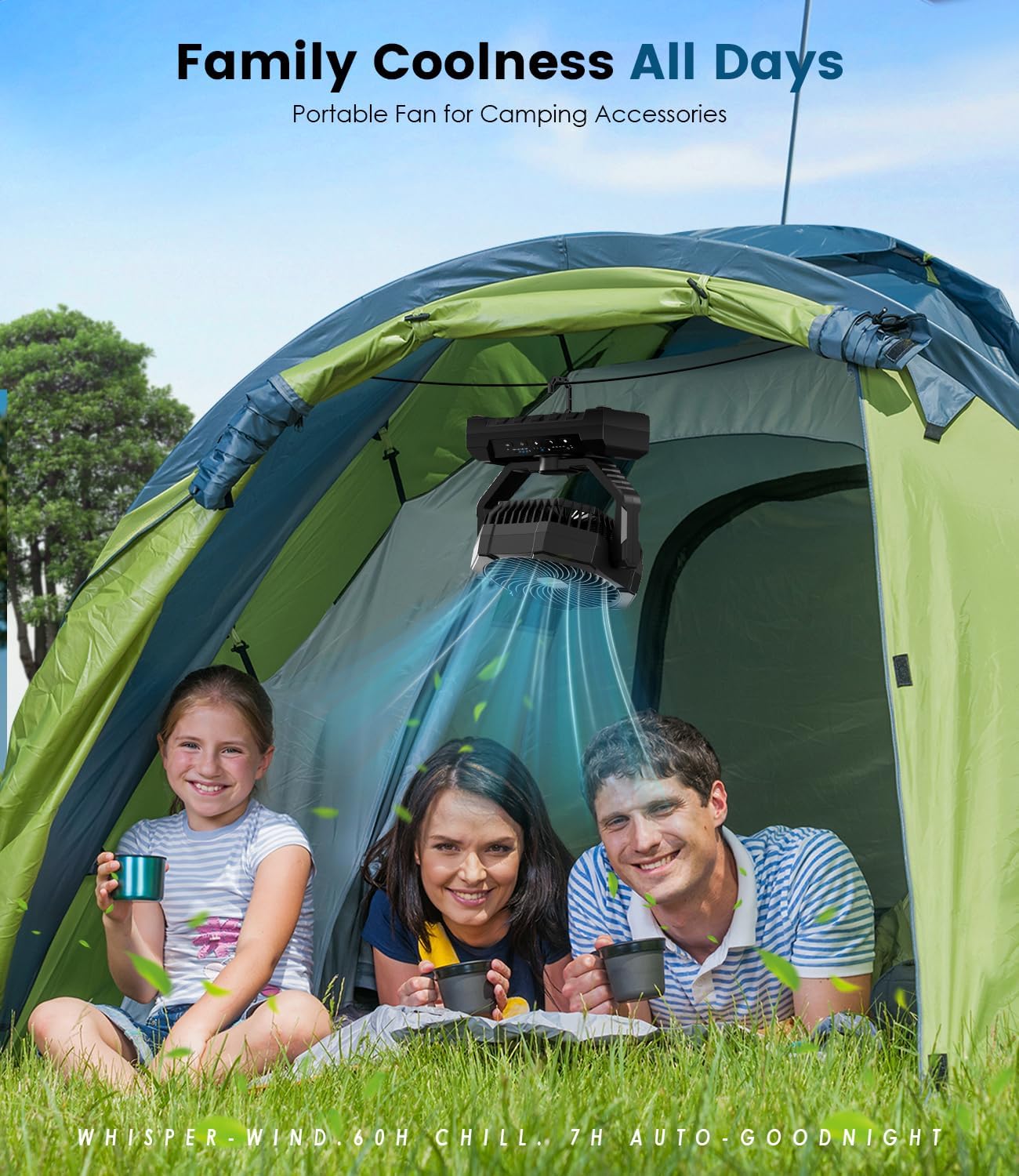
- Versatility: Rugged, portable, and powerful, suitable for RV trips, backyard BBQs, camping, beach days, patio parties, garage workshops, home gyms, office desks, greenhouses, job sites, and emergency situations.
- Natural Breeze Sleep Mode & Timer: Designed for deep rest with gently varying wind speeds and whisper-quiet operation. Includes 4 timer options (1/3/5/7 hours) for automated shut-off.
- Stability & Built-In Light: Features a weighted anti-slip base for stability on uneven surfaces. A foldable hidden hook allows for easy hanging. The LED light offers 3 brightness settings for illumination.


Setup
Initial Charging
Before first use, fully charge your Aopircs F038M fan. Connect the provided USB-C charging cable to the fan's input port and a compatible USB power adapter (not included). The battery indicator lights will show the charging progress. A full charge typically takes approximately 5 hours.

Remote Control Preparation
The remote control is ready for use upon delivery. Ensure there are no obstructions between the remote and the fan for optimal performance. The remote can be conveniently stored in the designated slot on the side of the fan's base.
Operating Instructions
Power On/Off
- On Unit: Press the power button on the fan's control panel.
- Via Remote: Press the power button (circle with a line) on the remote control.
Fan Speed Adjustment
- The fan has 4 speed settings. Press the fan speed button (fan icon) on the unit or the '+' / '-' buttons on the remote to cycle through speeds 1 to 4.
Light Control
- The built-in LED light has 3 brightness levels. Press the light button (light bulb icon) on the unit or the light buttons on the remote to adjust brightness.
Timer Function
- Set the fan to automatically turn off after 1, 3, 5, or 7 hours. Press the timer button (clock icon) on the unit or remote to select the desired duration.
Sleep Mode (Natural Breeze)
- Activate the natural breeze sleep mode by pressing the moon icon button on the unit or remote. This mode provides gentle, varying airflow for comfortable sleep.
Direction Adjustment
- Manually adjust the fan head 110° left/right and 145° up/down to direct airflow as needed.
Charging External Devices
- Connect your mobile device to the fan's USB-A output port using your device's charging cable. The fan's internal battery will act as a power bank.
Maintenance
Cleaning
- Wipe the fan's exterior with a soft, dry cloth. Do not use abrasive cleaners or immerse the unit in water.
- Ensure the fan is turned off and unplugged before cleaning.
Storage
- Store the fan in a cool, dry place away from direct sunlight and extreme temperatures.
Battery Care
- To prolong battery life, avoid completely draining the battery frequently. Recharge the fan when the battery indicator shows low power.
Troubleshooting
- Fan not turning on: Ensure the battery is charged. Connect the fan to a power source and try again.
- Remote control not working: Check if there are any obstructions between the remote and the fan. Ensure the remote's battery is functional.
- Light not working: Verify that the light function is activated and adjust brightness levels.
- Fan not charging external devices: Ensure the fan has sufficient battery charge. Check the connection of the USB cable to both the fan and the external device.
Specifications
| Brand | Aopircs |
| Model Name | F038M |
| Color | Black |
| Power Source | Battery Powered |
| Product Dimensions | 3.65"D x 8.5"W x 9.8"H |
| Item Weight | 1.7 Pounds |
| Number of Speeds | 4 |
| Noise Level | 35 Decibels |
| Wattage | 10 watts |
| Voltage | 5 Volts |
| Material | Acrylonitrile Butadiene Styrene |
| UPC | 739614850069 |
Warranty and Support
The Aopircs F038M Rechargeable Camping Fan comes with a 1-year warranty. Your satisfaction is our priority. If you have any questions or concerns about this product, please contact us. We are committed to responding quickly within 24 hours to address any related inquiries.