
1. Introduction
Thank you for choosing the BARWING Foldable Incline Walking Pad Treadmill, Model TM-016. This manual provides essential information for the safe and effective use, assembly, operation, and maintenance of your new fitness equipment. Please read this manual thoroughly before initial use and retain it for future reference.
2. Safety Information
WARNING: Read the user's manual carefully before using this product. Keep children away from the treadmill during operation.
- Ensure the treadmill is placed on a flat, stable surface.
- Always use the safety key when operating the treadmill.
- Do not use a socket without an earth connection. This equipment must be earthed.
- Stand on the side rails before starting the unit.
- Remove the safety key when the unit is not in use to prevent accidental startup.
- Maximum user weight capacity: 330 lbs (150 kg).
- Consult a physician before starting any new exercise program.
3. What's in the Box
Upon unpacking, please verify that all components are present:
- BARWING Foldable Incline Walking Pad Treadmill (Main Unit)
- User Manual
- Lubricant
- Tool Kit
4. Setup
The BARWING TM-016 treadmill arrives mostly pre-assembled for quick setup.
- Unpacking: Carefully remove the treadmill and all accessories from the packaging.
- Unfolding: Gently lift the handlebar assembly until it locks into the upright position. Secure it using the provided knobs.
- Adjusting the Desk/Handlebar: The integrated desk can be adjusted to your preferred height. Ensure it is securely fastened before use.
- Power Connection: Plug the power cord into a grounded electrical outlet.
- Safety Key: Attach the safety key to the designated slot on the console. The treadmill will not operate without the safety key in place.

Image: The BARWING treadmill in its unfolded, ready-to-use configuration, showcasing the control panel and integrated desk.
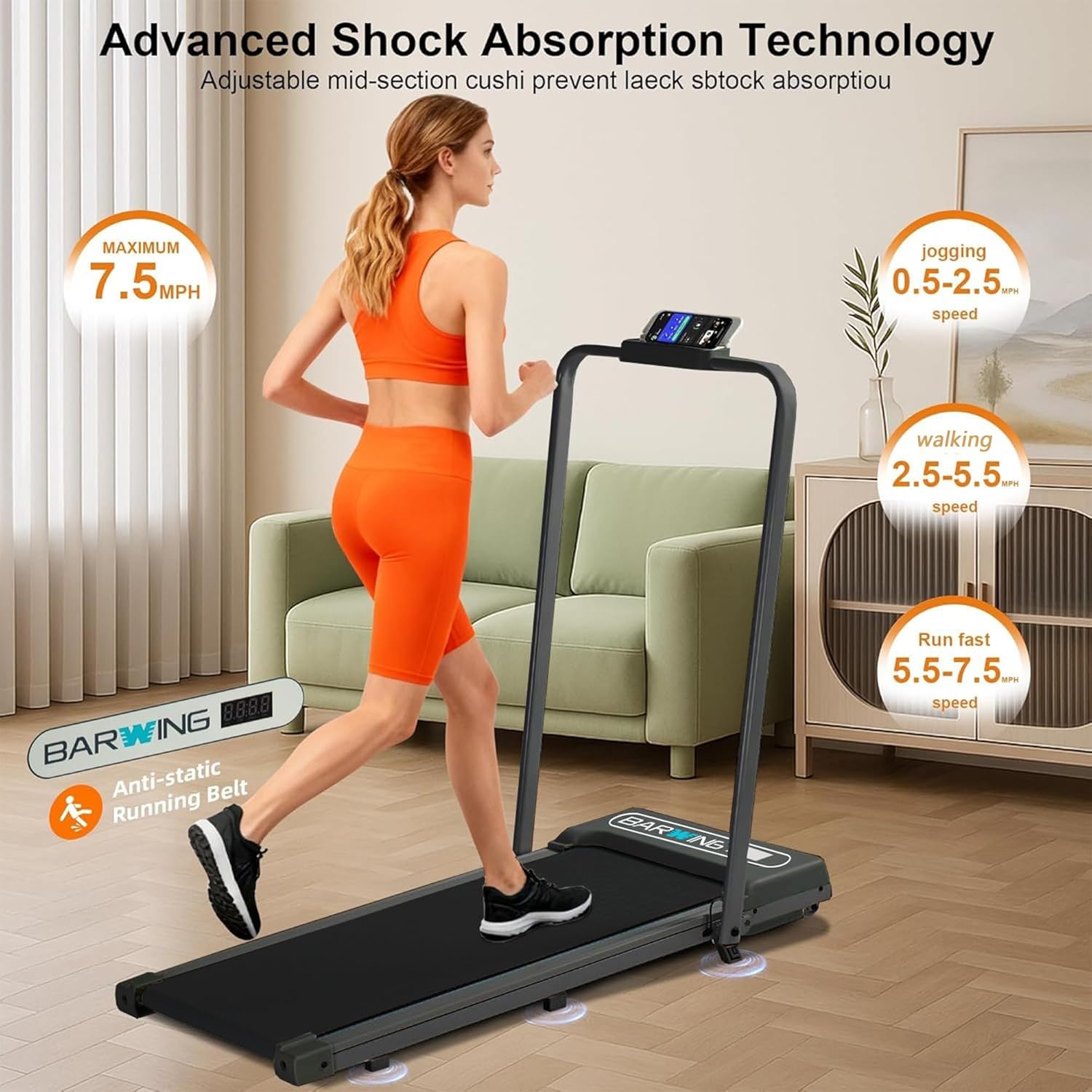
Image: Illustration of the treadmill's foldable design and built-in transport wheels for easy storage and portability.
5. Operating Instructions
Familiarize yourself with the control panel and remote before beginning your workout.
5.1. Power On/Off
- To power on, ensure the safety key is inserted and press the 'Start' button on the console or remote.
- To power off, press the 'Stop' button or remove the safety key.
5.2. Adjusting Speed
The treadmill offers a speed range from 0.5 to 7.5 MPH, adjustable in 0.1 MPH increments.
- Use the '+' and '-' buttons on the remote control or console to increase or decrease speed.
- Hold the '+' or '-' button for faster adjustments.
5.3. Manual Incline
The treadmill features an 8% manual incline (3.9" lift) to enhance your workout intensity.
- To engage the incline, lift the rear of the treadmill and pull out the orange support feet located at the back. Ensure both feet are securely extended.
- To disengage, push the support feet back into their stored position.
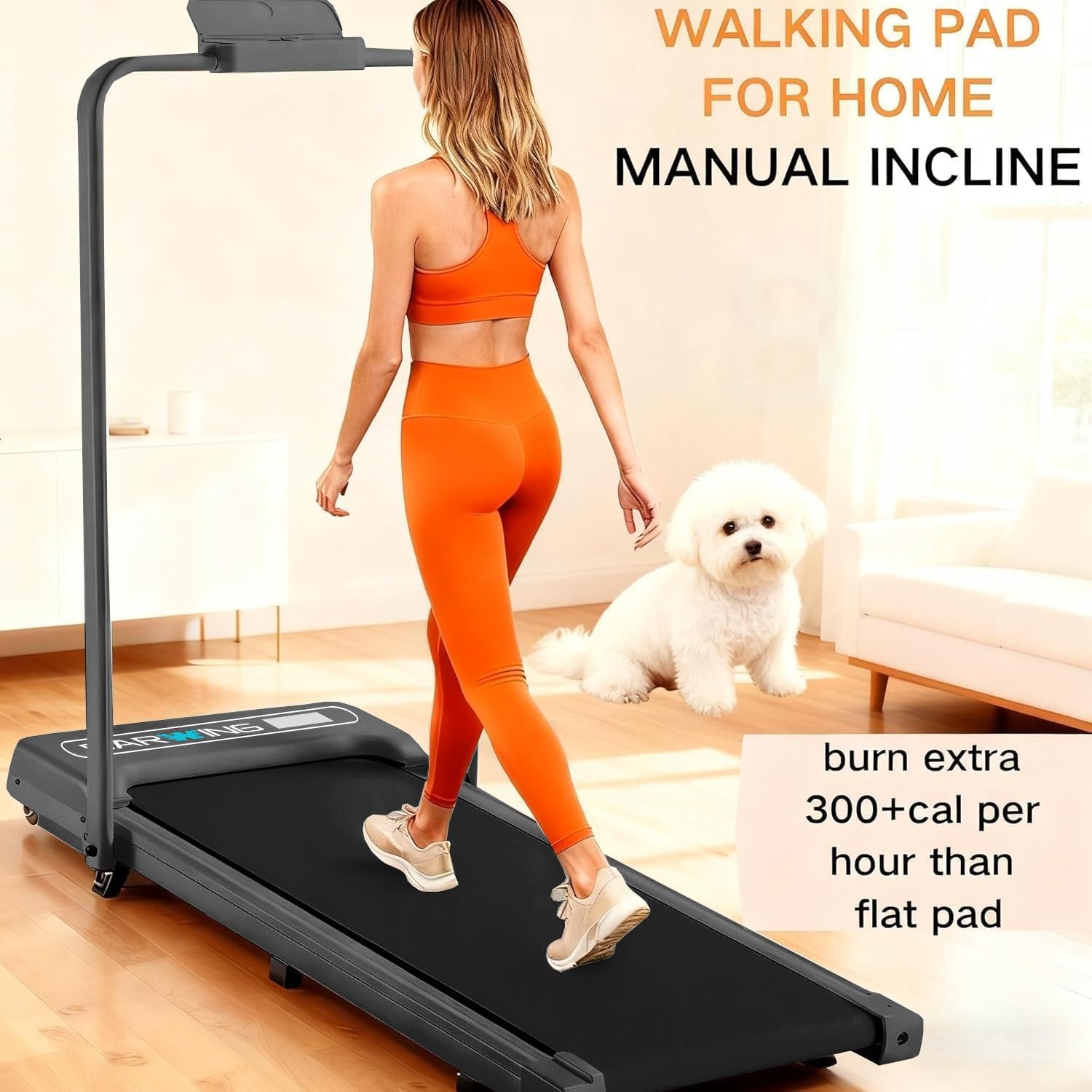
Image: The treadmill with its manual incline feature engaged, demonstrating the elevated running surface.
5.4. App Connectivity
Connect your treadmill to compatible fitness apps for interactive workouts and real-time data tracking.
- Download and install supported apps such as Kinomap, Zwift, or Fitshow on your smartphone or tablet.
- Follow the app's instructions to pair it with your BARWING treadmill via Bluetooth.
- Track metrics like calories burned, heart rate, speed, and time, and explore virtual outdoor routes.
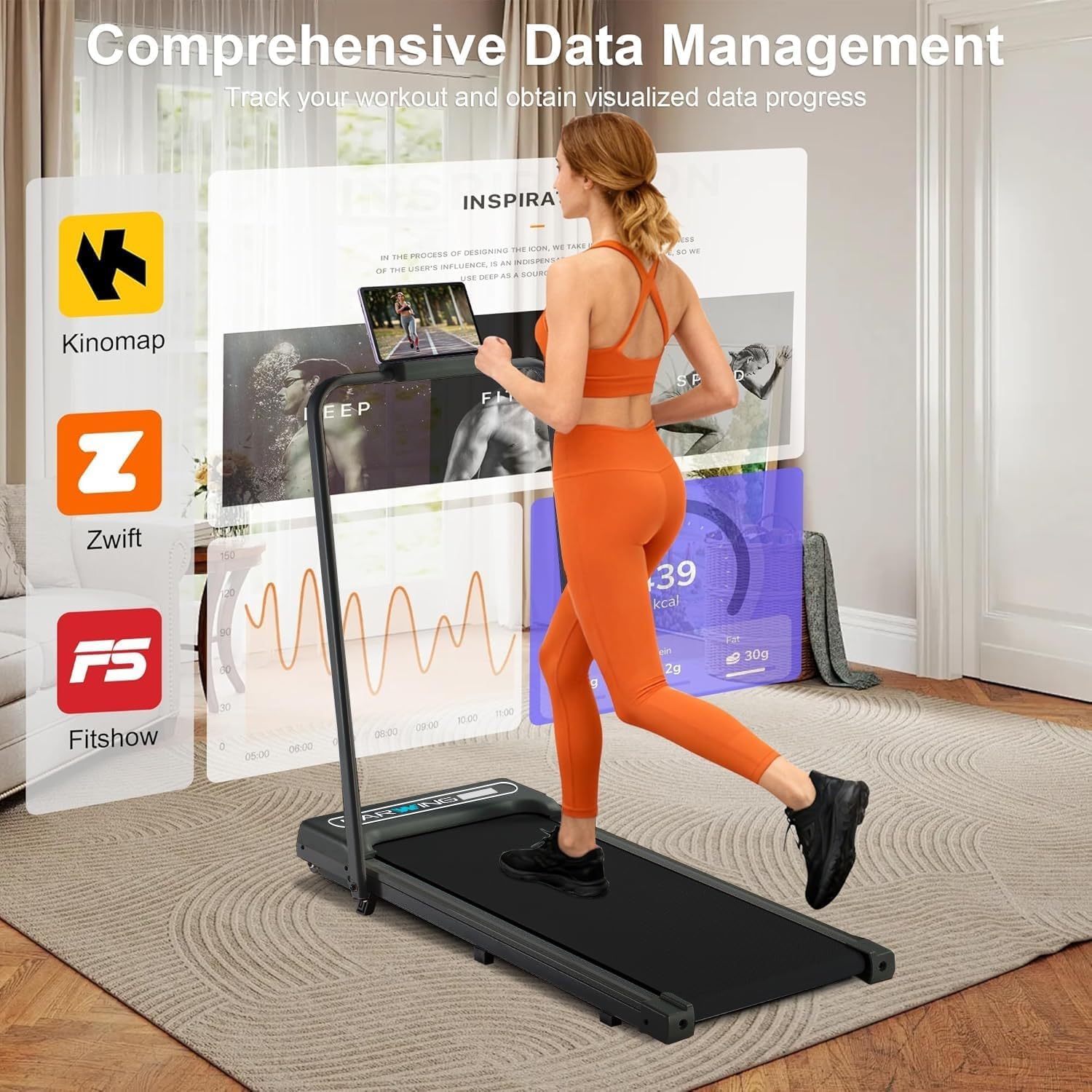
Image: The treadmill's display showing integration with popular fitness applications like Kinomap, Zwift, and Fitshow for enhanced workout experiences.
5.5. Quiet Brushless Motor
The treadmill is equipped with a 3.0HP brushless motor designed for powerful yet quiet operation (under 45 dB), making it suitable for home or office use without significant disturbance.

Image: An internal view highlighting the 3.0HP brushless motor, emphasizing its quiet operation and powerful performance.
6. Maintenance
Regular maintenance ensures the longevity and optimal performance of your treadmill.
- Lubrication: Apply the provided lubricant under the running belt every 3-6 months, or after approximately 50 miles of use, to reduce friction and wear. Refer to the specific instructions in the lubricant packaging.
- Belt Adjustment: Use the tools from the included kit to adjust the running belt tension and alignment as needed. Ensure the belt is centered and not too tight or too loose.
- Cleaning: Wipe down the treadmill surfaces with a damp cloth after each use. Avoid using abrasive cleaners.
7. Troubleshooting
If you encounter any issues, please refer to the following common solutions:
- Treadmill not starting: Ensure the power cord is securely plugged in, the main power switch is on, and the safety key is correctly inserted.
- Belt slipping: The running belt may need tension adjustment. Refer to the 'Belt Adjustment' section in this manual.
- Unusual noise: Check for any loose parts or foreign objects under the belt. Lubrication may also be required.
- App connectivity issues: Ensure Bluetooth is enabled on your device and the treadmill, and that the app is up to date.
For persistent issues, please contact BARWING customer support.
8. Specifications
| Feature | Specification |
|---|---|
| Brand | BARWING |
| Model Name | TM-016 |
| Color | Full black |
| Product Dimensions (D x W x H) | 47"D x 18.2"W x 44"H |
| Folded Size | 47" x 18.2" x 2.4" |
| Item Weight | 40 Pounds |
| Material | Alloy Steel |
| Maximum Speed | 7.5 Miles per Hour |
| Maximum Horsepower | 3 Horsepower |
| Maximum Incline Percentage | 8% (Manual) |
| Maximum Weight Recommendation | 330 Pounds |
| Power Source | Corded Electric |
| Connectivity Technology | App connectivity |
| Metrics Measured | Calories Burned, Heart Rate, Speed, Time |
| Assembly Required | Yes |
9. Warranty and Support
The BARWING Foldable Incline Walking Pad Treadmill (Model TM-016) comes with a 1-year warranty from the date of purchase. This warranty covers manufacturing defects under normal use conditions.
For warranty claims, technical support, or any questions regarding your product, please contact BARWING customer service through their official website or the retailer where the product was purchased. Please have your model number (TM-016) and proof of purchase ready.