
Product Overview
This 5V 1A DC power supply adapter is designed for wide application across multiple electronic devices. It provides a stable 5V 1A output, suitable for security cameras, monitors, TV boxes, speakers, audio/video equipment, and digital picture frames. The adapter includes 8 interchangeable tips, ensuring compatibility with various devices without the need for soldering. Its universal input range supports global voltage standards (AC 100-240V), making it ideal for home, office, or travel use. Built-in safety protections and durable fireproof materials ensure reliable and safe performance.
Package Contents
Verify that all items listed below are included in your package:
- 1 x AC/DC 5V 1A Power Adapter
- 8 x Interchangeable Tips

The package includes the main power adapter and a set of 8 interchangeable tips for various devices.
Specifications
| Feature | Detail |
|---|---|
| Input Voltage | AC 100–240V, 50/60Hz |
| Output Voltage/Current | DC 5V 1A (Max 5W) |
| Polarity | Center Positive (+) |
| Connector Type | Barrel type with 8 interchangeable tips |
| Included Tips | I:2.5*0.7mm, L:3.0*1.1mm, H:3.5*1.35mm, G:4.0*1.7mm, C:5.5*2.5mm, F:4.8*1.7mm, S:Micro USB, Green: LED Terminal Connector |
| Safety Protection | Over-voltage, short circuit, internal overheating |
| Material | High-quality fireproof shell with copper wire core |
| Compatible Devices | Security cameras, baby monitors, TV boxes, speakers, audio/video devices, digital picture frames |
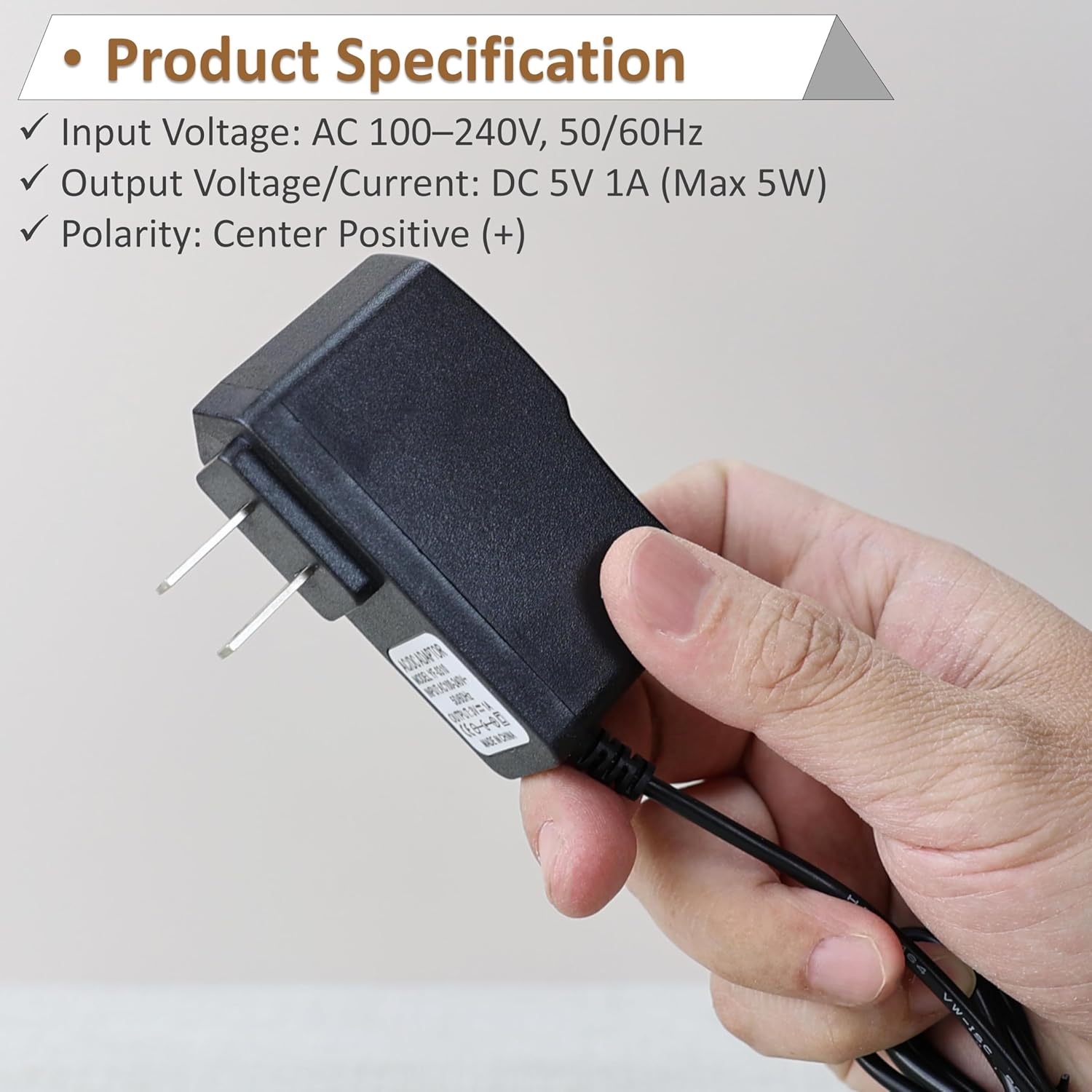
Detailed product specifications including input, output, and polarity are shown.
Setup and Connection
Follow these steps to connect your power adapter to your device:
- Identify Device Requirements: Determine the correct voltage (5V) and current (1A or less) required by your device. Ensure your device uses a center positive polarity.
- Select the Correct Tip: Choose one of the 8 interchangeable tips that matches the power input port of your device. Refer to the tip codes provided in the specifications section and the visual guide below.

A visual guide to the multi-tip versatility, showing each tip and its corresponding size/type.
- Attach the Tip: Firmly connect the selected tip to the output cable of the 5V 1A power adapter.

Demonstration of how to attach an interchangeable tip to the adapter cable.
- Connect to Device: Insert the attached tip into your device's power input port.
- Plug into Power Outlet: Plug the AC/DC power adapter into a standard AC 100-240V wall outlet.

Visual guide for connector size and center positive polarity marking.
Operating Instructions
Once connected, the power adapter will supply stable 5V DC power to your device. Ensure the adapter is securely plugged into both the wall outlet and your device. The adapter is designed for continuous operation within its specified voltage and current limits.
Safety Information and Protection Features
This power adapter incorporates multiple safety features to protect your devices and ensure safe operation:
- Over-voltage Protection: Prevents damage from excessive voltage.
- Short Circuit Protection: Automatically shuts off power in case of a short circuit.
- Internal Overheating Protection: Guards against overheating to maintain stable performance.
Always use the adapter in a well-ventilated area and avoid covering it during operation. Do not expose the adapter to water or extreme temperatures.
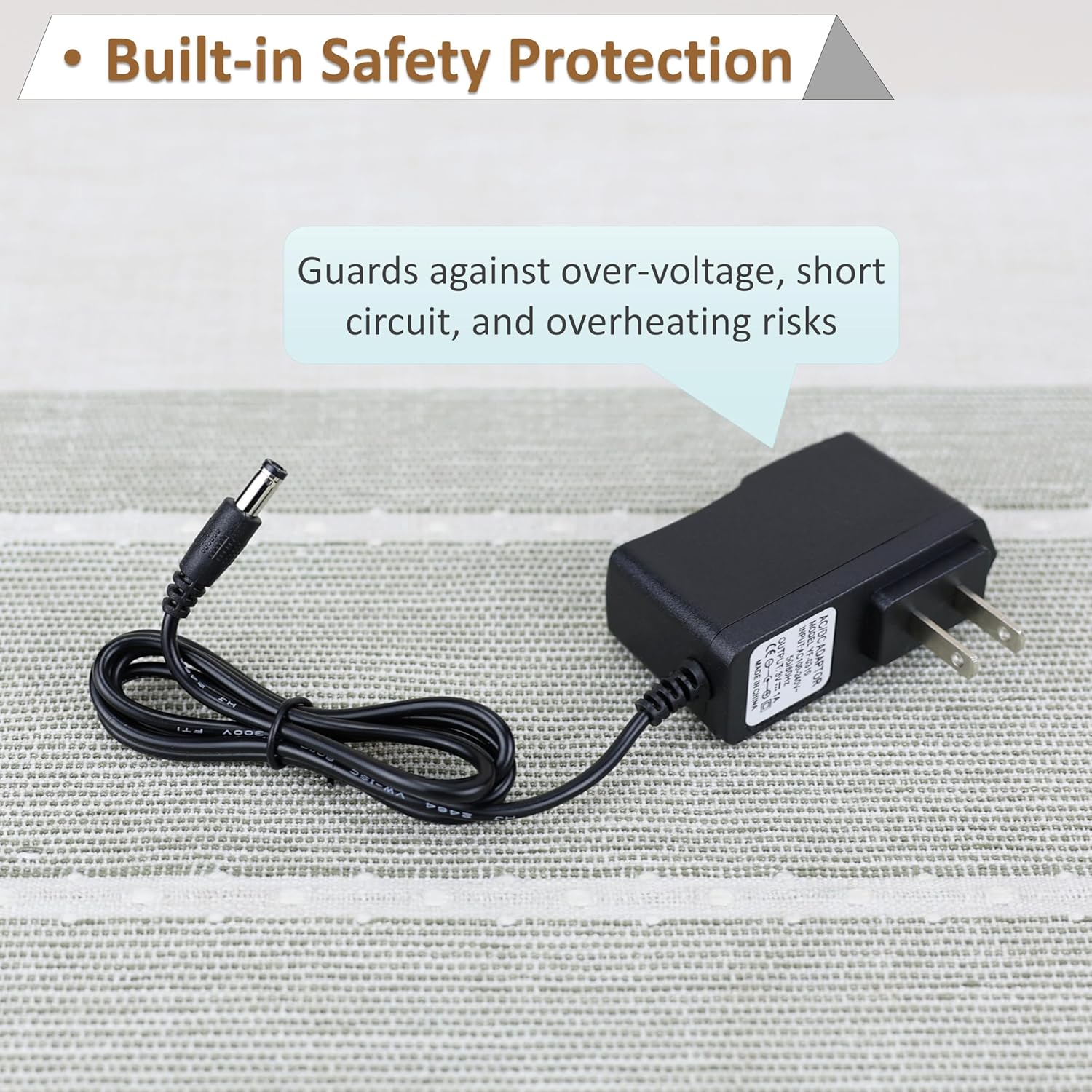
The adapter includes built-in safety protections against common electrical hazards.
Maintenance
To ensure the longevity and optimal performance of your power adapter:
- Keep the adapter clean and free from dust. Use a dry, soft cloth for cleaning.
- Avoid bending or crimping the power cord excessively.
- Store the adapter in a cool, dry place when not in use.
- Regularly check the tips and cable for any signs of wear or damage.
Troubleshooting
- No Power Output:
- Ensure the adapter is firmly plugged into a working wall outlet.
- Verify that the correct tip is securely attached to the adapter cable and fully inserted into your device's power port.
- Check if your device requires 5V 1A power and center positive polarity.
- Device Not Charging/Working Properly:
- Confirm that the selected tip is the correct size and type for your device.
- Ensure your device's power requirements (voltage and current) do not exceed the adapter's specifications (5V 1A).
- Try using the adapter with another compatible device to rule out an issue with the adapter itself.
- Adapter Overheating:
- Unplug the adapter immediately.
- Ensure the adapter is not covered and is in a well-ventilated area.
- Verify that the connected device's power consumption does not exceed 5W (5V 1A).
Product Dimensions
The physical dimensions of the power adapter are as follows:
- Front View: Approximately 3.0 inches (height) x 1.1 inches (width)
- Side View: Approximately 3.0 inches (height) x 2.6 inches (depth)
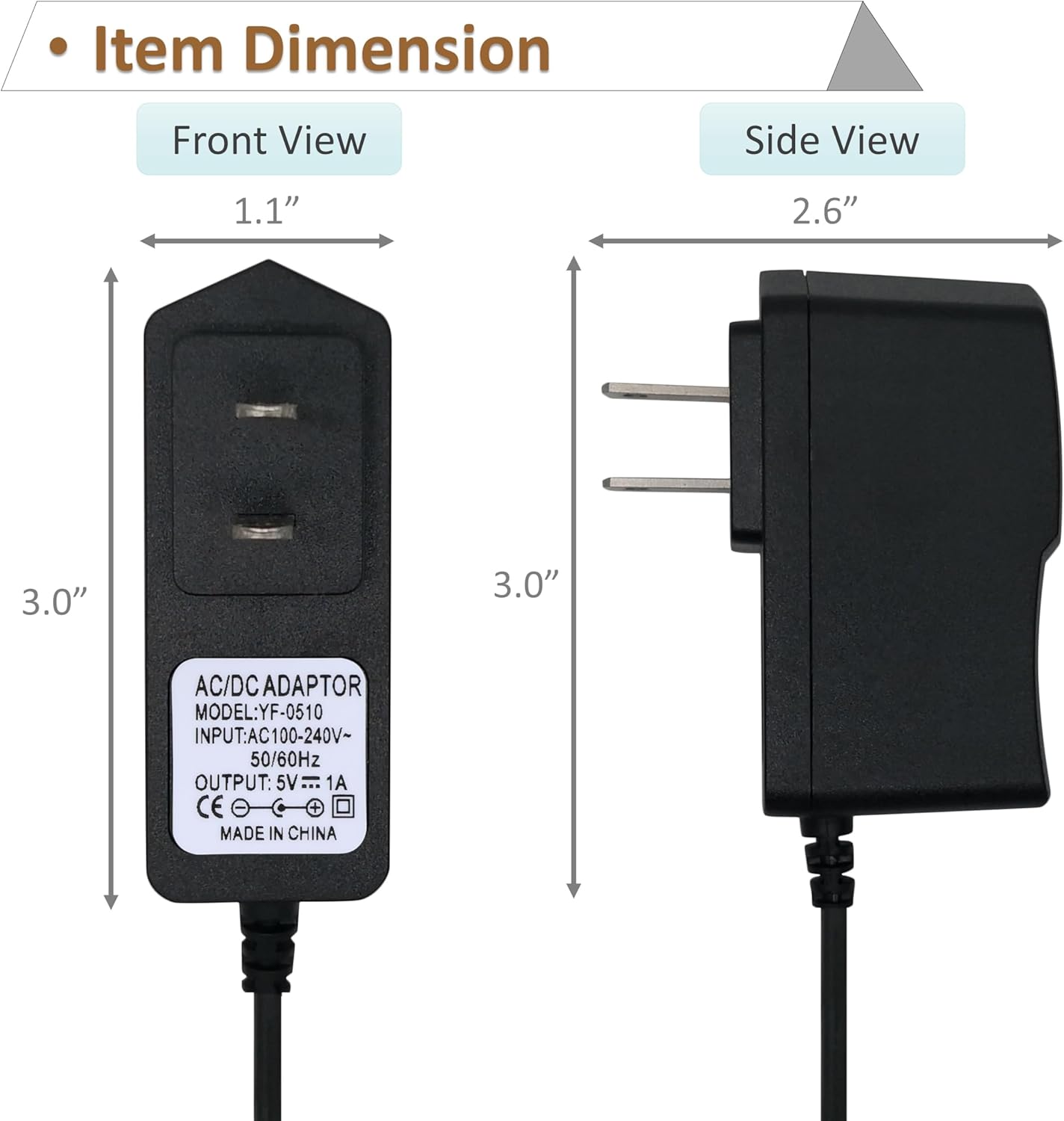
Front and side dimensions of the power adapter.
Warranty Information
This product comes with a 1 Year Manufacturer Warranty. Please retain your proof of purchase for warranty claims. The warranty covers defects in materials and workmanship under normal use. It does not cover damage caused by misuse, accident, unauthorized modification, or external causes.
Customer Support
For technical assistance, troubleshooting not covered in this manual, or warranty inquiries, please contact the manufacturer or your retailer. Refer to your purchase documentation for specific contact details.