
1. Introduction
This manual provides essential information for the safe and efficient operation of your Aigerri UV Reverse Osmosis Water Filter Countertop System. Please read these instructions thoroughly before initial use and retain them for future reference.
Package Contents:
- Reverse Osmosis System Countertop (1 unit)
- PPC Filter (1 unit)
- RO Filter (1 unit)
- User Manual (1 unit)
2. Safety Information
Always adhere to basic safety precautions when operating electrical appliances. Ensure the unit is placed on a stable, level surface. Do not immerse the unit in water. Keep out of reach of children. Use only with potable tap water. Unplug the unit before cleaning or maintenance.
3. Product Overview
The Aigerri UV Reverse Osmosis Water Filter is a compact, no-installation countertop system designed to provide purified drinking water. It features a multi-stage filtration process including Reverse Osmosis (RO) and UV-LED sterilization.

Figure 1: Aigerri UV Reverse Osmosis Water Filter Countertop System, showcasing its sleek design and water dispensing.
Key Features:
- Advanced 5-Stage Reverse Osmosis Filtration: Certified by NSF/ANSI 58, this system effectively removes heavy metals, chlorine, and suspended particles.
- UV-LED Deep Ultraviolet Sterilization: Eradicates 99.99% of microorganisms, bacteria, and viruses for laboratory-grade water safety.
- Efficient 5:1 Pure to Drain Ratio: Minimizes water waste, producing 5 gallons of purified water for every 1 gallon wasted.
- 5L Raw Water Tank & 2L Purified Water Reservoir: Large capacity to meet daily household needs.
- Plug-And-Play Convenience: Requires zero installation; simply plug in and use.
- User-Friendly Interface: Features an LED display for easy operation and monitoring.
- Compact & Portable Design: Suitable for various locations including kitchens, offices, and RVs.
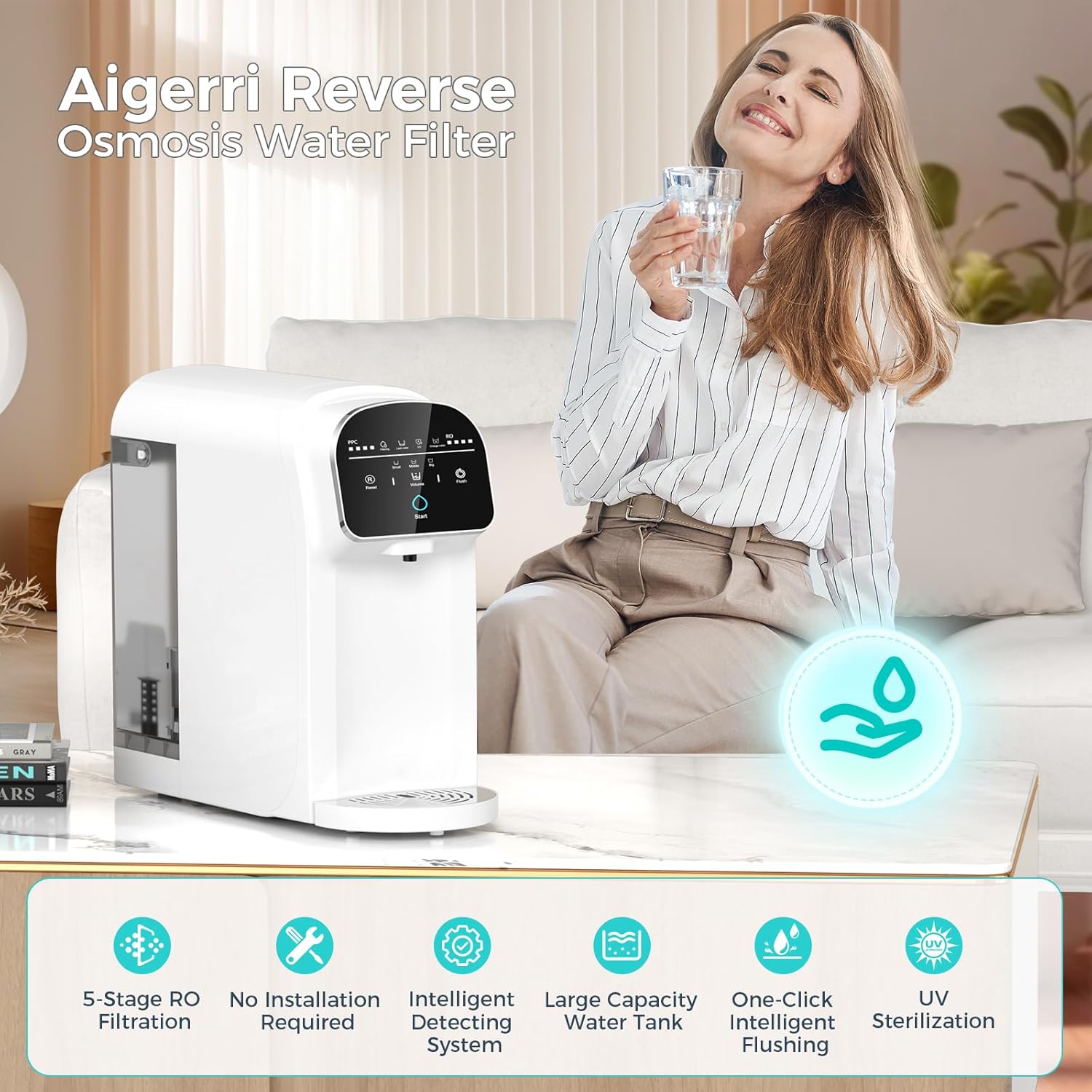
Figure 2: Overview of the Aigerri Reverse Osmosis Water Filter, emphasizing its 5-stage RO filtration, no installation, intelligent detecting system, large capacity, one-click intelligent flushing, and UV sterilization.
4. Setup
- Unpack the Unit: Carefully remove the water filter system and all accessories from its packaging.
- Place the Unit: Position the system on a stable, flat surface. Ensure adequate vertical clearance (at least 22 inches) if placing under cabinets.
- Connect Power: Plug the power cord into a suitable electrical outlet. The display will light up and flash twice, and the buzzer will beep twice.
- Fill the Raw Water Tank:
- Open the top cover of the unit.
- Remove the original raw water tank by lifting it out.
- Fill the tank with tap water. Ensure the water level does not exceed the 'MAX' line. (Attention: Tap water TDS should be less than 500PPM).
- Place the filled raw water tank back into the unit, ensuring it is well-placed and the gap faces inward. Fasten the tank cover.
- Initial Flushing (First Use Only):
- After filling the tank, press the 'Start' button to activate the display.
- Press and hold the 'Flush' button for 5 seconds. The system will automatically flush for 2 minutes. The 'Flush' text and icon will flash white during this process.
- During flushing, lightly touch the 'Flush' button to stop the flushing function if needed.
- Empty the flushed water from the purified water reservoir and discard the water from the raw water tank.
- Repeat the filling and flushing process 3-5 times to thoroughly clean the filter elements and water routes. Replace the new water source after each completion.
Video 1: Official Aigerri product video demonstrating the setup and basic operation of the countertop water filter.
5. Operating Instructions
Dispensing Water:
- Ensure the raw water tank is filled with tap water.
- Place your cup on the drip tray.
- Press the 'Start' button to activate the display.
- Select the desired water volume (Small, Middle, Big) by pressing the 'Volume' button.
- Press the 'Start' button again to begin dispensing purified water. The 'Start' button will be steady white during water output.
- The system will automatically stop dispensing once the selected volume is reached.

Figure 3: Detailed view of the user-friendly interface with controls for volume, flush, and filter life indicators.
Indicator Lights:
The LED display provides real-time status updates:
- Filtering: Light up when the machine is making water.
- UV: Light up when UV sterilization is active.
- Change Water: Flashes white when the raw water tank is low. Check the water level and refill.
- Lack Water: Flashes white when the pure water tank is short of water. Wait for the machine to make water.
- All lights above the light bar: Flash when the machine enters protection mode. Refer to the instruction manual for details.
6. Maintenance
Regular Flushing:
It is recommended to flush the system once a week to maintain optimal performance and cleanliness. Follow the initial flushing steps outlined in Section 4.
Filter Replacement:
The system features PPC and RO composite filter cartridges. The LED display will indicate when it's time to replace the filters. A single set provides 2,000 liters of purified water, covering annual household needs.
- Remove the original raw water tank.
- Lift the filter element from the bottom.
- According to the open/close mark, turn to 'open' to remove the old filter element.
- Replace with a new filter element and screw it on along the 'close' direction until the alignment points on the filter and the filter base match.
- Perform initial flushing steps after replacing filters.

Figure 4: Illustration of the 5-stage filtration process, including Pre-filter, PP Sediment, Activated Carbon Filter, RO Reverse Osmosis System Filter, and UV Light.
7. Troubleshooting
- No Water Dispensing: Check power connection, ensure raw water tank is filled, and purified water reservoir is not full. Check for 'Lack Water' indicator.
- Slow Water Flow: Filters may be clogged or nearing end of life. Check filter indicators and replace if necessary. Perform a flush cycle.
- Unusual Taste/Odor: Perform multiple flush cycles. If the issue persists, replace filters.
- Error Lights Flashing: Refer to the 'Indicator Lights Quick Start Guide' on the unit or consult the full instruction manual for specific error codes and solutions.
8. Specifications
| Attribute | Value |
|---|---|
| Model Name | Aigerri-WP529 |
| Product Dimensions | 16.4"L x 7.36"W x 16.2"H |
| Item Weight | 7.62 Kilograms (16.8 Pounds) |
| Installation Type | Countertop |
| Power Source | Corded Electric |
| Supported Water TDS Level Maximum | 300 PPM |
| Special Features | Change Filter Indicator, LED Display, Portable, Reduce TDS, Self Cleaning |
| Manufacturer | Aigerri |
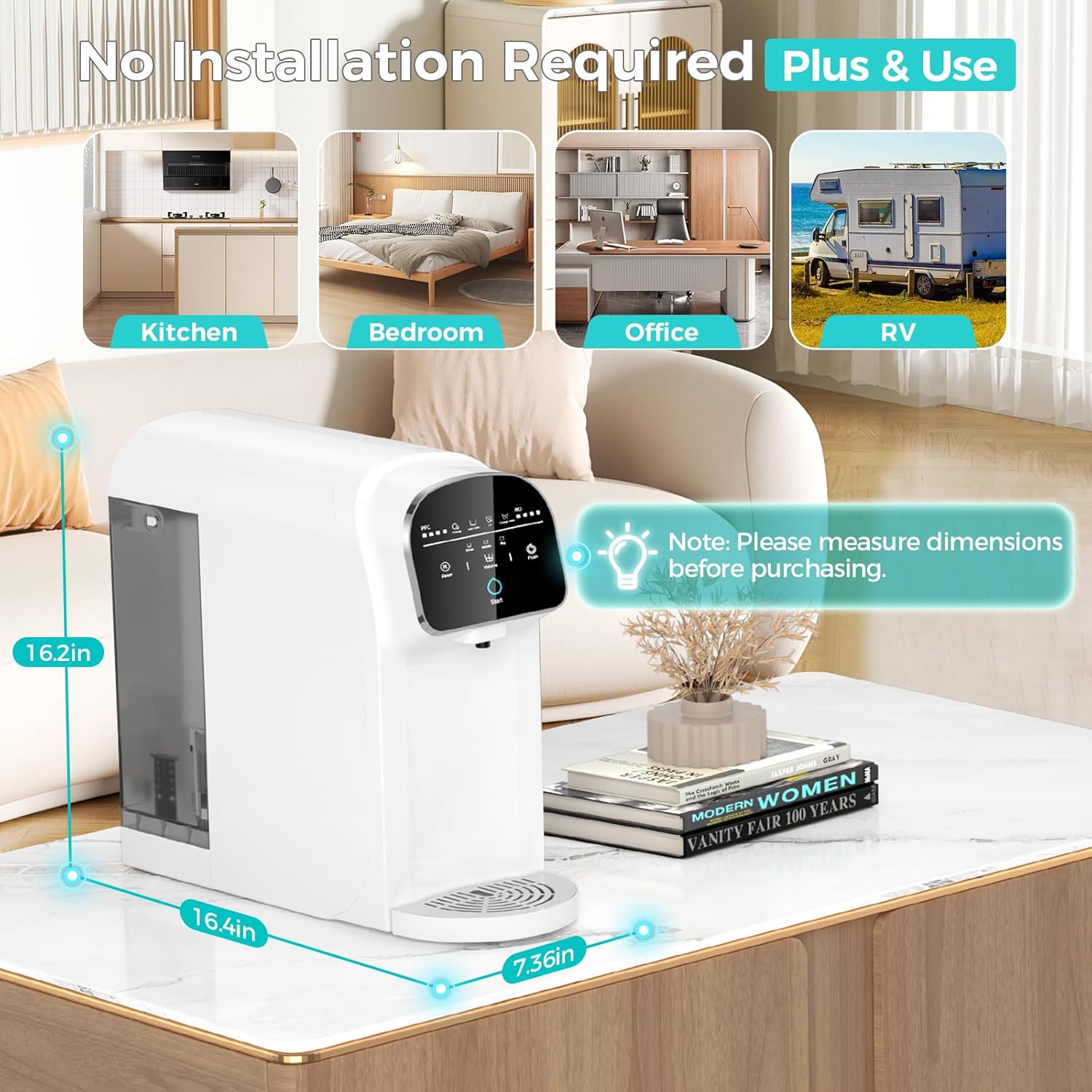
Figure 5: Product dimensions for proper placement and clearance.
9. Warranty and Support
The Aigerri UV Reverse Osmosis Water Filter Countertop System comes with a 1-year warranty. For any inquiries or assistance, Aigerri provides lifetime phone support and 24/7 email support.
Please refer to the contact information provided in your original purchase documentation for support details.

Figure 6: Information on product certifications and customer support availability.