
Introduction
The Philips Sonicare 5900 Series Electric Toothbrush is designed to provide an advanced cleaning experience, promoting healthier gums and effective plaque removal. This manual provides essential information for the proper setup, operation, and maintenance of your new electric toothbrush.

Figure 1: Next-Generation Sonicare Technology for gentle yet effective cleaning.
Featuring Next-Generation Sonicare Technology, the motor automatically adjusts power to maintain consistent performance, even in hard-to-reach areas. Sonicare Fluid Action supports bristles by driving fluid deep between teeth and along the gumline, ensuring a thorough clean.

Figure 2: Sonicare Fluid Action for deep cleaning.

Figure 3: The C3 Two-in-one brush head is designed for effective plaque removal.
Package Contents
Your Philips Sonicare 5900 Series Electric Toothbrush package includes the following items:
- 1x Philips Sonicare 5900 Series electric toothbrush handle
- 2x C3 Two-in-one brush heads
- 1x USB-A charging stand (power adapter not included)
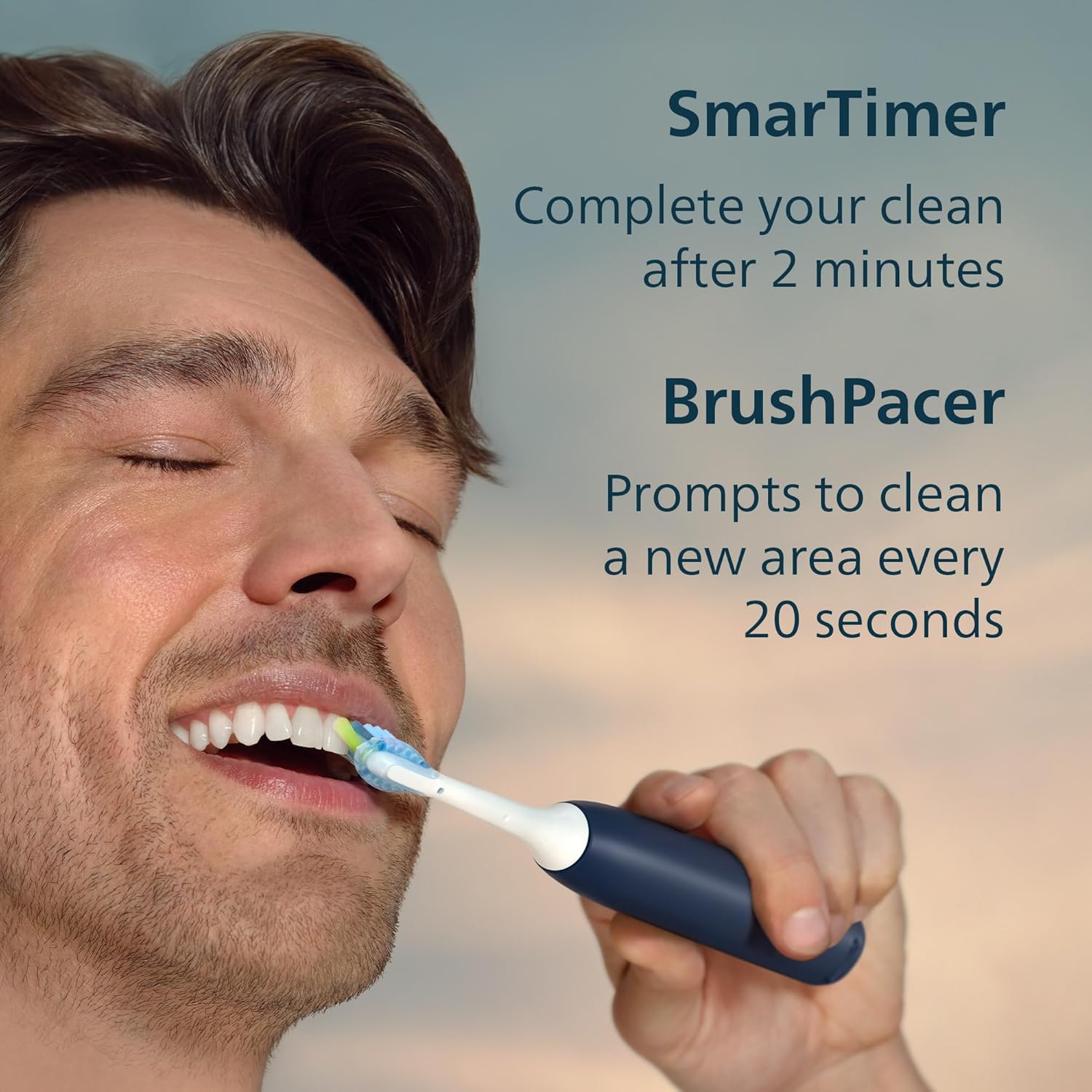
Figure 4: Included items in the Philips Sonicare 5900 Series package.
Setup
1. Charging the Toothbrush
- Connect the USB-A charging stand to a compatible power adapter (not included) and plug it into a power outlet.
- Place the Philips Sonicare toothbrush handle onto the charging stand.
- The battery indicator lights on the handle will illuminate to show charging progress. A full charge provides up to 21 days of regular brushing.
2. Attaching the Brush Head
- Align the brush head with the metal shaft on the toothbrush handle.
- Push the brush head down firmly until it clicks into place.
Operating Instructions
1. Powering On/Off and Mode Selection
- Press the power button to turn the toothbrush on or off.
- To select a brushing mode, press the mode button. Choose between 'Clean' for daily cleaning and 'Gum Health' for gentle gum care.
- Adjust the intensity level (three options) by pressing the intensity button.

Figure 5: Control panel with power, mode, and intensity buttons.
2. Brushing Technique and Guidance
- Apply a small amount of toothpaste to the brush head.
- Place the bristles against your teeth at a slight angle towards the gumline.
- Move the brush slowly across your teeth, allowing the bristles to clean each surface. Do not scrub.
- The built-in BrushPacer will prompt you to move to a new area of your mouth every 20 seconds.
- The SmarTimer will indicate when your 2-minute brushing session is complete by automatically turning off the toothbrush.

Figure 6: SmarTimer and BrushPacer guide your brushing for optimal results.
3. Pressure Sensor
- This toothbrush features a smart optic pressure sensor. If you apply too much pressure, the handle will emit haptic vibrations to alert you.
- Reduce pressure when you feel the vibration to protect your gums and teeth.
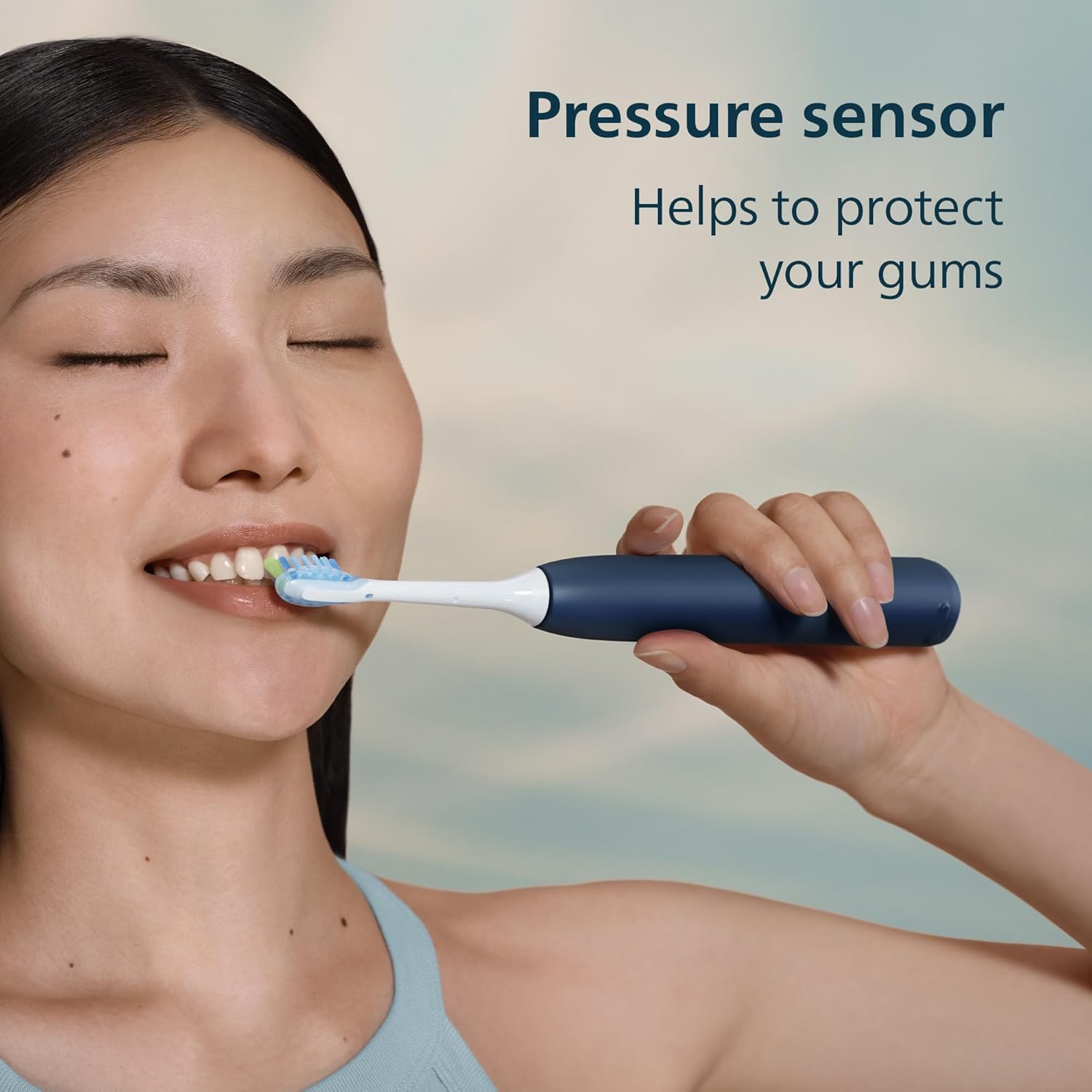
Figure 7: The pressure sensor helps protect your gums from excessive force.
Maintenance
1. Brush Head Replacement
- Dental professionals recommend changing your brush head every three months.
- Your Philips Sonicare 5900 Series toothbrush tracks how often and how hard you brush, providing a brush head replacement reminder when it's time for a new one.
- To replace, simply pull the old brush head off the handle and snap a new one into place.

Figure 8: The C3 Two-in-one brush head is designed for comfortable, deep cleaning.
2. Cleaning the Toothbrush
- After each use, rinse the brush head thoroughly under running water.
- Wipe the handle with a damp cloth. Do not submerge the handle in water.
- Clean the charging stand periodically with a damp cloth.
Troubleshooting
If you encounter any issues with your Philips Sonicare 5900 Series Electric Toothbrush, please refer to the following common troubleshooting steps:
- Toothbrush not turning on: Ensure the toothbrush is fully charged. Place it on the charging stand for several hours.
- Reduced brushing power: The battery may be low. Recharge the toothbrush. If the issue persists, the brush head might need replacement.
- Brush head not staying on: Ensure the brush head is correctly aligned and pushed down firmly onto the metal shaft.
- Pressure sensor constantly activating: You may be applying too much pressure. Adjust your brushing technique to a lighter touch.
Specifications
| Feature | Detail |
|---|---|
| Model Number | HX7133/02 |
| Brand | Philips Sonicare |
| Power Source | Battery Powered |
| Battery Life | Up to 21 days |
| Brushing Modes | Clean, Gum Health |
| Intensity Levels | 3 |
| Special Features | Pressure Sensor, SmarTimer, BrushPacer, Brush Head Replacement Reminder |
| Included Components | Charger, 2x Replacement Brush Heads |
| UPC | 075020115522 |
Warranty and Support
The Philips Sonicare 5900 Series Electric Toothbrush comes with a 2-Year Manufacturer Warranty. For warranty claims, technical support, or further assistance, please refer to the contact information provided in your product packaging or visit the official Philips Sonicare website.


