
1. Introduction
The Keenso 60A Brushed Electronic Speed Controller (ESC) is designed to provide reliable and efficient power management for various remote-controlled (RC) applications. This manual outlines the proper installation, operation, maintenance, and troubleshooting procedures to ensure optimal performance and longevity of your ESC.
2. Product Features
- Powerful Performance: Delivers 60A continuous current with a 320A forward peak, 160A reverse, and 270A braking, suitable for demanding RC racing and crawling applications.
- Wide Compatibility: Fully compatible with 540, 550, 380, and 370 series brushed motors, making it ideal for 1/16, 1/12, and 1/10 scale RC cars, boats, trucks, and crawlers.
- Battery Versatility: Supports 2-3S LiPo or 4-9 cell NiMH batteries, featuring intelligent voltage cutoff to protect your equipment from over-discharge.
- Safety Features: Includes an automatic shutdown mechanism that activates if the throttle signal is lost for 0.1 seconds continuously, with instant reactivation when the signal returns.
- Visual Indicators: A flashing red light on the ESC clearly indicates the neutral throttle position, aiding in precise control during operation.
3. Package Contents
Please verify that all items are present and in good condition upon opening the package:
- 1 x Keenso 60A Brushed Electronic Speed Controller (ESC)
- 1 x Instruction Manual
4. Specifications
| Feature | Specification |
|---|---|
| Continuous Current | 60A |
| Peak Current (Forward) | 320A |
| Peak Current (Reverse) | 160A |
| Peak Current (Braking) | 270A |
| Compatible Batteries | 4-9 Cells NiMH, 2-3S LiPo |
| Supported Motors | Brushed motors (380, 370, 540, 550 series) |
| Applicable Models | 1/16, 1/12, 1/10 Electric RC vehicles (cars, trucks, crawlers) |
| Material | Copper + Iron + PCB |
| Product Dimensions | 15.98 x 11.99 x 1.98 cm |
| Item Weight | 37 grams |
5. Setup Instructions
Follow these steps to properly connect your Keenso 60A Brushed ESC to your RC vehicle:
- Connect to Motor: Connect the two motor output wires from the ESC (typically blue and yellow) to your brushed motor. Ensure a secure connection.
- Connect to Battery: Plug the ESC's power input connector (T-plug) into your compatible LiPo or NiMH battery. Double-check polarity to prevent damage.
- Connect to Receiver: Insert the ESC's signal cable (usually a three-wire connector: black, red, white) into the throttle channel (typically Channel 2) of your RC receiver.
- Initial Power On: Before connecting the battery, ensure your RC transmitter is powered on and the throttle stick is at the neutral position. Then, connect the battery to the ESC.
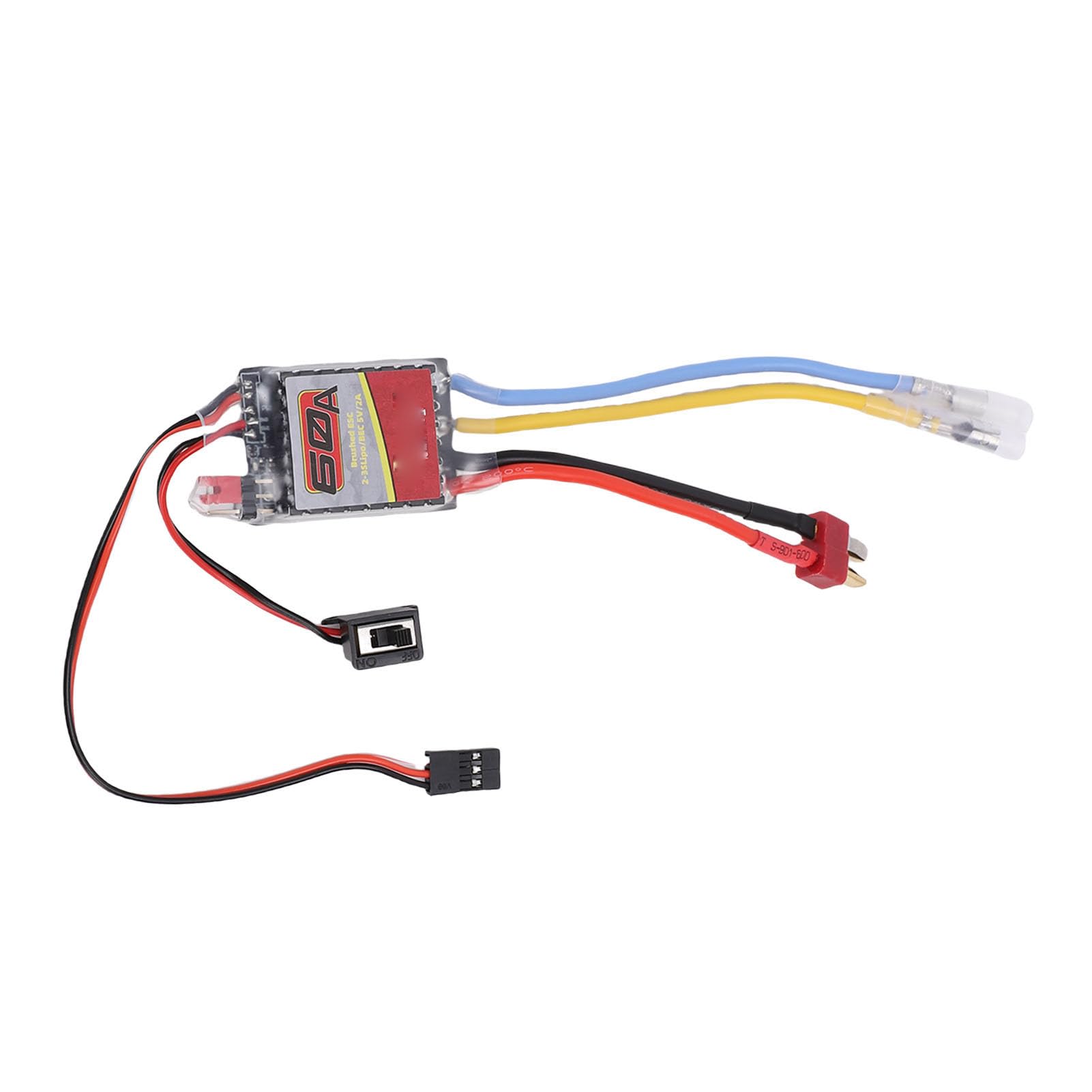
Image: The Keenso 60A Brushed ESC showing its main components: the ESC unit, T-plug battery connector, motor wires, and receiver signal cable.

Image: A detailed view of the electronic speed controller, highlighting the red, yellow, and blue motor wires, and the black connector cables.
6. Operating Instructions
To operate your RC vehicle with the Keenso 60A Brushed ESC, follow these guidelines:
- Power On Sequence: Always turn on your RC transmitter first. Ensure the throttle stick is at neutral. Then, connect the battery to the ESC.
- Throttle Calibration (if required): If your ESC or transmitter requires calibration, refer to your transmitter's manual for specific steps. A common calibration procedure involves holding full throttle, powering on the ESC, then moving to full brake, and finally to neutral.
- Driving: Use the throttle stick on your transmitter to control the forward, reverse, and braking functions of your RC vehicle. The flashing red light on the ESC indicates the neutral throttle position.
- Power Off Sequence: Always disconnect the battery from the ESC first, then turn off your RC transmitter. This prevents accidental throttle inputs.

Image: The ESC unit shown with an illustration of its throttle signal loss prevention feature, which shuts off output if no signal is detected for 0.1 seconds.
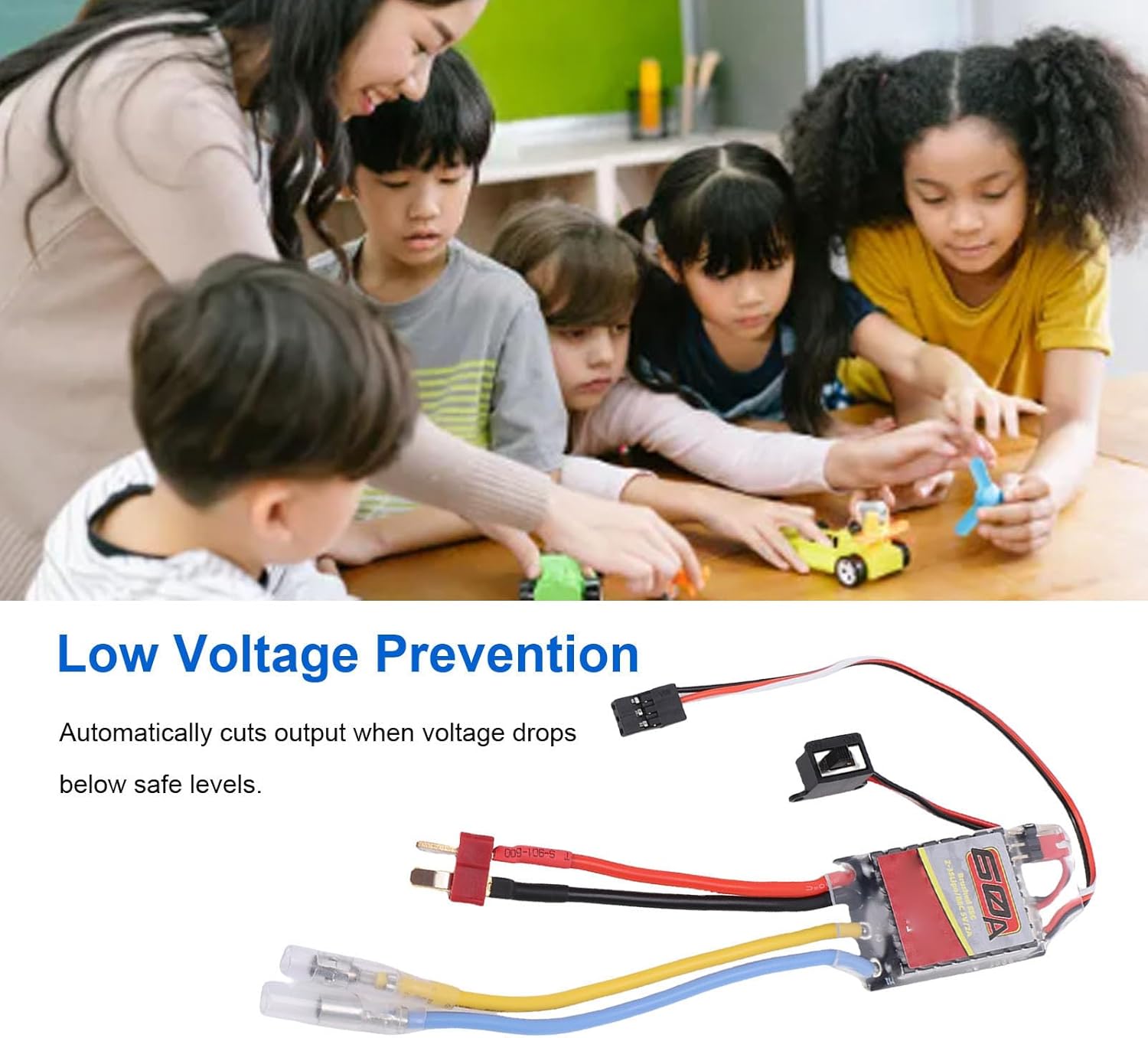
Image: The ESC unit displayed with an illustration of its low voltage prevention feature, which automatically cuts output when battery voltage drops below safe levels.
7. Maintenance
Regular maintenance helps ensure the longevity and optimal performance of your ESC:
- Cleaning: Periodically clean the ESC to remove any accumulated dirt, dust, or moisture. Use a soft brush or compressed air. Avoid using liquids directly on the ESC.
- Inspection: Regularly inspect all wires, connectors, and the ESC casing for any signs of damage, fraying, or loose connections. Address any issues promptly.
- Storage: Store the ESC in a dry, cool environment, away from direct sunlight, extreme temperatures, and corrosive materials.
- Battery Care: Always adhere to the battery manufacturer's guidelines for charging, discharging, and storage to prevent damage to both the battery and the ESC.
8. Troubleshooting
If you encounter issues with your Keenso 60A Brushed ESC, refer to the following common problems and solutions:
- No Power:
Possible Cause: Disconnected battery, discharged battery, or ESC power switch off.
Solution: Check all battery connections, ensure the battery is fully charged, and verify the ESC's power switch is in the 'on' position. - Motor Not Responding:
Possible Cause: Loose motor or receiver connections, transmitter off, or throttle not calibrated.
Solution: Secure all motor and receiver connections. Ensure your transmitter is on and properly bound to the receiver. Perform throttle calibration if necessary. - Erratic Operation:
Possible Cause: Signal interference, loose wiring, or damaged receiver.
Solution: Check for sources of interference. Inspect all wiring for secure connections. If issues persist, test with a different receiver. - Overheating:
Possible Cause: Insufficient ventilation, excessive load on the motor, or incorrect gearing.
Solution: Ensure the ESC and motor have adequate airflow. Reduce the load on the motor or consider adjusting gearing. If overheating continues, a motor with a lower KV rating might be required. - ESC Shuts Down During Use:
Possible Cause: Low battery voltage (LiPo cutoff activated) or throttle signal loss.
Solution: Check your battery's charge level. Ensure your transmitter has a strong signal and is not experiencing interference.
9. Warranty and Support
The Keenso 60A Brushed ESC comes with a standard manufacturer's warranty covering defects in materials and workmanship. For specific warranty terms, duration, or to initiate a warranty claim, please retain your proof of purchase and contact your retailer or the manufacturer directly.
For technical assistance or further inquiries, please reach out to Keenso customer support through their official channels or your point of purchase.