
Introduction
Welcome to your new RESSONIC 3-in-1 Wireless Charging Station. This device is engineered to efficiently charge your iPhone, Apple Watch, and AirPods simultaneously, providing a clutter-free and organized charging experience. Featuring Qi2 certification for 15W magnetic fast charging, a built-in cooling fan for optimal temperature management, and a soft night light, this station offers both convenience and safety for your essential devices.
Package Contents
Please verify that all items are present in your package:
- 3 in 1 Magnetic Wireless Charger
- 30W Adapter
- Type-C Cable
- User Manual
- Magnetic Metal Ring

Image Description: The RESSONIC 3-in-1 Wireless Charging Station, 30W adapter, Type-C cable, and magnetic metal ring laid out as included in the package.
Setup Instructions
Follow these steps to set up your charging station for first use:
1. Connect Power
Connect the provided Type-C cable to the charging station's input port and the 30W adapter. Plug the adapter securely into a standard wall power outlet.

Image Description: The RESSONIC 3-in-1 Wireless Charging Station connected to a power outlet via its Type-C cable and 30W adapter, with devices charging.
2. Place on a Stable Surface
Ensure the charging station is placed on a flat, stable surface to prevent accidental tipping and ensure proper device alignment.
Operating Your Charging Station
Charging Your iPhone (MagSafe Compatible)
Align your MagSafe-enabled iPhone (iPhone 12-17 series) with the magnetic charging pad. The strong magnets will snap your device into place, initiating 15W fast charging. The phone can be charged vertically or horizontally.
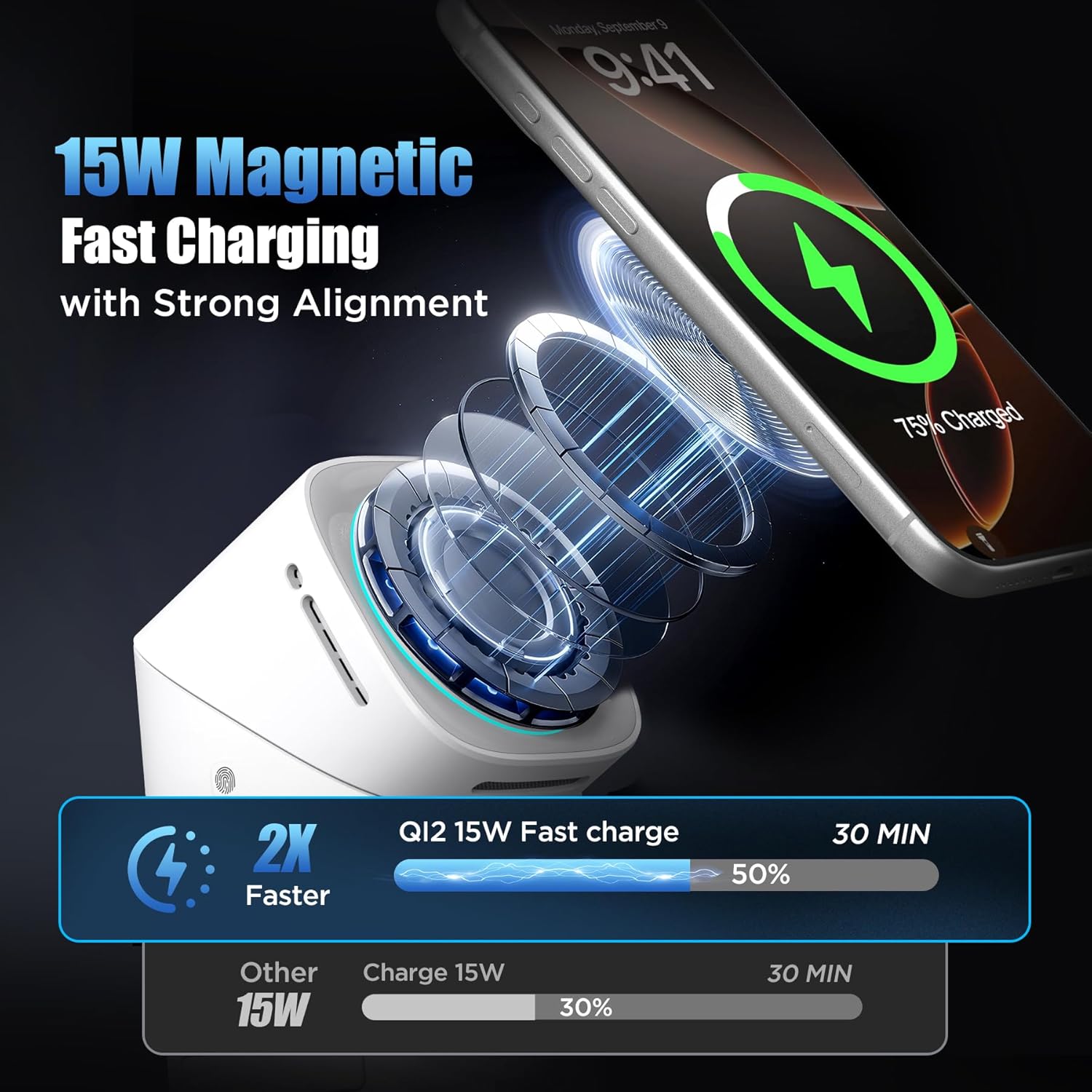
Image Description: An iPhone magnetically attached to the charging station, displaying the charging animation and indicating 15W fast charging.
Charging Your Apple Watch
Place your Apple Watch on the dedicated charging module. This module extends from the side of the station. Ensure the watch is properly seated for charging to begin.
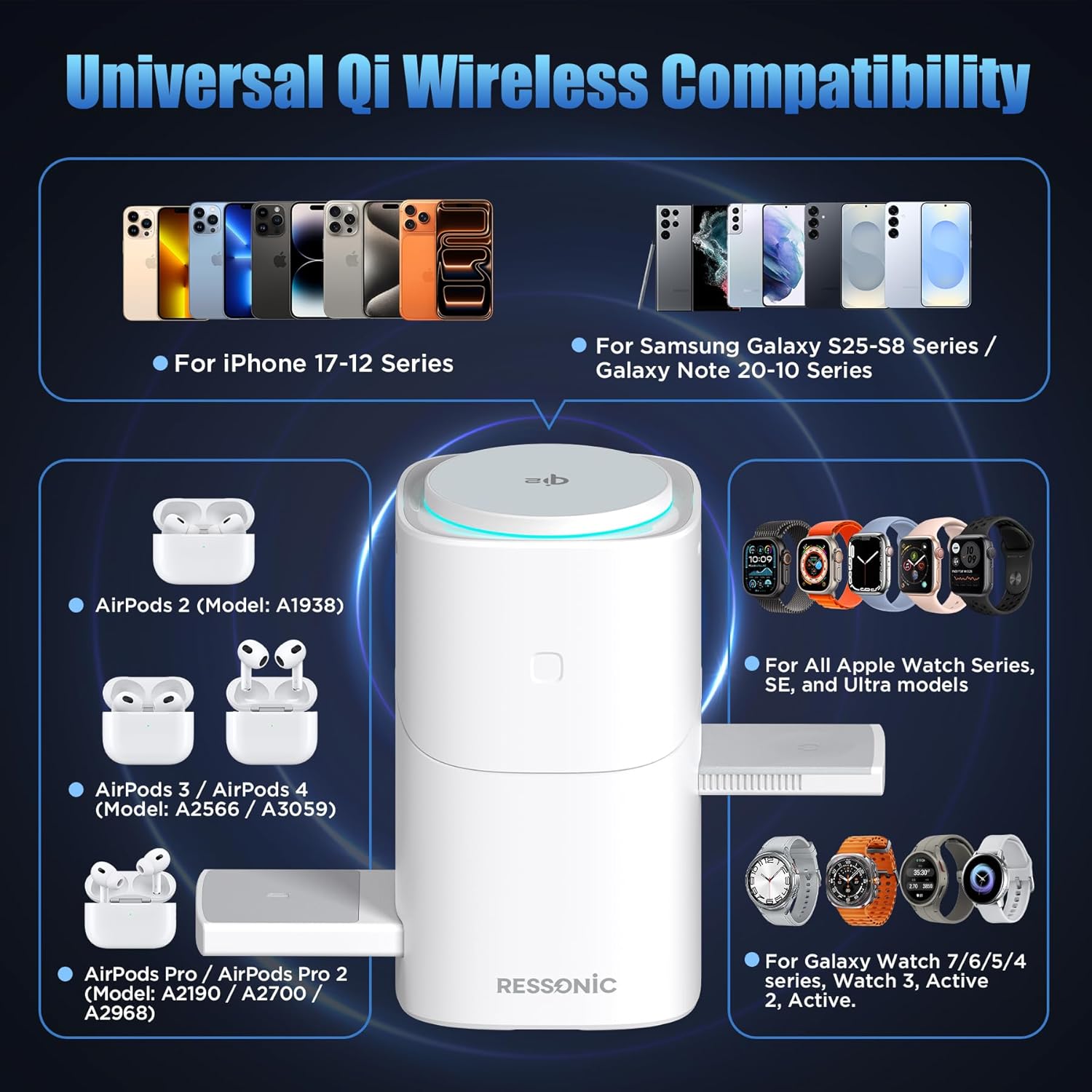
Image Description: An Apple Watch placed on the retractable charging arm of the station, with an iPhone and AirPods also charging.
Charging Your AirPods/Wireless Earbuds
Place your wireless earbuds case on the designated charging area at the base of the station. Ensure the case is centered on the pad for optimal charging.

Image Description: A close-up of the RESSONIC 3-in-1 Wireless Charging Station showing an iPhone, Apple Watch, and AirPods charging simultaneously.
Using the Soft Night Light
The charging station features a soft night light integrated into its design. Press the dedicated button on the base to turn the light on or off. This provides gentle illumination without disturbing sleep.

Image Description: The RESSONIC 3-in-1 Wireless Charging Station with its soft night light illuminated, positioned on a bedside table next to a sleeping person.
Foldable Design and Rotation
The charging station has a foldable structure for easy portability and storage. The magnetic charging pad can be rotated to support both vertical and horizontal MagSafe charging, allowing for flexible viewing angles for your iPhone.
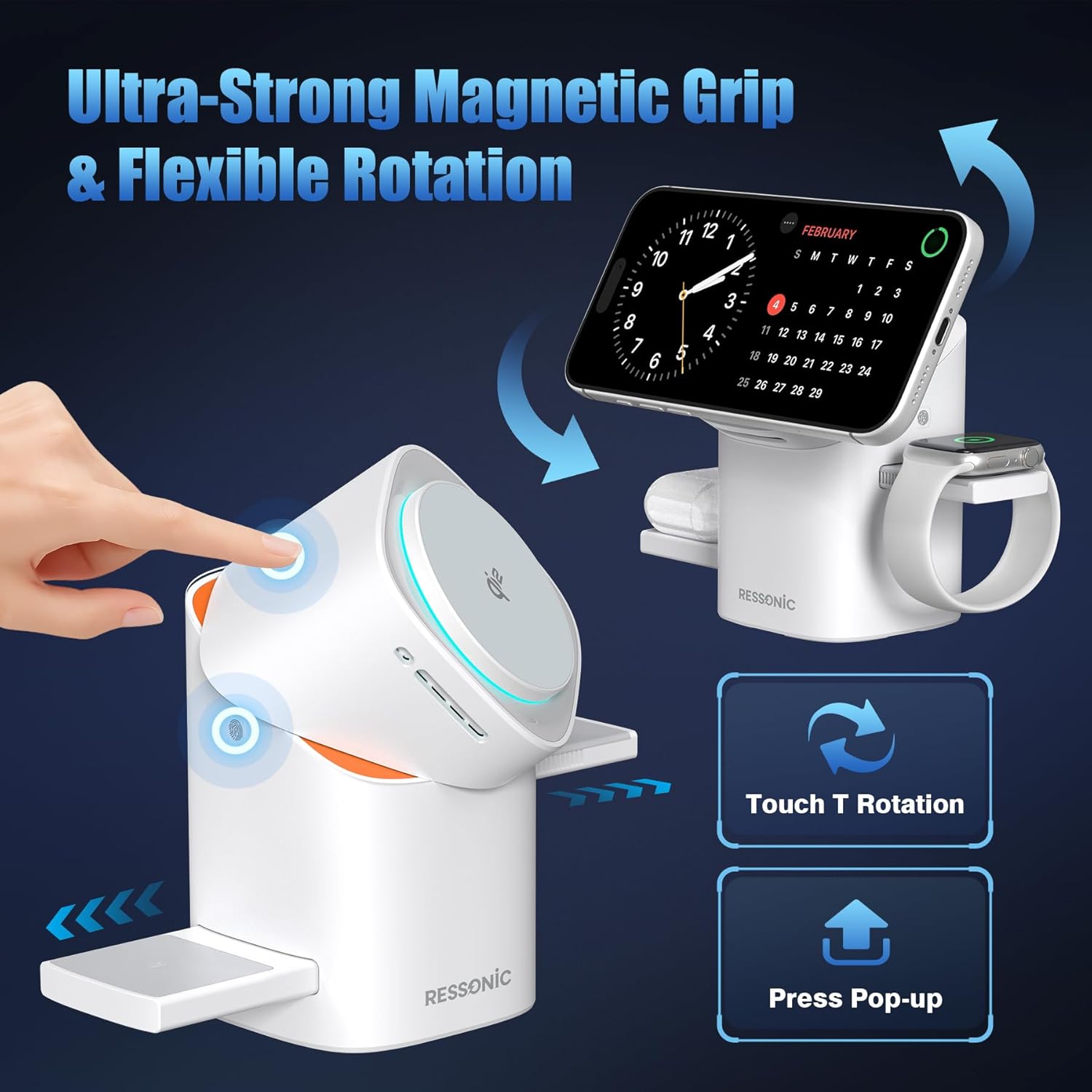
Image Description: The RESSONIC 3-in-1 Wireless Charging Station demonstrating its flexible rotation and foldable design for various viewing orientations, with an iPhone attached.
Care and Maintenance
Proper care ensures the longevity and optimal performance of your charging station:
- Keep the charging station clean and free from dust. Use a soft, dry cloth for cleaning.
- Avoid exposing the device to water or excessive moisture.
- Do not disassemble the unit. Refer to qualified service personnel for repairs.
- Ensure the air vents for the cooling fan are not obstructed to maintain efficient heat dissipation.
Troubleshooting Common Issues
Device Not Charging
- Ensure the power adapter is securely connected to both the charging station and a functional wall outlet.
- Verify that your device is properly aligned on the respective charging pad. For magnetic charging, ensure it snaps into place.
- Check if your phone case is compatible with wireless charging. If using a non-MagSafe case, ensure it is under 2mm thick and consider using the included magnetic ring for optimal magnetic connection.
- Confirm your device supports wireless charging (Qi2, MagSafe, etc.).
Slow Charging
- Use the original 30W adapter and Type-C cable provided with the station to ensure maximum charging speed.
- Remove any thick phone cases that might impede charging efficiency.
- Ensure no foreign objects (e.g., metal, credit cards) are between the device and the charging pad.
Overheating
- The built-in cooling fan helps manage temperature during fast charging. Ensure the air vents are not blocked.
- If a device feels excessively hot, remove it from the charger and allow it to cool down before resuming charging.
Product Specifications
| Feature | Detail |
|---|---|
| Brand | RESSONIC |
| Model | B0G3PBKFNV |
| Connector Type | USB Type C |
| Compatible Devices | Smartwatches, iPhone, Wireless Earbuds |
| Compatible Phone Models | iPhone 12, 12 mini, 12 Pro, 12 Pro Max, 13, 13 mini, 13 Pro, 13 Pro Max, 14, 14 Plus, 14 Pro, 14 Pro Max, 15, 15 Plus, 15 Pro, 15 Pro Max, 16, 16 Plus, 16 Pro, 16 Pro Max, 17, 17 Pro, 17 Pro Max, Samsung Galaxy S25/24/23/22, etc. |
| Included Components | 3 in 1 Magnetic Wireless Charger, 30W Adapter, Magnetic Metal Ring, Type-C Cable, User Manual |
| Special Features | Fast Charging, Magsafe Compatible, Multi Device Charging, Wireless Charging, Built-in Cooling Fan, Soft Night Light, Foldable Design |
| Color | Black |
| Input Voltage | 9 Volts (DC) |
| Output Current | 3 Amps |
| Output Voltage | 5 Volts |
| Power Source | Corded Electric |
| Enclosure Material | Acrylonitrile Butadiene Styrene |
| Manufacturer | MGCTECH |
Warranty and Support
This RESSONIC product comes with a 1-Year Warranty. For warranty claims or technical support, please contact RESSONIC customer service through the retailer where the product was purchased or visit the official RESSONIC website for contact information.
Please retain your proof of purchase for any warranty-related inquiries.