
Introduction
Thank you for choosing the Generic M88 Wireless Sports Earbuds. These earbuds are designed to provide a high-quality audio experience with advanced features such as Bluetooth 5.4 connectivity, Hi-Fi stereo sound, Environmental Noise Cancellation (ENC), and a long-lasting charging case. This manual will guide you through the setup, operation, and maintenance of your new earbuds to ensure optimal performance and longevity.
Safety Information
- Do not disassemble or modify the earbuds or charging case.
- Keep the device away from extreme temperatures, humidity, and liquids.
- Avoid prolonged exposure to high volume levels to prevent hearing damage.
- Clean the earbuds and charging case with a soft, dry cloth only.
- Dispose of the device responsibly according to local regulations.
Package Contents
Please check the package for the following items:
- Wireless Earbuds (2 units)
- Type-C Charging Cable (1 unit)
- User Manual (1 unit)
- Wireless Charging Case (1 unit)
Product Overview
Familiarize yourself with the components of your M88 Wireless Sports Earbuds.
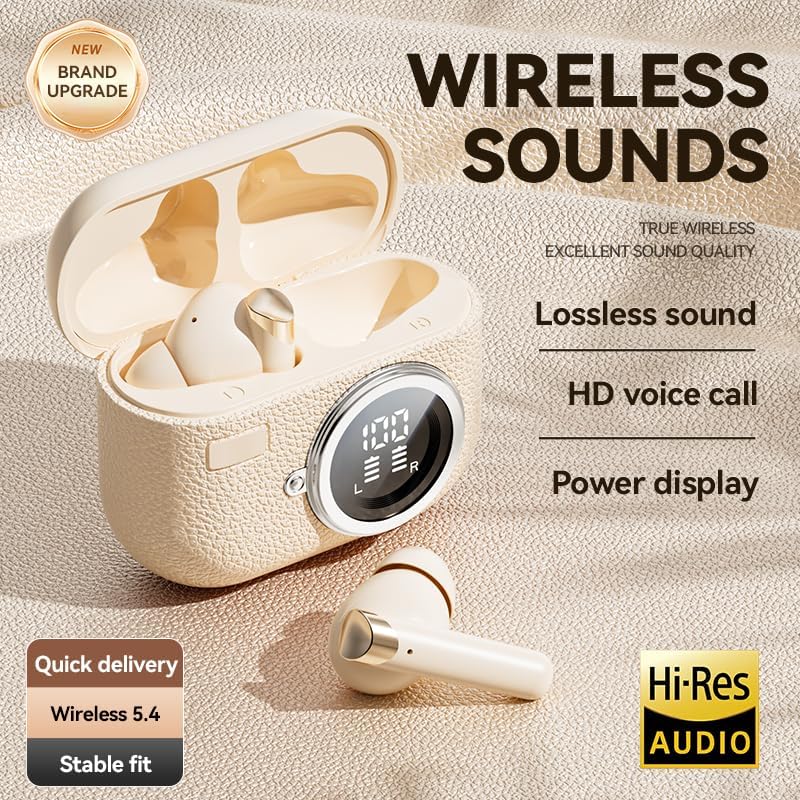
Image: The M88 Wireless Sports Earbuds shown with their charging case, highlighting the LED power display and compact design.
Earbud Features:
- Touch Control Area: For managing playback, calls, and volume.
- Microphone: For calls and voice commands, with ENC noise reduction.
- Charging Contacts: For charging inside the case.
Charging Case Features:
- LED Power Display: Shows real-time battery levels for the case and individual earbuds.
- Type-C Charging Port: For charging the case.
- Earbud Charging Slots: Securely holds and charges the earbuds.

Image: An exploded view of an M88 earbud, illustrating the internal speaker and diaphragm components responsible for Hi-Fi sound.
Setup
1. Charging the Earbuds and Case
Before first use, fully charge both the earbuds and the charging case.
- Place the earbuds into the charging case. Ensure they are correctly seated in their respective slots.
- Connect the Type-C charging cable to the charging port on the case and the other end to a USB power adapter (not included).
- The LED display on the charging case will show the charging status. A full charge typically takes about 1.5 hours.
- Once fully charged, the LED display will indicate 100% for the case and both earbuds.
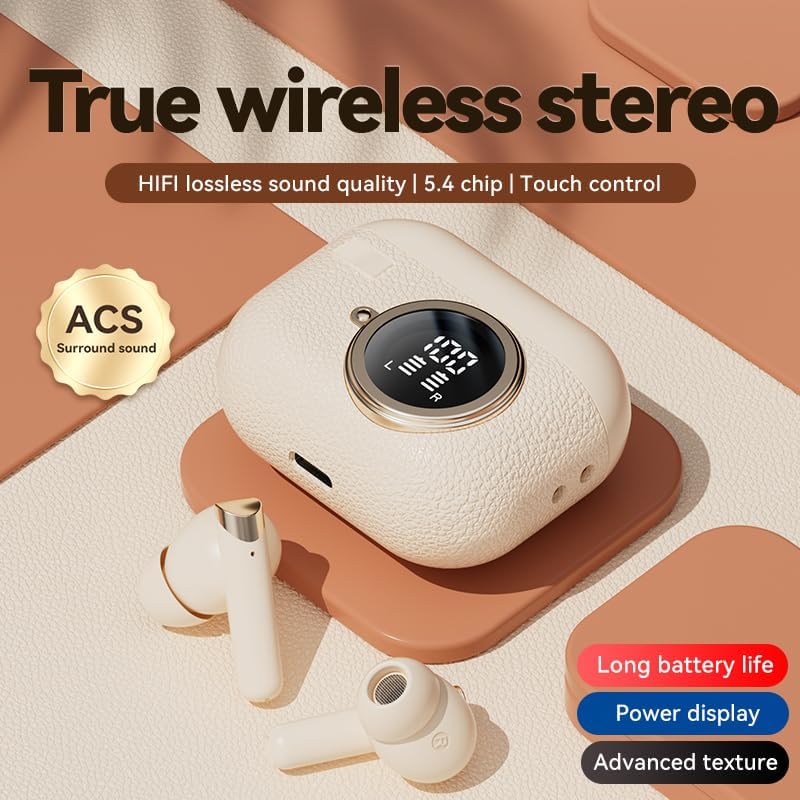
Image: The M88 charging case with earbuds inside, displaying battery percentages on its LED screen, indicating charging status.
2. Pairing with Your Device
The earbuds will automatically enter pairing mode when taken out of the charging case.
- Open the charging case and remove both earbuds. They will automatically power on and attempt to pair with each other.
- On your smartphone or Bluetooth-enabled device, go to the Bluetooth settings.
- Search for available devices and select "M88" (or similar name) from the list.
- Once connected, you will hear a confirmation tone, and the earbuds will be ready for use.
- The earbuds support automatic reconnection to the last paired device when removed from the case.
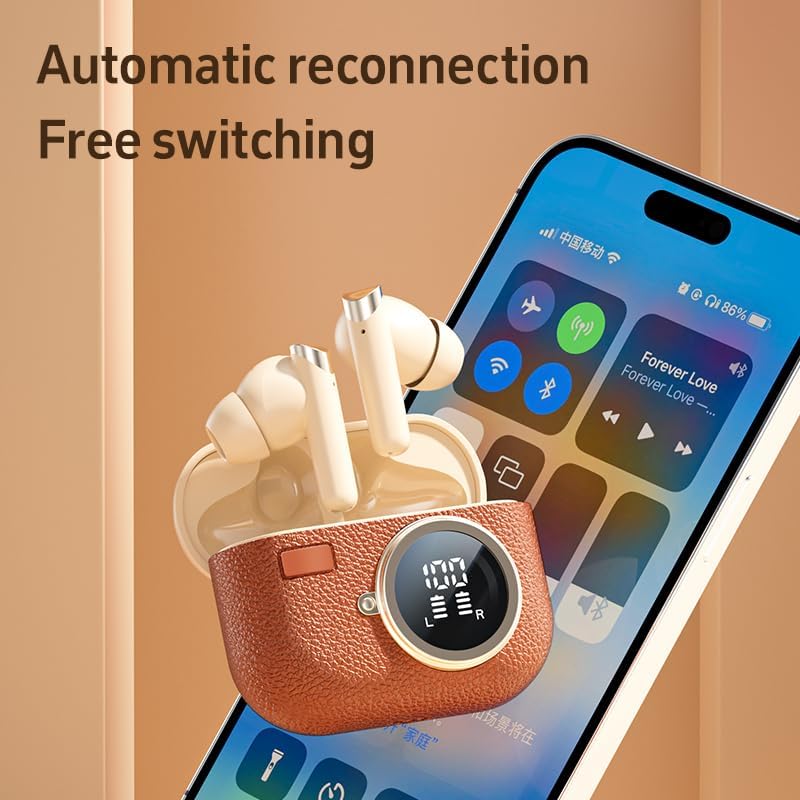
Image: M88 earbuds shown next to a smartphone screen, illustrating the automatic reconnection feature and seamless device switching.
Operating Instructions
Wearing the Earbuds
For optimal sound quality and comfort, ensure the earbuds are properly seated in your ears. The M88 earbuds are designed for a secure fit, ideal for sports and active use.

Image: A person wearing the M88 earbuds, demonstrating their comfortable and secure fit for daily use.
Touch Controls
The M88 earbuds feature intuitive touch controls on each earbud. The functions are as follows:
| Action | Function |
|---|---|
| Touch Once | Play/Pause music, Answer/End call |
| Touch Twice | Next song (Right earbud), Previous song (Left earbud) |
| Touch and Hold (3 seconds) | Volume Up (Right earbud), Volume Down (Left earbud) |
| Touch and Hold (5 seconds) | Power On/Off (if not in case) |
| Triple Touch | Activate Voice Assistant (Siri, Google Assistant) |
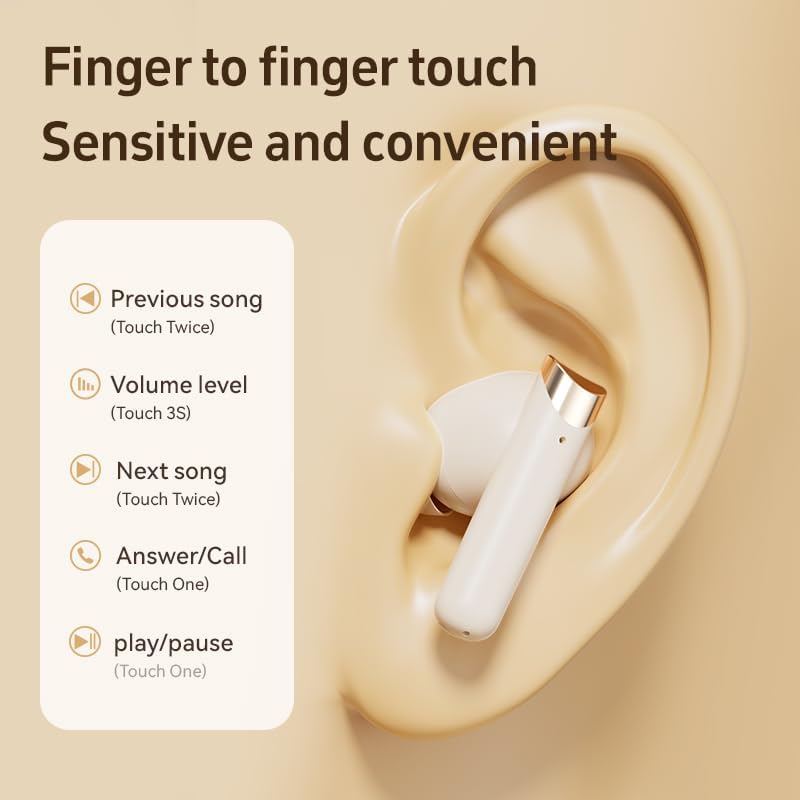
Image: A visual guide detailing the touch control functions on the M88 earbuds for music playback and call management.
Environmental Noise Cancellation (ENC)
The M88 earbuds feature ENC technology for clearer calls. This system reduces ambient noise during phone conversations, ensuring your voice is heard clearly by the other party, even in noisy environments.

Image: A person using the M88 earbuds, with visual cues indicating effective speech noise reduction for clearer communication.
Maintenance
Cleaning
- Regularly clean the earbuds and charging case to maintain optimal performance.
- Use a soft, dry, lint-free cloth to wipe the surfaces.
- For stubborn dirt, slightly dampen the cloth with water, then wipe dry immediately.
- Do not use abrasive cleaners, alcohol, or chemical solvents.
- Ensure charging contacts on both earbuds and case are clean and dry.
Storage
- When not in use, store the earbuds in their charging case to protect them and keep them charged.
- Store the device in a cool, dry place, away from direct sunlight and extreme temperatures.
Troubleshooting
If you encounter any issues with your M88 Wireless Sports Earbuds, please refer to the following common solutions:
| Problem | Possible Solution |
|---|---|
| Earbuds not pairing with device |
|
| Only one earbud working |
|
| Low volume or poor sound quality |
|
| Charging case not charging |
|
Specifications
Detailed technical specifications for the Generic M88 Wireless Sports Earbuds:
| Feature | Detail |
|---|---|
| Brand | Generic |
| Model Number | M88 |
| Connectivity Technology | Wireless |
| Wireless Technology | Bluetooth 5.4 |
| Bluetooth Range | Up to 12 Meters |
| Audio Latency | 35 Milliseconds |
| Noise Control | Environmental Noise Cancellation (ENC) |
| Control Type | Touch Control |
| Ear Placement | In-Ear |
| Form Factor | Earbud |
| Water Resistance Level | Waterproof |
| Battery Life (with case) | Up to 72 Hours Playtime |
| Standby Time | Up to 350 Hours |
| Charging Time | Approx. 1.5 Hours (Type-C fast charging) |
| Charging Case Weight | 39 Grams |
| Carrying Case Dimensions | 65mm (Length) x 65mm (Width) x 29mm (Height) |
| Compatible Devices | iPhone (various models), Samsung Galaxy (various models), Moto, SONY Xperia, Xiaomi, Huawei, OnePlus, LG (See product listing for full compatibility) |
Warranty and Support
The Generic M88 Wireless Sports Earbuds come with a 90-day manufacturer's warranty. This warranty covers defects in materials and workmanship under normal use.
For warranty claims, technical support, or any questions regarding your product, please contact the seller or refer to the purchase platform for customer service contact information.
Please retain your proof of purchase for warranty purposes.


