
Wantek WK882MBT
Wantek WK882MBT Wireless Headset Instruction Manual
Model: WK882MBT
1. Product Overview
The Wantek WK882MBT is a versatile wireless headset designed for clear communication and comfortable use across various devices. It features both Bluetooth 5.3 and a 2.4GHz USB dongle for stable connectivity.

Image 1.1: Headset Components. This image displays the Wantek WK882MBT headset with key components labeled, including the padded headband, noise-canceling microphone, 40mm dynamic speaker, volume controls, play/pause button, answer/reject call/Siri button, power on/off/pair button, and USB-C charging port.
Key Features:
- Clear Voice Pickup: Built-in microphone for natural sound quality.
- Dual Connectivity: Stable Bluetooth 5.3 and USB A/C dongle for PC, laptop, TV, and mobile phones.
- Comfortable Design: Lightweight on-ear design with soft ear cushions and an adjustable headband.
- Integrated Controls: On-ear buttons for power, volume, mute, and call management.
- Busy Light: Integrated indicator for professional communication.
2. What's in the Box
Verify that all items are present in the package before proceeding with setup.
- Wantek WK882MBT Headset
- Storage Bag
- USB Charge Cable (USB-A to USB-C)
- USB Dongle (2.4GHz)
- User Manual (this document)

Image 2.1: Package Contents. This image shows the headset, the 2.4GHz USB dongle, and the USB A-C charging cable, which are included in the box.
3. Setup
3.1. Charging the Headset
Before initial use, fully charge the headset. A full charge takes approximately 2 hours and provides up to 45 hours of battery life.
- Connect the USB-C end of the charging cable to the charging port on the headset.
- Connect the USB-A end of the charging cable to a USB power source (e.g., computer USB port, wall adapter).
- The LED indicator on the headset will show charging status (refer to LED indicator section for details).
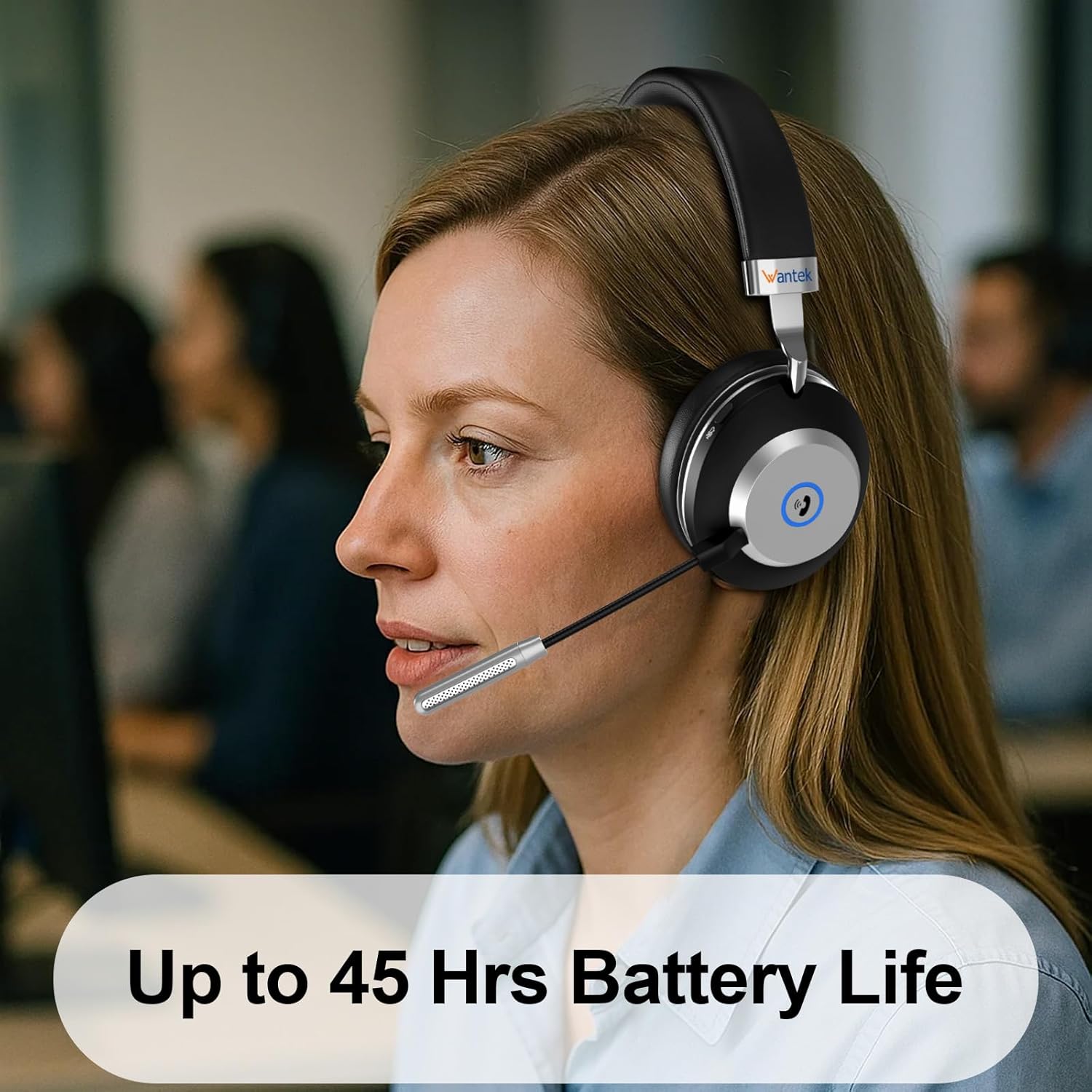
Image 3.1: Battery Life. The headset offers up to 45 hours of battery life on a single charge.
3.2. Connecting via USB Dongle (2.4GHz Wireless)
This method provides a stable, low-latency connection ideal for PCs and laptops.
- Insert the 2.4GHz USB dongle into an available USB-A or USB-C port on your computer (use an adapter if necessary).
- Power on the headset by pressing and holding the Power On/Off/Pair button until the LED indicator lights up.
- The headset and dongle should automatically pair. The LED indicator on the headset will show a solid blue light once connected.
- On your computer, ensure the Wantek headset is selected as the default audio input and output device in your sound settings.
3.3. Connecting via Bluetooth 5.3
Connect the headset to mobile phones, tablets, or other Bluetooth-enabled devices.
- Ensure the headset is powered off.
- Press and hold the Power On/Off/Pair button for approximately 5-7 seconds until the LED indicator flashes blue and red alternately, indicating pairing mode.
- On your device, go to Bluetooth settings and enable Bluetooth.
- Search for available devices and select "Wantek WK882MBT" from the list.
- Once connected, the headset's LED indicator will show a solid blue light.

Image 3.2: Dual Wireless Modes. This image illustrates the two connection methods: 2.4GHz USB dongle for desktops and laptops, and Bluetooth 5.3 for tablets, laptops, and cellphones.

Image 3.3: Connection Range. This diagram shows the headset connected to a laptop via a USB dongle and to a phone via Bluetooth, indicating a wireless range of 10-15 meters (32-49 feet).
4. Operating Instructions
4.1. Power On/Off
- Power On: Press and hold the Power On/Off/Pair button for 2-3 seconds until the LED indicator lights up.
- Power Off: Press and hold the Power On/Off/Pair button for 3-4 seconds until the LED indicator turns off.
4.2. Call Controls
- Answer Call: Press the Answer/Reject Call button once.
- Reject Call: Press and hold the Answer/Reject Call button for 2 seconds.
- End Call: Press the Answer/Reject Call button once during a call.
- Activate Voice Assistant (Siri/Google Assistant): Double-press the Answer/Reject Call button.
- Mute/Unmute Microphone: Press the dedicated Mute button on the microphone boom or ear cup.
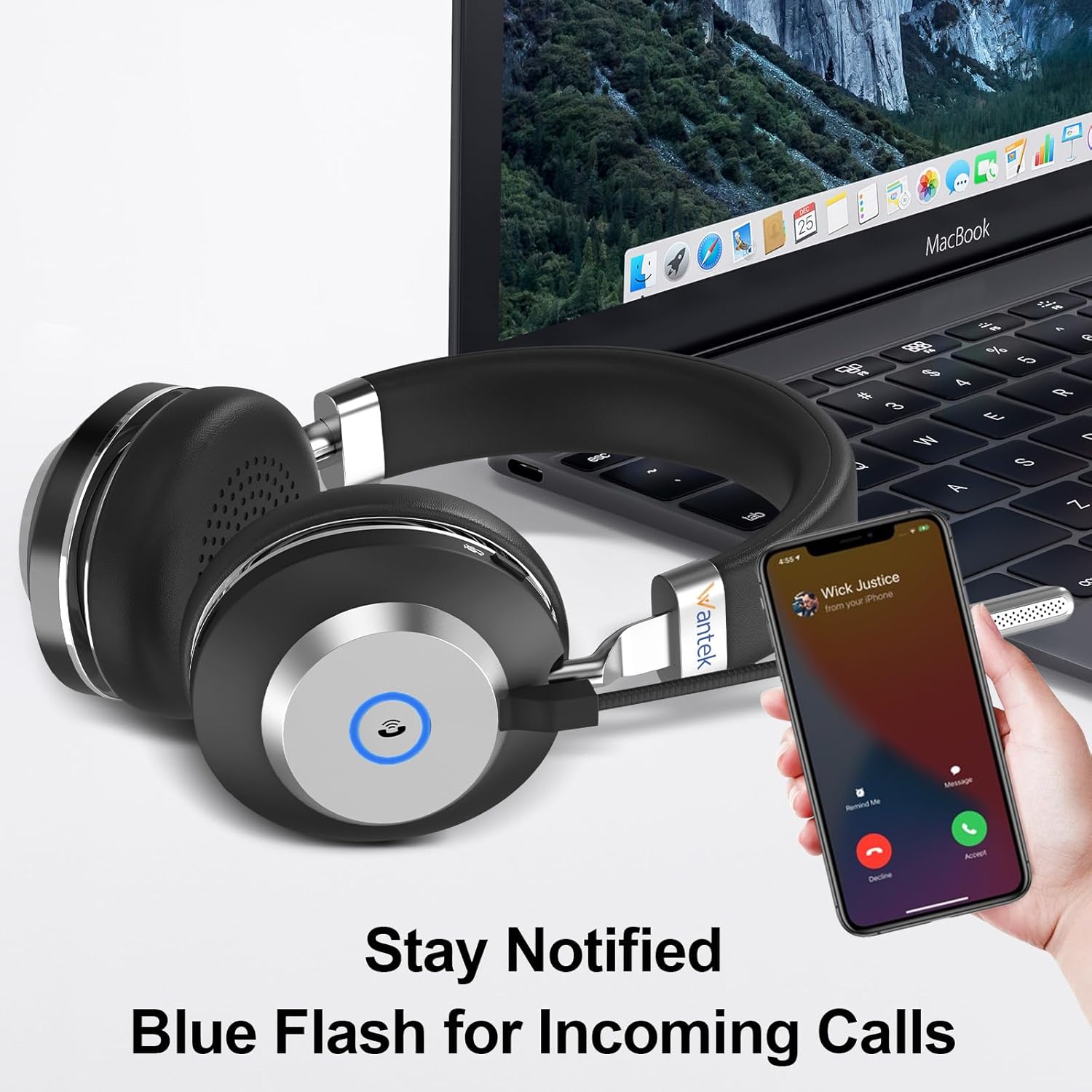
Image 4.1: Incoming Call Notification. The headset features a blue flash indicator to notify you of incoming calls.

Image 4.2: Mute Function. This image highlights the location of the mute button on the headset, allowing for easy microphone muting.
4.3. Volume Control & Play/Pause
- Volume Up: Press the "Volume +" button.
- Volume Down: Press the "Volume -" button.
- Play/Pause: Press the "Play/Pause" button once to toggle playback.
4.4. Busy Light Function
The integrated busy light indicates when you are on a call, signaling to others that you are occupied. This feature activates automatically during active calls.
5. Comfort and Fit
The Wantek WK882MBT headset is designed for extended wear comfort.
- Adjustable Headband: The metal headband can be adjusted to fit various head sizes.
- Rotatable Earcups: The earcups can rotate 90 degrees, allowing for a comfortable fit and easy storage. They feature soft memory foam earmuffs.
- Flexible Microphone: The microphone boom is flexible and can be rotated 270 degrees to position it optimally for voice pickup or to move it out of the way when not in use.

Image 5.1: Ergonomic Flexible Design. This image highlights the padded headband, 90-degree rotatable soft memory foam earmuffs, adjustable metal headband, and 270-degree flexible microphone for enhanced comfort and fit.

Image 5.2: Comfort Features. This diagram illustrates the soft ear cushions, adjustable headband, and 270-degree flexible microphone, all contributing to user comfort.
6. Maintenance
Proper care ensures the longevity and optimal performance of your headset.
- Cleaning: Use a soft, dry cloth to wipe the headset. Do not use abrasive cleaners or solvents.
- Storage: When not in use, store the headset in the provided storage bag to protect it from dust and damage. Avoid extreme temperatures.
- Water Resistance: The headset is not water resistant. Avoid exposure to liquids.
7. Troubleshooting
If you encounter issues, try the following solutions:
| Problem | Solution |
|---|---|
| Headset does not power on. | Ensure the headset is fully charged. Connect it to a power source using the USB charge cable. |
| Cannot connect via Bluetooth. | Ensure the headset is in pairing mode (flashing blue/red LED). Turn off and on your device's Bluetooth. Forget the device and try pairing again. Ensure the headset is not connected to another device. |
| Cannot connect via USB dongle. | Ensure the dongle is fully inserted into a working USB port. Check your computer's sound settings to ensure the Wantek headset is selected as the default audio device. Try a different USB port. |
| No sound or poor audio quality. | Check volume levels on both the headset and your connected device. Ensure the headset is properly connected. Test with another application or device. |
| Microphone not working. | Ensure the microphone is not muted. Check microphone input settings on your connected device. Ensure the microphone boom is positioned correctly. |
8. Specifications
Technical details of the Wantek WK882MBT Wireless Headset.
| Feature | Detail |
|---|---|
| Model Name | WK882MBT |
| Connectivity Technology | Wireless (Bluetooth 5.3, 2.4GHz USB Dongle) |
| Ear Placement | On Ear |
| Audio Driver Size | 40 Millimeters |
| Frequency Response | 20 KHz |
| Sensitivity | 121 dB |
| Impedance | 32 Ohms |
| Bluetooth Range | 10 Meters |
| Battery Life | 45 Hours |
| Charging Time | 2 Hours |
| Item Weight | 190 Grams (6.7 ounces) |
| Product Dimensions | 6.69 x 2.76 x 7.87 inches |
| Material | ABS, Aluminum, Faux Leather |
| Water Resistance Level | Not Water Resistant |
9. Warranty and Support
Wantek products are designed for reliability and performance. This product typically comes with a standard manufacturer's warranty covering defects in materials and workmanship.
- Warranty Period: Please refer to the warranty card included with your product or visit the official Wantek website for specific warranty terms and duration.
- Technical Support: For technical assistance, troubleshooting beyond this manual, or warranty claims, please contact Wantek customer support through their official website or the contact information provided in your product packaging.
Related documentsWK882MBT

Ask a question about this manual
Ask about setup, troubleshooting, compatibility, parts, safety, or missing instructions. Manuals+ will review the question and use this page’s manual context to help answer it.