
1. Introduction
Thank you for choosing the STARRYBOT Portable Carpet Cleaner Machine. This manual provides essential information for the safe and efficient operation, maintenance, and troubleshooting of your new appliance. Please read it thoroughly before first use and retain it for future reference.
2. Safety Information
Always follow basic safety precautions when using electrical appliances to reduce the risk of fire, electric shock, or injury. This appliance is for household use only. Do not immerse the unit in water. Keep away from children. Use only as described in this manual. Do not use with damaged cord or plug. If the appliance is not working as it should, has been dropped, damaged, left outdoors, or dropped into water, return it to a service center.
3. Package Contents
- STARRYBOT Portable Carpet Cleaner Machine (Main Unit)
- 6.5ft Hose with Hand Tool
- 3" Hand Tool (for stubborn stains)
- 5" Wide Tool (for larger messes)
- Integrated CreviceCollector Tool (for tight gaps)
- Steam Brush Tool (for targeted steam treatment)
- User Manual
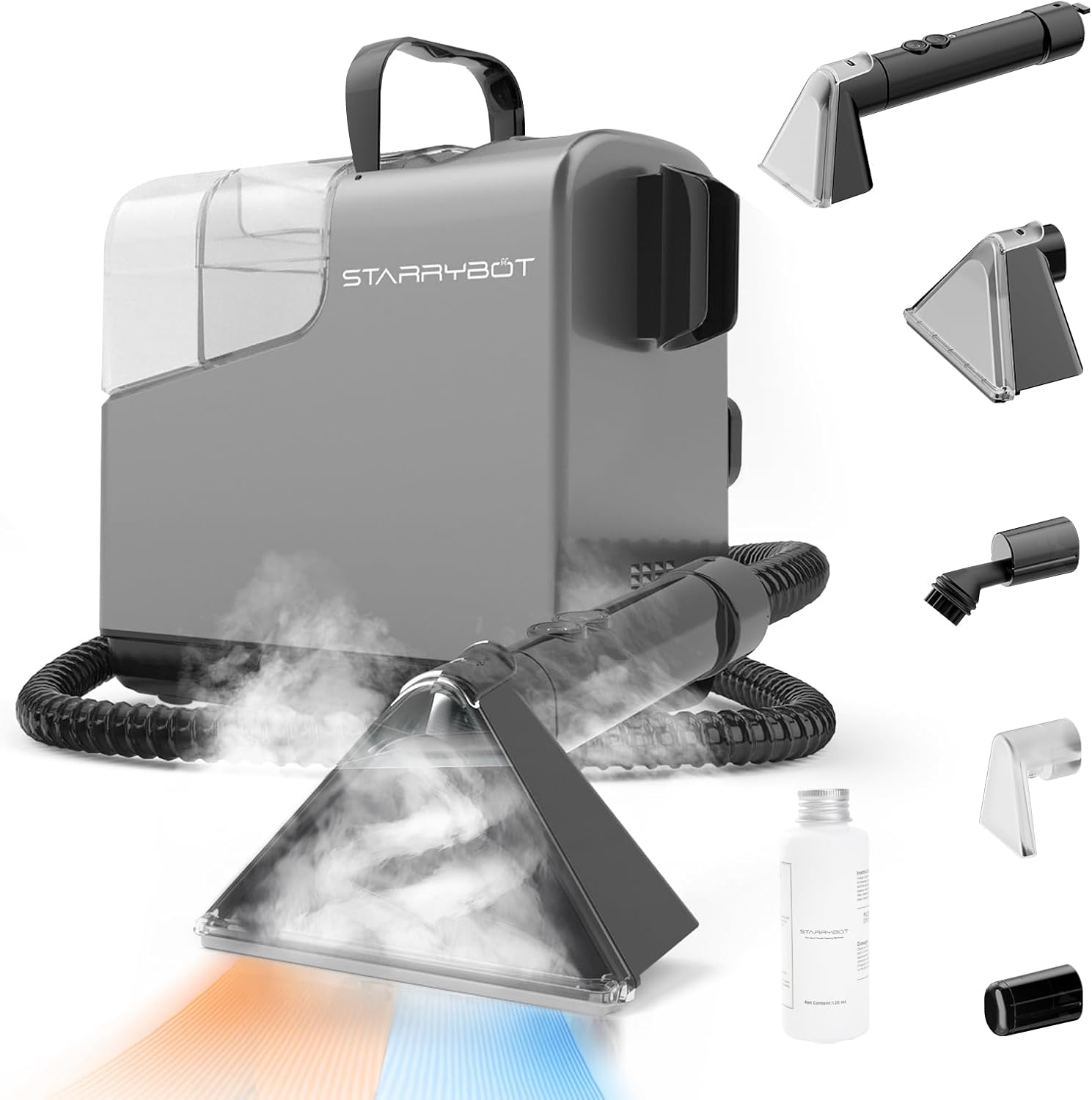
Figure 1: Main unit and included cleaning tools.
4. Product Overview
The STARRYBOT Portable Carpet Cleaner is designed for efficient spot cleaning with powerful 18,000 PA suction and multiple cleaning modes including cold water, warm water, steam, and steam sanitization. It features a 60oz clean water tank and a 40oz dirty water tank for extended cleaning sessions.
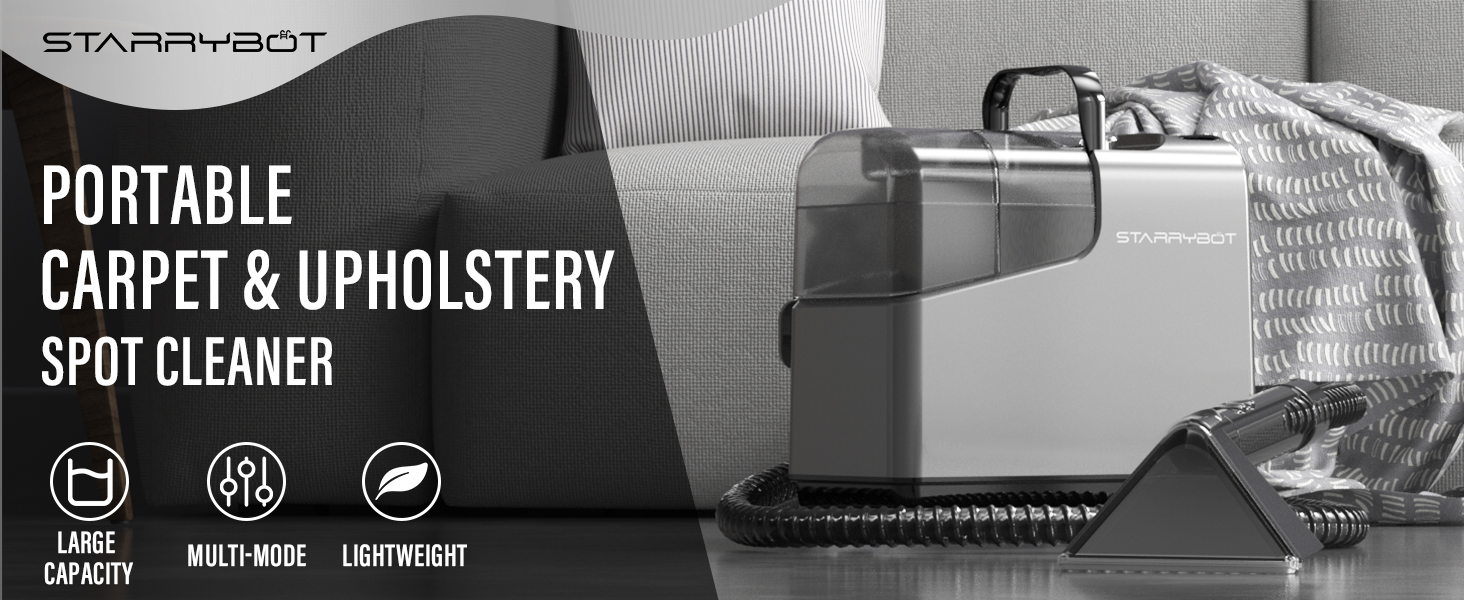
Figure 2: Control panel indicating various cleaning modes.
5. Setup
- Fill Clean Water Tank: Remove the 60oz clean water tank. Fill it with water (distilled water is recommended for steam modes) and an appropriate amount of cleaning solution according to the solution's instructions. Securely close the tank and place it back into the main unit.
- Attach Hose and Tool: Connect the 6.5ft hose to the designated port on the main unit. Select the desired cleaning tool (3" hand tool, 5" wide tool, CreviceCollector, or Steam Brush) and securely attach it to the end of the hose.
- Connect Power: Plug the power cord into a grounded electrical outlet.
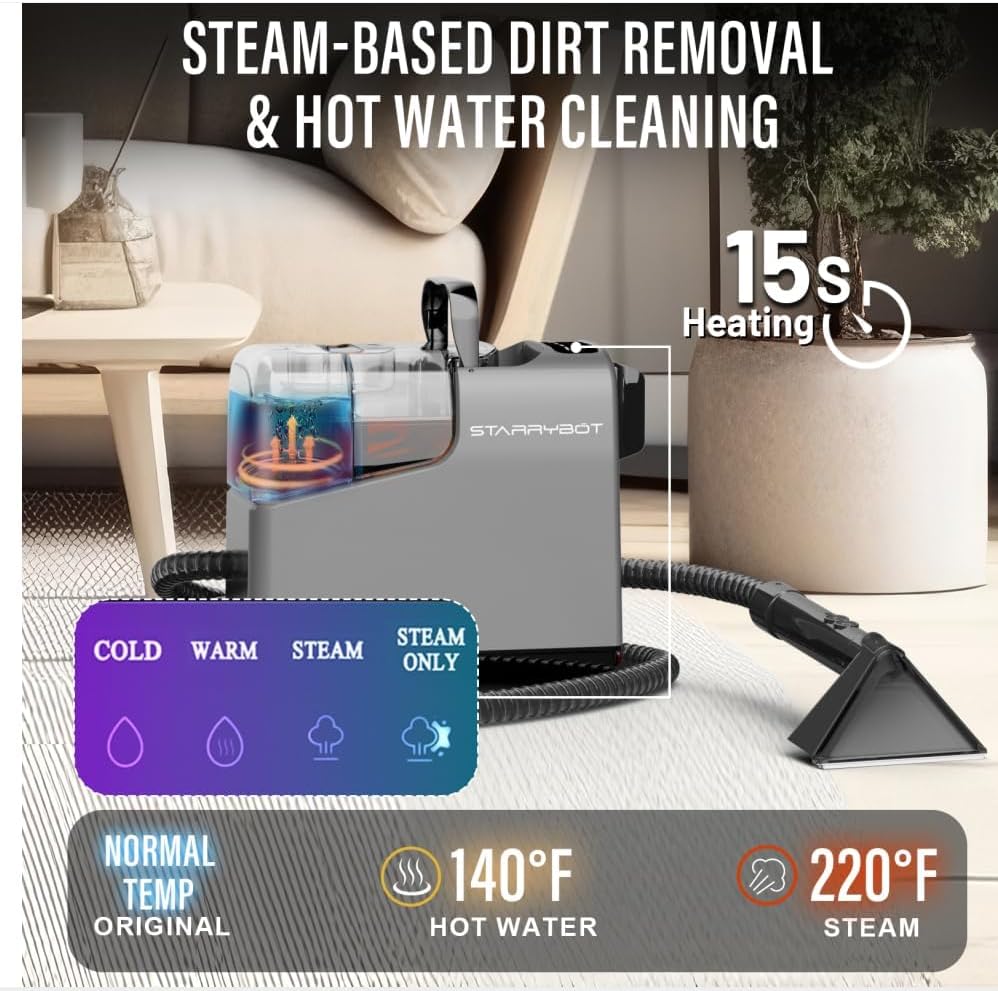
Figure 3: Overview of the cleaner's components and tanks for setup.
6. Operating Instructions
- Power On: Press the power button on the control panel to turn on the machine.
- Select Cleaning Mode: Choose your desired cleaning mode from the control panel:
- Cold Water Clean: For general cleaning and light stains.
- Warm Water Clean: For enhanced cleaning power on tougher stains.
- Steam Clean: Combines steam with water for deep cleaning and sanitization.
- Steam Sanitization (Steam Only): For sanitizing surfaces without additional water or solution.
- Pre-Treat (Optional): For heavily soiled areas, spray a small amount of cleaning solution directly onto the stain and allow it to sit for a few minutes before cleaning.
- Clean the Area: Hold the selected tool firmly against the surface. Press the trigger on the hand tool to spray cleaning solution/steam. Move the tool slowly over the stained area, applying gentle pressure. Release the trigger and pull the tool back to suction up the dirty water. Repeat as necessary until the stain is removed.
- Targeted Cleaning: Utilize the specialized tools for specific tasks:
- 3" Hand Tool: Ideal for small, stubborn spots and pet messes.
- 5" Wide Tool: Covers larger areas efficiently.
- CreviceCollector Tool: Reaches dirt in tight corners and crevices.
- Steam Brush Tool: Provides concentrated steam for deep-set stains.
- Drying: After cleaning, make several passes over the area with suction only (without spraying) to remove as much moisture as possible. Allow the area to air dry completely.

Figure 4: Illustrating the powerful suction capability of the cleaner.
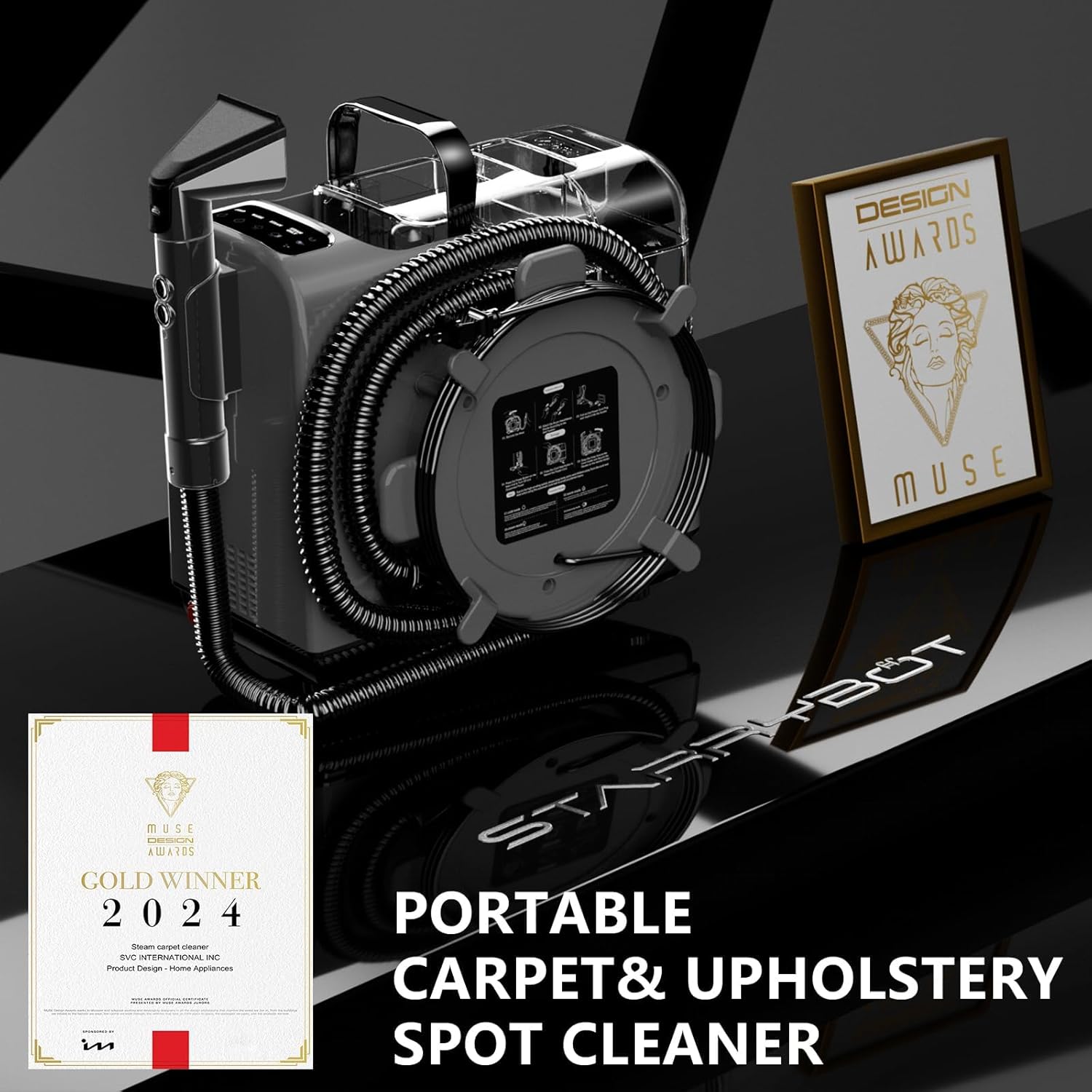
Figure 5: Effective cleaning of pet messes on carpet.
Video 1: Official STARRYBOT demonstration of the portable carpet steam cleaner machine.
7. Maintenance
- Empty Dirty Water Tank: After each use, remove the 40oz dirty water tank and dispose of the wastewater.
- Clean Tanks: Rinse both the clean and dirty water tanks thoroughly with clean water. Allow them to air dry before reassembling.
- Clean Tools: Detach all cleaning tools and rinse them under running water to remove any debris or residue. The brush heads can be removed for easier cleaning.
- Self-Cleaning Feature: The integrated self-cleaning tool can be used to flush the hose and internal components. Attach the self-cleaning tool, fill the clean water tank with clean water, and run the machine in a cleaning mode until the water runs clear.
- Storage: Wrap the power cord neatly and store the machine and its accessories in a cool, dry place. The compact and lightweight design allows for easy storage.

Figure 6: Compact design for easy storage and transport.
8. Troubleshooting
| Problem | Possible Cause | Solution |
|---|---|---|
| No suction | Dirty water tank full; Hose clogged; Tank not properly seated. | Empty dirty water tank; Clear hose obstruction; Re-seat tank securely. |
| No spray/steam | Clean water tank empty; Nozzle clogged; Machine not heated (for steam modes). | Refill clean water tank; Clean nozzle; Allow machine to preheat (approx. 15 seconds for steam). |
| Water leaking | Tanks not properly sealed; Hose connection loose. | Ensure tanks are securely closed; Check hose connections. |
| Machine not turning on | Not plugged in; Power outlet faulty. | Check power cord connection; Test outlet with another appliance. |
9. Specifications
| Feature | Detail |
|---|---|
| Model Name | ET2314 |
| Suction Power | 18,000 PA |
| Clean Water Tank Capacity | 60 oz |
| Dirty Water Tank Capacity | 40 oz |
| Hose Length | 6.5 ft |
| Item Weight | 13.92 pounds |
| Package Dimensions | 16.5 x 13.5 x 12 inches |
| Color | Gray |
10. Warranty and Support
Your STARRYBOT Portable Carpet Cleaner Machine is covered by a manufacturer's warranty. For detailed warranty information, product support, or to purchase replacement parts, please visit the official STARRYBOT website or contact customer service. Keep your purchase receipt as proof of purchase.
For further assistance, please visit the STARRYBOT Store on Amazon.


