Introduction
This manual provides essential information for the setup, operation, and maintenance of your Costzon 61-Key Electric Digital Piano Keyboard. Designed for beginners and advanced players alike, this versatile instrument offers a wide range of musical functions to enhance your learning and playing experience.
Package Contents
Verify that all items listed below are included in your package:
- 1 x Electronic Keyboard
- 1 x Keyboard Stand
- 1 x Stool
- 1 x Music Stand
- 1 x Power Adaptor
- 1 x Headphone
- 1 x Microphone
- 1 x Note Sticker
- 1 x User Manual

Image: The complete Costzon 61-Key Electric Digital Piano Keyboard set, including the keyboard, adjustable stand, padded stool, music stand, headphones, microphone, power adapter, and note stickers.
Setup Instructions
- Assemble the Keyboard Stand: Follow the instructions in the user manual to assemble the adjustable keyboard stand. Ensure all screws are securely fastened.
- Assemble the Stool: Assemble the padded stool according to the provided instructions.
- Attach the Keyboard: Place the electronic keyboard securely onto the assembled stand.
- Connect Power: Connect the power adapter to the keyboard's power socket and plug it into a standard electrical outlet. Alternatively, insert 4 x AA batteries (not included) into the battery compartment for portable use.
- Attach Music Stand: Insert the music stand into the designated slot on the keyboard.
- Connect Accessories:
- Plug the microphone into the microphone socket.
- Plug the headphones into the audio output socket for private practice.
- Apply Note Stickers (Optional): For beginners, carefully apply the provided note stickers to the keys as guided by the sticker sheet.
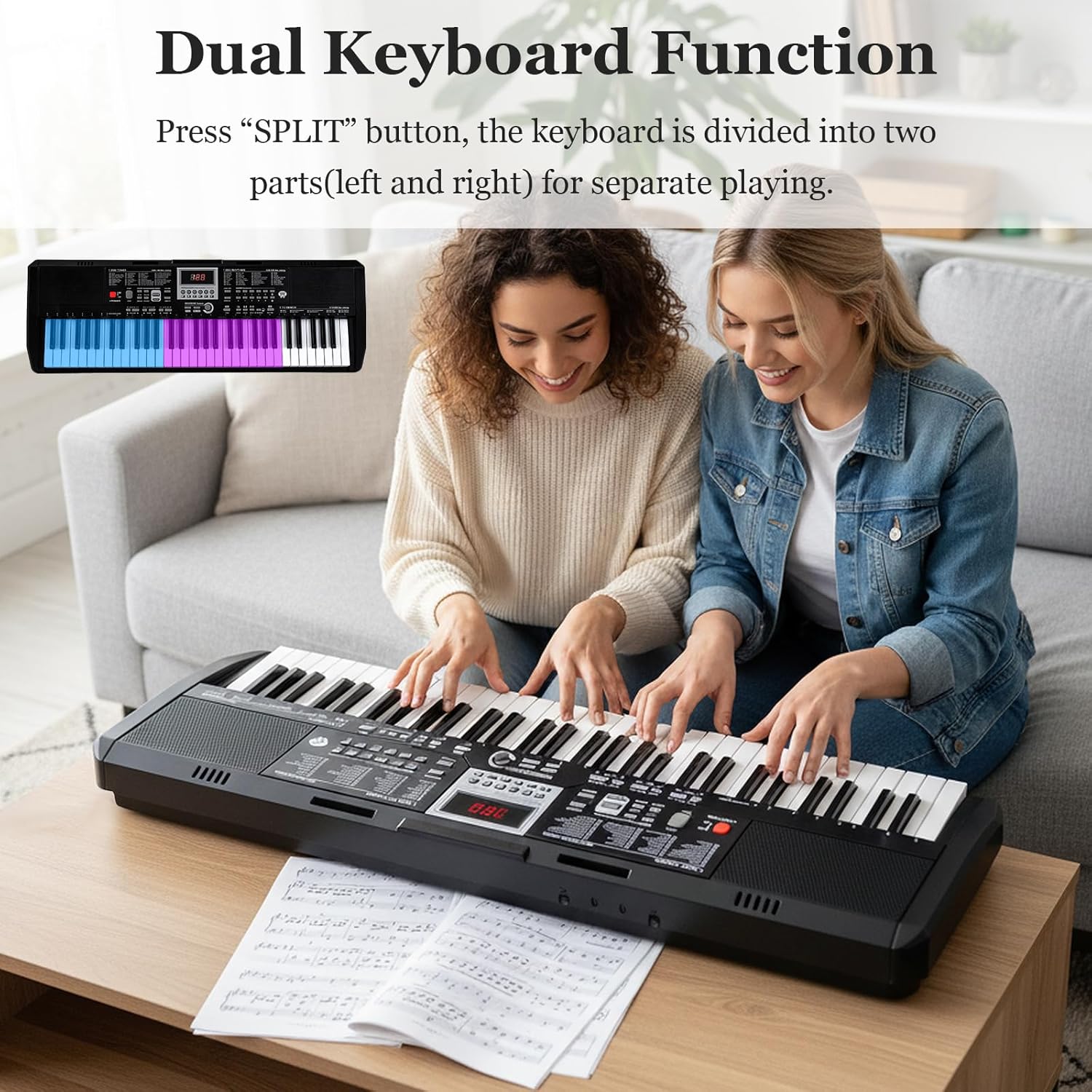
Image: Illustration of the keyboard stand assembly and keyboard placement, highlighting the ease of setup.
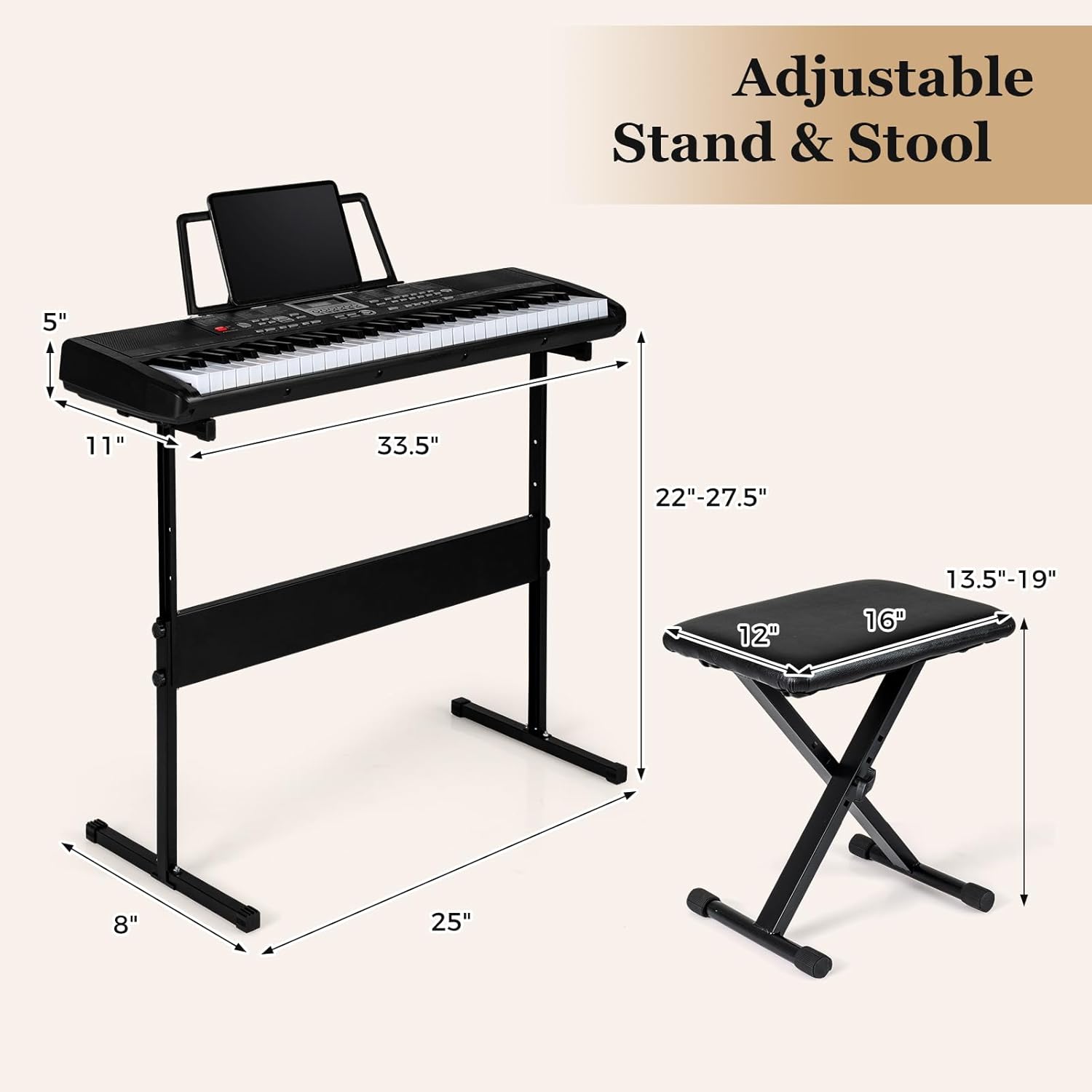
Image: The keyboard can be powered via the included power adapter or by inserting 4 AA batteries (not included) for portable use.

Image: Detailed view of the keyboard's control panel, showing buttons for various functions and external sockets for power, audio output, audio input, and microphone.
Operating Instructions
- Power On/Off: Press the POWER button to turn the keyboard on or off. The LED display will illuminate.
- Adjust Volume: Use the VOLUME +/- buttons to adjust the master volume.
- Select Tones/Rhythms: Use the number pad or TONE/RHYTHM buttons to select from 200 tones and 200 rhythms. Refer to the included manual for a complete list.
- Teaching Mode & Light-up Keys: Activate the teaching mode and utilize the light-up keys for guided learning. The keys will illuminate to indicate which notes to play.
- Dual Keyboard Function: Press the SPLIT button to divide the keyboard into two parts for duet playing or separate voices.
- Demo Songs: Press DEMO ONE or DEMO ALL to play pre-loaded demonstration songs. There are 70 demos available.
- Recording and Playback: Use the RECORD button to record your performance and PLAY to listen back.
- Metronome: Activate the metronome function to assist with timing and rhythm practice.
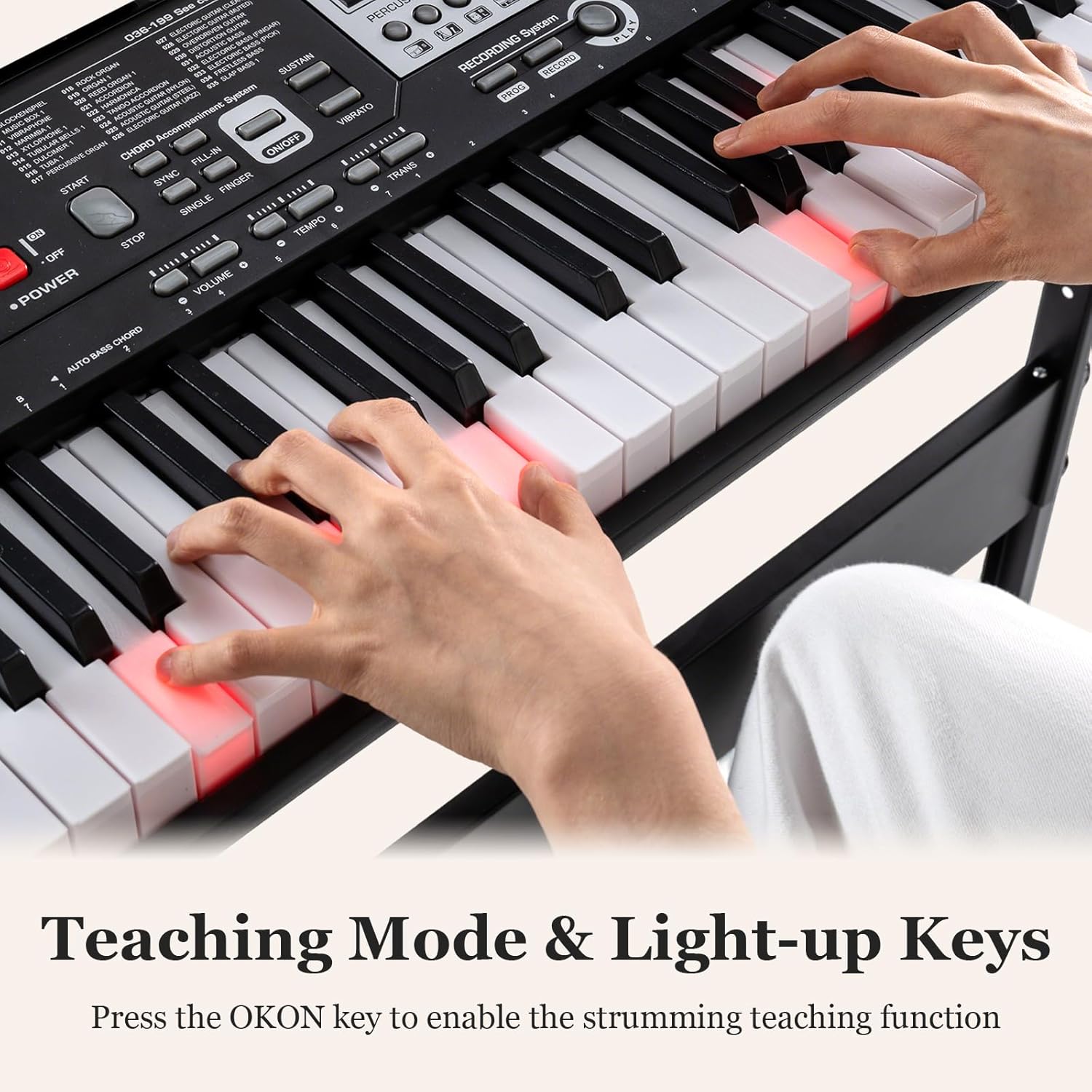
Image: Hands playing the keyboard, illustrating the lighted keys feature which guides beginners by illuminating the notes to be played.

Image: Two individuals playing the keyboard together, showcasing the dual keyboard function where the keyboard is split into two parts for separate playing.
Video: A demonstration of the 61-key keyboard piano's various functions and features, including different tones, rhythms, and the digital display. This video is provided by the seller.
Video: A short preview demonstrating the sound of the lighted keys piano keyboard. This video is provided by the seller.
Key Features
- Musical Functions: Features 200 rhythms, 200 tones, and 70 demos, along with sustain, vibrato, record, and metronome functions.
- Teaching Mode & Light-up Keys: Innovative light-up keys and teaching mode guide beginners step-by-step, complemented by note stickers for easier learning.
- Dual Keyboard Function: Allows the keyboard to be split into two parts for duet playing or separate voice assignments.
- Power Supply Options: Can be powered by a power adapter or 4 AA batteries (not included). Includes multiple sockets for headphones, microphones, and other devices.
- Adjustable Stand & Stool: Comes with a height-adjustable stand and stool to accommodate users of various ages for optimal posture and comfort.
- Faux Wood Grain Keys: Designed for comfortable touch and natural texture.
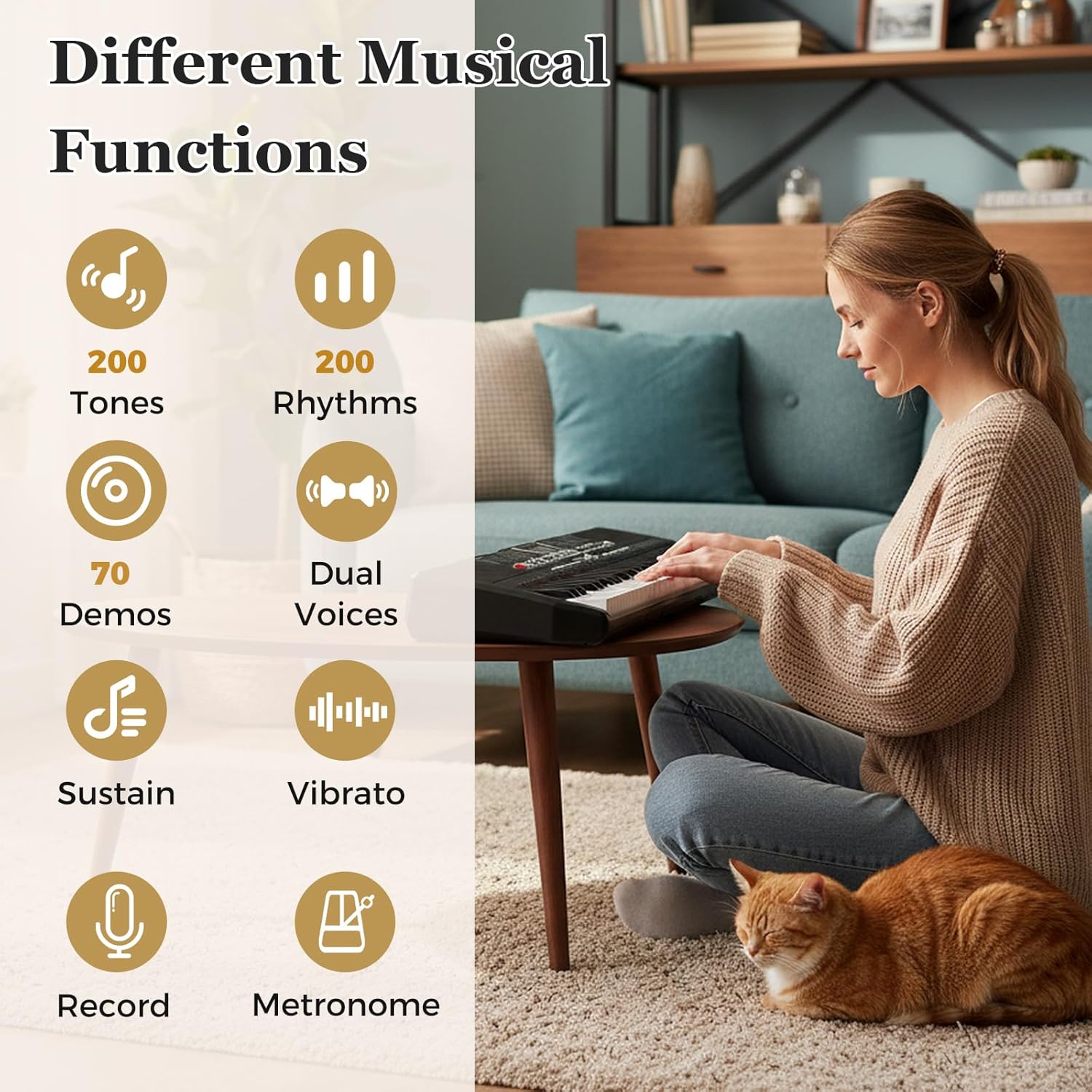
Image: An infographic highlighting the diverse musical functions of the keyboard, such as 200 tones, 200 rhythms, 70 demos, dual voices, sustain, vibrato, record, and metronome.
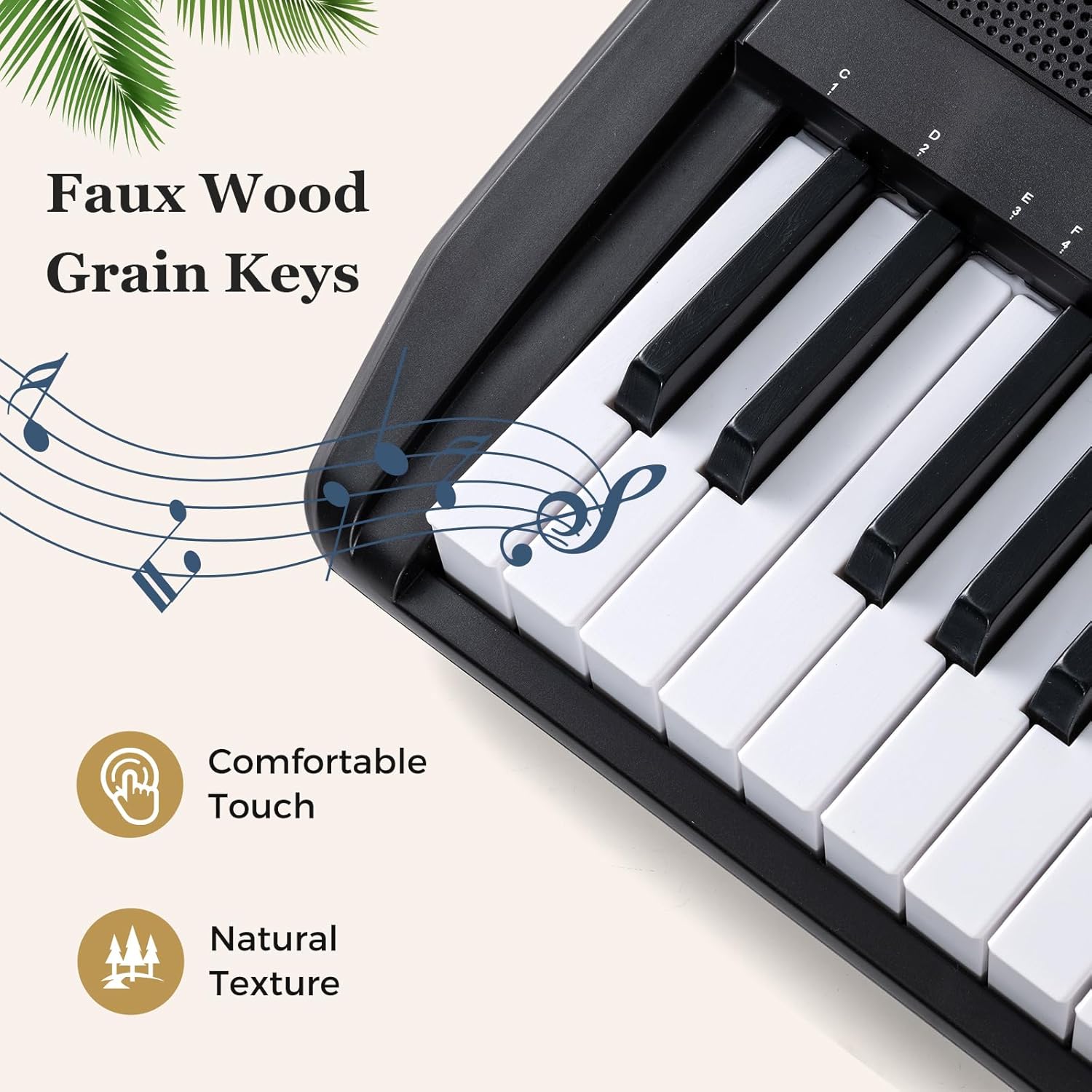
Image: A close-up view of the keyboard's keys, showcasing their faux wood grain texture for a comfortable and natural playing feel.
Specifications
| Feature | Detail |
|---|---|
| Item Weight | 14.5 Pounds (6.5 kg) |
| Model Name | Piano Keyboard |
| Product Dimensions | 11"D x 33.5"W x 5"H (85 x 28 x 12 cm) |
| Power Source | Battery Powered & Corded Electric |
| Manufacturer | Costzon |
| Item model number | MU10138 |
| Number of Keys | 61 |
| Skill Level | All |
| Special Feature | Digital Display, Lighted Keys, Portable |
| Age Range (Description) | Adult (suitable for children, teenagers, and adults) |
| Keyboard Stand Size | 25” x 8” x 22”-27.5” (63 x 20 x 56-70 cm) |
| Stool Size | 16” x 12” x 13.5-19” (40 x 30 x 34-48 cm) |
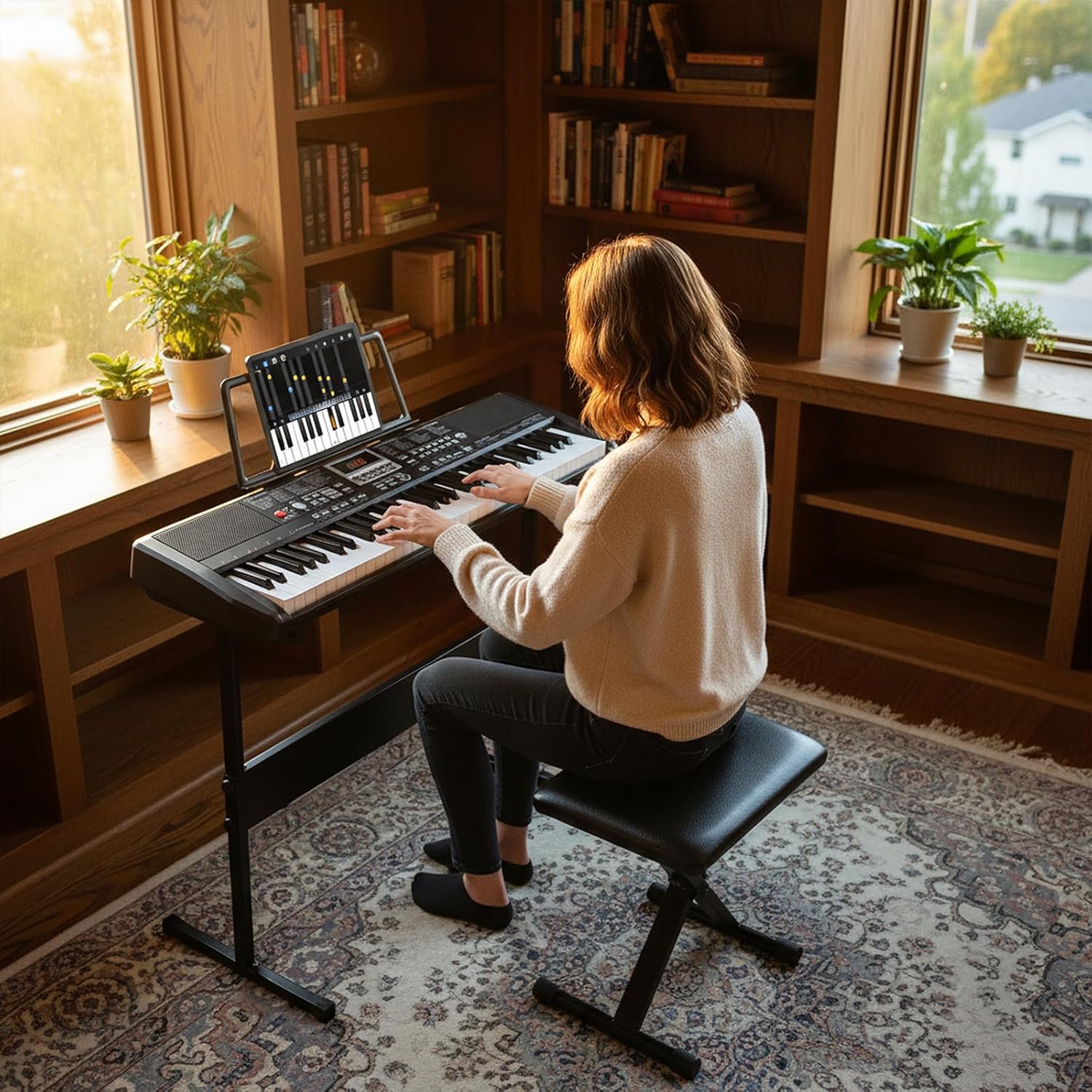
Image: A diagram illustrating the dimensions of the keyboard, its adjustable stand, and the accompanying stool, providing clear measurements for setup and use.
Maintenance
- Keep the keyboard clean by wiping it with a soft, dry cloth.
- Avoid exposing the keyboard to direct sunlight, high temperatures, or excessive moisture.
- Do not use abrasive cleaners or solvents.
- When not in use, cover the keyboard to protect it from dust.
Troubleshooting
If you encounter any issues, please refer to the following common troubleshooting tips:
- No Sound:
- Ensure the keyboard is powered on and the volume is turned up.
- Check if headphones are plugged in; if so, unplug them to enable speaker output.
- Verify the power adapter is securely connected or that batteries are correctly inserted and not depleted.
- Keys Not Lighting Up:
- Ensure the keyboard is in a mode that supports lighted keys (e.g., teaching mode).
- Check the LED On/Off button if available.
- Microphone Not Working:
- Ensure the microphone is securely plugged into the correct socket.
- Check the microphone's volume settings on the keyboard.
For further assistance, please consult the full user manual or contact Costzon customer support.
Warranty and Support
For warranty information, product registration, or technical support, please refer to the contact details provided in your original product packaging or visit the official Costzon website. Keep your purchase receipt for warranty claims.