1. Introduction
This manual provides comprehensive instructions for the Generic RM-014S Universal Remote Control. Please read this manual carefully before using the remote control to ensure proper operation and to maximize its lifespan. This remote is designed as a replacement for various LCD and LED TV models, offering a user-friendly experience with stable signal transmission.
2. Product Overview
The RM-014S is a universal remote control engineered for ease of use and broad compatibility with LCD and LED televisions. Its design focuses on reliable performance and a comfortable user experience.
Key Features:
- Wide Compatibility: Supports various LCD and LED TV models with dependable function and strong signal transmission.
- User-Friendly Layout: Features clear and comfortable buttons for simple navigation and easy access to frequently used functions.
- Stable Signal Performance: Delivers consistent and responsive infrared signal output, reducing delays and offering reliable operation from various angles and distances.
- Easy Setup Design: Straightforward setup process allows for quick replacement of old controllers without complicated steps.
- Durable and Practical Build: Constructed with long-lasting materials for durability and comfortable handling, suitable for continuous daily operation.
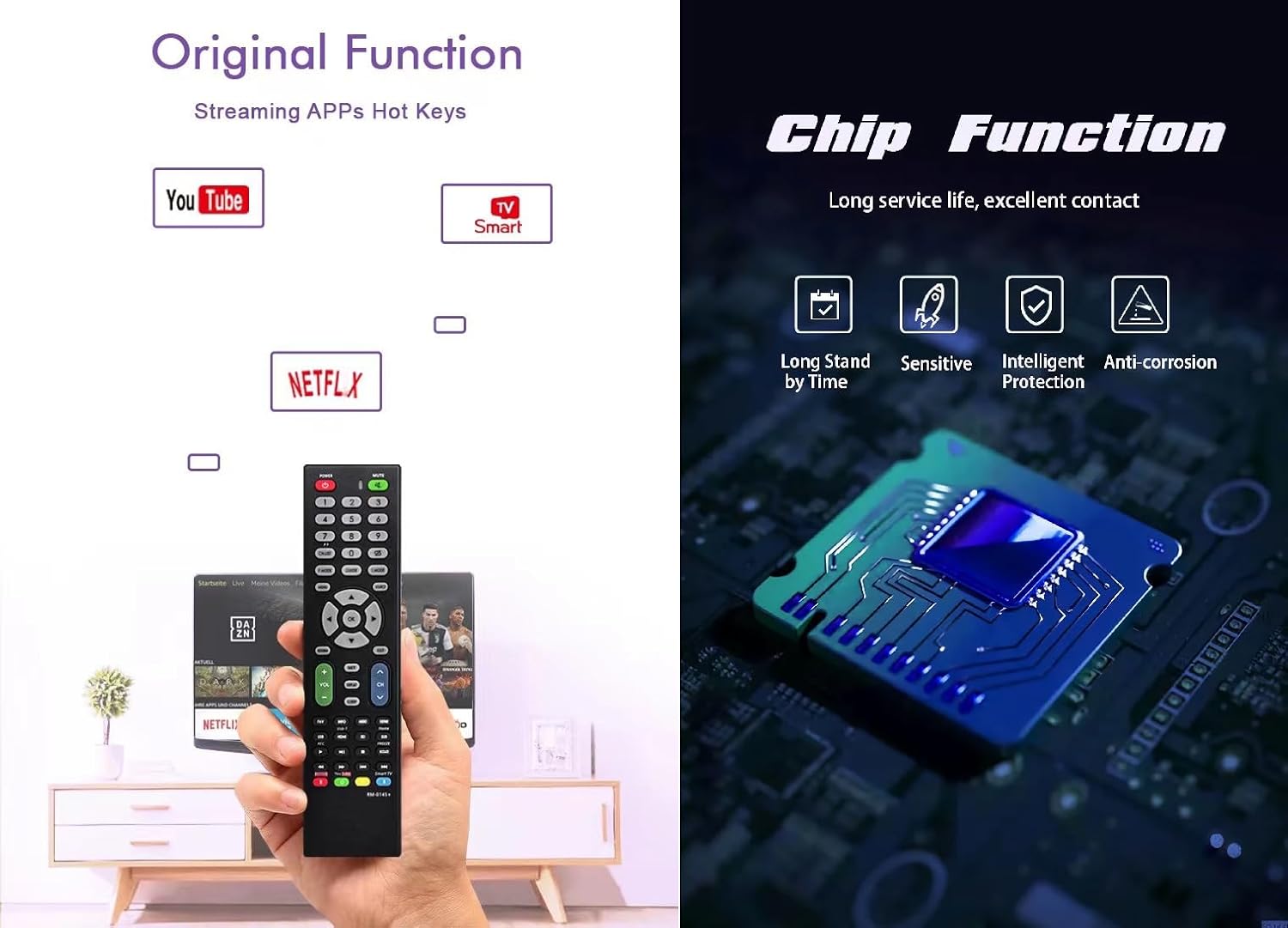
Image 1: RM-014S Remote Control highlighting original functions like streaming app hotkeys (YouTube, Netflix) and an internal chip diagram illustrating long service life, excellent contact, sensitive response, intelligent protection, and anti-corrosion features.
3. Setup
3.1 Battery Installation
- Locate the battery compartment on the back of the RM-014S remote control.
- Slide the battery cover downwards or in the direction indicated by an arrow to open it.
- Insert two AAA batteries (not included), ensuring the positive (+) and negative (-) terminals match the diagrams inside the compartment.
- Close the battery cover by sliding it back into place until it clicks securely.
Note: Always use new batteries of the same type. Do not mix old and new batteries, or different types of batteries. Remove batteries if the remote will not be used for an extended period.
3.2 Initial Use (No Programming Required)
The RM-014S is designed as a direct replacement for many LCD/LED TV models and typically requires no complex programming. Once batteries are installed, point the remote control towards your television and test its functions.
- Ensure your TV is powered on.
- Point the RM-014S remote control directly at the TV's infrared receiver.
- Press the POWER button. If the TV turns off or on, the remote is ready for use.
- Test other functions such as Volume Up/Down, Channel Up/Down, and Menu to confirm full compatibility.
If the remote does not respond, please refer to the Troubleshooting section.
4. Operating Instructions
The RM-014S remote control features a standard layout for intuitive operation of your television. Below is a general guide to common button functions:

Image 2: RM-014S Remote Control displaying its button layout and illustrating its effective long-distance infrared control capability within 8 meters.
- POWER (RED button): Turns the TV on or off.
- MUTE: Mutes or unmutes the TV sound.
- Number Buttons (0-9): Directly select channels.
- VOL +/-: Adjusts the volume level.
- CH +/-: Changes the channel up or down.
- MENU: Accesses the TV's main menu.
- Navigation Buttons (Up, Down, Left, Right, OK): Navigate through menus and confirm selections.
- BACK/EXIT: Returns to the previous screen or exits the current menu.
- SOURCE/INPUT: Selects the input source (e.g., HDMI 1, AV).
- Hotkeys (e.g., YouTube, Netflix): Direct access to popular streaming applications (if supported by your TV model).
For specific functions related to your TV model, refer to your television's original user manual.
5. Maintenance
- Cleaning: Wipe the remote control with a soft, dry cloth. Do not use liquid cleaners or abrasive materials.
- Battery Replacement: Replace batteries when the remote's response becomes sluggish or stops working. Always replace both batteries simultaneously.
- Storage: Store the remote in a cool, dry place away from direct sunlight and extreme temperatures.
- Avoid Drops: Protect the remote from drops and impacts, which can damage internal components.
6. Troubleshooting
- Remote is not responding:
- - Check if the batteries are inserted correctly with the correct polarity (+/-).
- - Replace old batteries with new ones.
- - Ensure there are no obstructions between the remote control and the TV's infrared receiver.
- - Make sure you are within the effective operating range (approximately 8 meters) and pointing the remote directly at the TV.
- Some buttons do not work:
- - This remote is a universal replacement. While it supports many functions, some specific features of your original TV remote might not be replicated. Refer to your TV's manual for unique functions.
- - Ensure the remote is clean and there is no debris obstructing the buttons.
7. Specifications
| Model: | RM-014S |
| Brand: | Generic |
| Compatible Devices: | Television (LCD/LED) |
| Connectivity Technology: | Infrared (IR) |
| Max Number of Supported Devices: | 1 |
| Special Feature: | Universal Replacement |
| Item Weight: | 2.89 ounces (approx. 82 grams) |
| Package Dimensions: | 8.27 x 2.09 x 1.06 inches (approx. 21 x 5.3 x 2.7 cm) |
8. Warranty and Support
For warranty information or technical support, please refer to the retailer or manufacturer's official website where the product was purchased. Keep your proof of purchase for any warranty claims.
This product is designed for reliable performance. Should you encounter any issues not covered in this manual, please contact customer support for assistance.