
Introduction
This manual provides comprehensive instructions for the installation, operation, and maintenance of your FIREBOX M20 WiFi Video Doorbell. Please read this manual carefully before use to ensure proper functionality and safety.
Package Contents
- FIREBOX M20 Video Doorbell
- Wireless Chime
- Mounting Bracket
- Mounting Screws and Anchors
- USB Charging Cable
- User Manual

Setup
1. Charging the Doorbell
Before first use, fully charge the doorbell's integrated 4000 mAh lithium-ion battery using the provided USB cable. Connect the USB cable to the doorbell's charging port and a standard 5V USB power adapter (not included). The charging indicator light will show the charging status.

2. App Installation and Account Creation
- Download the "Tuya Smart" or "Smart Life" app from your smartphone's app store (iOS or Android).
- Register for a new account or log in if you already have one.

3. Device Pairing
- Ensure your doorbell is charged and powered on.
- Open the Tuya Smart/Smart Life app.
- Tap the "+" icon to add a new device.
- Select "Video Surveillance" then "Smart Doorbell" or search for "M20".
- Follow the on-screen instructions to connect the doorbell to your 2.4GHz Wi-Fi network. Ensure your phone is connected to the same 2.4GHz Wi-Fi network during pairing.
- The doorbell will indicate successful pairing.
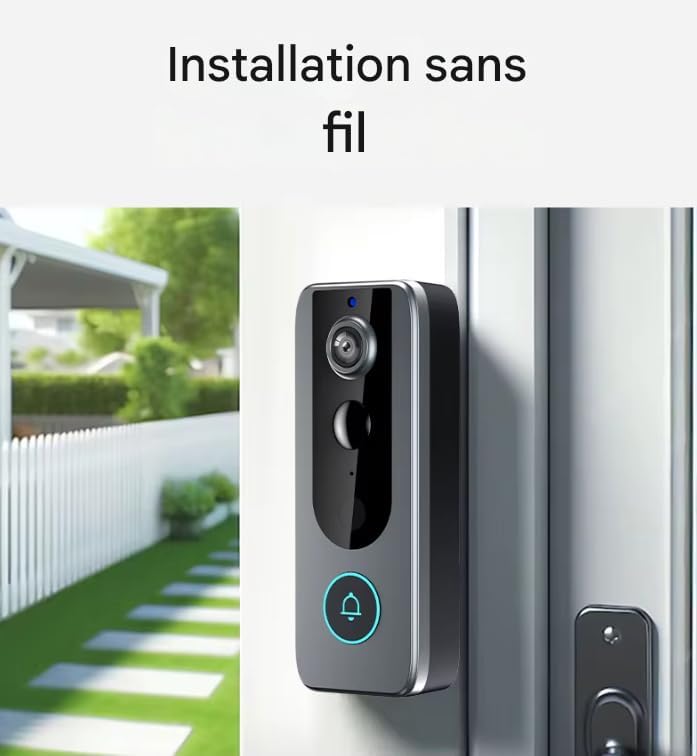
4. Mounting the Doorbell
The FIREBOX M20 is designed for wireless wall mounting. Choose a suitable location near your entrance, ensuring good Wi-Fi signal strength.
- Position the mounting bracket at the desired height.
- Mark the screw holes.
- Drill pilot holes and insert wall anchors if necessary.
- Secure the mounting bracket to the wall with screws.
- Attach the doorbell unit to the mounting bracket, ensuring it clicks securely into place.
Operating Instructions
1. Live View
Open the Tuya Smart/Smart Life app and select your doorbell device to access the live video feed from the 1080p HD camera. This allows you to monitor your entrance in real-time.
2. Two-Way Audio
When a visitor presses the doorbell or motion is detected, you will receive a notification on your smartphone. Tap the notification to answer and engage in a two-way conversation with the visitor using the integrated microphone and speaker.

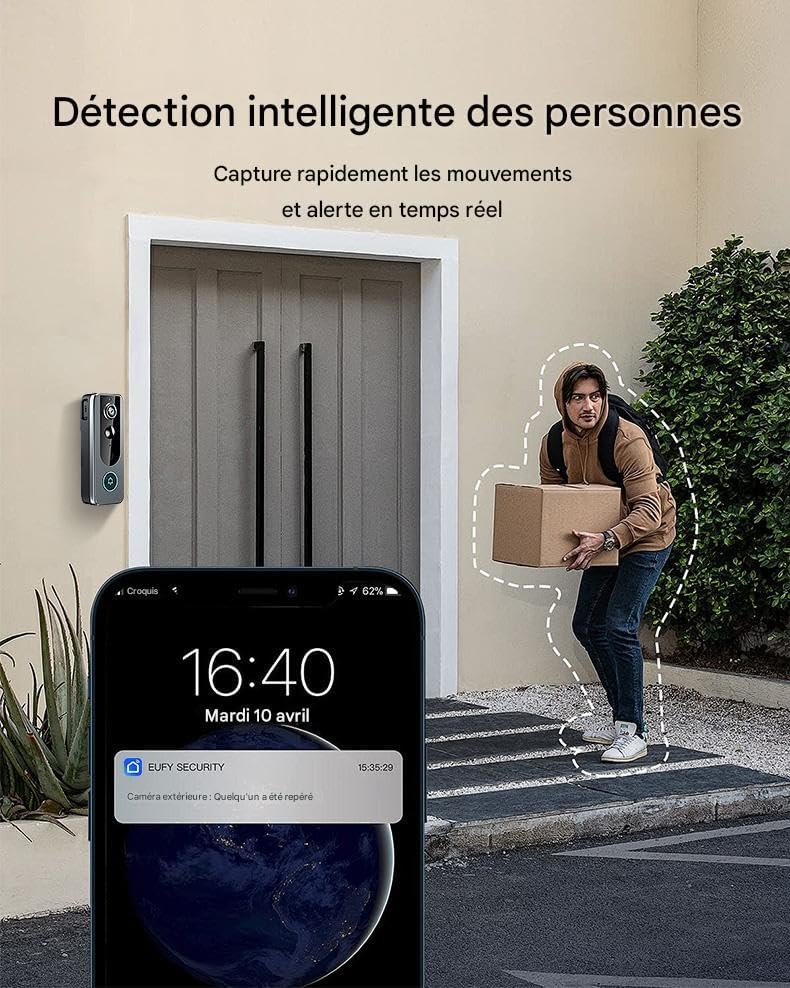
3. Motion Detection
The doorbell features intelligent motion detection. When movement is detected within its 160-degree viewing angle, you will receive instant notifications on your smartphone. You can adjust sensitivity settings within the app.
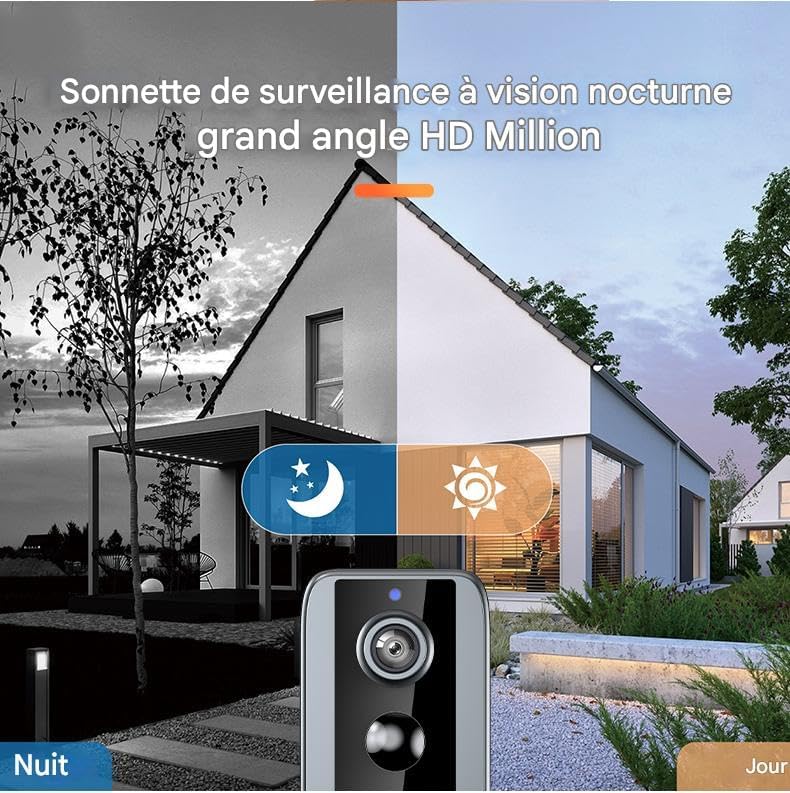
4. Night Vision
Equipped with 6 infrared LEDs, the doorbell provides clear night vision up to 10 meters, ensuring surveillance capabilities 24 hours a day, even in low-light conditions.
5. Video Recording and Storage
The doorbell supports local storage via a microSD card (up to 32GB, not included). Recorded events, such as motion detections or doorbell presses, are saved to the card. You can review these recordings through the app.
Maintenance
1. Battery Charging
The integrated battery requires periodic recharging. The app will notify you when the battery level is low. Disconnect the doorbell from its mounting bracket and charge it using the USB cable. Charging time may vary.
2. Cleaning
Wipe the doorbell's exterior with a soft, damp cloth to remove dust and dirt. Do not use abrasive cleaners or solvents. Ensure the camera lens is clean for optimal video quality.
3. Firmware Updates
Periodically check the Tuya Smart/Smart Life app for available firmware updates. Keeping your doorbell's firmware updated ensures optimal performance and access to new features.
Troubleshooting
1. Doorbell Not Connecting to Wi-Fi
- Ensure your Wi-Fi network is 2.4GHz. The doorbell does not support 5GHz Wi-Fi.
- Verify the Wi-Fi password is correct.
- Place the doorbell closer to your Wi-Fi router during the initial setup.
- Restart your router and the doorbell.
2. Poor Video Quality
- Check your Wi-Fi signal strength at the doorbell's location. A weak signal can affect video quality.
- Clean the camera lens.
3. Motion Detection Not Working or Too Sensitive
- Adjust the motion detection sensitivity settings within the Tuya Smart/Smart Life app.
- Ensure there are no obstructions blocking the sensor.
4. Short Battery Life
- Frequent motion detections or live view access can drain the battery faster.
- Ensure the doorbell is fully charged after each charging cycle.
- Extreme temperatures can affect battery performance.
Specifications
| Model Name | FIREBOX M20 |
| Video Resolution | 1080p HD |
| Viewing Angle | 160 Degrees |
| Night Vision Range | Up to 10 meters (with 6 IR LEDs) |
| Audio | Two-Way Audio |
| Connectivity | 2.4GHz Wi-Fi |
| App Compatibility | Tuya Smart, Smart Life |
| Power Source | Rechargeable Lithium-ion Battery (4000 mAh) |
| Storage | MicroSD Card (up to 32GB, not included) |
| Weather Resistance | IP65 (Waterproof) |
| Mounting Type | Wall Mount |
| Dimensions (L x W x H) | 5.5 x 3.5 x 14 cm |
| Weight | 400 grams |
Warranty and Support
Specific warranty information and direct customer support contact details are not provided within this manual. Please refer to the retailer or your purchase documentation for warranty terms and support options.