
Costzon S58
Costzon Electronic Wind Instrument (Model S58) User Manual
Model: S58
Introduction
This manual provides essential instructions for the safe and effective use of your Costzon Electronic Wind Instrument, Model S58. Please read this manual thoroughly before operating the instrument and retain it for future reference. This digital saxophone offers a versatile musical experience with its portable design, 100 tones, MIDI connectivity, and expressive controls.
Safety Information
- Do not expose the instrument to extreme temperatures, humidity, or direct sunlight.
- Avoid dropping the instrument or subjecting it to strong impacts.
- Keep the instrument away from water and other liquids.
- Use only the provided charging cable and power adapter.
- Do not attempt to disassemble or modify the instrument. Refer all servicing to qualified personnel.
- Keep out of reach of small children to prevent choking hazards from small parts.
Product Overview
Familiarize yourself with the components of your Costzon Electronic Wind Instrument.

Image Description: A detailed diagram of the Costzon Electronic Wind Instrument, showing its front and back. Key components labeled include: Mouthpiece, Note Sensing Keys, Ascending Induction Key, Downtone Induction Key, Reduce Whole Tone Key, High Octave, High-Mid Octave, Middle Octave, Low Octave, Display Screen, Power Button, Settings, Transpose buttons, User Storage buttons, Headphone Jack, Charging Port, Multifunction Button, and Speaker.
- Mouthpiece: Where you blow into the instrument.
- Note Sensing Keys: Touch-sensitive keys for playing notes.
- Octave Buttons: Buttons to shift the playing octave (High, High-Mid, Middle, Low).
- Display Screen: Shows current tone, settings, and other information.
- Power Button: Turns the instrument on or off.
- Transpose Buttons: Adjusts the pitch up or down.
- User Storage Buttons: For saving and recalling custom settings.
- Headphone Jack: For private practice or connecting to external audio systems.
- Charging Port (Type-C): For connecting the charging cable.
- Multifunction Button: Used for various settings and controls.
- Speaker: Built-in speaker for direct audio output.
Setup
1. Unpacking
Carefully remove all items from the packaging. The package includes:

Image Description: An image displaying the contents of the Costzon Electronic Wind Instrument package, including the instrument itself, a storage bag, two mouthpiece covers, a Type-C charging cable, a power adapter, and the user manual.
- 1 x Electronic Wind Instrument
- 2 x Mouthpiece Covers
- 1 x Type-C Charging Cable
- 1 x Power Adapter
- 1 x Storage Bag
- 1 x User Manual (this document)
2. Charging the Instrument
Before first use, fully charge the instrument. Connect the Type-C charging cable to the instrument's charging port and the power adapter, then plug into a wall outlet.

Image Description: The Costzon Electronic Wind Instrument with a graphic indicating "12 Hours Playing Time" and "800mAh high capacity battery can be fully charged in 1 hour." This highlights the instrument's battery life and charging efficiency.
- A full charge takes approximately 1 hour.
- A fully charged battery provides up to 12 hours of continuous play.
- The display screen will indicate charging status.
3. Attaching the Mouthpiece
Gently push one of the provided silicone mouthpiece covers onto the mouthpiece of the instrument until it is securely in place.
Operating Instructions

Image Description: A person wearing headphones playing the Costzon Electronic Wind Instrument. Surrounding icons highlight key features: 2 Fingerings, 15 Volumes, 100 Tones, Vibrato, Glissando, Pitch Bend, Frequency Modulation, 32 Sensitivities, and Transpose (+/-12).
1. Power On/Off
- To power on, press and hold the Power Button until the display screen illuminates.
- To power off, press and hold the Power Button until the display screen turns off.
2. Basic Playback
Place the mouthpiece in your mouth and blow gently while pressing the Note Sensing Keys to produce sounds. The instrument responds to breath pressure and key presses.
3. Tone Selection (100 Tones)
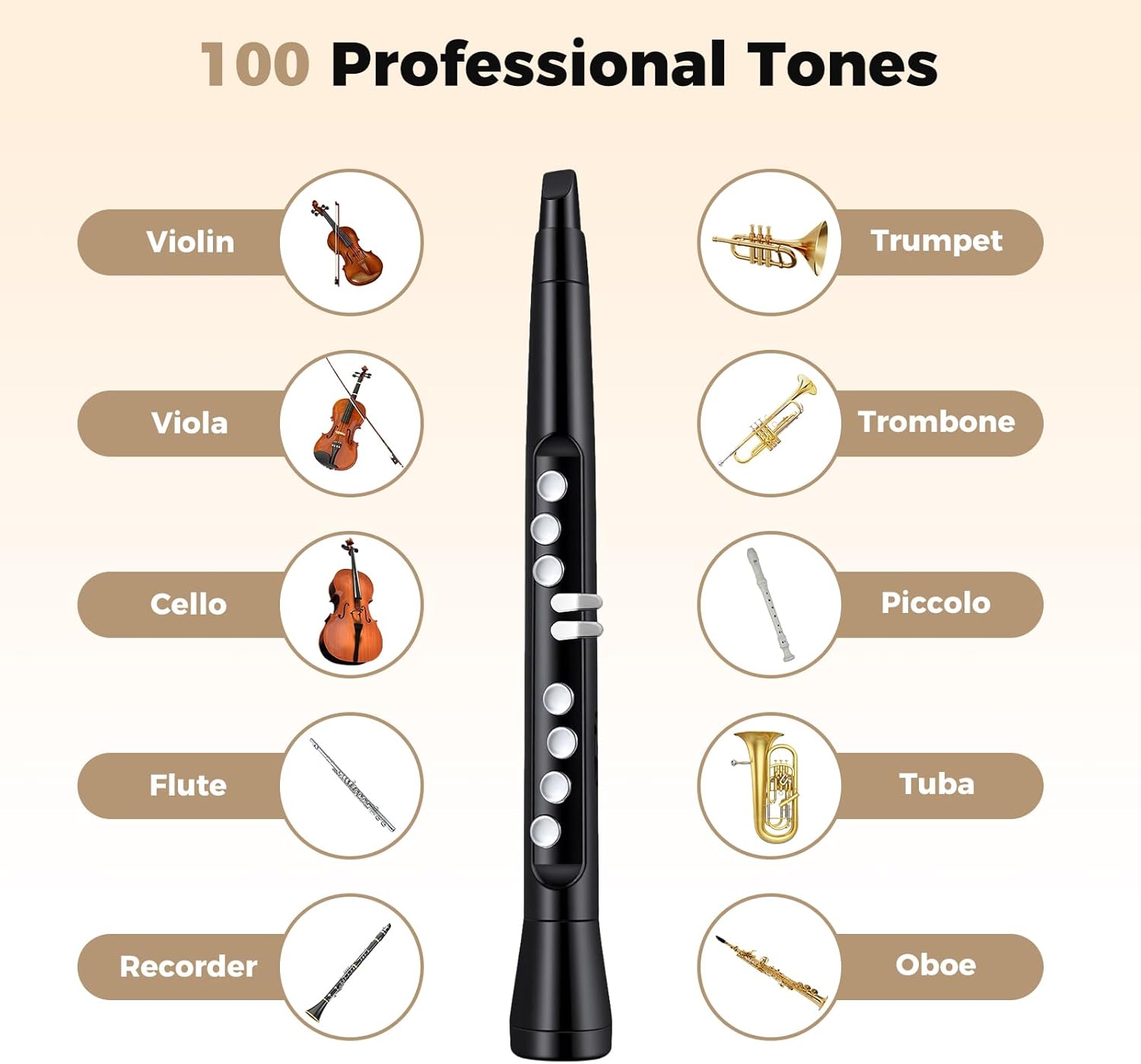
Image Description: A visual representation of various instrument tones available, including Violin, Viola, Cello, Flute, Recorder, Trumpet, Trombone, Piccolo, Tuba, and Oboe, demonstrating the wide range of 100 professional tones.
- Use the Multifunction Button and the display screen to navigate and select from 100 distinct tones, including various wind, string, and other instrument sounds.
- Refer to the on-screen menu for tone categories and selection.
4. Octave Control (4-Octave Range)
Utilize the dedicated Octave Buttons (High, High-Mid, Middle, Low) to shift the playing range across 4 octaves, allowing for a broader musical expression.
5. Sensitivity Adjustment (32 Levels)

Image Description: A graphic showing a person playing the instrument, with a bar graph illustrating "32 Blowing Sensitives" ranging from "Lighter" to "Standard" to "Heavy," indicating customizable breath control.
- The instrument features 32 sensitivity levels to customize breath response.
- Access sensitivity settings via the menu to adjust for lighter, standard, or heavier breath control preferences.
6. Volume Control (15 Levels)
Adjust the instrument's output volume using the dedicated volume controls, offering 15 distinct levels for precise sound management.
7. Fingerings (Flute and Saxophone)
The instrument supports two fingering modes: flute and saxophone. Select your preferred fingering style through the instrument's settings menu to match your playing background.
8. Expressive Controls
- Pitch Bend: Use the designated control to smoothly vary the pitch of a note.
- Vibrato: Apply a subtle, pulsating change in pitch to add expression.
- Glissando: Slide smoothly between notes using the appropriate control.
- These features are accessible via specific controls or menu options on the instrument.
9. Wireless MIDI Connectivity
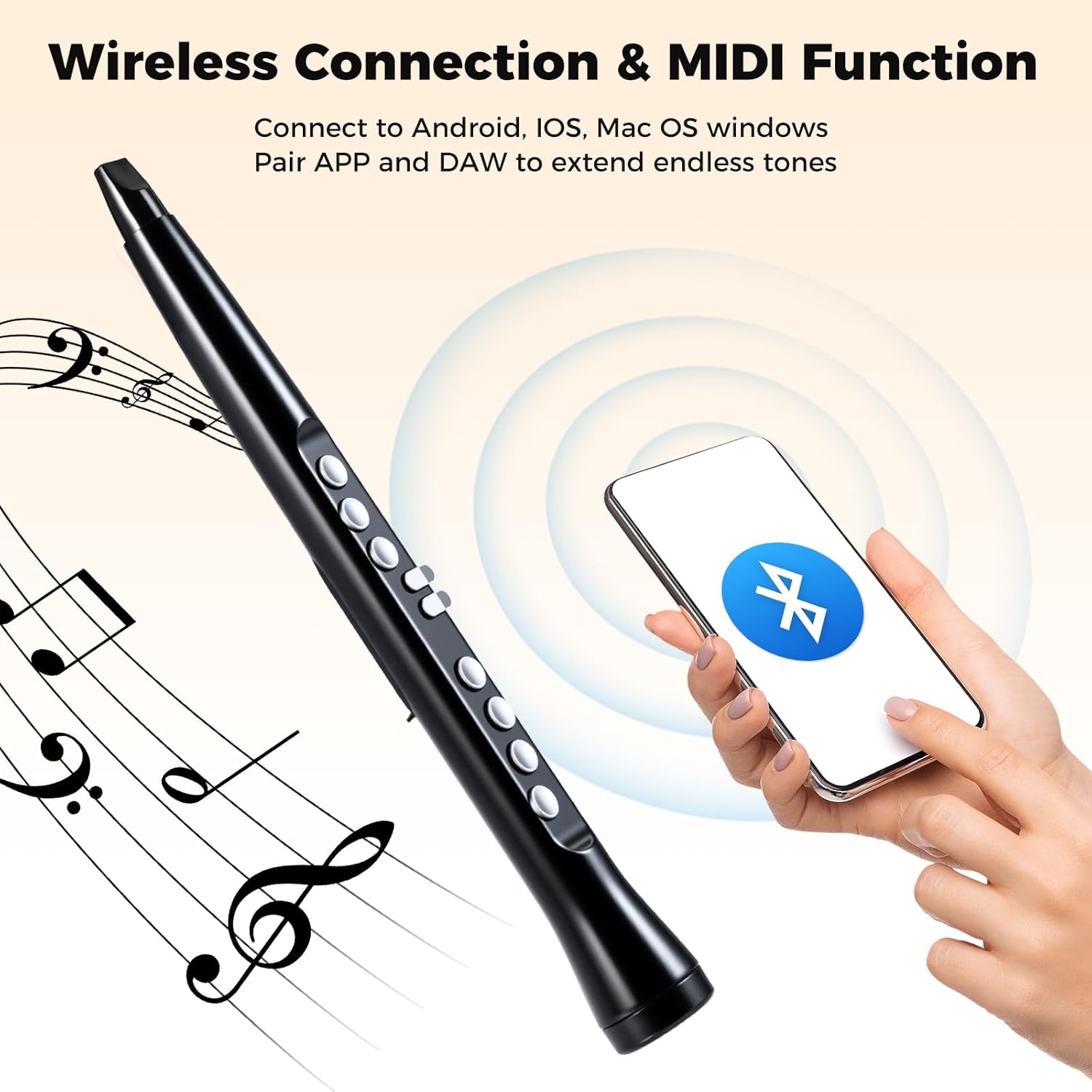
Image Description: The Costzon Electronic Wind Instrument shown with a smartphone displaying a Bluetooth MIDI icon, illustrating its wireless connectivity feature for pairing with various devices and applications.
- The instrument supports wireless MIDI connectivity with Android, iOS, Mac, and Windows devices.
- Pair the instrument with your device via Bluetooth to use with popular music apps and Digital Audio Workstations (DAW) for extended sound sources and recording capabilities.
- Refer to your device's Bluetooth pairing instructions and the specific app/DAW documentation for detailed connection steps.
10. Audio Output Options

Image Description: A three-panel image illustrating the audio output capabilities: 1) Built-in HIFI Speaker for direct sound, 2) Headphone Connection for private practice, and 3) Amplifier Connection for external sound systems.
- Built-in Speaker: The instrument features a 3W built-in Hi-Fi speaker for immediate sound output.
- Headphone Jack: For private practice, connect standard 3.5mm headphones to the headphone jack.
- External Amplifier: Connect the instrument to an external amplifier or sound system via the headphone jack for larger audiences or enhanced sound.
Maintenance
1. Cleaning
- Mouthpiece: The silicone mouthpieces are removable and washable. Clean them regularly with mild soap and water, then rinse thoroughly and allow to air dry completely before reattaching.
- Instrument Body: Wipe the instrument body with a soft, dry cloth. Do not use abrasive cleaners or solvents.
2. Storage
When not in use, store the instrument in the provided storage bag to protect it from dust and scratches. Store in a cool, dry place away from direct sunlight.
Troubleshooting
| Problem | Possible Cause | Solution |
|---|---|---|
| No sound when playing. |
|
|
| Difficulty connecting via MIDI. |
|
|
| Keys are unresponsive. |
|
|
If you encounter issues not listed here, please refer to the "Support" section for assistance.
Specifications
| Model | S58 |
| Brand | Costzon |
| Color | Black |
| Material | Acrylonitrile Butadiene Styrene (ABS) |
| Overall Dimensions | 2" x 17" / 4.5 x 42.5 cm (Dia x H) |
| Net Weight | 0.7 lbs / 0.3 kg |
| Tones | 100 |
| Octave Range | 4 Octaves |
| Fingerings | 2 (Flute and Saxophone) |
| Sensitivity Levels | 32 |
| Volume Levels | 15 |
| Speaker | 3W Hi-Fi Built-in Speaker |
| Connectivity | Wireless MIDI (Android, iOS, Mac, Windows), 3.5mm Headphone Jack, USB-C Charging Port |
| Battery | 800mAh Rechargeable Battery |
| Charging Time | Approx. 1 hour |
| Playing Time | Up to 12 hours |
Warranty and Support
For warranty information, technical support, or service inquiries, please contact Costzon customer support. Refer to the contact information provided with your purchase or visit the official Costzon website.
Website: Costzon Official Store on Amazon
Ask a question about this manual
Ask about setup, troubleshooting, compatibility, parts, safety, or missing instructions. Manuals+ will review the question and use this page’s manual context to help answer it.