1. Introduction
This manual provides essential information for setting up, operating, and maintaining your DOOGEE Note 56 X PRO Android 16 smartphone. Please read this guide thoroughly to ensure proper usage and to maximize the device's capabilities. Keep this manual for future reference.
2. What's in the Box
Upon opening the package, verify that all items listed below are present:
- 1x DOOGEE NOTE 56 X PRO Cell Phone
- 1x Type-C USB Cable
- 1x Charger
- 1x Phone Case
- 1x Warranty Card
- 1x User Manual (this document)
- 1x Card Removal Pin
- 1x Protective Film (Pre-applied)

Image: Contents of the DOOGEE Note 56 X PRO retail box.
3. Device Overview
Familiarize yourself with the physical components of your DOOGEE Note 56 X PRO smartphone.

Image: Front and back view of the DOOGEE Note 56 X PRO.
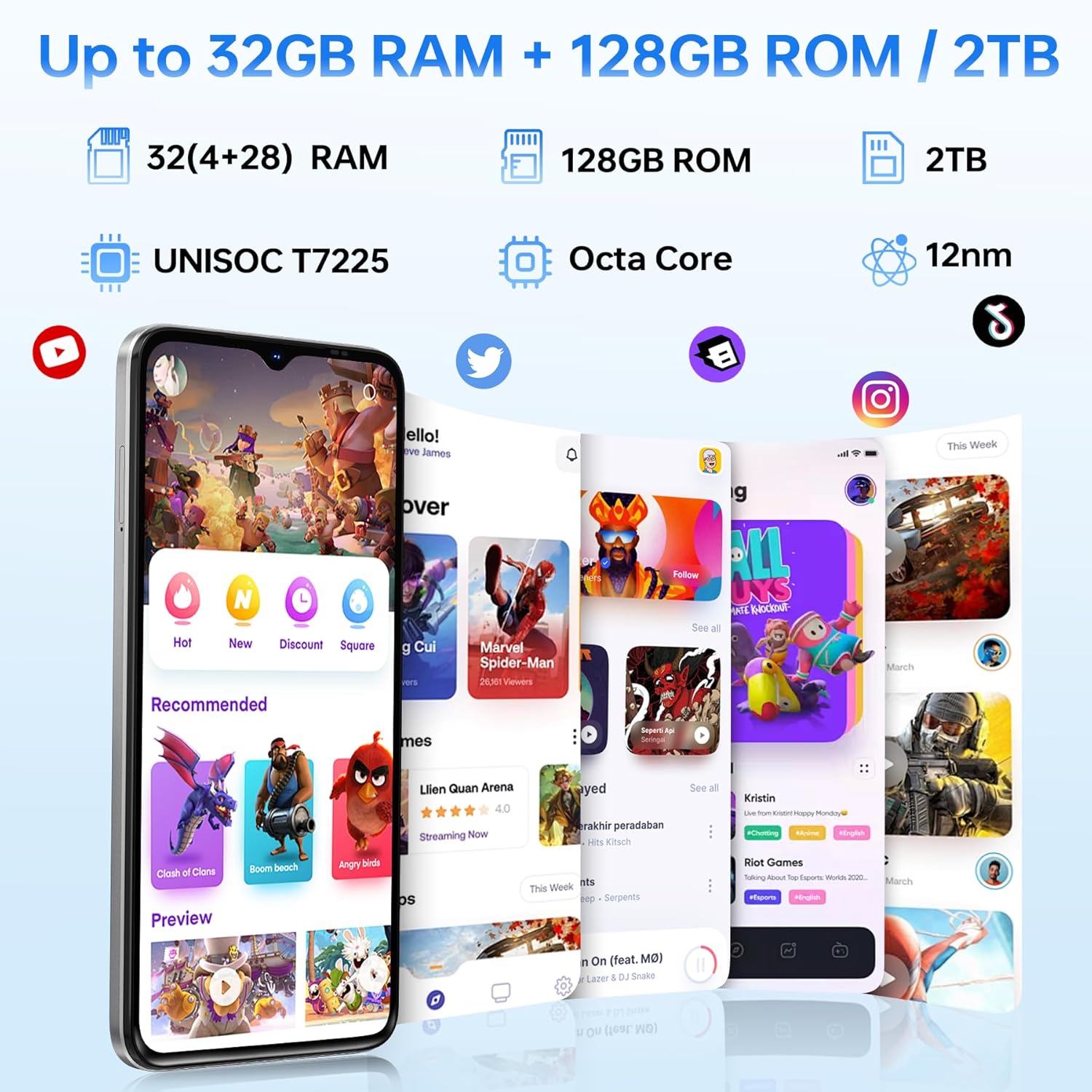
Image: Side profile of the DOOGEE Note 56 X PRO, demonstrating its slim design.

Image: Top and bottom view of the DOOGEE Note 56 X PRO, indicating port locations.
4. Setup
4.1. Installing SIM and TF Cards
- Locate the SIM card tray on the side of the phone.
- Insert the provided card removal pin into the small hole next to the tray to eject it.
- Place your Nano-SIM card(s) and/or TF (microSD) card into the tray according to the diagram. The phone supports dual SIM (SIM1 + SIM2) or one SIM card and one TF card for expandable storage up to 2TB.
- Carefully reinsert the tray into the phone until it is flush with the device body.
4.2. Initial Power On and Charging
- Press and hold the Power button (located on the side) until the DOOGEE logo appears.
- Follow the on-screen instructions to complete the initial setup, including language selection, Wi-Fi connection, and Google account setup.
- To charge the phone, connect the Type-C USB cable to the phone's charging port and the other end to the provided charger. Plug the charger into a power outlet. The phone supports 10W fast charging.
- For optimal battery life, fully charge the device before first use.
5. Operating Your Phone
5.1. Android 16 Operating System
The DOOGEE Note 56 X PRO runs on the Android 16 operating system, offering an intuitive user experience with enhanced features:
- Game Space: Optimize gaming performance and manage notifications during gameplay.
- Smart Body Sensing: Utilize advanced sensor capabilities for various applications.
- Screen Sense: Intelligent screen features for improved interaction.
- Video Display Enhancement: Optimized visual quality for video playback.
- Live Subtitles: Real-time captioning for audio content.
- Private Space: Create a secure, isolated environment for sensitive apps and data.
- Dual System Mode: Run two separate system environments for enhanced privacy or work/personal separation.
- Super Clipboard: Advanced clipboard functionality for efficient copy-pasting.
- Split Screen: Use two applications simultaneously on the same screen for multitasking.

Image: Overview of Android 16 features.
5.2. Calls, Messages, and Internet
- Making Calls: Tap the Phone icon, enter the number, and tap the call button.
- Sending Messages: Tap the Messages icon, start a new conversation, enter the recipient and message, then send.
- Internet Connectivity: Connect to Wi-Fi via Settings > Network & internet > Wi-Fi. Ensure mobile data is enabled via Settings > Network & internet > Mobile network for cellular internet access.
5.3. Camera Functions
The phone features a 13MP main camera and an 8MP front camera, enhanced by Google intelligent camera features.
- Taking Photos: Open the Camera app, frame your shot, and tap the shutter button.
- Switching Cameras: Tap the camera switch icon to toggle between the main and front cameras.
- Google Intelligent Camera: Utilize features like homework analysis, view search, and e-commerce search directly from the camera interface.

Image: Camera specifications and capabilities.
5.4. Security Features
- Face Unlock: Register your face for quick and secure unlocking.
- Side Fingerprint Recognition: Use the side-mounted fingerprint sensor for convenient access.
5.5. NFC and GPS
- NFC (Near Field Communication): Enable NFC in settings to use features like Google Pay for contactless payments.
- GPS: The phone supports Beidou, Galileo, Glonass, and GPS navigation systems for accurate location services.
5.6. Google Gemini AI Assistant
The integrated Google Gemini AI assistant offers advanced functionalities:
- Gemini Live: Engage in real-time conversations with the AI.
- Unleash Creativity: Generate ideas and creative content.
- Smarter Insights: Gain deeper understanding from information.
- Language Partner: Assist with language learning and translation.

Image: Key connectivity and security features.
6. Maintenance
6.1. Battery Care
The DOOGEE Note 56 X PRO is equipped with a 6150mAh Silicon-Carbon battery.
- Use only the provided charger and cable to prevent damage.
- Avoid exposing the phone to extreme temperatures.
- The phone supports OTG reverse charging, allowing it to act as a power bank for other devices.

Image: Battery capacity and usage estimates.
6.2. Cleaning Your Device
Gently wipe the screen and body with a soft, lint-free cloth. Avoid using harsh chemicals or abrasive materials.
7. Troubleshooting
If you encounter issues with your device, try the following common solutions:
- Phone not turning on: Ensure the battery is charged. Connect the charger and wait a few minutes before attempting to power on again.
- Apps crashing: Close and restart the app. If the issue persists, clear the app's cache or reinstall it.
- Poor network signal: Check your SIM card installation. Move to an area with better network coverage.
- Screen unresponsive: Restart the phone by holding the power button.
- Battery draining quickly: Reduce screen brightness, close unused apps, or disable unnecessary features like GPS or Bluetooth when not in use.
For more complex issues, refer to the official DOOGEE support resources or contact customer service.
8. Specifications
Key technical specifications for the DOOGEE Note 56 X PRO:
| Feature | Specification |
|---|---|
| Model Name | DOOGEE NOTE 56 X PRO |
| Operating System | Android 16 |
| Processor | Unisoc T7225 Octa-Core Chipset |
| RAM | 32GB (4GB basic + up to 28GB extended) |
| Internal Storage | 128GB |
| Expandable Storage | Up to 2TB via TF card |
| Screen Size | 6.56 Inches |
| Display Type | HD+ IPS Waterdrop Display |
| Resolution | 720*1612 |
| Refresh Rate | 90Hz |
| Main Camera | 13MP |
| Front Camera | 8MP |
| Battery Capacity | 6150mAh Silicon-Carbon |
| Charging | 10W Fast Charging, OTG Reverse Charging |
| Connectivity | 4G, Bluetooth 5.0, NFC, Wi-Fi 2.4G/5G |
| Navigation | GPS, Glonass, Galileo, Beidou |
| Audio Jack | 3.5 mm |
| Dimensions | 8.45mm Ultra-Slim |
| Weight | 195g |
9. Product Overview Video
Watch this video for a visual overview of the DOOGEE Note 56 X PRO's design and key features.
Video: DOOGEE Note 56 X PRO Android 16 Cell Phone Unlocked - Product Overview.
10. Warranty and Support
DOOGEE provides a 30-day no-reason return policy for this product. Additionally, long-term technical support and 24-hour online customer service are available. If you have any questions or require assistance with your DOOGEE Note 56 X PRO, please contact the DOOGEE customer service team.


