
Introduction
Thank you for choosing the Klinsmann KRV306 Robotic Vacuum and Mop. This 2-in-1 intelligent cleaning robot is designed to provide efficient and convenient floor cleaning for your home. Please read this manual carefully before use to ensure proper operation, maintenance, and to maximize the lifespan of your device.
Safety Instructions
To reduce the risk of injury or damage, read and follow all safety precautions when setting up, using, and maintaining your robot. Keep this manual in a safe place for future reference.
- This appliance can be used by children aged 8 years and above and persons with reduced physical, sensory or mental capabilities or lack of experience and knowledge if they have been given supervision or instruction concerning use of the appliance in a safe way and understand the hazards involved.
- Children should be supervised to ensure that they do not play with the appliance.
- Cleaning and user maintenance shall not be made by children without supervision.
- Only use the original power adapter provided by the manufacturer.
- Do not operate the robot in areas with open flames or fragile objects.
- Ensure all cables and small objects are cleared from the floor before operation to prevent entanglement.
- Do not immerse the robot or its charging base in water.
- Do not use the robot to pick up large debris, liquids, or burning objects.
Package Contents
Verify that all components are present in the package:
- Klinsmann KRV306 Robotic Vacuum and Mop
- Charging Adapter
- Side Brushes (2 pairs)
- Dustbin
- Mopping Cloth
- User Manual
Setup
- Unpack the Robot: Carefully remove the robot and all accessories from the packaging.
- Install Side Brushes: Attach the side brushes to the designated slots on the bottom of the robot until they click into place.
- Charge the Robot:
- Connect the charging adapter to a power outlet and to the charging port on the robot.
- Ensure the robot is fully charged before its first use. A full charge takes approximately 3-4 hours. The indicator light will change to signal a full charge.
- Prepare the Cleaning Area: Remove any obstacles, loose cables, or small items from the floor to prevent the robot from getting stuck or damaging items.
Operating Instructions
Power On/Off
- To Power On: Press and hold the power button on the robot until the indicator light illuminates.
- To Power Off: Press and hold the power button until the indicator light turns off.
Cleaning Modes
The KRV306 offers three cleaning modes:
- Automatic (Zigzag) Mode: Press the power button once to start cleaning in an automatic zigzag pattern. This mode is suitable for general cleaning of open areas.
- Spot Cleaning Mode: Place the robot in a specific dirty area and press the spot cleaning button (if available, or cycle through modes). The robot will clean in a spiral pattern to concentrate on that area.
- Edge Cleaning Mode: Activate this mode to have the robot clean along walls and furniture edges.
Mopping Function
To use the mopping function:
- Fill the water tank (if separate) or attach the damp mopping cloth to the designated area on the robot.
- Start a cleaning cycle. The robot will vacuum and mop simultaneously.
- Remove the mopping cloth and empty the water tank after each use.
Navigation and Sensors
The KRV306 is equipped with intelligent navigation features:
- Anti-drop Infrared Sensors: These sensors detect stairs and elevated surfaces, preventing the robot from falling.
- Mechanical Bumper: The bumper allows the robot to gently detect and navigate around obstacles like furniture without causing damage.
- Threshold Climbing: The robot can easily slide over thresholds up to 10mm high, ensuring continuous cleaning across different rooms.
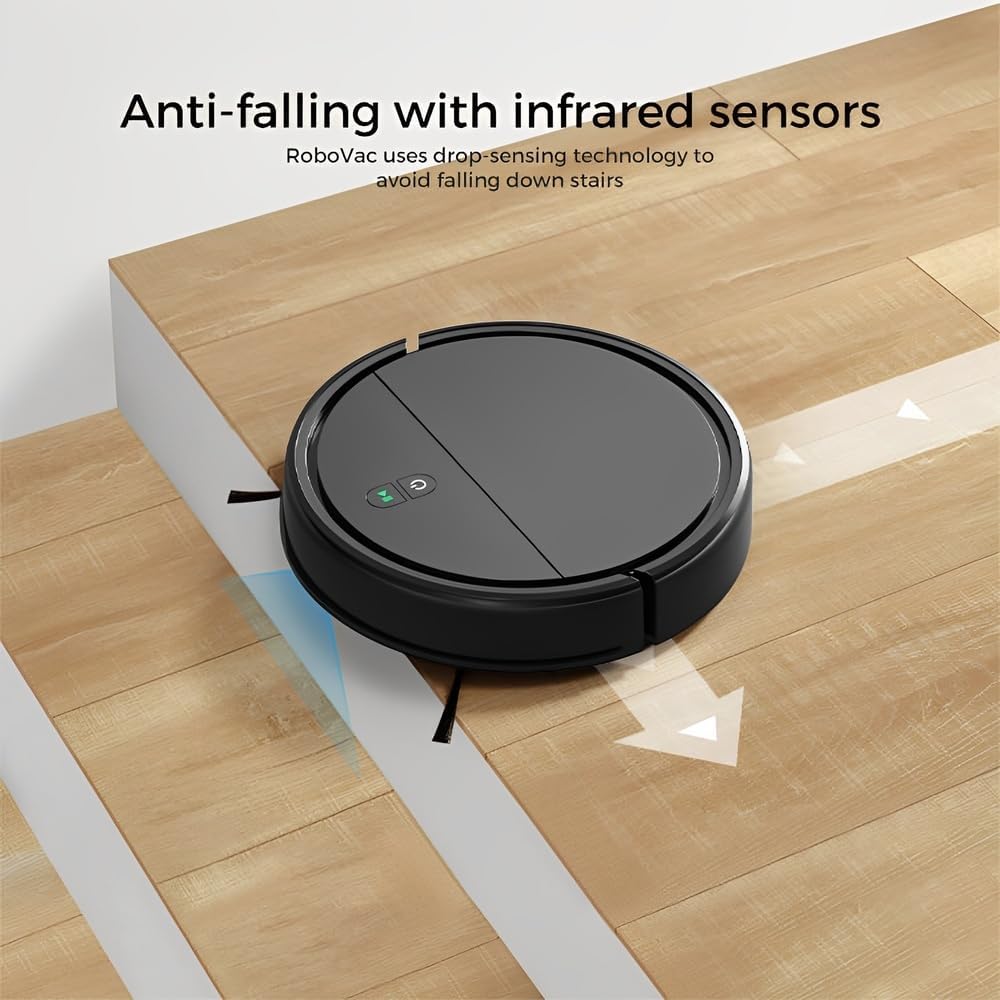
Image: Anti-falling infrared sensors prevent the robot from falling down stairs.

Image: The mechanical bumper allows the robot to navigate around furniture without damage.
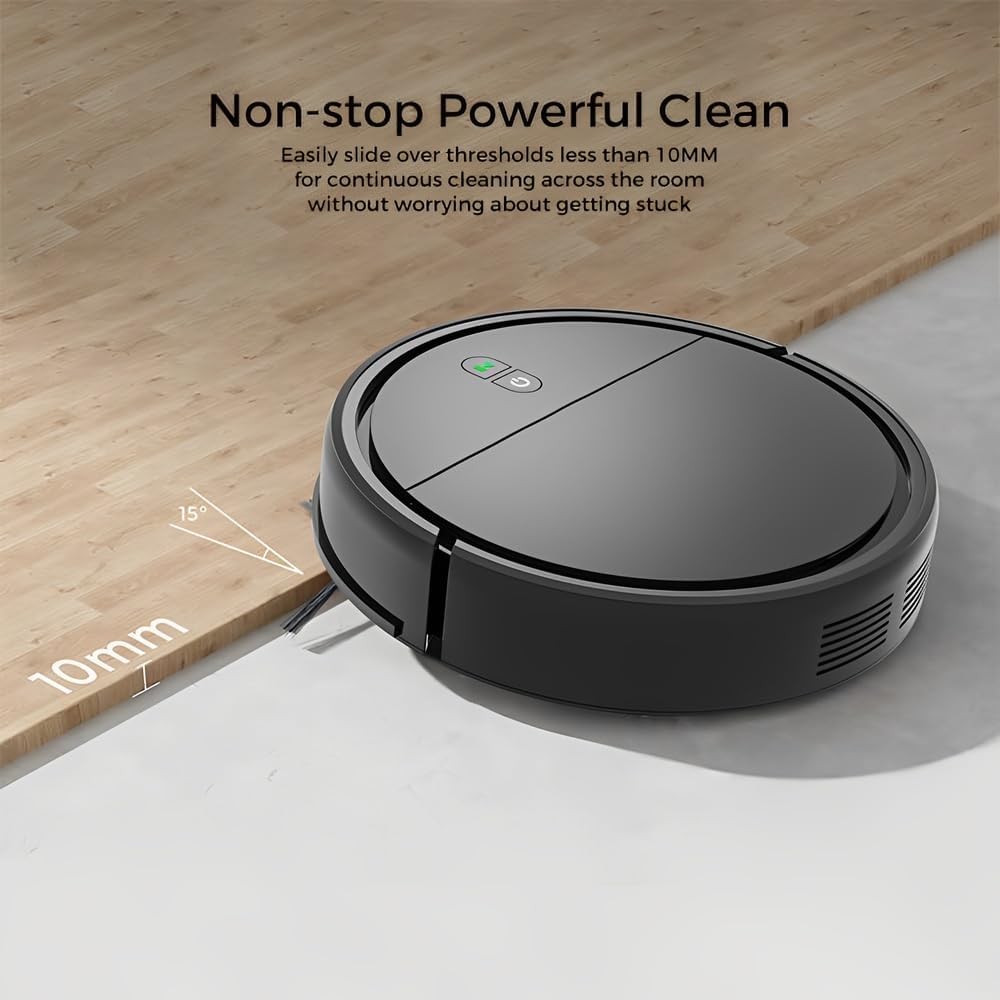
Image: The robot can easily overcome thresholds up to 10mm for continuous cleaning.
Maintenance
Regular maintenance ensures optimal performance and extends the life of your robot.
Emptying the Dustbin

Image: The large dustbin collects various types of debris, reducing the frequency of emptying.
- Press the dustbin release button and pull out the dustbin.
- Open the dustbin cover and empty its contents into a trash can.
- Clean the filter inside the dustbin with the provided cleaning tool or a soft brush. Replace the filter if necessary.
- Rinse the dustbin with water if needed, ensuring it is completely dry before reinserting.
Cleaning Side Brushes
- Regularly check side brushes for tangled hair or debris.
- Carefully remove any tangled material. If brushes are worn, replace them with new ones.
Cleaning Sensors
- Wipe the anti-drop sensors and charging contacts on the bottom of the robot with a clean, dry cloth.
- Ensure the bumper area is free of debris.
Cleaning Mopping Cloth
- Remove the mopping cloth after each use.
- Wash the cloth by hand or machine. Allow it to air dry completely before reattaching.
Troubleshooting
| Problem | Possible Cause | Solution |
|---|---|---|
| Robot does not turn on. | Low battery; Power button not pressed correctly. | Charge the robot; Press and hold the power button for a few seconds. |
| Robot gets stuck frequently. | Obstacles (cables, rugs, small items); Dirty sensors. | Clear the cleaning area; Clean the anti-drop and bumper sensors. |
| Poor cleaning performance. | Full dustbin; Clogged filter; Worn side brushes. | Empty dustbin; Clean/replace filter; Clean/replace side brushes. |
| Robot falls down stairs. | Dirty anti-drop sensors; Sensors obstructed. | Clean the anti-drop sensors thoroughly. |
| Mopping function is ineffective. | Mopping cloth is dry or dirty. | Dampen the mopping cloth; Clean or replace the mopping cloth. |
Specifications
| Model | KRV306 |
| Brand | Life |
| Functions | Vacuuming, Mopping |
| Battery Type | 1500mAh Lithium-Ion |
| Runtime | Up to 80 minutes |
| Charging Time | 3-4 hours |
| Suction Power | 400PA |
| Noise Level | Max. 68 dB |
| Dustbin Capacity | Optimized (ample capacity) |
| Dimensions (Diameter x Height) | 29 cm x 7.2 cm |
| Weight | 2.1 kg |
| Threshold Climbing Ability | Up to 10 mm |
| Special Features | Anti-drop Infrared Sensor, Mechanical Bumper, Low Noise, Compact, Rechargeable |
Warranty Information
The Klinsmann KRV306 Robotic Vacuum and Mop comes with a 90-day warranty from the date of purchase, covering manufacturing defects. This warranty does not cover damage caused by misuse, accidents, unauthorized modifications, or normal wear and tear. Please retain your proof of purchase for warranty claims.
Customer Support
If you encounter any issues or have questions regarding your Klinsmann KRV306, please refer to the troubleshooting section of this manual. For further assistance, contact the retailer or manufacturer's customer service department with your product model and purchase details.


