Introduction
Welcome to your Generic BT46D Male Enhancement Extension Device. This manual provides essential information for safe and effective use, including setup, operation, maintenance, and troubleshooting. Please read this manual thoroughly before using the device and retain it for future reference.
Safety Information
Your safety is paramount. Please observe the following precautions:
- Consult a healthcare professional before using this device, especially if you have any pre-existing medical conditions or concerns.
- Do not use this device if you have open wounds, skin irritations, or any other medical conditions that may be exacerbated by its use.
- Discontinue use immediately if you experience any discomfort, pain, bruising, or unusual sensations.
- Keep the device out of reach of children and pets.
- Use the device only as directed in this manual. Misuse may lead to injury or device damage.
- Do not attempt to modify or disassemble the device. This will void the warranty and may cause malfunction or injury.
Package Contents
Verify that all items are present in your package:
- 1 x Generic BT46D Male Enhancement Extension Device
- 1 x USB Magnetic Charging Cable
- 1 x User Manual
Setup
Charging the Device
Before initial use, ensure the device is fully charged to optimize battery performance.
- Locate the magnetic charging port on the device.
- Connect the provided USB magnetic charging cable to the device.
- Plug the other end of the USB cable into a compatible USB power source (e.g., wall adapter, computer USB port).
- The device's indicator light will show charging status. Allow sufficient time for a full charge.
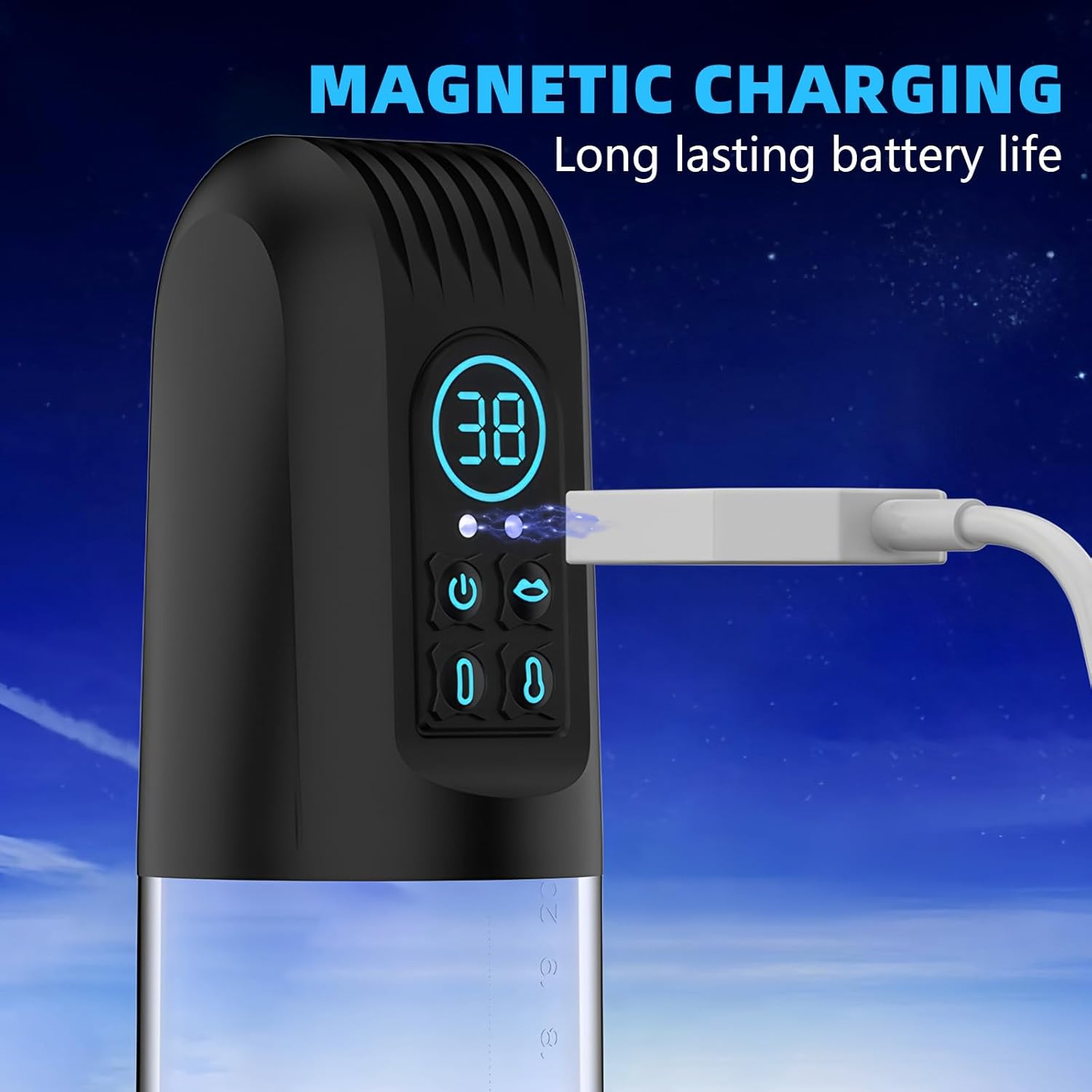
The device features magnetic charging for convenience and long-lasting battery life.
Initial Cleaning
For hygiene, clean the device thoroughly before its first use. Refer to the 'Maintenance and Care' section for detailed cleaning instructions.
Operating Instructions
Power On/Off
To power on the device, press and hold the power button until the indicator lights illuminate. To power off, press and hold the power button again until the lights turn off.
Understanding Modes
The device offers 6 distinct frequency modes, each providing a unique suction pattern and intensity. This allows for a varied and customizable experience.
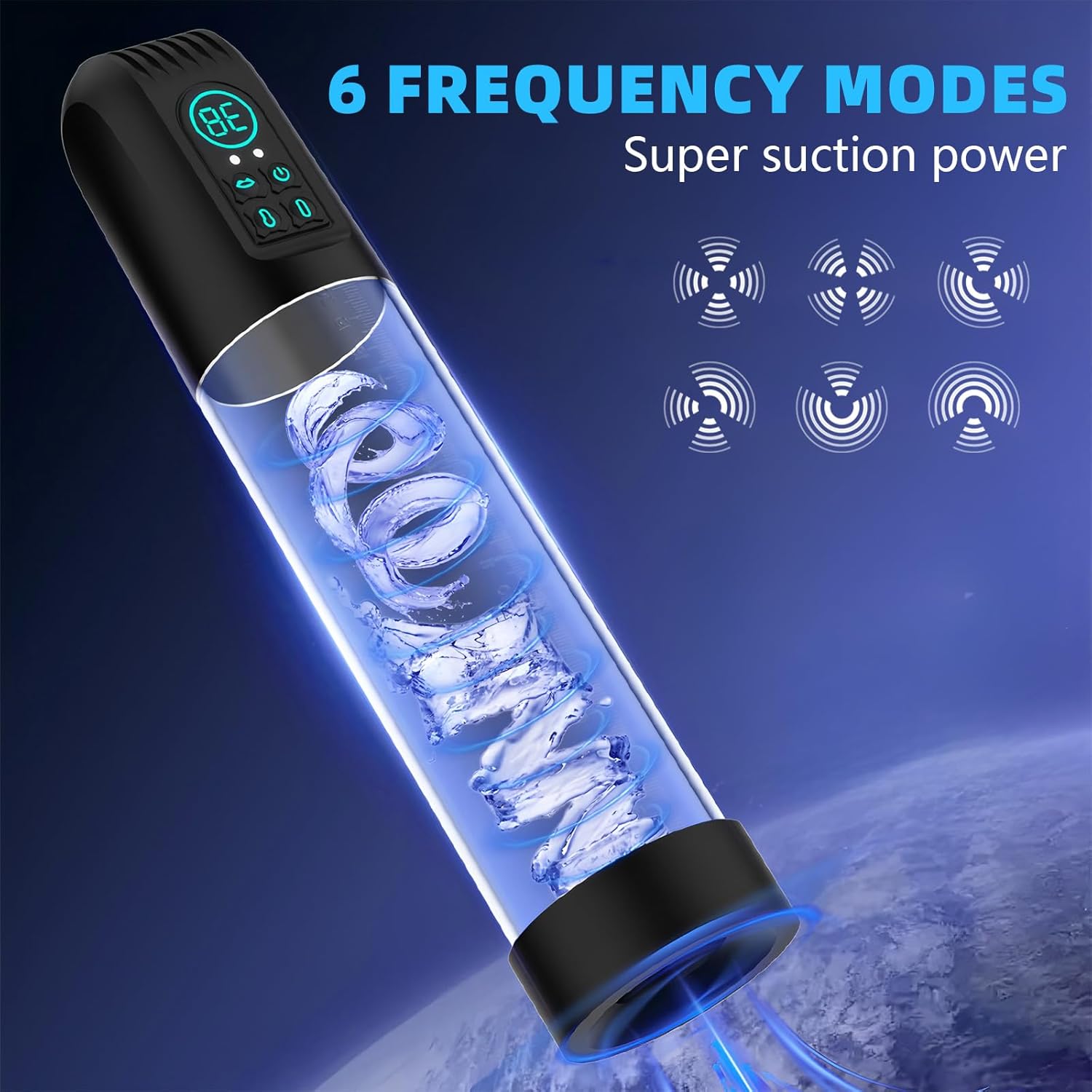
The device features 6 frequency modes with super suction power.
To cycle through the modes, press the mode selection button. Observe the indicator lights or display to identify the active mode.
Suction Control
The BT46D device is equipped with a powerful motor designed to deliver super suction. Adjust the suction intensity to your preference using the dedicated control buttons (usually marked with '+' and '-' or similar symbols).
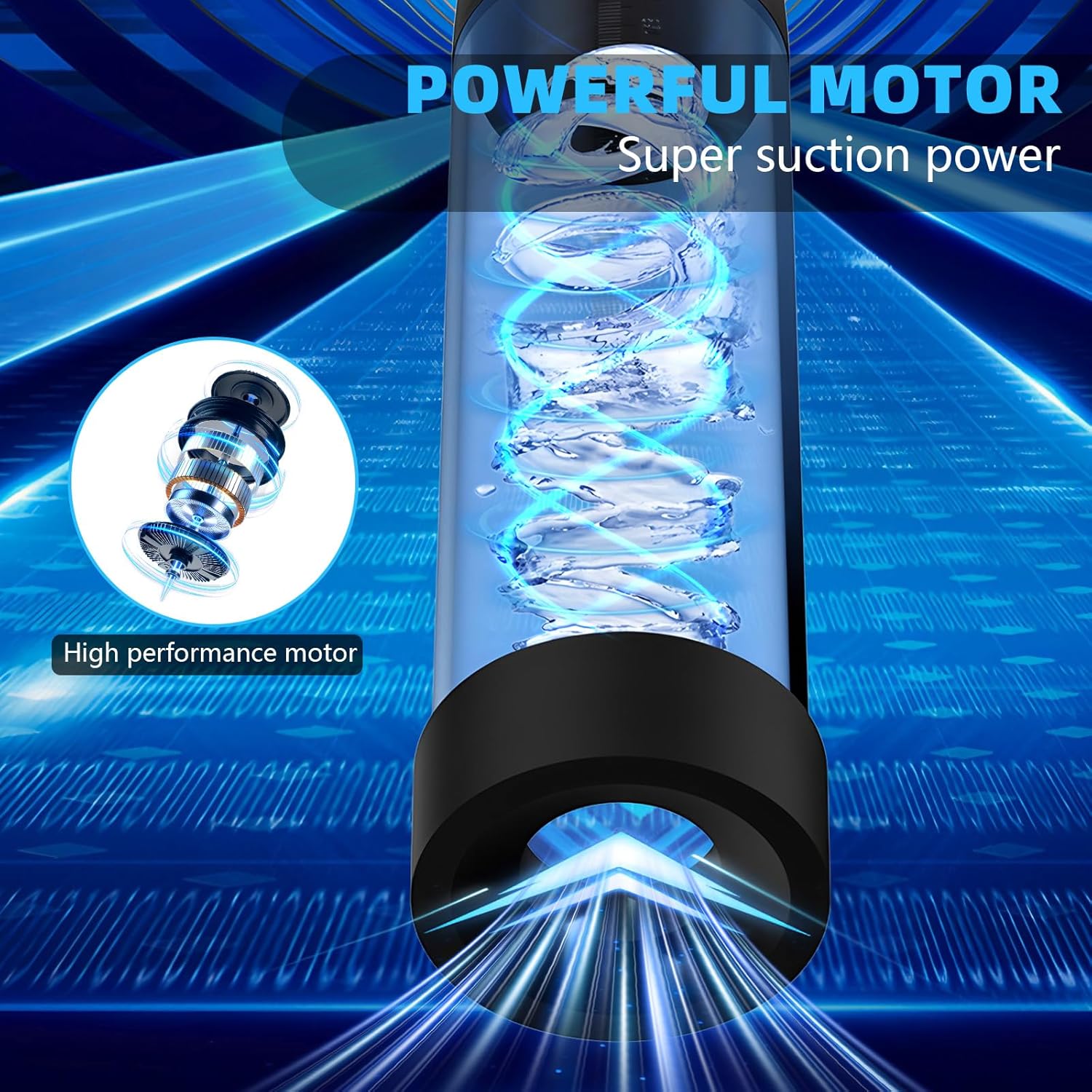
A powerful motor ensures consistent and strong suction.
Hot and Cold Function
This device includes a controllable hot and cold function to enhance your experience. Activate and adjust temperature settings using the dedicated buttons.

The device offers controllable hot and cold functions for a customized experience.
Usage Recommendations
For optimal results and to enhance durability, follow these general usage guidelines:
- Begin with shorter sessions (e.g., 5-10 minutes) and lower intensity settings.
- Gradually increase session duration and intensity as you become comfortable.
- Do not exceed recommended usage times to prevent discomfort or injury.
- Ensure proper lubrication for comfortable use.

Regular use is intended to enhance durability.
Maintenance and Care
Cleaning
Proper cleaning is essential for hygiene and longevity of your device.
- The BT46D device is full-body waterproof, allowing for easy and thorough cleaning.
- After each use, wash the device with mild soap and warm water.
- Rinse thoroughly to remove all soap residue.
- Air dry completely before storing. Do not use abrasive cleaners or harsh chemicals.

The device is full-body waterproof and can be used and cleaned in water.
Storage
Store the device in a clean, dry, and cool place, away from direct sunlight and extreme temperatures. Keep it away from dust and other contaminants.
Troubleshooting
If you encounter any issues with your device, refer to the following common problems and solutions:
Device Not Turning On
- Battery Depleted: Ensure the device is fully charged. Connect it to a USB power source and allow sufficient charging time.
- Charging Cable: Check the USB charging cable for any visible damage or ensure it is securely connected.
Suction Not Strong Enough
- Improper Seal: Ensure the device forms a proper, airtight seal against the skin.
- Low Battery: A low battery level can affect motor performance. Recharge the device.
- Mode Selection: Cycle through different frequency modes to find a stronger suction pattern.
Temperature Function Not Working
- Battery Level: Ensure the device has sufficient charge for the temperature function to operate.
- Activation: Verify that the hot or cold function is activated correctly according to the operating instructions.
Specifications
| Feature | Detail |
|---|---|
| Model | BT46D |
| Brand | Generic |
| Material | Silicone |
| Color | Black |
| Charging Type | Magnetic USB |
| Frequency Modes | 6 |
| Special Features | Hot & Cold Control, Full Body Waterproof |
| ASIN | B0G1BL6DB2 |
Product Dimensions

The device has a fine design with specific dimensions as shown: height approximately 312.38mm, top width 63.45mm, and base width 55.53mm.
Warranty and Support
For warranty information, please refer to the specific terms provided by your retailer at the time of purchase. Keep your purchase receipt as proof of purchase.
For technical support, product inquiries, or assistance with troubleshooting beyond this manual, please contact the seller or retailer directly through their provided customer service channels.
