
Introduction
This manual provides essential instructions for the setup, operation, maintenance, and troubleshooting of your SHOPTIME Gionee P15 Pro Smart Watch. Please read this guide thoroughly to ensure proper use and to maximize the features of your device.
What's in the Box
Upon opening your package, please verify that all items are present:
- 1 Smart Watch
Setup
1. Charging the Smart Watch
Before initial use, fully charge your smart watch. The Gionee P15 Pro features a convenient USB direct plug for charging.
- Locate the USB charging connector on the watch.
- Plug the watch directly into a standard USB port on a computer, power adapter, or power bank.
- The watch display will indicate charging status. Allow sufficient time for a full charge.

Image: The Gionee P15 Pro Smart Watch connected to a USB port for charging, illustrating its direct plug design.
2. Installing the Companion App
To unlock all features and synchronize data, download and install the dedicated companion app on your smartphone. Refer to the quick start guide or packaging for the app name or QR code.
- Scan the QR code provided in the packaging or search for the app name in your smartphone's app store (Google Play Store for Android, Apple App Store for iOS).
- Install the app and follow the on-screen instructions to create an account or log in.
3. Pairing with Your Smartphone
After installing the app, pair your smart watch with your smartphone via Bluetooth.
- Ensure Bluetooth is enabled on your smartphone.
- Open the companion app and navigate to the device pairing section.
- Follow the app's instructions to search for and connect to your Gionee P15 Pro Smart Watch.
- Confirm the pairing request on both your watch and smartphone if prompted.
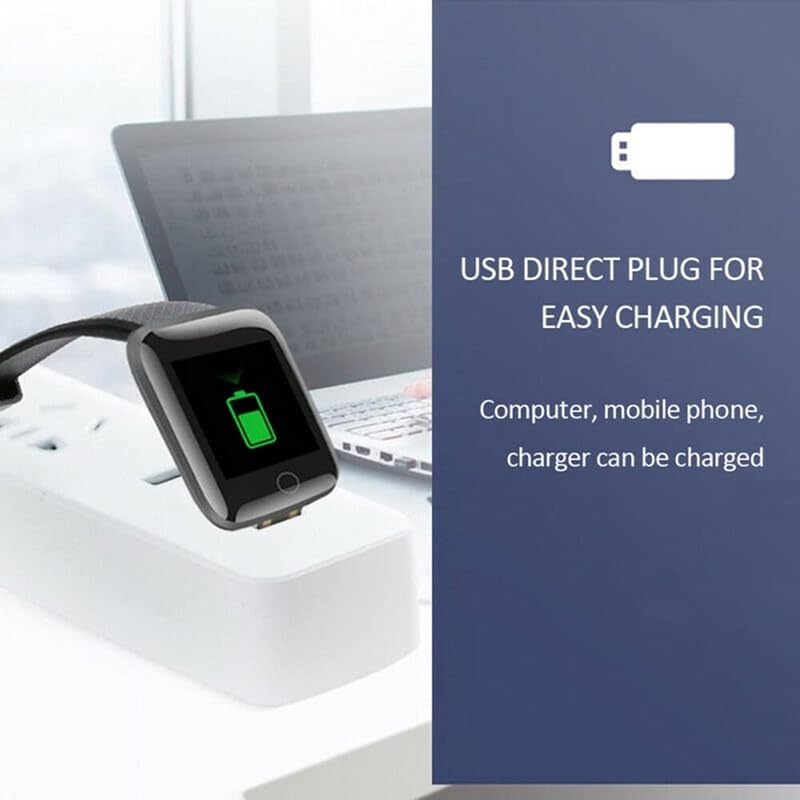
Image: A user's hand operating a smartphone, with the Gionee P15 Pro Smart Watch on the wrist displaying a notification, demonstrating app connectivity.
Operating Instructions
Basic Navigation
The Gionee P15 Pro Smart Watch features a 1.95-inch HD display and a functional rotating crown for intuitive navigation.
- Touch Screen: Swipe up, down, left, or right to navigate through menus and notifications. Tap to select items.
- Rotating Crown: Rotate the crown to scroll through lists, zoom in/out, or switch watch faces. Press the crown to return to the home screen or confirm selections.
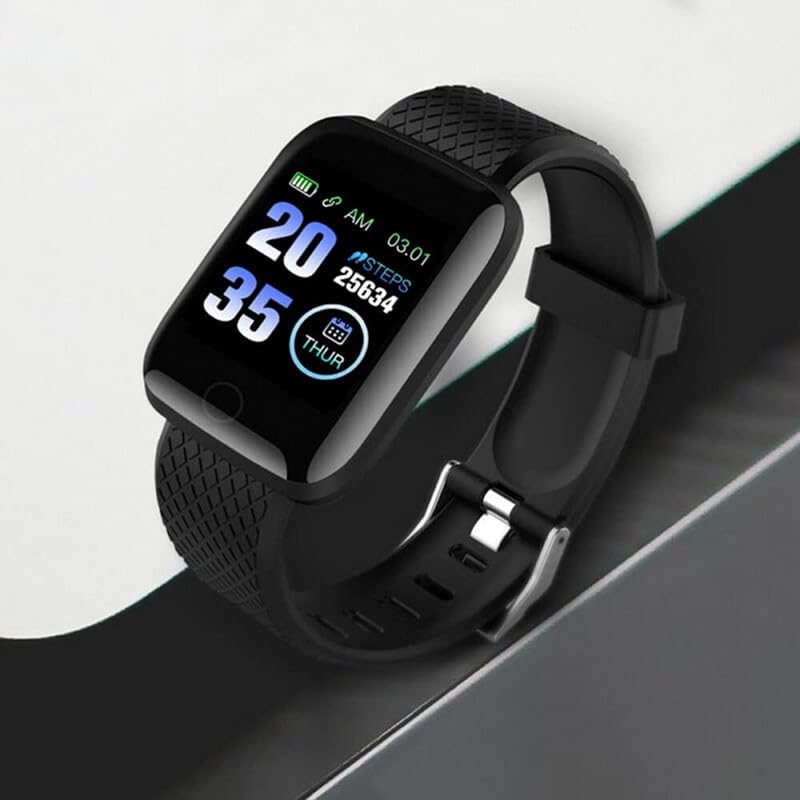
Image: A close-up view of the Gionee P15 Pro Smart Watch, showcasing its display with time and step tracking information.
Bluetooth Calling
With the built-in speaker and microphone, you can make and receive calls directly from your wrist.
- Ensure your watch is connected to your smartphone via Bluetooth.
- To make a call, access the dialer or contacts list on your watch.
- To answer an incoming call, tap the green answer icon on the watch screen.
Health Monitoring
The watch includes an advanced health suite for continuous monitoring.
- Heart Rate Monitoring: The watch continuously tracks your heart rate. View real-time data on the watch or detailed trends in the app.
- SpO2 Monitoring: Measure your blood oxygen levels. Access this feature from the health menu on your watch.
- Sleep Analysis: Wear the watch to bed for automatic sleep tracking. Review your sleep patterns and quality in the companion app.
- Sedentary Alerts: The watch can remind you to move after periods of inactivity.
Sports Modes
Track various physical activities with dedicated sports modes.
- Select your desired sport from the sports mode menu (e.g., running, cycling, yoga).
- The watch will record metrics such as duration, calories burned, and heart rate during your workout.
Watch Faces & Customization
Personalize your watch with over 100 cloud-based watch faces.
- Long-press the home screen to access watch face options.
- Use the rotating crown or swipe to browse available watch faces.
- More watch faces and customization options are available through the companion app.
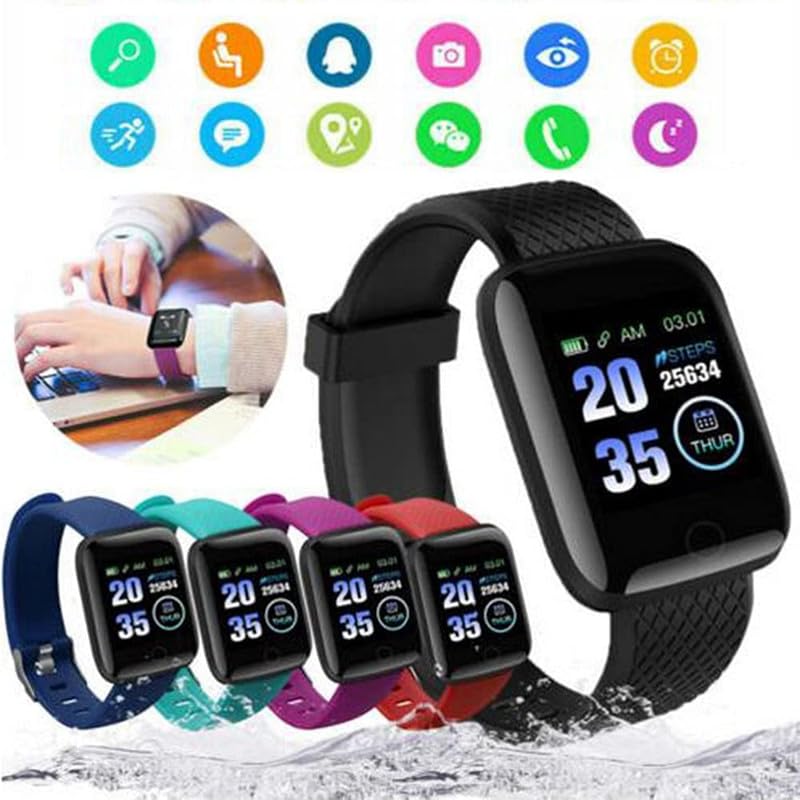
Image: A display of multiple Gionee P15 Pro Smart Watches in various strap colors, accompanied by icons representing different smart watch functions and applications.
Notifications
Receive notifications for calls, messages, and app alerts directly on your watch.
- Ensure notification permissions are enabled for the companion app on your smartphone.
- Swipe down from the top of the watch face to view recent notifications.
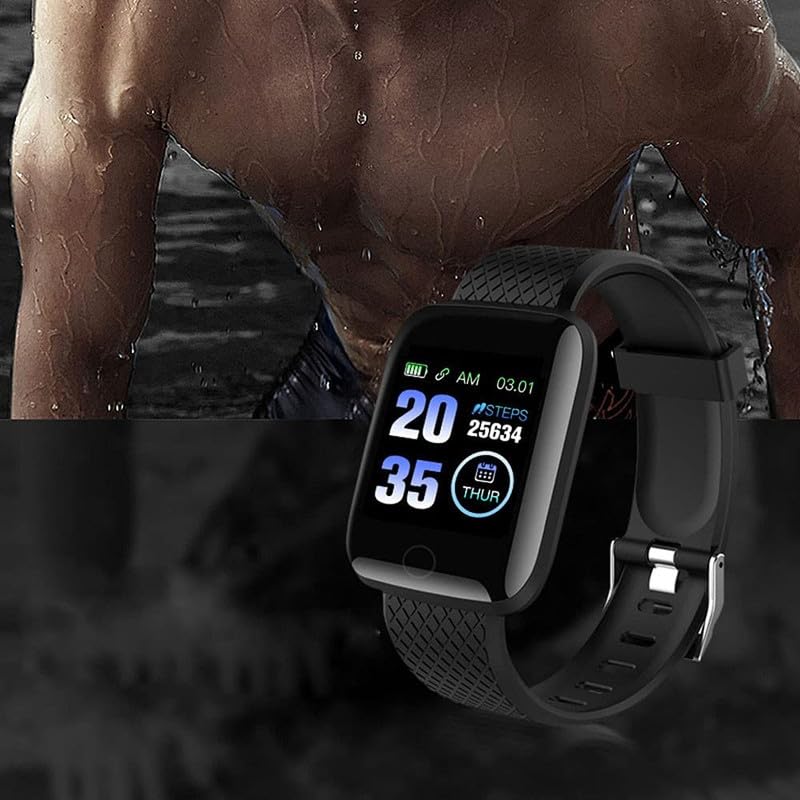
Image: The Gionee P15 Pro Smart Watch worn on a wrist, showing the time, date, and step count on its display.
Maintenance
Cleaning
Regular cleaning helps maintain the appearance and functionality of your smart watch.
- Wipe the watch screen and body with a soft, lint-free cloth.
- For stubborn marks, slightly dampen the cloth with water. Avoid harsh chemicals or abrasive materials.
- Clean the sensor area on the back of the watch regularly to ensure accurate readings.
Strap Care
The watch strap is made of skin-friendly silicone.
- Clean the strap with mild soap and water if it becomes dirty. Rinse thoroughly and dry completely before wearing.
- Avoid prolonged exposure to direct sunlight or extreme temperatures, which can degrade the material.

Image: A person wearing the Gionee P15 Pro Smart Watch on their wrist while actively typing on a laptop, highlighting its comfort for daily use.
Troubleshooting
If you encounter issues with your Gionee P15 Pro Smart Watch, refer to the following common solutions:
| Problem | Solution |
|---|---|
| Watch does not power on | Ensure the watch is fully charged. Connect it to a power source for at least 30 minutes. |
| Cannot pair with smartphone | Check if Bluetooth is enabled on your phone. Restart both the watch and phone. Ensure the companion app is open and attempting to connect. |
| Inaccurate health data | Ensure the watch is worn snugly on your wrist, not too tight or too loose. Clean the sensor on the back of the watch. |
| Notifications not received | Verify that notification permissions are granted to the companion app in your phone's settings. Ensure the watch is connected via Bluetooth. |
| Short battery life | Reduce screen brightness, limit continuous heart rate monitoring, and disable unnecessary notifications. |
Specifications
Key technical specifications for the SHOPTIME Gionee P15 Pro Smart Watch:
- Model: Gionee P15 Pro
- Display: 1.95-inch HD Display, 900 Nits Brightness
- Connectivity: Bluetooth Calling (BT 5.2)
- Frame Material: Zinc Alloy
- Strap Material: Plastic, Rubber (Silicone)
- Health Monitoring: SpO2, Heart Rate, Sleep Analysis, Sedentary Alerts
- Special Features: Working Rotating Crown, AI Voice Assistant, Sports Modes, 100+ Cloud-Based Watch Faces, Built-in Speaker & Mic
- Item Weight: 30 g
- Product Dimensions: 17 x 12 x 2 cm
- Included Components: 1 Smart Watch
Warranty and Support
For warranty information, please refer to the documentation included with your purchase or visit the official SHOPTIME website. For technical support or further assistance, please contact SHOPTIME customer service through their official channels.