
Sunweyer S40
Sunweyer S40 Super Mini Wireless CarPlay/Android Auto Adapter
Model: S40
1. Introduction
The Sunweyer S40 Super Mini Wireless Adapter converts your vehicle's existing wired CarPlay or Android Auto system into a wireless connection. This compact device offers a seamless and automatic connection experience, allowing you to access your smartphone's features on your car's display without the need for cables.
What's in the Box
- Main Adapter (Sunweyer S40)
- USB-A to USB-C Adapter
- User Manual
- Customer Service Card
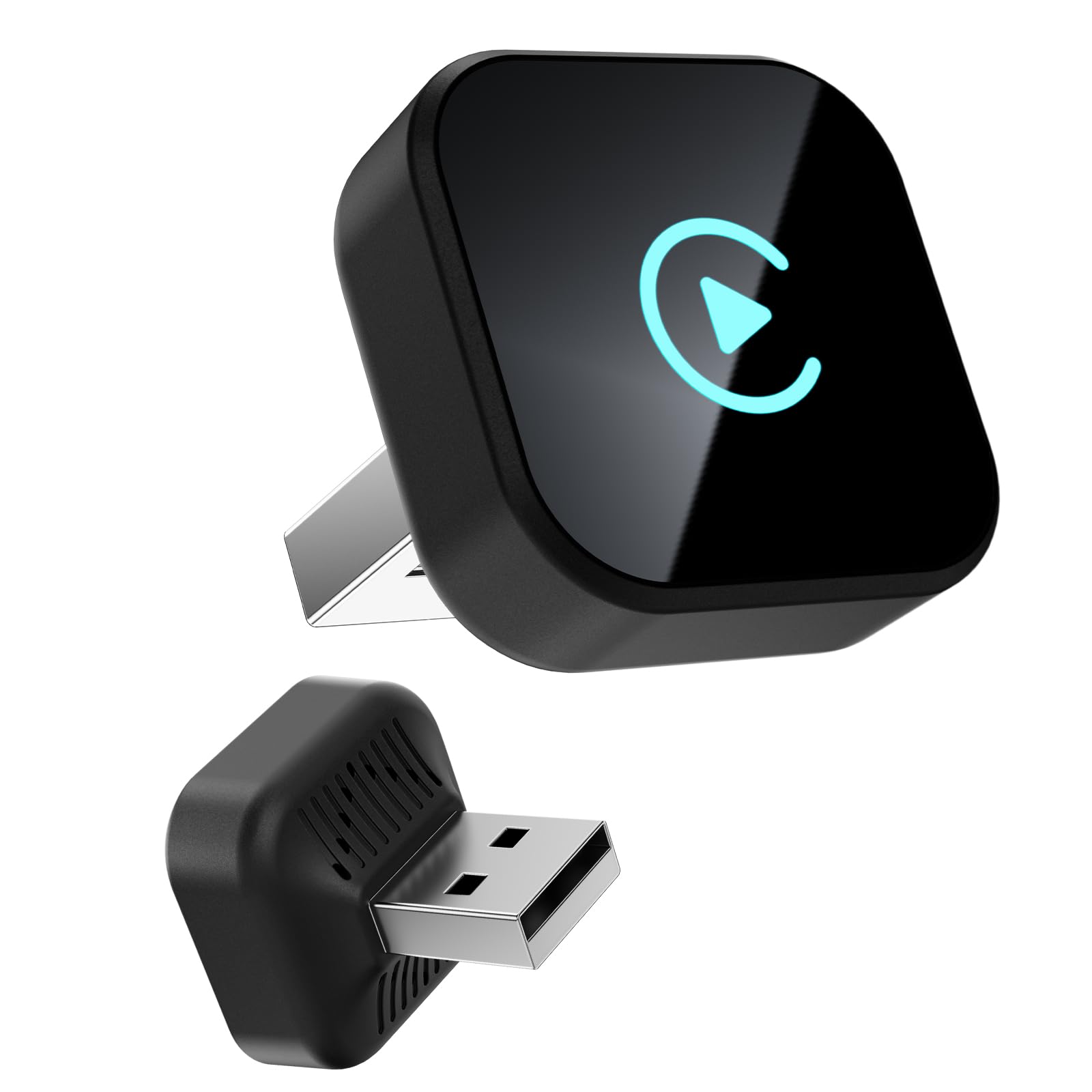
Image: The Sunweyer S40 adapter, a compact device designed for wireless connectivity.

Image: A size comparison demonstrating the S40 adapter's super mini form factor.
2. Compatibility
Before using the Sunweyer S40 adapter, ensure your vehicle and smartphone meet the following compatibility requirements:
- Vehicle Requirement: Your car must have a factory-installed wired CarPlay or Android Auto function. The adapter is designed to convert this wired connection to wireless.
- Smartphone Operating System:
- For Apple CarPlay: iOS 12 and above.
- For Android Auto: Android 11 and above.
- Incompatible Vehicles: The adapter is not compatible with BMW, Tesla, Hyundai Elantra, Kia Sorento, and Roewe RX8 models.
For a detailed list of compatible car models, please refer to the official Apple CarPlay and Android Auto websites:

Image: A visual guide illustrating smartphone OS and car model compatibility for the S40 adapter.
3. Setup Instructions
Follow these steps to set up your Sunweyer S40 adapter for wireless CarPlay or Android Auto:
- Plug in the Adapter: Insert the Sunweyer S40 adapter into your car's USB port that supports wired CarPlay or Android Auto. If your car has a USB-C port, use the included USB-A to USB-C adapter. The adapter's indicator light will illuminate.
- Enable Bluetooth on your Smartphone: On your iPhone or Android device, go to your Bluetooth settings and ensure Bluetooth is turned on.
- Pair with the Adapter: Search for the adapter's Bluetooth name (e.g., "WirelessDongle-XXXX") in your phone's Bluetooth device list and select it to pair. Confirm any pairing requests on both your phone and car's display.
- Automatic Connection: Once successfully paired, your car's display will automatically switch to wireless CarPlay or Android Auto. For subsequent uses, the adapter will connect automatically when you start your car, provided your phone's Bluetooth is enabled.

Image: Visual representation of the simple three-step Plug & Play setup process.
Video: Demonstrates the quick and easy setup process, showing how to plug in the adapter and connect wirelessly to your car's system.
4. Operating Instructions
Once connected, the Sunweyer S40 adapter allows you to use your car's existing controls to interact with CarPlay or Android Auto:
- Seamless Integration: Your car's display will show the familiar CarPlay or Android Auto interface, providing access to navigation, music, calls, messages, and other compatible apps.
- Original Car Controls: The adapter supports your car's original control methods, including touch screen, OEM knob control, and steering wheel controls. Voice commands (e.g., Siri, Google Assistant) are also fully functional.
- Automatic Reconnection: After the initial setup, the adapter will automatically connect to your smartphone each time you start your vehicle, ensuring a hassle-free experience.
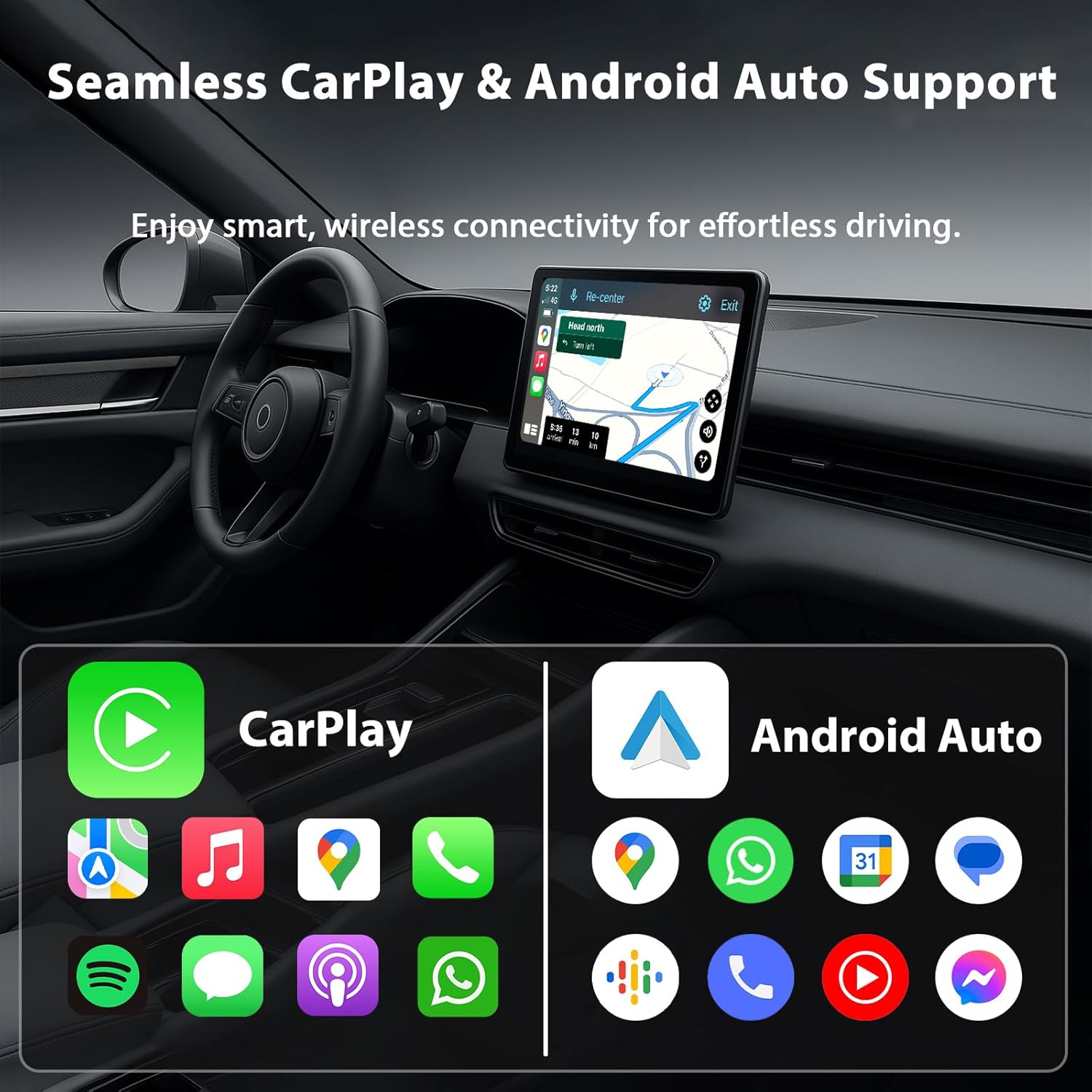
Image: Illustrates how the adapter maintains compatibility with your car's original control systems for a familiar user experience.
Video: Demonstrates the smooth operation of CarPlay with the adapter, including app navigation and music playback.
5. Maintenance
To ensure optimal performance and access to the latest features, keep your Sunweyer S40 adapter updated:
- Over-The-Air (OTA) Updates: The adapter supports wireless firmware updates. Periodically check for available updates through the device's interface or a dedicated app (if provided) to optimize performance and compatibility.
6. Troubleshooting
If you encounter issues with your Sunweyer S40 adapter, try the following troubleshooting steps:
- No Connection/Intermittent Connection:
- Ensure your car has factory-wired CarPlay or Android Auto.
- Verify that Bluetooth is enabled on your smartphone and paired with the adapter.
- Try unplugging the adapter from the USB port, waiting 10 seconds, and plugging it back in.
- Restart your smartphone and your car's infotainment system.
- Check for any physical obstructions or damage to the USB port or adapter.
- Audio Lag or Quality Issues:
- Ensure your smartphone is close to the adapter and there are no major signal interferences.
- Check for available firmware updates for the adapter.
- Temporarily disable other Bluetooth devices in the car that might interfere.
- CarPlay/Android Auto Not Launching:
- Confirm your smartphone's operating system meets the minimum requirements (iOS 12+, Android 11+).
- Ensure CarPlay or Android Auto is enabled in your phone's settings.
- If the issue persists, try resetting the adapter (refer to the customer service card for specific instructions if available).
For further assistance, please contact Sunweyer customer support using the information provided on your customer service card.
7. Specifications
| Model Number | S40 |
| Product Dimensions | 0.94 x 0.94 x 0.94 inches (2.4 x 2.4 x 2.4 cm) |
| Item Weight | 0.705 ounces (20 Grams) |
| Connector Type | USB Type A, USB Type C (via included adapter) |
| Compatible Devices | Smartphones (iOS 12+, Android 11+) |
| Special Feature | Wireless Android Auto, Wireless Apple CarPlay |
| Total USB Ports | 1 (for adapter connection) |
| Wattage | 5 watts |
| Manufacturer | Sunweyer |
8. Warranty and Support
The Sunweyer S40 adapter comes with a customer service card. Please refer to this card for specific warranty details and contact information for technical support. Our dedicated customer service team is available to assist you with any questions or issues you may encounter.