
Introduction
Thank you for purchasing the NKOK Stunt TwisterZ Wild Fire Remote Control Car. This RC vehicle is designed for dynamic performance, featuring full-function radio control for racing, spinning, drifting, and performing various stunts. The 2.4GHz frequency allows for multi-player racing without interference. Please read this manual thoroughly before operating the vehicle to ensure proper use and safety.
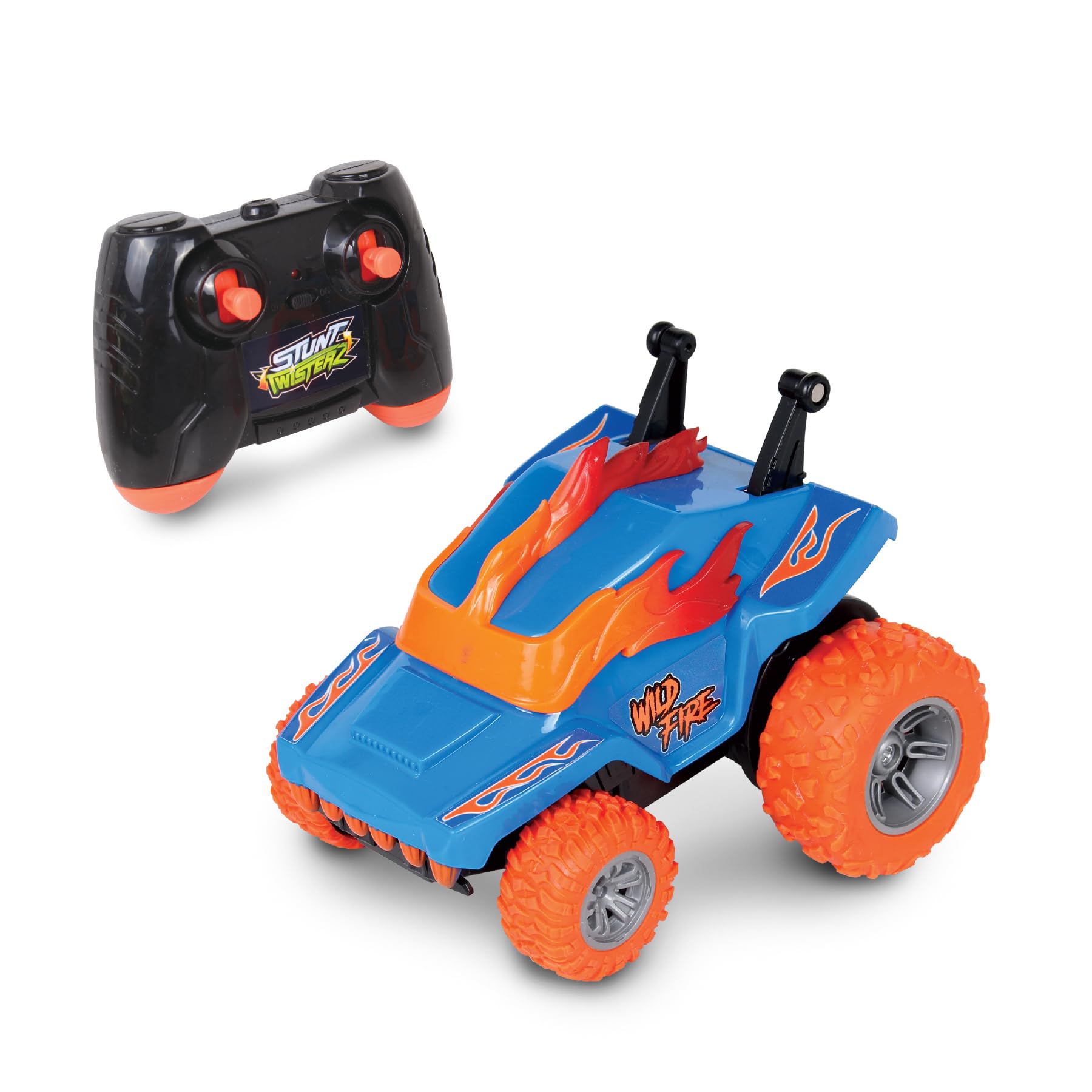
Image: The NKOK Stunt TwisterZ Wild Fire RC Car performing a 360-degree spin, highlighting its stunt capabilities.
Safety Information
- Age Recommendation: This product is suitable for users aged 6 years and older.
- Small Parts Warning: This product contains small parts which may pose a choking hazard. Keep away from young children.
- Battery Safety:
- Do not mix old and new batteries.
- Do not mix alkaline, standard (carbon-zinc), or rechargeable (nickel-cadmium) batteries.
- Insert batteries with correct polarity (+ and -).
- Remove exhausted batteries promptly.
- Do not dispose of batteries in fire; they may leak or explode.
- Non-rechargeable batteries are not to be recharged.
- Rechargeable batteries are only to be charged under adult supervision.
- Operating Environment: Operate the vehicle in open areas, away from people, pets, and obstacles to prevent accidents.
Package Contents
Upon opening the package, please ensure all items are present:
- 1 x NKOK Stunt TwisterZ Wild Fire Vehicle
- 1 x 2.4GHz Remote Controller

Image: The NKOK Stunt TwisterZ Wild Fire RC Car and its remote controller displayed within the retail packaging.
Setup
Battery Installation
Batteries are not included and must be purchased separately.
- Vehicle Battery Installation:
- Locate the battery compartment on the underside of the vehicle.
- Use a screwdriver to open the battery compartment cover.
- Insert 3 x AAA 1.5V alkaline batteries, ensuring correct polarity (+/-).
- Replace the cover and secure it with the screw.
- Controller Battery Installation:
- Locate the battery compartment on the back of the remote controller.
- Use a screwdriver to open the battery compartment cover.
- Insert 2 x AA 1.5V alkaline batteries, ensuring correct polarity (+/-).
- Replace the cover and secure it with the screw.

Image: The back of the product packaging, detailing the battery requirements for both the vehicle (3x AAA) and the controller (2x AA).
Operating Instructions
Pairing the Vehicle and Controller
The 2.4GHz frequency allows multiple vehicles to operate simultaneously without interference. Follow these steps to pair your vehicle and controller:
- Ensure fresh batteries are installed in both the vehicle and the controller.
- Turn on the vehicle using the power switch located on its underside.
- Turn on the remote controller. The indicator light on the controller will flash.
- Place the vehicle on a flat surface. The controller and vehicle will automatically pair. The indicator light on the controller will become solid once paired.
- If pairing fails, turn off both devices and repeat the steps.
Basic Controls
Use the joysticks on the remote controller to maneuver the vehicle:
- Forward/Reverse: Push the left joystick forward or backward.
- Left/Right Steering: Push the right joystick left or right.
- Spin/Drift: Combine joystick movements for advanced maneuvers.
Performing Stunts
The Stunt TwisterZ Wild Fire is designed for exciting stunts:
- 360° Spins: Drive forward and quickly turn the steering joystick to one side to initiate rapid 360-degree spins.
- Flip Stunts: Drive at speed and quickly reverse or turn sharply to cause the vehicle to flip and tumble.
- Wheelies & Twist Stunts: Experiment with sudden acceleration and steering inputs to perform wheelies and dynamic twisting maneuvers.

Image: The RC car executing a 360-degree spin, demonstrating its agility.
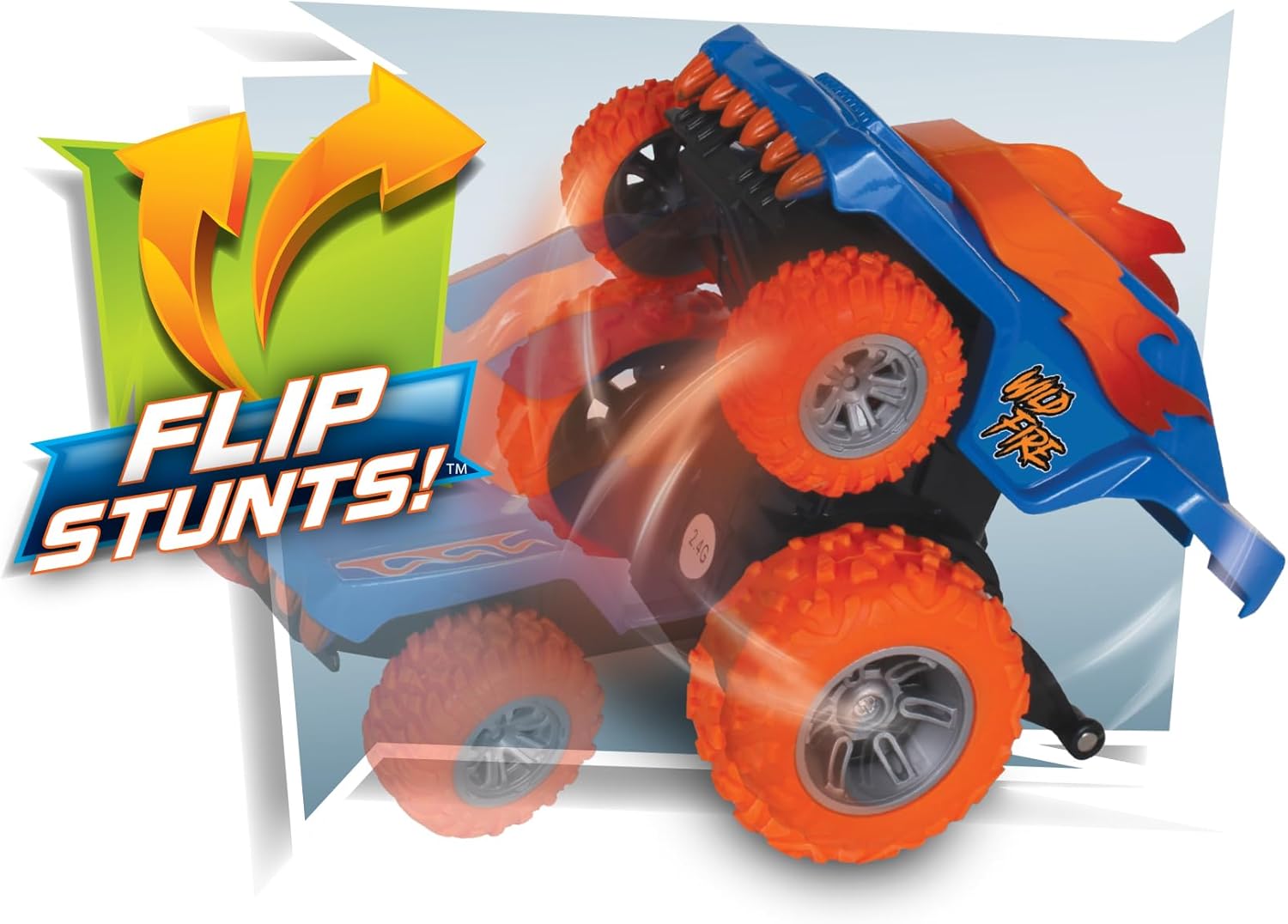
Image: The RC car in mid-air, performing a flip stunt.
Maintenance
- Cleaning: Use a soft, dry cloth to wipe down the vehicle and controller after use. Do not use water or chemical cleaners.
- Storage: When not in use for extended periods, remove all batteries from both the vehicle and the controller to prevent leakage. Store in a cool, dry place away from direct sunlight.
- Inspection: Regularly check for loose screws, damaged parts, or debris caught in the wheels.
Troubleshooting
| Problem | Possible Cause | Solution |
|---|---|---|
| Vehicle does not respond to controller. | Low batteries in vehicle or controller; not paired; out of range. | Replace batteries; re-pair vehicle and controller; operate within 100-150 ft range. |
| Vehicle moves slowly or erratically. | Low batteries; debris in wheels. | Replace batteries; clean wheels and axles. |
| Interference with other RC vehicles. | Operating too close to other 2.4GHz devices (unlikely with this model). | Ensure proper pairing; move to a different location if persistent. The 2.4GHz system is designed to minimize interference for up to 16 players. |
Specifications
- Model Name: Stunt TwisterZ - 2.4GHz R/C Wild Fire
- Model Number: 88832
- Dimensions (Approx.): 4.5" L x 4.25" W x 3.75" H
- Weight (Approx.): 0.8 Pounds
- Power Source: Battery Powered
- Vehicle Battery Requirements: 3 x AAA 1.5V Alkaline Batteries (Not Included)
- Controller Battery Requirements: 2 x AA 1.5V Alkaline Batteries (Not Included)
- Radio Frequency: 2.4GHz (Supports up to 16 players)
- Control Range: 100-150 feet (30-45 meters)
- Material Type: Plastic
- Features: 360° Spins, Twist Stunts, Wheelies

Image: A graphic detailing the 2.4GHz radio control technology, indicating a range of 100-150 feet and support for up to 16 multi-players.
Warranty and Support
NKOK products are manufactured to high-quality standards. While specific warranty details are not provided in this manual, please retain your purchase receipt as proof of purchase. For any questions, technical support, or concerns regarding your NKOK Stunt TwisterZ Wild Fire RC Car, please contact NKOK customer service directly.
Manufacturer: NKOK Inc.
Website: www.nkok.com
Customer Service Email: customerservice@nkok.com