
1. Safety Instructions
Please read all safety instructions carefully before using the HarrFlow Go Brush Pro ZF01 Hair Straightener Brush. Failure to follow these instructions may result in electric shock, fire, or serious injury.
- Do not use this appliance near water, such as in a bathtub, shower, or sink.
- Always unplug the appliance immediately after use and before cleaning.
- Keep the appliance away from children.
- Do not use the appliance if the cord or plug is damaged, or if it is not working properly.
- Do not wrap the power cord around the appliance.
- Allow the appliance to cool completely before storing.
- Use this appliance only for its intended household use as described in this manual.
- The appliance surfaces become hot during use. Avoid direct contact with skin.
- Ensure hair is dry before use.
2. Product Components
The HarrFlow Go Brush Pro ZF01 includes the following components:
- Go Brush Pro ZF01 Hair Straightener Brush
- USB Type-C Charging Cable
- Hair Clips (for sectioning hair)
- User Manual

Image 2.1: The HarrFlow Go Brush Pro ZF01 Hair Straightener Brush shown with its included accessories: a USB Type-C charging cable, hair clips, and the user manual.
3. Setup & Charging
3.1 Initial Charge
Before first use, fully charge your HarrFlow Go Brush Pro ZF01. Connect the provided USB Type-C cable to the charging port on the device and to a compatible USB power adapter (not included). The LED display will indicate charging status.

Image 3.1: The HarrFlow Go Brush Pro ZF01 connected to a USB-C charging cable, illustrating the charging port location.
3.2 Powering On/Off
Press and hold the power button for a few seconds to turn the device ON or OFF. The LED display will illuminate when the device is active.

Image 3.2: Close-up of the HarrFlow Go Brush Pro ZF01 showing the power button and the digital LED temperature display.
4. Operating Instructions
4.1 Preparing Your Hair
Ensure your hair is clean and completely dry before using the straightening brush. Detangle your hair thoroughly with a regular comb or brush. For best results, section your hair using the provided clips.
4.2 Selecting Temperature
The HarrFlow Go Brush Pro ZF01 features 4 adjustable temperature settings. Press the power button repeatedly to cycle through the temperatures:
- 140°C (284°F): For thin, damaged, or bleached hair.
- 160°C (320°F): For dyed or colored hair.
- 180°C (356°F): For normal or healthy hair.
- 220°C (428°F): For thick or curly hair.
Allow the brush to heat up for approximately 30 seconds until the desired temperature is reached, indicated on the LED display.
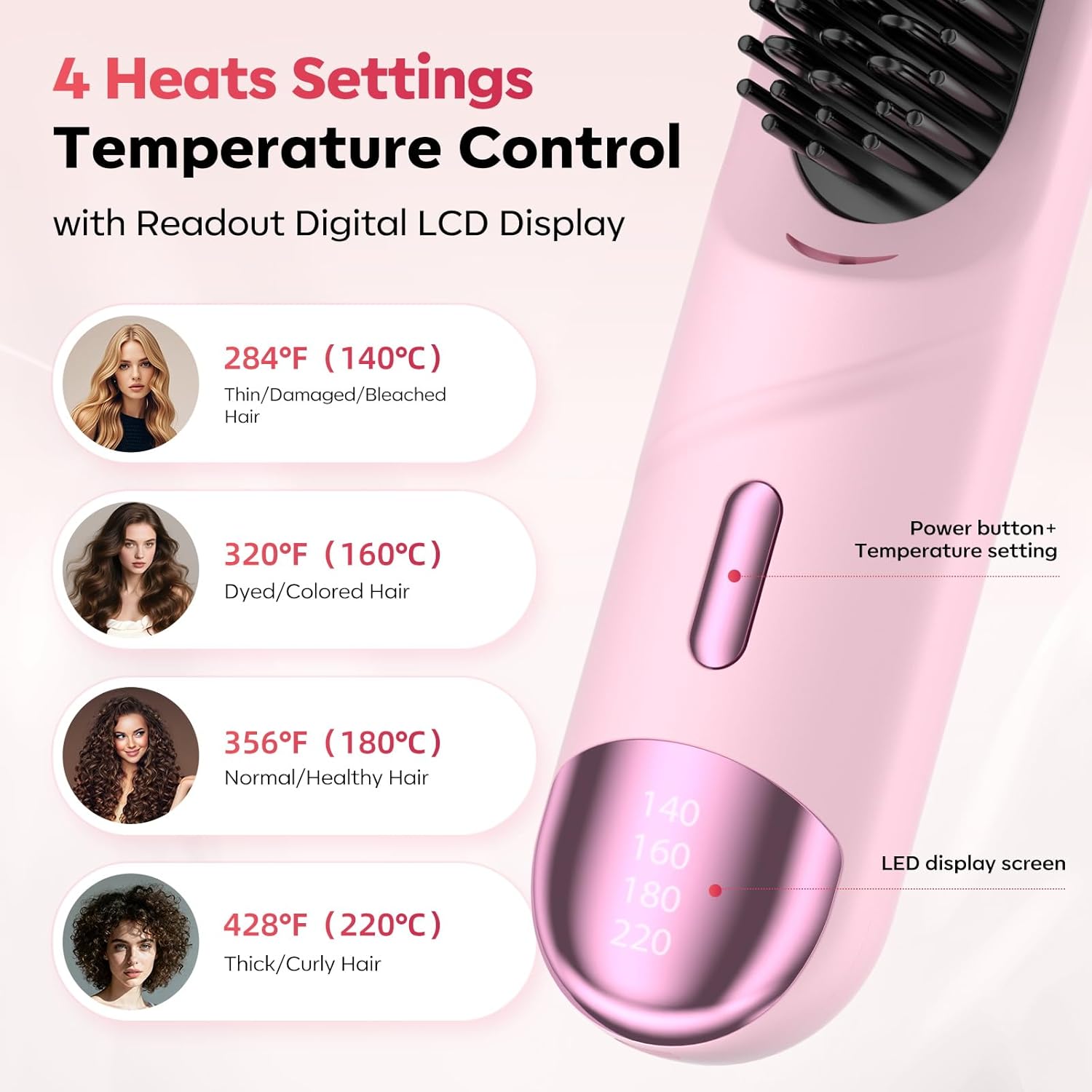
Image 4.1: Visual guide showing the four temperature settings and their recommended hair types for the HarrFlow Go Brush Pro ZF01.
4.3 Straightening Your Hair
Take a small section of hair. Starting from the roots, slowly glide the brush down to the ends of your hair. Repeat this process for each section until your desired straightness is achieved. The anti-scald rounded comb teeth are designed to protect your scalp from direct heat.
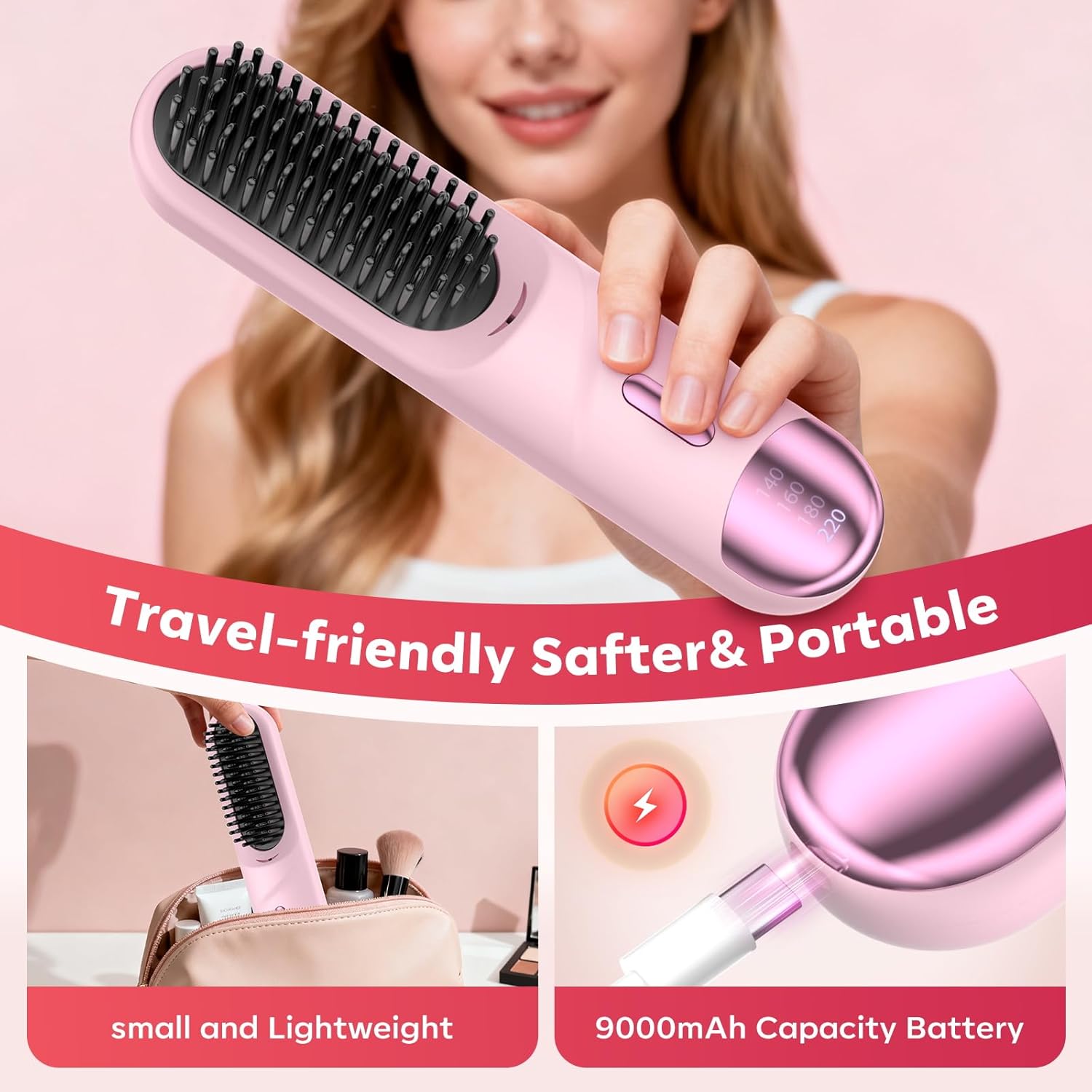
Image 4.2: A user demonstrating the application of the HarrFlow Go Brush Pro ZF01, brushing through a section of hair to achieve a straightened look.
4.4 Negative Ionic Technology
The Go Brush Pro ZF01 releases 300 million negative ions during use. This technology helps to neutralize static electricity, reduce frizz, and leave your hair smoother and shinier.
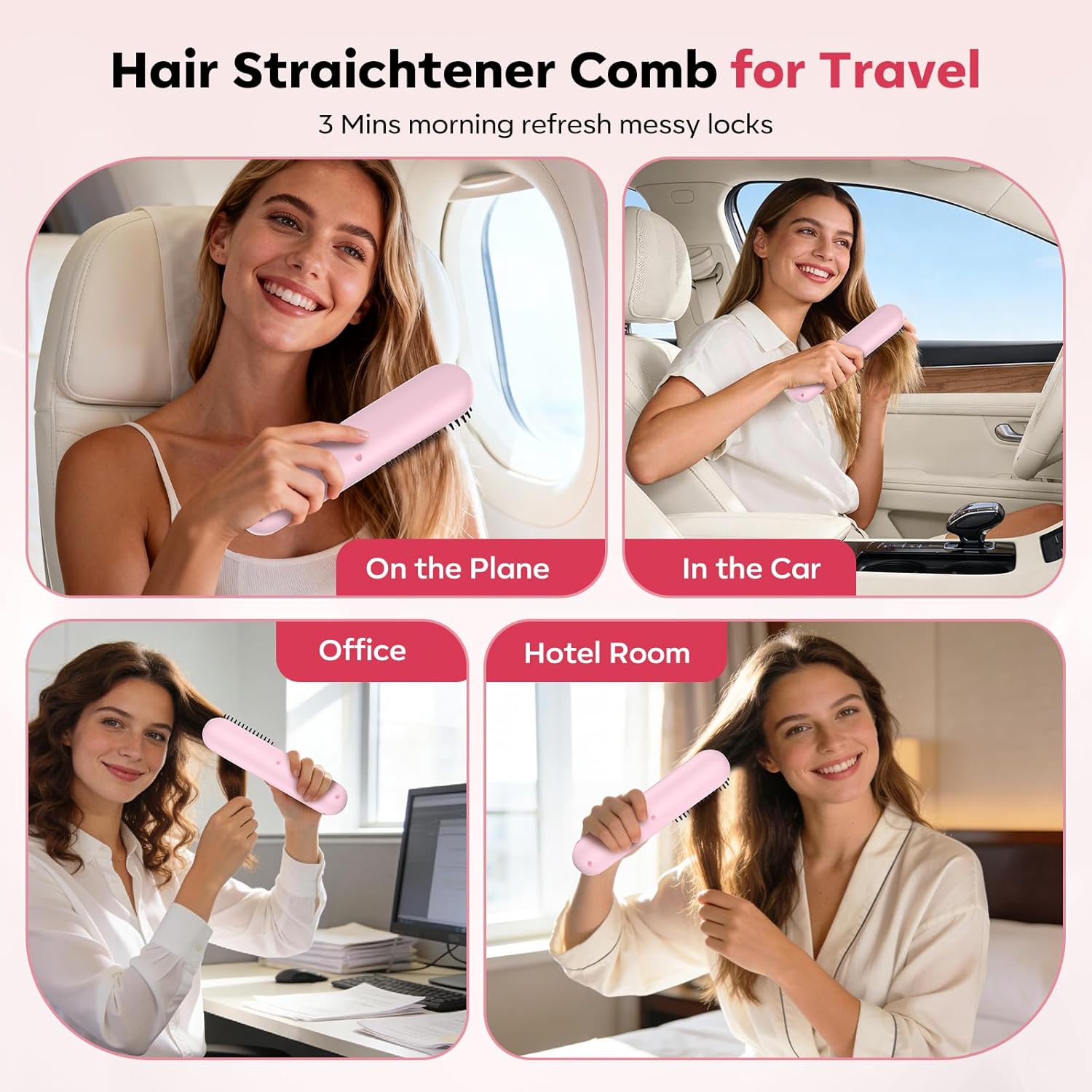
Image 4.3: An illustration depicting how negative ions released by the HarrFlow Go Brush Pro ZF01 interact with hair to reduce frizz and enhance shine.
4.5 Automatic Shut-off
For safety, the device is equipped with an automatic shut-off feature. It will power off after 10 minutes of inactivity.
5. Care & Maintenance
Proper care ensures the longevity and performance of your HarrFlow Go Brush Pro ZF01.
- Cleaning: Ensure the device is turned OFF and completely cool before cleaning. Wipe the surface with a soft, damp cloth. Do not use abrasive cleaners or immerse the device in water.
- Storage: Store the brush in a cool, dry place, away from direct sunlight and moisture.
- Battery Care: To maintain battery health, avoid fully discharging the device frequently. Charge it regularly, even if not in use for extended periods.
6. Troubleshooting
If you encounter any issues with your HarrFlow Go Brush Pro ZF01, please refer to the following common problems and solutions:
| Problem | Possible Cause | Solution |
|---|---|---|
| Device does not turn on. | Low battery or device not charged. | Charge the device fully using the provided USB Type-C cable. Ensure the power button is pressed and held correctly. |
| Device not heating up. | Incorrect temperature setting or device malfunction. | Check the LED display for the selected temperature. If the issue persists after charging, contact customer support. |
| Hair not straightening effectively. | Hair is wet, sections are too large, or incorrect temperature. | Ensure hair is completely dry. Use smaller sections of hair. Increase the temperature setting if your hair type requires it. |
| Device shuts off unexpectedly. | Automatic shut-off activated or low battery. | The device has a 10-minute auto shut-off. Recharge the device if the battery is low. |
7. Specifications
Key technical specifications for the HarrFlow Go Brush Pro ZF01:
- Model: ZF01
- Dimensions: 13 x 3 x 3 inches
- Weight: 11.68 ounces (approximately 331 grams)
- Battery: 1 AAA battery required (included) - Note: Product feature bullets mention 9000mAh capacity, but specifications list 1 AAA battery. Please refer to product packaging for accurate battery information.
- Charging: Type-C (charger not included)
- Temperature Settings: 4 levels (140°C/284°F, 160°C/320°F, 180°C/356°F, 220°C/428°F)
- Heating Technology: MCH Ceramic Coating with Negative Ionic Technology
- Negative Ion Release: 300 Million
- Auto Shut-off: 10 minutes
- Material: Acrylonitrile Butadiene Styrene (ABS)
8. Warranty & Support
For warranty information, product support, or to purchase replacement parts, please visit the official HarrFlow website or contact their customer service directly. Refer to your product packaging for specific warranty terms and contact details.
Online Support: Visit the HarrFlow Store on Amazon
9. Product Videos
9.1 Cordless Hair Straightener Brush Overview
This video provides a comprehensive overview of the HarrFlow Go Brush Pro ZF01 Cordless Hair Straightener Brush, demonstrating its features and ease of use. It highlights the portable design and effective straightening capabilities.
9.2 Go Brush Pro Cordless Hair Straightener Brush (Short Demo)
A brief demonstration of the Go Brush Pro Cordless Hair Straightener Brush in action, showcasing its quick heating and styling performance.
9.3 Go Brush Pro Feedback (Short Clip)
This short video provides user feedback on the Go Brush Pro, highlighting its benefits for hair styling.
9.4 Go Brush Pro (Short Clip)
A brief clip demonstrating the Go Brush Pro in use, showing its effectiveness in styling hair.