Introduction
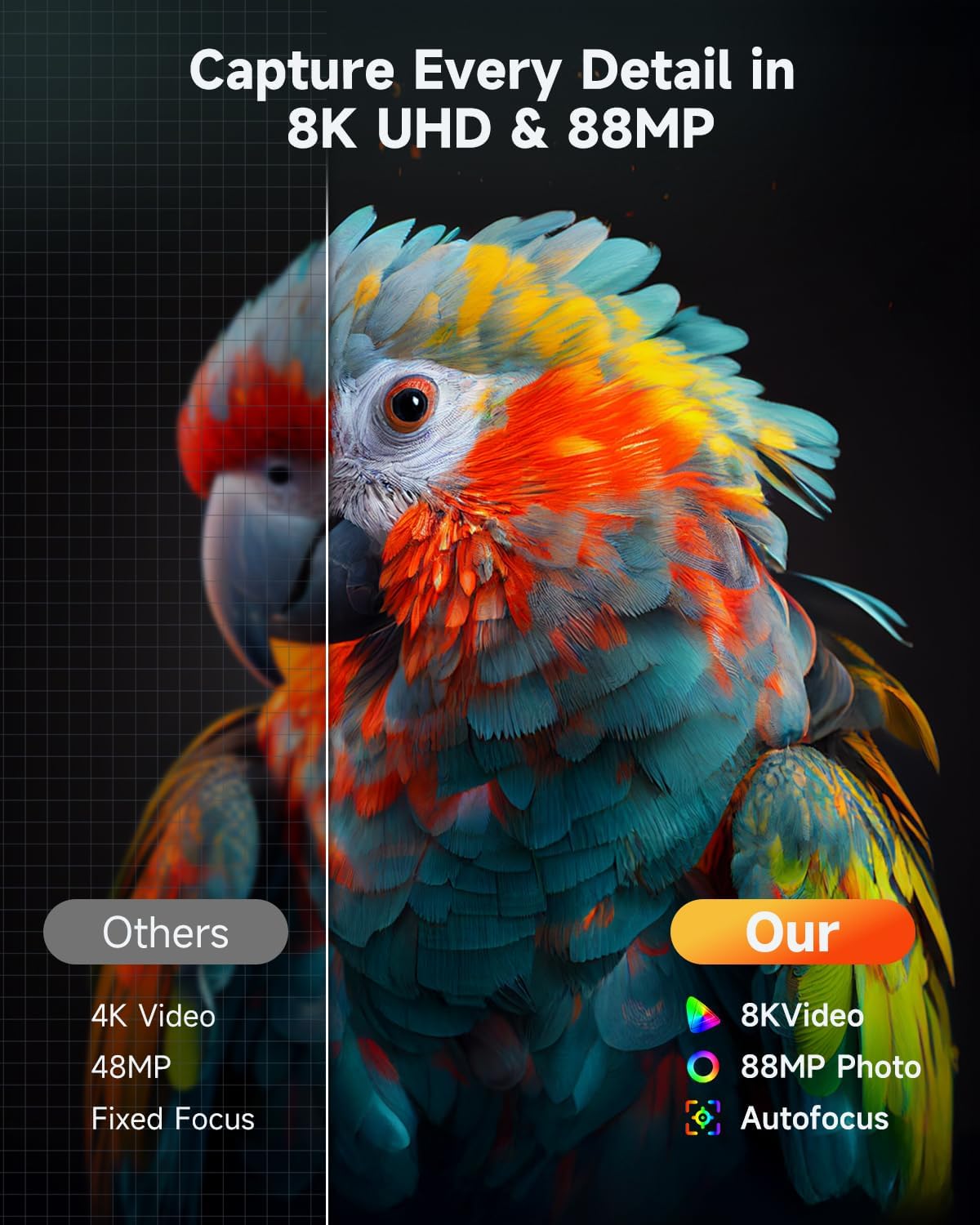
This manual provides detailed instructions for the safe and effective use of your Aasonida 8K Digital Camera DC226. Please read this manual thoroughly before operating the camera and retain it for future reference. This camera is designed for capturing high-resolution photos and videos, offering features such as 8K video recording, 88MP photography, dual lenses, Wi-Fi connectivity, and a touchscreen interface.
What's in the Box
Verify that all items listed below are included in your package:
- 1 x 8K Camera Body
- 1 x 64GB SD Card
- 2 x Rechargeable Batteries
- 1 x Lanyard
- 1 x Lens Hood
- 1 x Cleaning Cloth
- 1 x Type-C Cable
- 1 x HDMI Cable
- 1 x Charger
- 1 x Storage Bag
- 1 x Lens Cap
- 1 x User Manual (this document)

Product Overview
The Aasonida 8K Digital Camera DC226 is a versatile device designed for high-quality imaging. Key features include:
- 8K Ultra HD Video & 88MP Photography: Captures video at 8K resolution and still images at 88 megapixels using a Sony IMX586 Sensor.
- Dual Lenses: Features both front and rear lenses for flexible shooting, including selfies and vlogging.
- Wireless Transfer & Remote Control: Connects via Wi-Fi to the Viipulse app (iOS/Android) for photo/video transfer and remote camera control.
- 3.2-inch IPS Touchscreen: Provides an intuitive interface for settings adjustment and navigation.
- Built-In Flash & 16X Digital Zoom: Equipped with an integrated flash for low-light conditions and 16x digital zoom.
- Autofocus & 6-Axis Anti-Shake: Ensures clear and stable images and videos.
- Multiple Shooting Modes: Includes Portrait, Landscape, Time-Lapse, Slow Motion, Webcam, and more.

Setup
1. Battery Installation
- Open the battery compartment cover located on the bottom of the camera.
- Insert the rechargeable battery, ensuring the correct orientation as indicated inside the compartment.
- Close the battery compartment cover until it clicks securely into place.
- Charge the battery fully before first use using the provided charger and Type-C cable.
2. Memory Card Installation
- Locate the SD card slot, typically near the battery compartment.
- Insert the 64GB SD card with the metal contacts facing the front of the camera until it clicks into place.
- To remove, press the card gently inward until it springs out.
3. Lens Attachment
- Align the lens with the camera body's lens mount.
- Rotate the lens clockwise until it locks securely.
- Attach the lens hood by aligning it with the front of the lens and twisting until it locks.
4. Initial Power On
- Press and hold the power button until the screen illuminates.
- Follow any on-screen prompts for initial setup, such as setting the date and time.
Operating Instructions
Basic Photography
- Power On/Off: Press and hold the power button.
- Mode Dial: Rotate the mode dial on top of the camera to select desired shooting modes (e.g., Auto, Program, Portrait, Landscape, Scene, Filter, Time-lapse, Slow-motion).
- Autofocus: The camera features autofocus. Half-press the shutter button to focus on your subject before fully pressing to capture the image.
- 16X Digital Zoom: Use the zoom lever to adjust the digital zoom level.
- Built-in Flash: Activate the built-in flash for additional illumination in low-light conditions. The flash can be turned on or off as needed.


Video Recording
- Switch the mode dial to video recording mode.
- Press the shutter button to start and stop recording 8K Ultra HD video.
- The 6-axis anti-shake feature helps stabilize footage during movement.


Selfie & Vlogging with Dual Lenses
- The camera features both front and rear lenses. Use the appropriate lens for selfies or vlogging.
- The flip-out screen can be rotated for easy framing during self-recording.


Touchscreen Operation
- The 3.2-inch IPS touchscreen allows for intuitive navigation through menus, settings, and image playback.
- Tap to select options, swipe to browse, and pinch-to-zoom during playback.

Wireless Transfer & Remote Control
- Download the "Viipulse" app from the App Store (iOS) or Google Play Store (Android).
- Enable Wi-Fi on the camera and connect your smartphone to the camera's Wi-Fi network.
- Use the app to transfer photos and videos to your phone or control the camera remotely.

Webcam Mode
- Connect the camera to your computer using the provided Type-C cable.
- Select "Webcam Mode" on the camera's screen when prompted.
- The camera can then be used as a webcam for streaming, video calls, or online meetings.

Maintenance
Cleaning
- Use the provided cleaning cloth to gently wipe the camera body and screen.
- For the lens, use a lens brush or air blower to remove dust, then gently wipe with a specialized lens cleaning cloth and solution if necessary. Avoid touching the lens surface with bare hands.
- Do not use harsh chemicals or abrasive materials for cleaning.
Battery Care
- Store batteries in a cool, dry place when not in use.
- Avoid fully discharging batteries frequently to prolong their lifespan.
- If storing for extended periods, charge batteries to approximately 50% capacity.
Storage
- When not in use, store the camera in the provided storage bag to protect it from dust and scratches.
- Avoid exposing the camera to extreme temperatures, high humidity, or direct sunlight for prolonged periods.
Troubleshooting
| Problem | Possible Cause | Solution |
|---|---|---|
| Camera does not power on. | Battery is depleted or incorrectly inserted. | Ensure battery is fully charged and correctly inserted. Try using the second battery. |
| Cannot take photos/videos. | Memory card is full, locked, or not inserted. | Check memory card status. Ensure it is inserted correctly and not locked. Delete unnecessary files or replace the card. |
| Images are blurry. | Autofocus issue, camera shake, or dirty lens. | Ensure autofocus is engaged (half-press shutter). Use 6-axis anti-shake. Clean the lens. Hold the camera steady. |
| Wi-Fi connection fails. | Incorrect Wi-Fi settings or app issue. | Ensure Wi-Fi is enabled on camera and phone. Reinstall the Viipulse app. Restart both devices. |
| Touchscreen unresponsive. | Temporary software glitch. | Power off the camera and restart it. |
Specifications
| Feature | Detail |
|---|---|
| Model Name | DC226 |
| Video Resolution | 8K Ultra HD |
| Photo Resolution | 88 Megapixels |
| Image Sensor | Sony IMX586 CMOS |
| Display | 3.2-inch IPS Touchscreen |
| Zoom | 16X Digital Zoom |
| Image Stabilization | 6-Axis Anti-Shake (Digital) |
| Focus Type | Autofocus |
| Connectivity | Wi-Fi, Type-C, HDMI |
| Supported File Format | JPEG (Photos) |
| Compatible Mountings | Tripod |
| Batteries | 2 Nonstandard Battery (included) |
| Item Weight | 2.27 pounds |
| Package Dimensions | 8.5 x 6.14 x 4.21 inches |
Warranty and Support
The Aasonida 8K Digital Camera DC226 is backed by a 12-month hassle-free promise, which includes refund and replacement options. For technical support, warranty claims, or any inquiries regarding your product, please refer to the contact information provided on the Aasonida official website or your purchase documentation.
For the latest information, firmware updates, and additional resources, please visit the official Aasonida support page.