
1. Setup and Installation
This section provides an overview of the installation process for your OiLiehu car stereo. Professional installation is recommended.
1.1 Package Contents
Verify that all components are present in the package before beginning installation.

Image: Included components and product dimensions for installation planning.
1.2 Installation Overview
The car stereo is designed for a seamless fit in Dodge Charger models from 2011 to 2014. The installation involves removing the original car radio and integrating the new unit. Ensure all cables are connected securely according to the wiring diagram provided in the separate wiring manual.

Image: Visual comparison of the car dashboard before and after the OiLiehu car stereo installation.
2. Operating Instructions
This section details the various functions and features of your OiLiehu Android 15 Car Stereo.
2.1 Wireless CarPlay and Android Auto
The unit supports wireless CarPlay for iOS devices and wireless Android Auto for Android devices, allowing integration of smartphone features directly onto the car stereo display.
- Open the 'S-Play' application on the car stereo.
- Enable Bluetooth on your smartphone and pair it with the car stereo (device name: BLINK_UNW2652).
- Confirm the pairing request on both devices.
- Once connected, CarPlay or Android Auto will launch automatically, providing access to navigation, music, calls, and messages.
Video: Demonstrates the wireless CarPlay and Android Auto connection process.

Image: Overview of Wireless CarPlay and Android Auto functionalities including navigation, music, and calling.
2.2 GPS Navigation & WiFi Connectivity
The car stereo features a built-in GPS/BDS positioning system with pre-installed Google Offline Maps. For real-time traffic and online map services, connect the unit to a Wi-Fi network.
- GPS Navigation: Access navigation through the dedicated Maps app. Offline maps are available, and online maps function with a Wi-Fi connection.
- WiFi: Connect to a mobile hotspot or available Wi-Fi networks to download additional applications from the Play Store (e.g., YouTube, Spotify) and access online services.
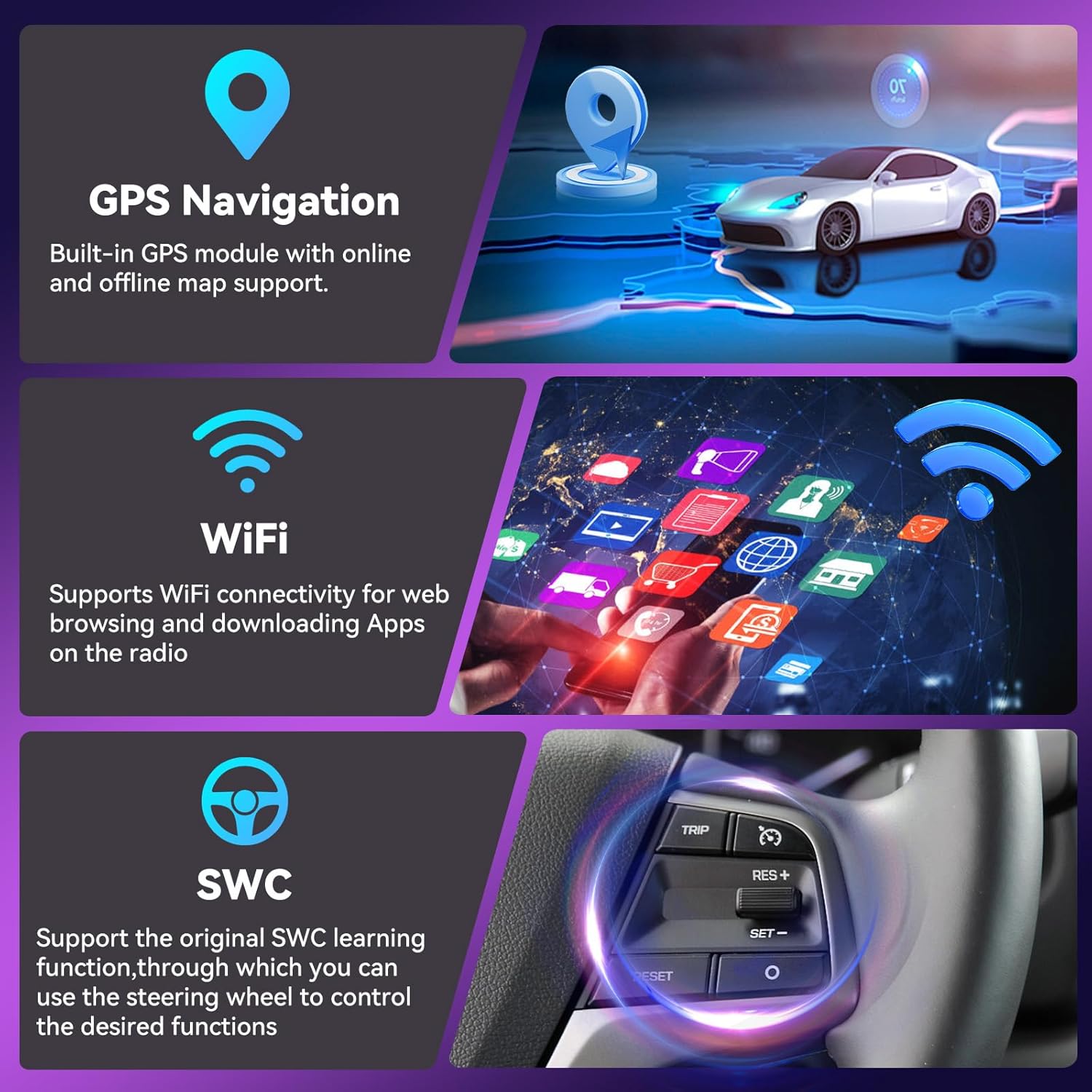
Image: Illustrates GPS navigation, Wi-Fi connectivity, and Steering Wheel Control (SWC) icons.
2.3 Bluetooth 5.0 & FM/RDS Radio
Enjoy hands-free communication and high-quality audio streaming with Bluetooth 5.0. The integrated FM/RDS radio provides access to local radio stations with enhanced signal processing.
- Bluetooth: Pair your phone for hands-free calling and audio streaming. The system supports contact synchronization.
- FM/RDS Radio: Tune into FM radio stations. RDS (Radio Data System) displays station information where available. The unit includes 30 preset stations and features noise reduction.
- EQ Settings: Customize your audio experience with the built-in equalizer, offering various sound field and bass enhancement options.

Image: Displays the Bluetooth calling interface, FM radio tuner with RDS, and audio equalizer settings.
2.4 Display Features: IPS Screen & Split-Screen Function
The 9-inch capacitive 2.5D tempered glass touch screen offers a high resolution of 1280*720 IPS for clear visuals and rich colors. The split-screen function enhances multitasking capabilities.
- IPS Screen: Provides wide viewing angles and vibrant color reproduction.
- Split-Screen Function: Allows two applications to run simultaneously, such as navigation and music playback, displayed side-by-side on the screen.

Image: Shows the intuitive UI design and an example of the split-screen function with two apps running concurrently.
2.5 AHD Backup Camera
The car stereo is equipped with an AHD (Analog High Definition) reversing camera for improved visibility when backing up. The camera image automatically displays on the touch screen when reverse gear is engaged.
- Automatic Display: The camera feed appears automatically when shifting into reverse.
- Features: Waterproof design, ultra-wide night vision, and a 170° wide field of vision.

Image: Highlights the 1280x720P IPS screen resolution and details of the AHD reverse camera, including its wide-angle and night vision capabilities.
2.6 Steering Wheel Control (SWC)
The unit supports the original steering wheel control learning function, allowing you to map vehicle steering wheel buttons to control various functions of the car stereo, such as volume adjustment, track skipping, and answering calls.
3. Maintenance
Proper maintenance ensures the longevity and optimal performance of your car stereo.
- Cleaning: Use a soft, dry cloth to clean the screen and exterior. Avoid abrasive cleaners or solvents.
- Software Updates: Periodically check for software updates through the system settings to ensure you have the latest features and performance improvements.
- Temperature: Avoid exposing the unit to extreme temperatures.
4. Troubleshooting
Refer to this section for solutions to common issues.
| Problem | Possible Cause | Solution |
|---|---|---|
| No power | Loose power connection, blown fuse | Check power cables and vehicle fuses. Ensure proper wiring. |
| No sound | Volume too low, incorrect audio source, loose speaker wires | Increase volume, select correct audio source, check speaker connections. |
| Bluetooth connection issues | Bluetooth not enabled, device not paired, interference | Ensure Bluetooth is on for both devices. Re-pair the device. Move closer to the unit. |
| GPS signal loss | GPS antenna obstructed or disconnected | Ensure GPS antenna has a clear view of the sky and is securely connected. |
| Touchscreen unresponsive | System freeze, temporary software glitch | Restart the unit by pressing the reset button (if available) or turning off the vehicle ignition and restarting. |
5. Specifications
Key technical specifications of the OiLiehu Android 15 Car Stereo.
| Feature | Detail |
|---|---|
| Operating System | Android 15 |
| RAM | 4GB |
| ROM | 64GB |
| Screen Size | 9 Inches |
| Display Resolution | 1280*720 IPS |
| Connectivity | Bluetooth 5.0, WiFi |
| Navigation | GPS / BDS positioning system, Google Offline Maps |
| Special Features | Wireless CarPlay & Android Auto, Mirror Link, FM/RDS Radio, SWC, AHD Rear Camera, Split Screen, EQ Settings |
| Item Weight | 1.5 pounds |
| Package Dimensions | 35.75 x 10.5 x 4.5 inches |
6. Warranty Information
The OiLiehu Car Stereo comes with a 1-year warranty from the date of purchase, covering manufacturing defects. Additionally, extended protection plans are available for purchase:
- 2-Year Protection Plan: $24.99 (one-time)
- 3-Year Protection Plan: $33.99 (one-time)
- NEW Complete Protect: $16.99 (monthly, covers eligible past and future purchases)
For warranty claims or to inquire about protection plans, please contact customer support.
7. Customer Support
For technical assistance, product inquiries, or warranty support, please contact our customer service team.
7.1 Contacting Support
- Email: cyservice@126.com
- Online: Visit the OiLiehu store on Amazon and click on the seller name 'Liehuzhekeji' to 'Ask a question'.

Image: Guide on how to access 24-hour customer support through Amazon.

Image: Details for technical support, including professional service, 1-year warranty, and email contact.