
Introduction
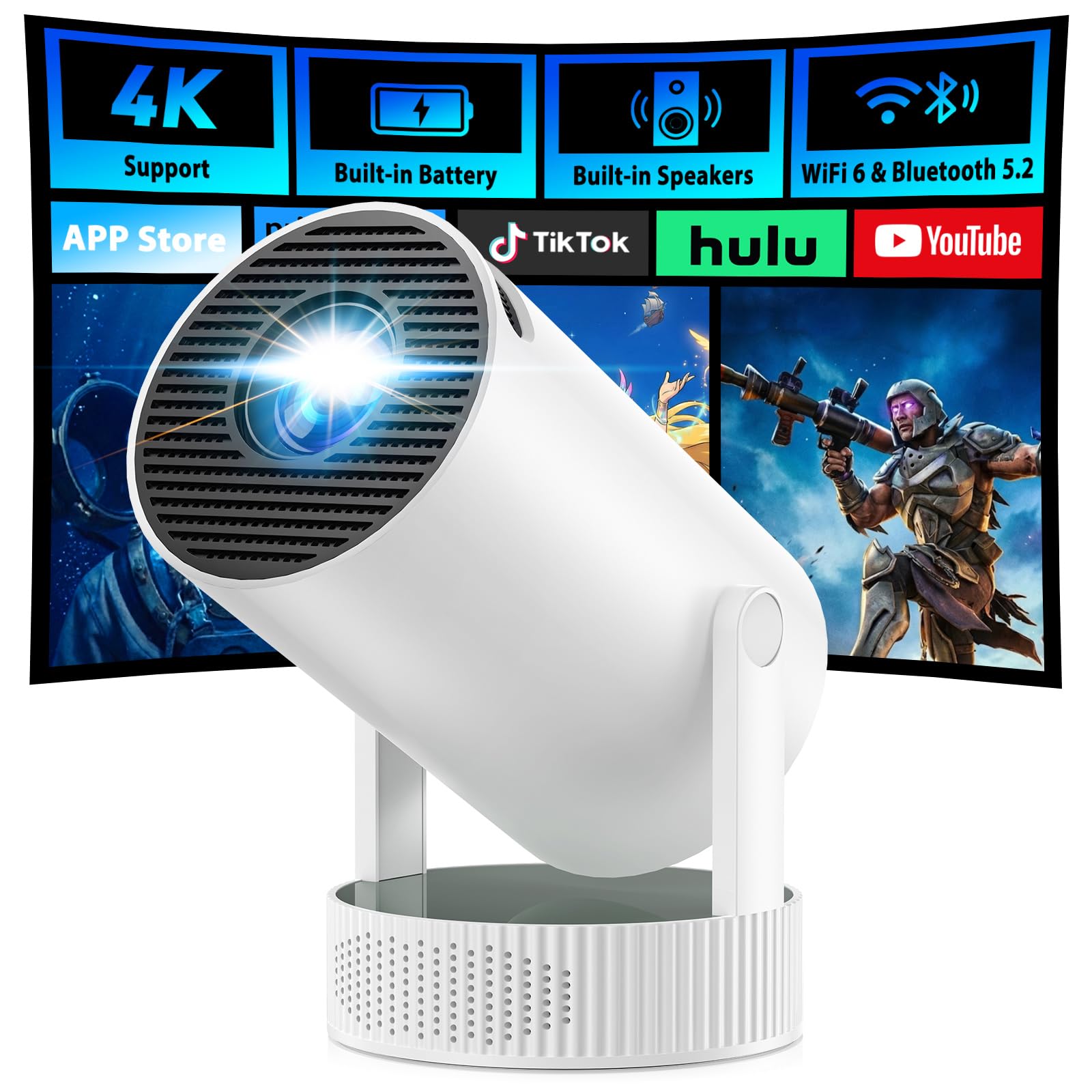
Thank you for choosing the CAMWORLD Mini Projector 09-4K. This portable smart projector is designed to deliver a high-quality visual experience with its built-in battery, dual-band Wi-Fi, Bluetooth 5.2, and 4K decoding support. This manual provides essential information for setting up, operating, and maintaining your projector to ensure optimal performance and longevity.
What's in the Box
- Main Unit
- Power Adapter
- User Manual
- Remote
Product Overview
The CAMWORLD Mini Projector 09-4K is a compact and versatile device, perfect for various entertainment needs. Its thoughtful design allows for easy portability and flexible projection.
Physical Features
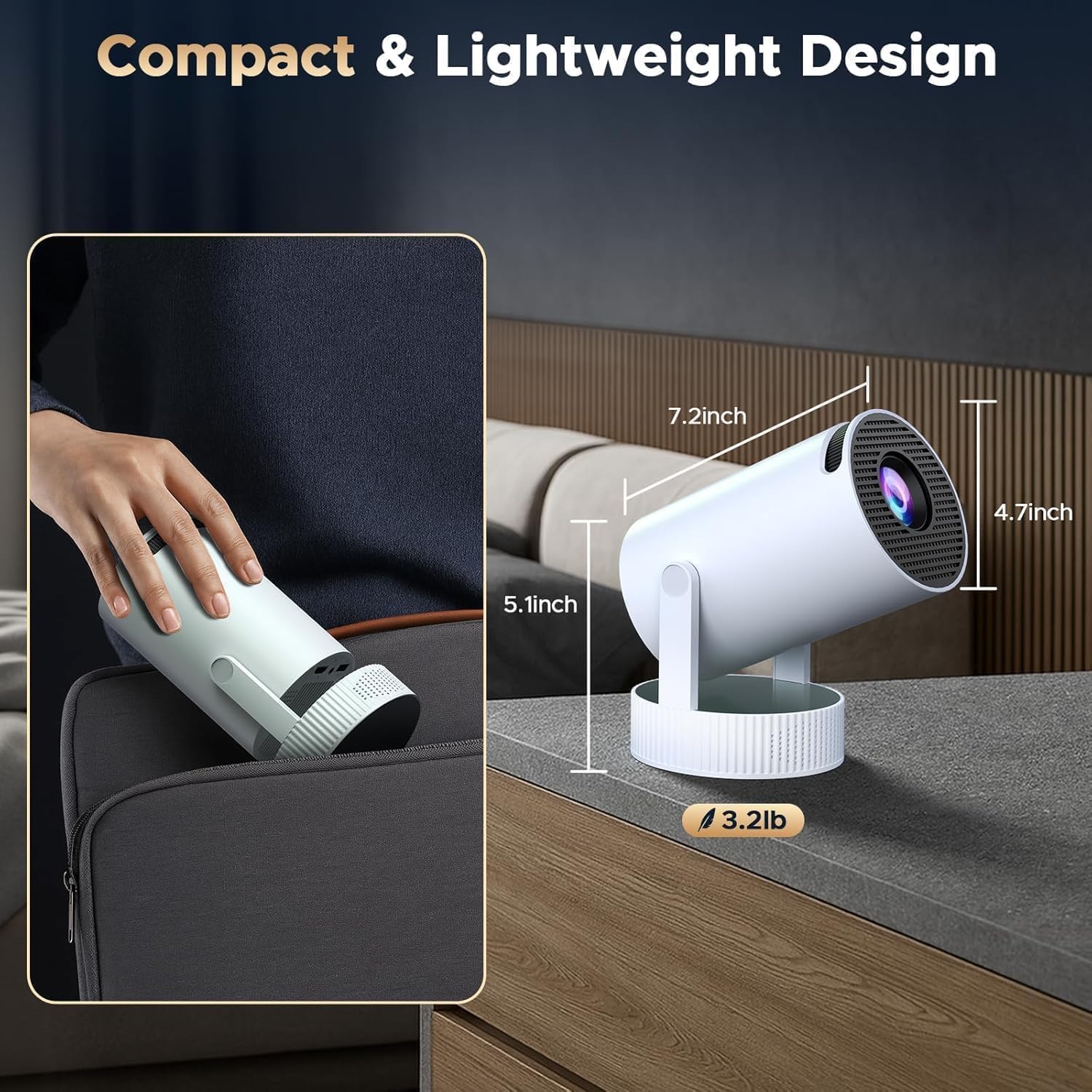
Ports and Controls

The projector features an HDMI port, a USB port, and a 3.5mm audio port for versatile connectivity. The power input is also located at the rear. A manual focus dial is present for adjusting image clarity.
Setup
Initial Power-Up
Connect the power adapter to the projector and a power outlet. Press the power button on the projector or the remote control to turn on the device. The projector will display the main interface.
Focus Adjustment

Use the manual focus dial on the projector to adjust the image until it appears sharp and clear on your projection surface. This projector does not feature autofocus.
Keystone Correction & Rotation
The projector features auto vertical keystone correction. For optimal image alignment, adjust the projector's position and angle. The 220-degree adjustable tilt base allows for flexible projection onto various surfaces like walls, floors, or ceilings.
Network Connection
Navigate to the 'Settings' menu on the projector's interface. Select 'Network Settings' and connect to your preferred 2.4G or 5G Wi-Fi network. Ensure a stable connection for streaming and screen mirroring.
App Installation
With Android 11.0 OS, you can download various applications directly from the app store. Ensure the system is updated to the latest version for full app compatibility.
Operating Instructions
Screen Mirroring

The projector supports dual-band Wi-Fi 6 for smooth screen mirroring. For phone screen mirroring, ensure your device is connected to the same Wi-Fi network as the projector. Select the 'Screen Mirroring' option on the projector's interface and follow the on-screen instructions for your Android or iOS device.
Bluetooth Connectivity

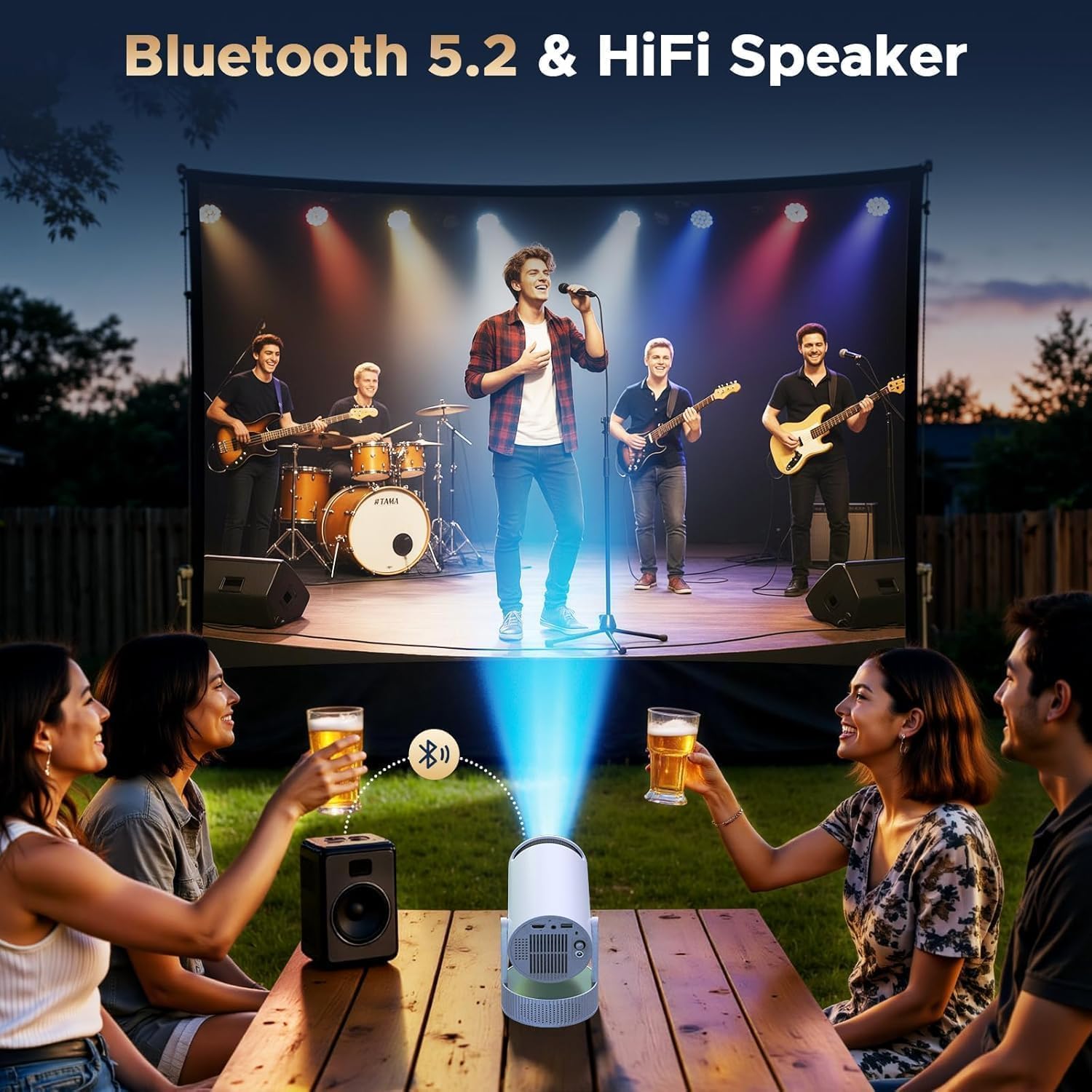
Activate Bluetooth on the projector and your external audio device (speaker or headphones). Pair the devices to enjoy a richer audio experience. Note that Bluetooth supports audio devices only; computers and laptops connect via HDMI.
HDMI & USB Connection

Connect devices like TV Sticks, laptops, gaming consoles, or USB drives to the respective HDMI or USB ports on the projector. Select the correct input source from the projector's menu to display content.
Key Features
- Outdoor Long-lasting Battery: Built-in rechargeable battery provides 60 minutes in performance mode and 3 hours in energy-saving mode. Supports both DC and battery power.
- Dual-Band Wi-Fi & Screen Mirroring: Features 2.4G+5G Wi-Fi 6 technology for smooth, low-lag screen mirroring from phones.
- Bluetooth 5.2 & Built-in Speaker: Includes a built-in speaker and supports Bluetooth for external speakers or headphones.
- 4K Support & Android 11.0: Advanced LED technology (300 ANSI Lumens, 1300:1 Contrast Ratio) with native 1080p resolution and 4K decoding. Runs on Android 11.0 OS for app downloads and online streaming.
- Manual Focus & 220° Free Rotation: Equipped with auto vertical keystone correction and manual focus. Features a 220° adjustable tilt base for flexible projection.
- Wide Compatibility: HDMI, USB, and 3.5mm audio ports for connecting phones, computers, TV Sticks, and USB drives.
- 150-inch Large Screen: Supports screen sizes from 30 to 150 inches, with an optimal projection distance of about 5 feet.


Media Integration Examples
Seller Videos
Video 1: Official seller video from Nonete Store demonstrating the CAMWORLD Mini Projector 09-4K's 1080P and 4K capabilities.
Video 2: Short seller video from Natalia M. showcasing the CAMWORLD Mini Projector 09-4K in action, highlighting its great product features.
Video 3: Seller video review from ann.applesweet highlighting the CAMWORLD Mini Projector 09-4K's features for movies and gaming, including Netflix and electric focus.
Video 4: Seller video review from Dakota H. demonstrating the CAMWORLD Mini Projector 09-4K's quality and features before purchase.
Video 5: Seller video review from Alex of UnBoxington showcasing the CAMWORLD Mini Projector 09-4K for screen entertainment anywhere.
Specifications
| Feature | Detail |
|---|---|
| Brand Name | CAMWORLD |
| Item Weight | 1.48 pounds |
| Product Dimensions | 3.74 x 3.74 x 7.68 inches |
| Item model number | PR09 |
| Batteries | 1 A batteries required. (included) |
| Color Name | white |
| Special Features | Built-In Speaker, Built-In Wi-Fi, Lightweight, Short Throw |
| Recommended Uses For Product | Business, Education, Gaming, Home Cinema |
| Connectivity Technology | Wi-Fi |
| Display resolution | 1280 x 720 |
Maintenance
To ensure the longevity and optimal performance of your CAMWORLD Mini Projector 09-4K, follow these maintenance guidelines:
- Cleaning the Lens: Gently wipe the projector lens with a soft, lint-free cloth. Avoid using abrasive cleaners or excessive force, which can scratch the lens.
- Cleaning the Exterior: Use a soft, dry cloth to clean the exterior of the projector. Do not use liquid cleaners directly on the device.
- Ventilation: Ensure the projector's ventilation openings are clear and unobstructed to prevent overheating. Avoid placing the projector on soft surfaces that might block airflow.
- Storage: When not in use, store the projector in a cool, dry place away from direct sunlight and extreme temperatures.
- Battery Care: For optimal battery life, avoid fully discharging the battery frequently. Charge the projector regularly, even if not in constant use.
Troubleshooting
If you encounter any issues with your CAMWORLD Mini Projector 09-4K, refer to the following common troubleshooting tips:
- No Image/Blurry Image: Check the focus dial for sharpness. Ensure the projector is within the recommended projection distance (3.2 to 13.6ft, optimal 5ft). Verify the input source is correctly selected.
- No Sound: Check the volume settings on the projector and any connected external audio devices. Ensure Bluetooth devices are properly paired. If using HDMI, confirm the audio output settings on the connected device.
- Connection Issues (Wi-Fi/Bluetooth): Ensure both the projector and your device are connected to the same Wi-Fi network for screen mirroring. Re-pair Bluetooth devices if connection is lost.
- Apps Not Working: Ensure the projector's Android 11.0 OS is updated to the latest version. Some applications may require specific system versions to function correctly.
- Image Distortion: The projector has auto vertical keystone correction. Adjust the projector's physical position to minimize distortion.
- Battery Life Shorter Than Expected: Ensure the projector is not continuously running in performance mode. Switch to energy-saving mode for longer usage, noting that image quality will be reduced.
Warranty & Support
CAMWORLD is committed to providing reliable technical support. Our dedicated support team is available 24/7 to answer any questions or concerns you may have. Whether you're setting up your new mini projector for the first time or troubleshooting an issue, we're happy to help – feel free to contact us for prompt and friendly service.
This product comes with a 30-day return policy for refund or replacement.