
INJORA INM19-4M-GD (1721 Gold Viper)
INJORA Gold Viper 1721 Brushless Motor 2800KV Instruction Manual
Model: INM19-4M-GD (1721 Gold Viper) | Brand: INJORA
1. Introduction
This manual provides essential information for the proper installation, operation, and maintenance of your INJORA Gold Viper 1721 Brushless Motor 2800KV. Please read these instructions carefully before use to ensure optimal performance and longevity of your product.
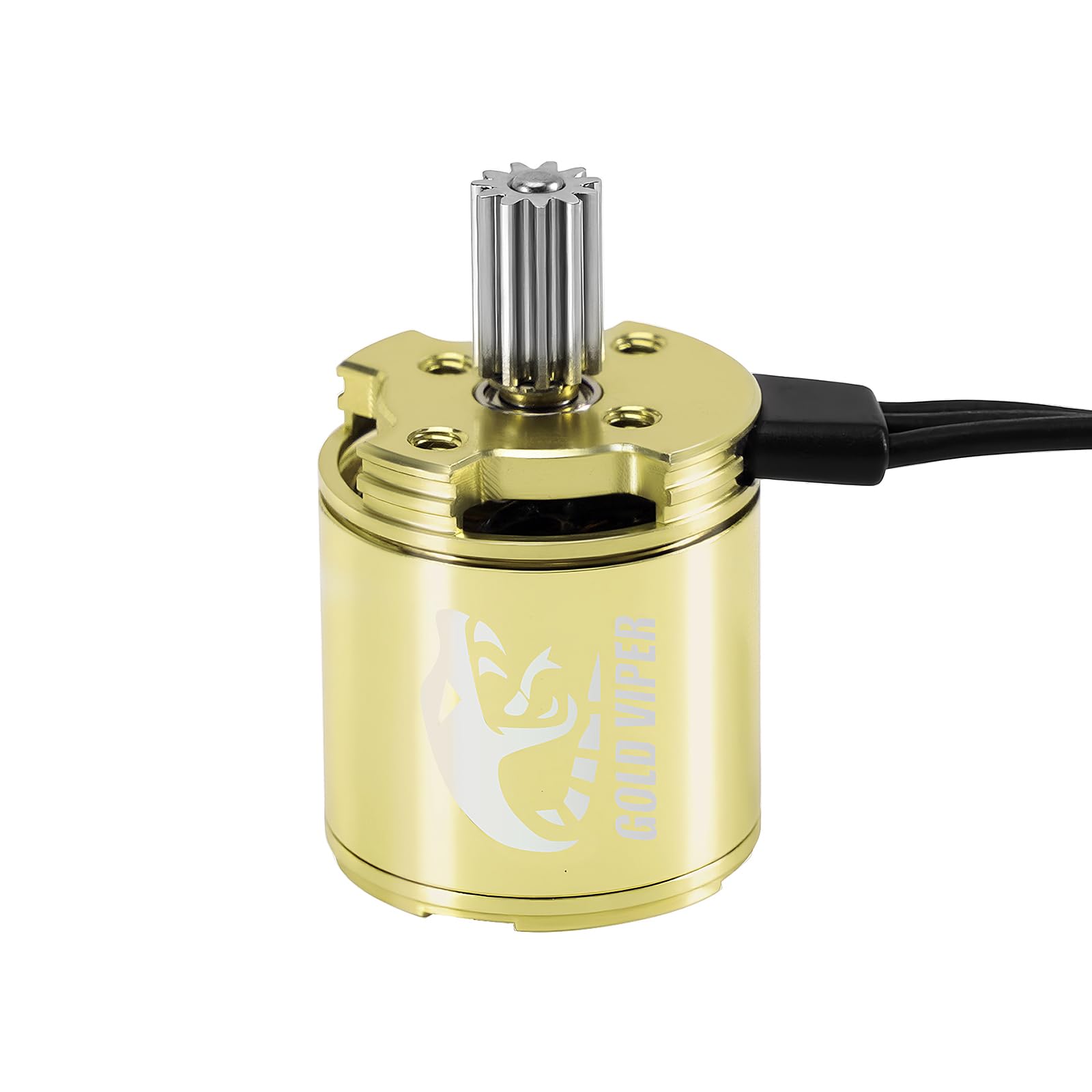
The INJORA Gold Viper 1721 Brushless Motor 2800KV, showcasing its sleek design.
2. What's in the Box
Verify that all components are present before proceeding with installation:
- 1x 1721 Brushless Motor
- 1x Motor Pinion (0.4Mod 11T)

The INJORA Gold Viper 1721 Brushless Motor and its components, including the motor, pinion gear, and mounting screws.
3. Specifications
| Feature | Detail |
|---|---|
| Model Number | 1721 |
| Waterproof | Yes |
| Motor Type | Sensorless Brushless Outrunner for dust |
| RPM/Volt (KV) | 2800 |
| Motor Poles | 14 |
| Motor Slots | 12 |
| No-load Current (11.1V) | 0.7 A |
| Max Current | 20 A |
| Motor Connectors | PH2.0 3 pin |
| Dimensions | 17.1 x 20.9 mm |
| Output Shaft Diameter | 2 mm |
| Motor Pinion | 0.4Mod 11T |
| Weight | 19 g |

Detailed dimensions of the INJORA Gold Viper 1721 Brushless Motor, highlighting its compact size.
4. Compatibility
- Compatible ESCs: INJORA MBL32 ESC and QuicRun Mini24 ESC.
- Incompatible ESCs: Not compatible with other Electronic Speed Controllers.
- Compatible Transmissions: TRX4M and Ascent-18 transmissions.
- Incompatible Transmissions: Not compatible with 370 transmission.
5. Setup and Installation
Follow these steps to install your INJORA Gold Viper 1721 Brushless Motor:
- Prepare your RC model: Ensure your 1/18 TRX4M or Ascent-18 model is powered off and the battery is disconnected.
- Remove existing motor (if applicable): Carefully detach your current motor and transmission assembly from the chassis.
- Install the new motor: Mount the INJORA Gold Viper 1721 Brushless Motor onto your compatible transmission. Ensure the pinion gear is correctly aligned with the spur gear.
- Secure the assembly: Reattach the motor and transmission assembly to the chassis using the appropriate screws.
- Connect the ESC: Connect the motor's PH2.0 3-pin connector to a compatible ESC (INJORA MBL32 ESC or QuicRun Mini24 ESC).
- Connect to receiver: Plug the ESC's signal cable into the throttle channel of your RC receiver.
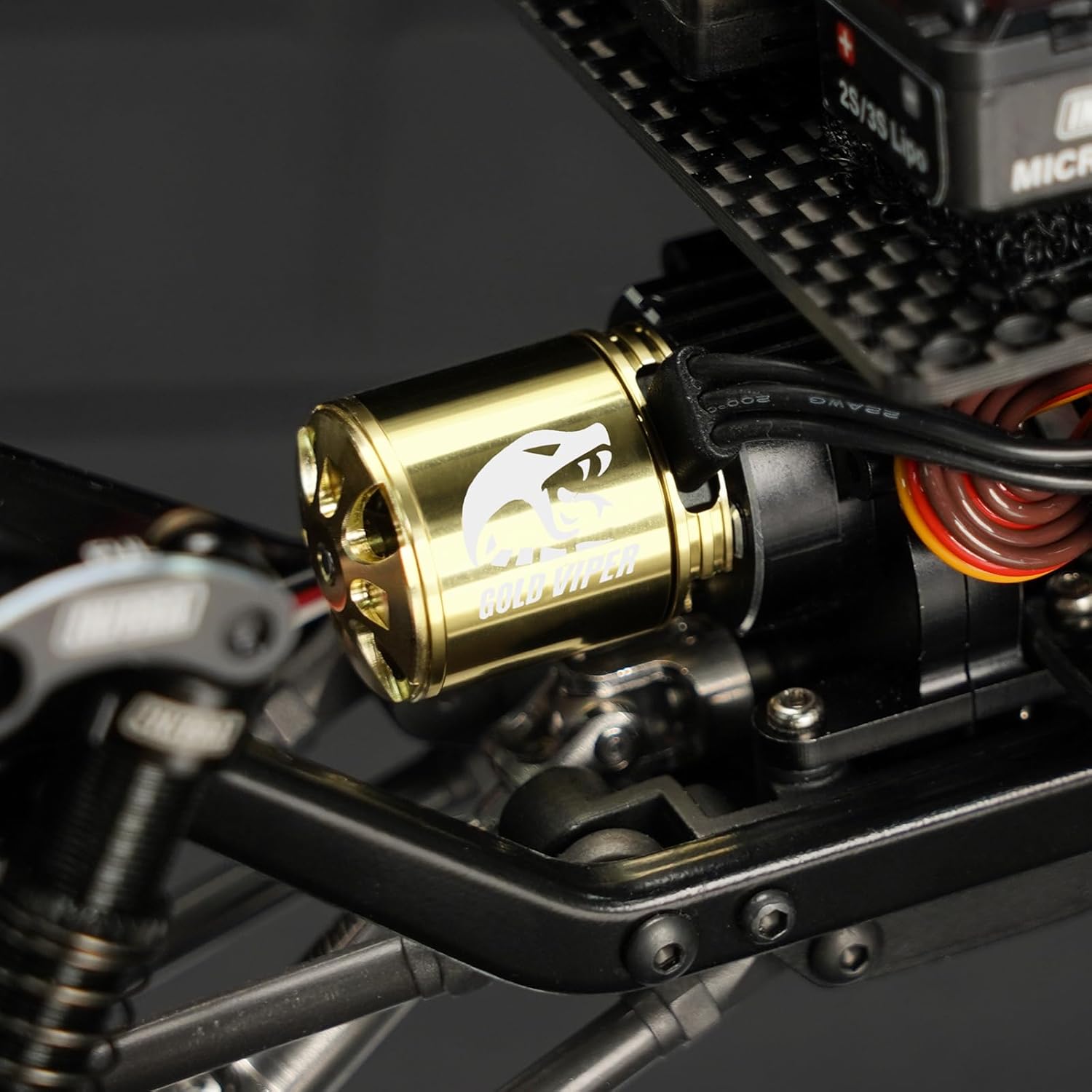
The INJORA Gold Viper 1721 Brushless Motor installed within an RC crawler chassis, demonstrating its fit.
5.1. ESC Setup Video
Official INJORA video demonstrating the features and installation of the MBL32-G2 ESC, which is compatible with the Gold Viper 1721 Brushless Motor. This video provides visual guidance on connecting and setting up the electronic speed controller for your RC crawler.
6. Operating Guidelines
- Power Recommendation: For optimal performance and smoother low-speed control, 3S batteries are strongly recommended.
- Performance Characteristics: The motor offers smooth and linear low-speed control, along with powerful and aggressive high-speed performance. It also reduces noise at mid-RPMs with slightly improved torque.
- Noise Note: A certain noise at mid-throttle is normal for the 1721 motor. This is due to its high-RPM open rotor design and does not indicate a defect.
- Model Weight: The Gold Viper 1721 is ideal for RC models weighing under 700g. For heavier models, the 2204 Fat Viper is recommended for better drag brake performance.
7. Maintenance
To ensure the longevity and consistent performance of your brushless motor, consider the following maintenance tips:
- Regular Cleaning: Periodically clean the motor to remove dust, dirt, and debris that can accumulate during operation. Use a soft brush or compressed air.
- Inspect Connections: Regularly check all electrical connections (motor to ESC, ESC to battery, ESC to receiver) for secure fit and any signs of wear or damage.
- Shaft and Bearings: While brushless motors generally require less maintenance, occasionally inspect the motor shaft for any bends or damage. Ensure bearings are running smoothly.
- Protective Sleeve: The motor includes a protective sleeve at the cable exit for increased durability. Ensure this sleeve remains intact to protect the wiring.
8. Troubleshooting
If you encounter issues with your INJORA Gold Viper 1721 Brushless Motor, consider these common troubleshooting steps:
- Motor Not Responding:
- Check all electrical connections for proper seating.
- Ensure the battery is fully charged and correctly connected.
- Verify that the ESC is compatible with the motor (INJORA MBL32 or QuicRun Mini24).
- Confirm the ESC is properly calibrated with your radio system.
- Unusual Noise at Mid-Throttle: As noted in the operating guidelines, a certain noise at mid-throttle is normal for this motor due to its high-RPM open rotor design and does not indicate a defect.
- Overheating:
- Ensure proper ventilation around the motor and ESC.
- Check for excessive friction in the drivetrain (gears, bearings).
- Verify that the model weight is within the recommended range (under 700g).
- Consider using a smaller pinion gear if overheating persists, especially in demanding conditions.
- Reduced Performance:
- Check battery charge level and condition.
- Inspect for any binding in the drivetrain or suspension.
- Ensure the motor and ESC are free from debris.
9. Warranty and Support
For warranty information, technical support, or further assistance, please contact INJORA customer service through the official INJORA website or your retailer. Keep your purchase receipt as proof of purchase.
Ask a question about this manual
Ask about setup, troubleshooting, compatibility, parts, safety, or missing instructions. Manuals+ will review the question and use this page’s manual context to help answer it.