
Introduction
Thank you for choosing the Rhyfell Bone Conduction Swimming Headphones. This manual provides essential information for the proper setup, operation, and maintenance of your device. These headphones are designed for active use, featuring IP68 waterproofing, a built-in 32GB MP3 player, and Bluetooth 6.0 connectivity.
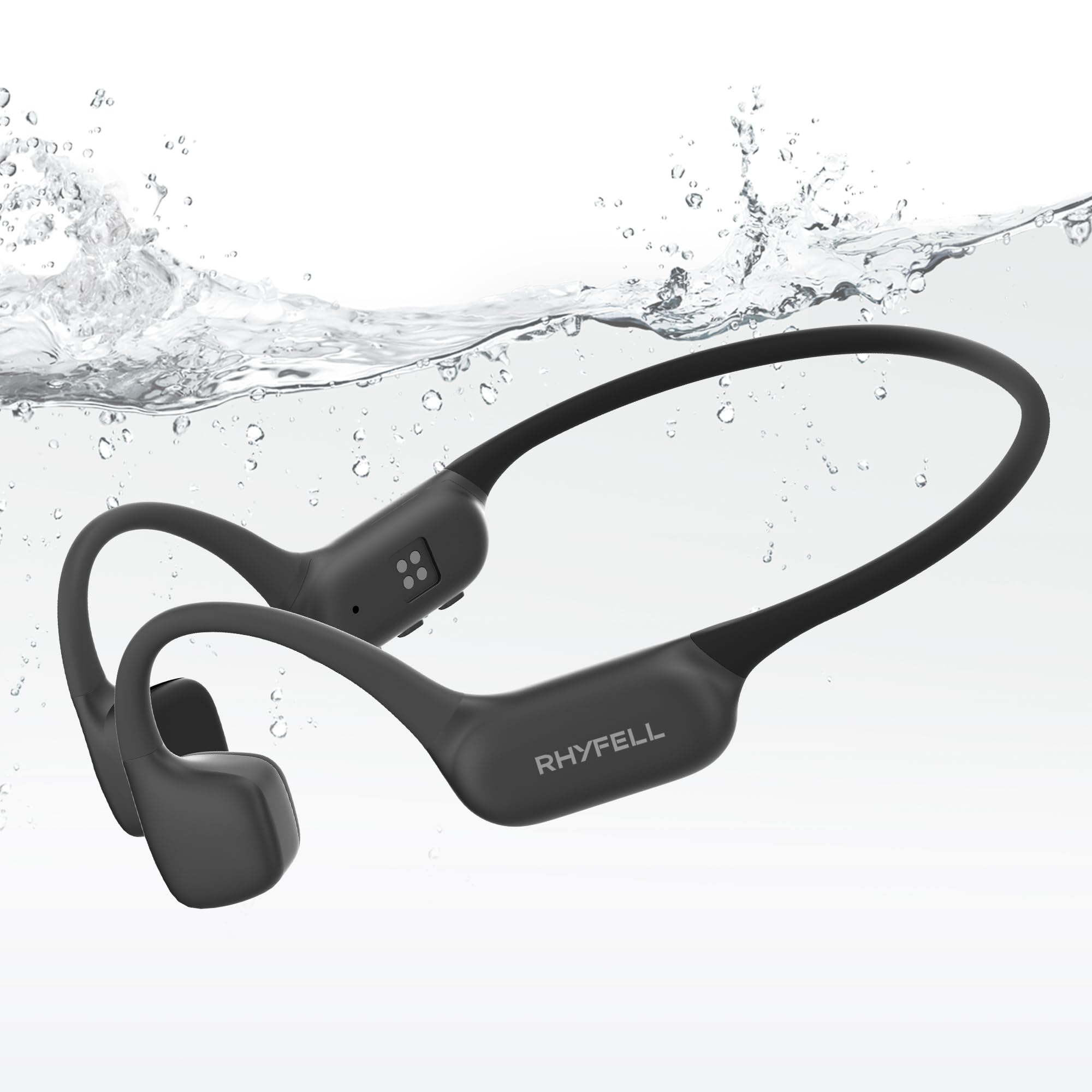
Image: Rhyfell Bone Conduction Swimming Headphones (Model S18) in Grey.
What's in the Box
Verify that all items are present in the package:
- Rhyfell Bone Conduction Swimming Headphones (Model S18)
- Charging Cable
- User Manual
Video: Rhyfell F5 Bone Conduction Headphones Unboxing and Review. This video demonstrates the unboxing process and initial look at the headphones and included accessories.
Product Overview
The Rhyfell S18 headphones feature an ergonomic design for secure fit and easy access to controls.

Image: Close-up of the Rhyfell S18 headphones, highlighting the control buttons and bone conduction transducers.
- Power/Mode Button: Used for power on/off and switching between Bluetooth and MP3 modes.
- Volume Up/Next Track Button: Short press for volume up, long press for next track.
- Volume Down/Previous Track Button: Short press for volume down, long press for previous track.
- Charging Port: Magnetic charging interface.
- LED Indicator: Displays device status (charging, pairing, etc.).
Setup
1. Charging the Headphones
Before first use, fully charge the headphones. Connect the magnetic charging cable to the charging port on the headphones and the USB end to a power adapter (not included) or computer USB port. The LED indicator will show charging status.

Image: Rhyfell S18 headphones connected to their magnetic charging cable.
2. Loading Music (MP3 Mode)
The headphones have 32GB of built-in storage for MP3 files. To load music:
- Connect the headphones to your computer using the charging cable.
- The headphones will appear as a removable disk drive.
- Drag and drop your MP3 audio files into the headphone's storage folder.
- Safely eject the device from your computer before disconnecting.

Image: Rhyfell S18 headphones connected to a laptop, illustrating the music transfer process.
Video: Swimming Headphones with MP3 Mode 32GB Memory. This video highlights the MP3 functionality and storage capacity.
3. Bluetooth Pairing
To connect your headphones via Bluetooth:
- Ensure the headphones are powered off.
- Press and hold the Power/Mode button until the LED indicator flashes blue and red, indicating pairing mode.
- On your device (smartphone, tablet, etc.), enable Bluetooth and search for "Rhyfell Fit 5".
- Select "Rhyfell Fit 5" to connect. The LED will turn solid blue when connected.

Image: Rhyfell S18 headphones positioned near a smartphone, demonstrating Bluetooth connectivity.
4. Wearing the Headphones
Place the headphones with the transducers resting on your cheekbones, just in front of your ears. The band should wrap around the back of your head. Adjust for a comfortable and secure fit.

Image: A person wearing the Rhyfell S18 headphones during physical activity, showing proper placement.
Operating Instructions
1. Power On/Off
- Power On: Press and hold the Power/Mode button for 3 seconds.
- Power Off: Press and hold the Power/Mode button for 5 seconds.
2. Music Controls
- Play/Pause: Short press the Power/Mode button.
- Volume Up: Short press the Volume Up button.
- Volume Down: Short press the Volume Down button.
- Next Track: Long press the Volume Up button for 2 seconds.
- Previous Track: Long press the Volume Down button for 2 seconds.
3. Mode Switching (Bluetooth / MP3)
Double-press the Power/Mode button to switch between Bluetooth mode and MP3 player mode. The headphones will indicate the current mode.
4. Call Management
- Answer/End Call: Short press the Power/Mode button.
- Reject Call: Long press the Power/Mode button for 2 seconds.
5. Underwater Use
For optimal performance underwater, switch to MP3 mode. Bluetooth connectivity may be limited or lost when submerged. The IP68 rating allows submersion up to 2-5 meters.
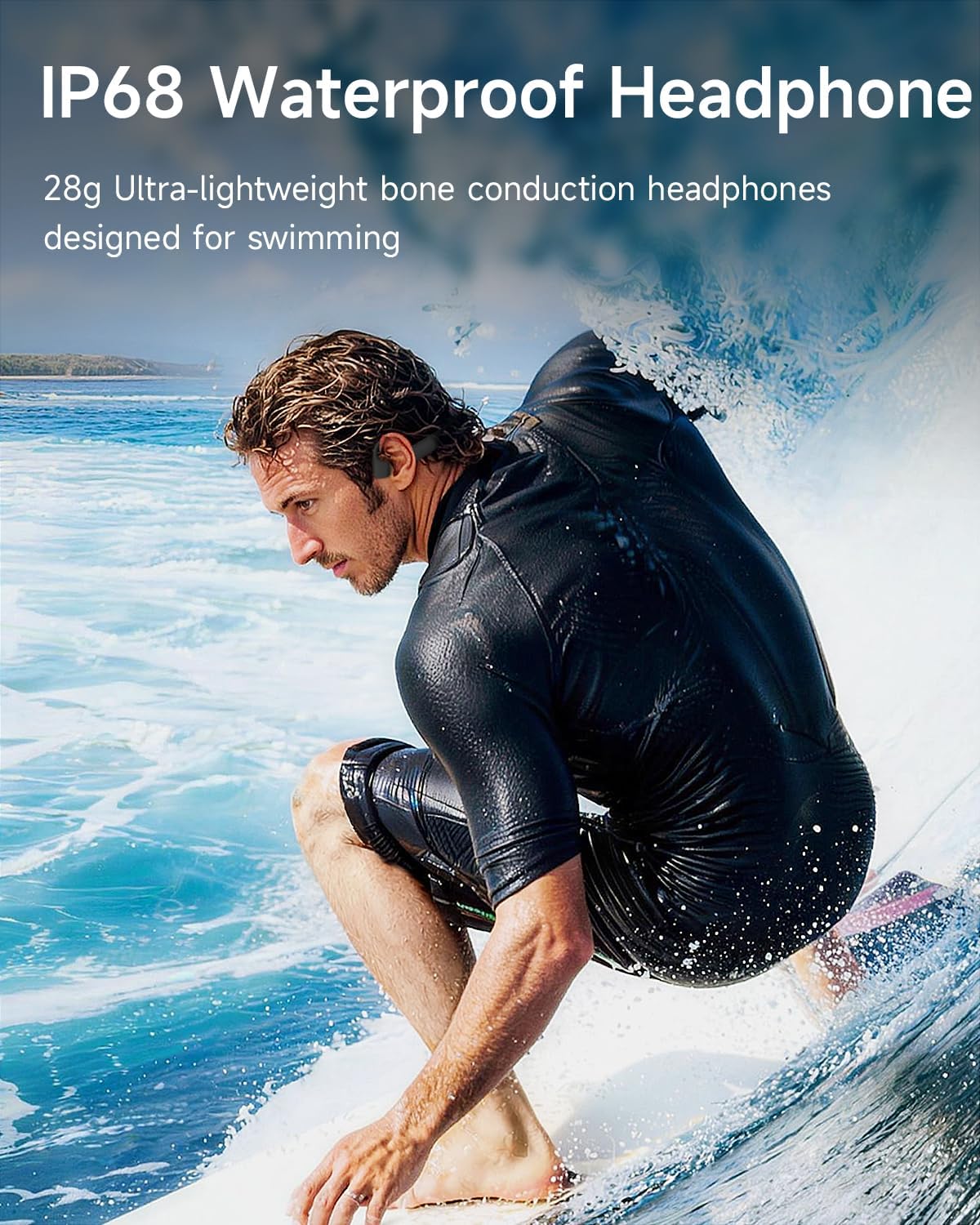
Image: A swimmer using the Rhyfell S18 headphones in a pool, demonstrating their waterproof capability.
Video: IP68 swimming headphones. This video demonstrates the waterproof capabilities of the headphones.
Maintenance
Proper maintenance ensures the longevity of your headphones:
- Cleaning: After swimming or intense exercise, rinse the headphones with clean fresh water and allow them to air dry completely. This prevents corrosion of the charging contacts due to chlorine or saltwater.
- Storage: Store the headphones in a cool, dry place away from direct sunlight and extreme temperatures.
- Charging Contacts: Periodically inspect the magnetic charging contacts for any debris or corrosion. Clean gently with a dry cloth if necessary.

Image: Rhyfell S18 headphones with water droplets, emphasizing their waterproof design and the need for post-swim care.
Troubleshooting
| Problem | Solution |
|---|---|
| Headphones do not power on. | Ensure the headphones are fully charged. Press and hold the Power/Mode button for 3 seconds. |
| Cannot pair via Bluetooth. | Ensure headphones are in pairing mode (flashing blue/red LED). Turn off and on Bluetooth on your device. Ensure no other devices are connected. |
| No sound in MP3 mode. | Ensure music files are correctly loaded onto the 32GB internal storage. Check volume level. |
| Sound quality is poor underwater. | Ensure you are in MP3 mode for underwater use. Bluetooth signal is significantly weakened by water. |
| Charging issues. | Check the magnetic connection of the charging cable. Ensure charging contacts are clean and dry. Try a different USB power source. |
Specifications
| Feature | Detail |
|---|---|
| Brand | Rhyfell |
| Model Name | Rhyfell Fit 5 |
| Model Number | S18 |
| Color | Grey |
| Ear Placement | Open Ear |
| Form Factor | Open Ear |
| Impedance | 16 ohm |
| Built-In Media | 32GB MP3 Player |
| Water Resistance Level | IP68 (Waterproof) |
| Connectivity Technology | Bluetooth 6.0 |
| Bluetooth Range | 10 meters |
| Battery Life | Up to 10 hours |
| Battery Charge Time | 2 hours |
| Item Weight | 28 g |
| Control Type | Button Control |
| Audio Driver Type | Bone Conduction Driver |
Warranty and Support
The Rhyfell Bone Conduction Swimming Headphones (Model S18) come with a 1-Year Manufacturer Warranty. This warranty covers defects in materials and workmanship under normal use.
For warranty claims, technical support, or any inquiries, please contact Rhyfell customer service through the retailer where the product was purchased or visit the official Rhyfell store page on Amazon: Rhyfell Amazon Store.
Please retain your proof of purchase for warranty validation.