
1. Setup
1.1 Unboxing and Components
Carefully unpack your Fitonme Smartwatch. The package should contain the following items:
- Fitonme Smartwatch (Rose Gold)
- Pink Silicone Strap
- Rose Gold Stainless Steel Bracelet
- Magnetic Charging Cable
- Instruction Manual

Image: The Fitonme Smartwatch displaying its 1.47-inch HD screen and the two included strap options: a pink silicone strap and a rose gold stainless steel bracelet.
1.2 Charging the Smartwatch
Before initial use, fully charge your smartwatch. Connect the magnetic charging cable to the charging points on the back of the watch and to a USB power source (e.g., computer USB port or a low-power USB adapter). A full charge typically takes approximately 2 hours. It is recommended to use a low-power charger to protect the battery life.
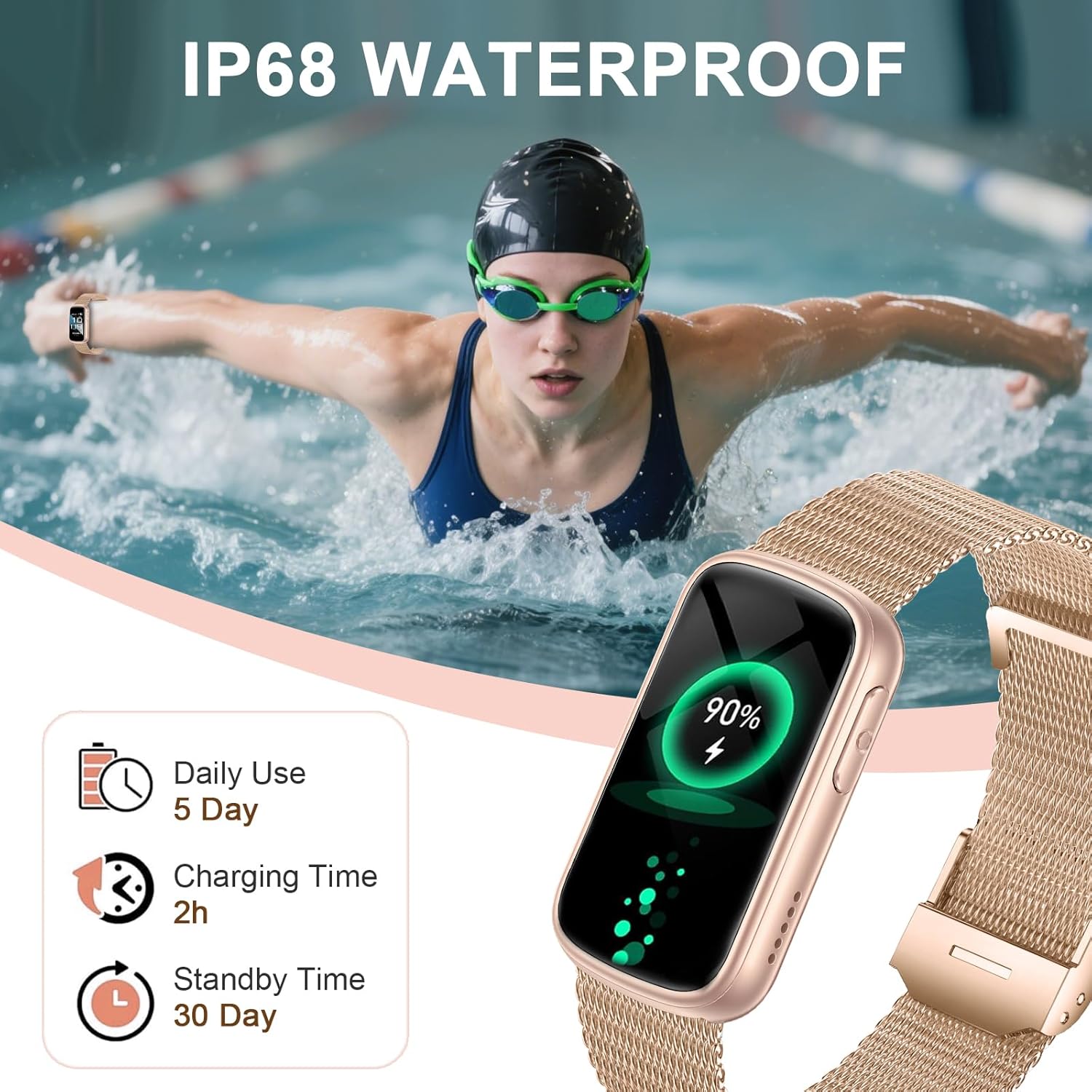
Image: The Fitonme Smartwatch on a charger, displaying a 90% battery level. Text indicates 'Daily Use 5 Day', 'Charging Time 2h', and 'Standby Time 30 Day', along with 'IP68 WATERPROOF'.
1.3 App Installation
To unlock the full functionality of your smartwatch, download the companion application on your smartphone. Search for the 'Fitonme' app (or the app specified in the packaging) in your device's app store (Apple App Store for iOS or Google Play Store for Android). The app is compatible with iOS 8.0+ and Android 4.4+ devices.
1.4 Device Pairing
- Ensure your smartwatch is charged and powered on.
- Enable Bluetooth on your smartphone.
- Open the companion app on your smartphone.
- Follow the in-app instructions to search for and connect to your Fitonme Smartwatch. The watch uses Bluetooth 5.3 for a stable connection.
- Confirm the pairing request on both your smartphone and smartwatch if prompted.
2. Operating Instructions
2.1 Basic Navigation
The smartwatch features a 1.47-inch HD touchscreen. Navigate through menus and functions using the following gestures:
- Swipe Up/Down: Scroll through notifications or menu options.
- Swipe Left/Right: Access quick widgets or different screens.
- Tap: Select an item or confirm an action.
- Press Side Button: Return to the home screen or power on/off.
2.2 Customizing Watch Faces
Your smartwatch offers over 200 integrated watch dials. You can also use your own photos as a background. To change the watch face, long-press on the current watch face or access the watch face settings through the companion app.
2.3 Health Monitoring
The smartwatch is equipped with advanced sensors to monitor various health metrics:
- Heart Rate: Monitors your heart rate 24/7 using a powerful optical sensor. View real-time data on the watch or detailed trends in the app.
- Sleep Tracking: Automatically detects sleep patterns, analyzing wake, light, and deep sleep phases. This data helps improve sleep habits.
- SpO2 (Blood Oxygen): Measures your blood oxygen saturation levels.
- Blood Pressure: Provides reference blood pressure readings. Note: This device is not a medical device. Readings are for reference only and should not be used for medical diagnosis or treatment.

Image: A person meditating with the Fitonme Smartwatch on their wrist. The image highlights the watch's health monitoring features: Heart Rate (HR), Blood Pressure (BP), Blood Oxygen (SpO2), and Sleep Tracker.

Image: A person sleeping with the Fitonme Smartwatch on their wrist. The watch display shows 'Sleep' with a duration of '08h30M' and icons for Deep Sleep, Light Sleep, REM Sleep, and Awake phases.
2.4 Sports Modes
The smartwatch supports over 140 sports modes, including running, cycling, swimming, fitness, yoga, and hiking. To start a workout:
- Swipe to the 'Exercise' or 'Sports' menu on your watch.
- Select your desired activity from the list.
- Tap to begin tracking. The watch will record duration, calories burned, and other relevant metrics.

Image: A woman playing tennis with the Fitonme Smartwatch on her wrist. The watch display shows various exercise modes like Walking, Running, Cycling, Skipping, and Badminton, indicating '140+ SPORTS MODES & IP68 WATERPROOF'.
2.5 Bluetooth Calls and Smart Notifications
Stay connected by making and answering calls directly from your wrist. The watch also displays notifications from your smartphone.
- Making/Answering Calls: Ensure the watch is paired via Bluetooth. You can dial numbers or answer incoming calls directly on the watch. Sync contacts through the app for quick access.
- Notifications: The watch supports notifications from various apps. Ensure app permissions are granted on your smartphone for notifications to appear on the watch.
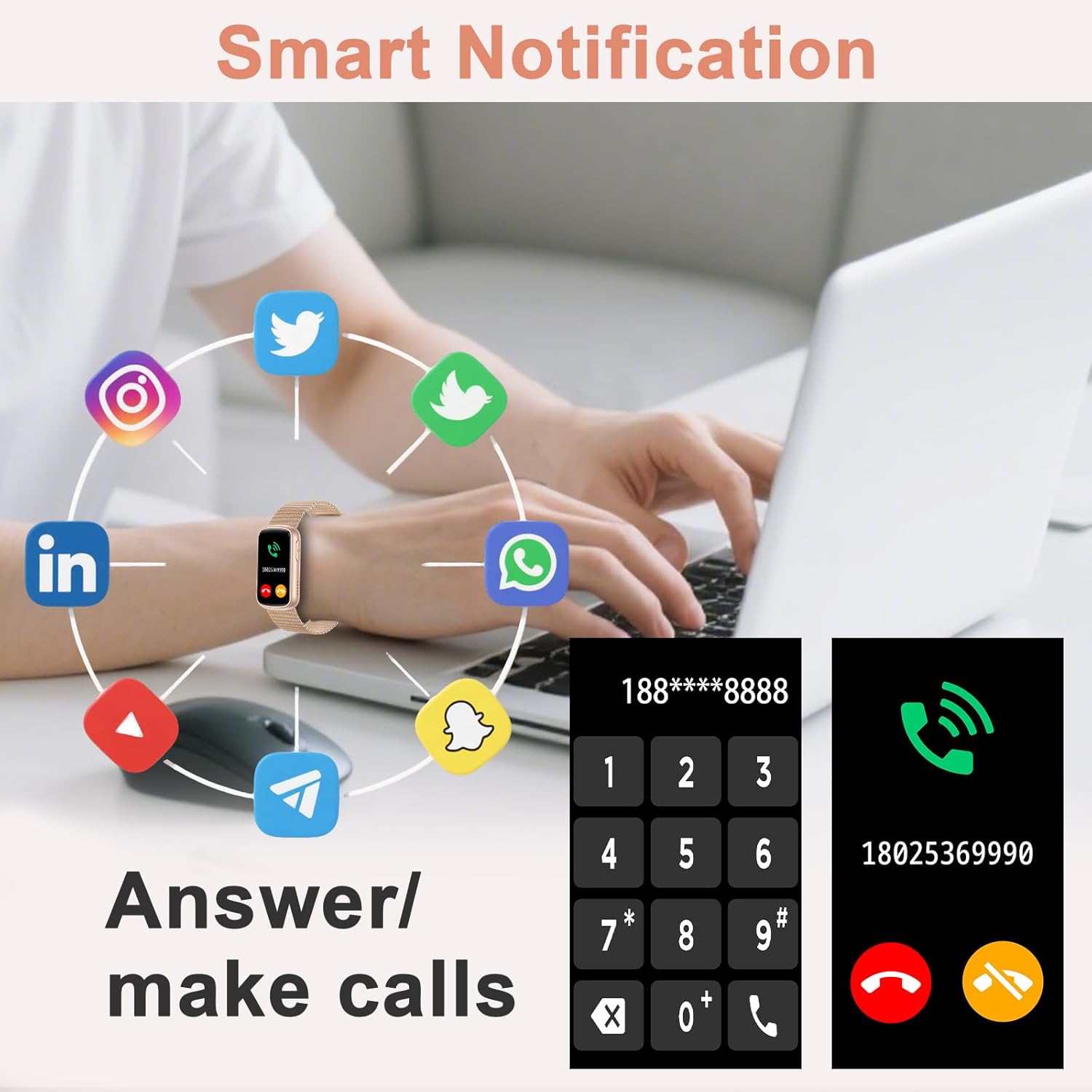
Image: A person using a laptop with the Fitonme Smartwatch on their wrist. The image shows various social media app icons surrounding the watch, and the watch display shows a dial pad and an incoming call screen, illustrating 'Smart Notification' and 'Answer/make calls' features.
2.6 Smart Assistance Functions
The smartwatch includes several convenient features:
- Music Control: Control music playback on your smartphone.
- Remote Camera Shutter: Use your watch to remotely trigger your phone's camera.
- Weather Forecast: Get real-time weather updates.
- Alarm Clock: Set alarms directly from your wrist.
- Stopwatch/Timer: Basic timekeeping functions.
- Movement Reminder: Get alerts to encourage activity after periods of inactivity.
- Find Phone: Locate your paired smartphone.
2.7 Water Resistance (IP68)
The Fitonme Smartwatch has an IP68 water resistance rating, meaning it can withstand hand washing, rain, and heavy sweating. It is not suitable for hot water, diving, or prolonged submersion in water deeper than 1.5 meters.
3. Maintenance
3.1 Cleaning the Smartwatch
To maintain hygiene and functionality, regularly clean your smartwatch:
- Wipe the screen and watch body with a soft, damp, lint-free cloth.
- For silicone straps, you can wash them with mild soap and water.
- For metal straps, use a soft brush to remove dirt from crevices, then wipe with a damp cloth.
- Ensure the watch is completely dry before charging or wearing.
3.2 Strap Replacement
The smartwatch comes with two interchangeable straps. To replace a strap:
- Locate the quick-release pins on the underside of the strap where it connects to the watch body.
- Gently slide the pin inwards to detach the strap.
- Align the new strap with the watch body and slide the pin into place until it clicks securely.
3.3 Storage
When not in use for extended periods, store the smartwatch in a cool, dry place away from direct sunlight and extreme temperatures. Ensure it has some charge to prevent deep discharge of the battery.
4. Troubleshooting
4.1 Connectivity Issues
- Watch not pairing: Ensure Bluetooth is enabled on your phone and the watch is within range. Restart both the watch and your phone, then try pairing again through the app.
- Connection drops frequently: Check for interference from other Bluetooth devices. Ensure the app is running in the background and not being closed by your phone's power-saving settings.
4.2 Charging Issues
- Watch not charging: Ensure the magnetic charging pins are clean and properly aligned with the watch's charging contacts. Try a different USB power source or charging cable if available.
4.3 Health Data Discrepancies
- Inaccurate readings: Ensure the watch is worn snugly on your wrist, about one finger's width above the wrist bone. Clean the sensor on the back of the watch. Avoid excessive movement during measurements. Remember, health data is for reference and not medical use.
4.4 Notifications Not Appearing
- No notifications: Check your phone's notification settings to ensure the companion app has permission to send notifications. Also, verify that notifications are enabled within the smartwatch app itself.
4.5 Screen Unresponsive
- Screen frozen: Try restarting the smartwatch by pressing and holding the side button until the device powers off, then power it back on.
5. Specifications
| Feature | Detail |
|---|---|
| Model Number | B0FXWXH7SD |
| Display | 1.47 Inches HD Touchscreen (TFT) |
| Connectivity | Bluetooth 5.3 |
| Battery Type | Lithium Polymer |
| Charging Time | Approx. 2 hours |
| Battery Life (Normal Use) | 7-10 days |
| Standby Time | Up to 20 days |
| Memory Storage Capacity | 128 MB |
| Water Resistance | IP68 (Waterproof up to 1.5 meters) |
| Compatibility | iOS 8.0+ and Android 4.4+ |
| Sensors | Heart rate sensor, sleep sensor, blood oxygen sensor |
| Band Material | Stainless Steel, Silicone |
| Special Features | Bluetooth Call, 140+ Sports Modes, Music Control, Camera Control, Weather Forecast, Alarm Clock, Find Phone |
6. Warranty Information
Your Fitonme Smartwatch is covered by a manufacturer's warranty against defects in materials and workmanship. The specific terms and duration of the warranty may vary by region. Please refer to the warranty card included in your product packaging or visit the official Fitonme website for detailed information.
This warranty does not cover damage caused by misuse, accidents, unauthorized modifications, or normal wear and tear.
7. Customer Support
If you encounter any issues or have questions regarding your Fitonme Smartwatch that are not addressed in this manual, please contact our customer support team.
- Online Support: Visit the official Fitonme website for FAQs, troubleshooting guides, and contact forms.
- Email Support: Refer to your product packaging or the official website for the customer service email address.
Please have your product model number (B0FXWXH7SD) and purchase details ready when contacting support.