
Introduction
This manual provides instructions for the proper installation, operation, and maintenance of your Transwon Protective Case for Evermyth Tablet 10 inch models KB1001 and KB1004. Please read this manual thoroughly before use to ensure optimal performance and longevity of your product.
Package Contents
- 1 x Transwon Protective Case for Evermyth Tablet 10 inch (KB1001/KB1004)
Setup: Installing Your Tablet
- Prepare the Case: Open the Transwon protective case. Ensure the interior is clean and free of debris.
- Align the Tablet: Carefully align your Evermyth Tablet 10 inch (KB1001 or KB1004) with the case. Position the tablet so that the camera, ports, and buttons align with the precise cutouts of the case.
- Insert the Tablet: Gently slide the tablet into the case. Ensure all edges are securely seated within the case's frame. The case is designed with a solid plastic backplate for a secure fit.
- Secure with Velcro: Once the tablet is in place, use the built-in strong Velcro strap to firmly secure the tablet within the case. This prevents slipping and ensures the tablet remains protected.
- Check Fit: Verify that all ports (charging, audio), buttons (power, volume), and the camera are accessible and unobstructed.

Image: Top view of the Transwon case highlighting the precise cutouts for tablet features.
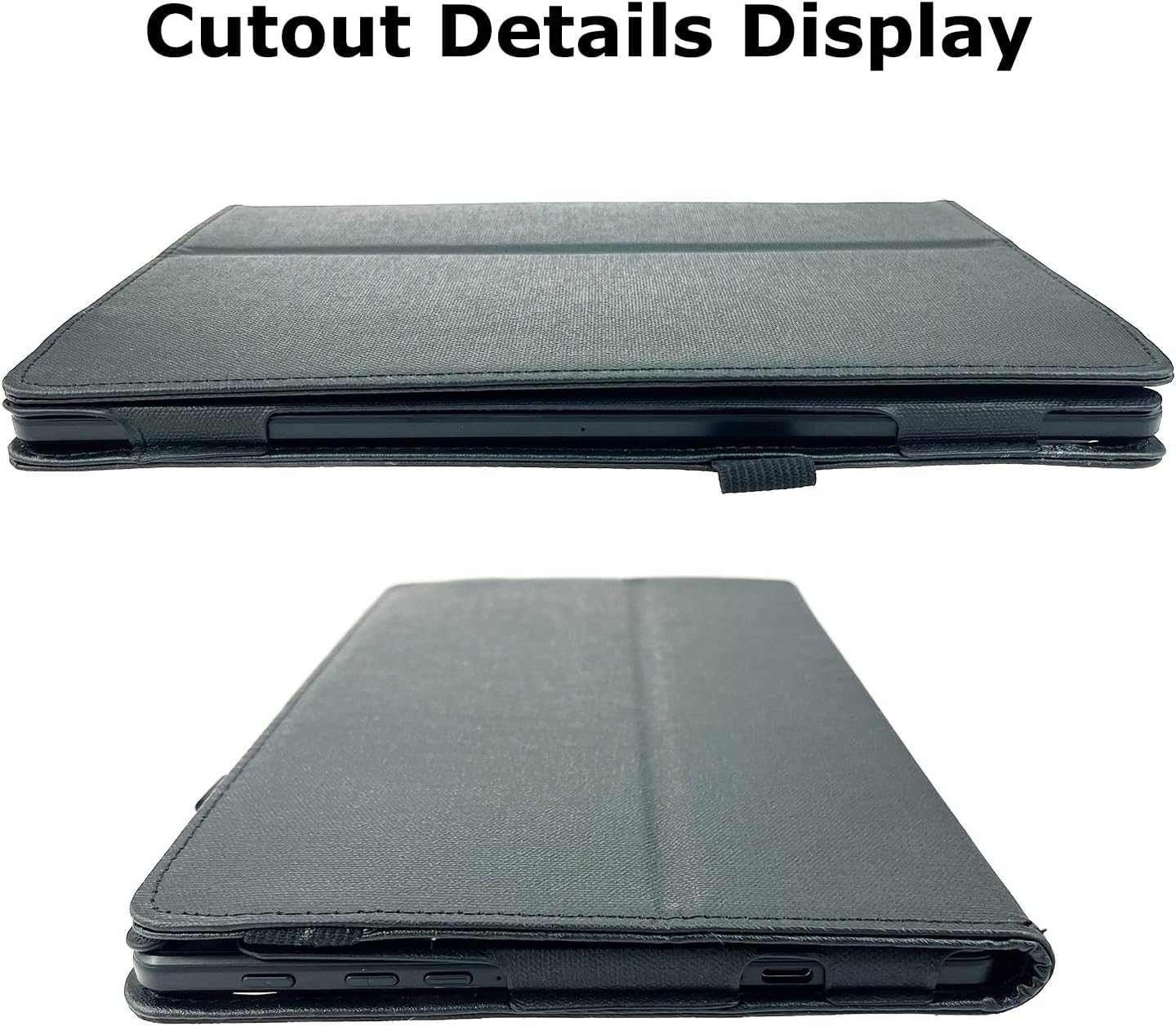
Image: Side view of the Transwon case demonstrating clear access to ports and buttons.
Operating Instructions
Using the Built-in Stand
The case features a built-in stand for hands-free viewing. To activate the stand function:
- Open the front cover of the case.
- Fold the front cover backward, aligning it with the designated grooves or folds on the back of the case.
- Ensure the folded cover locks into place to create a stable triangular support, allowing your tablet to stand upright at a comfortable viewing angle.
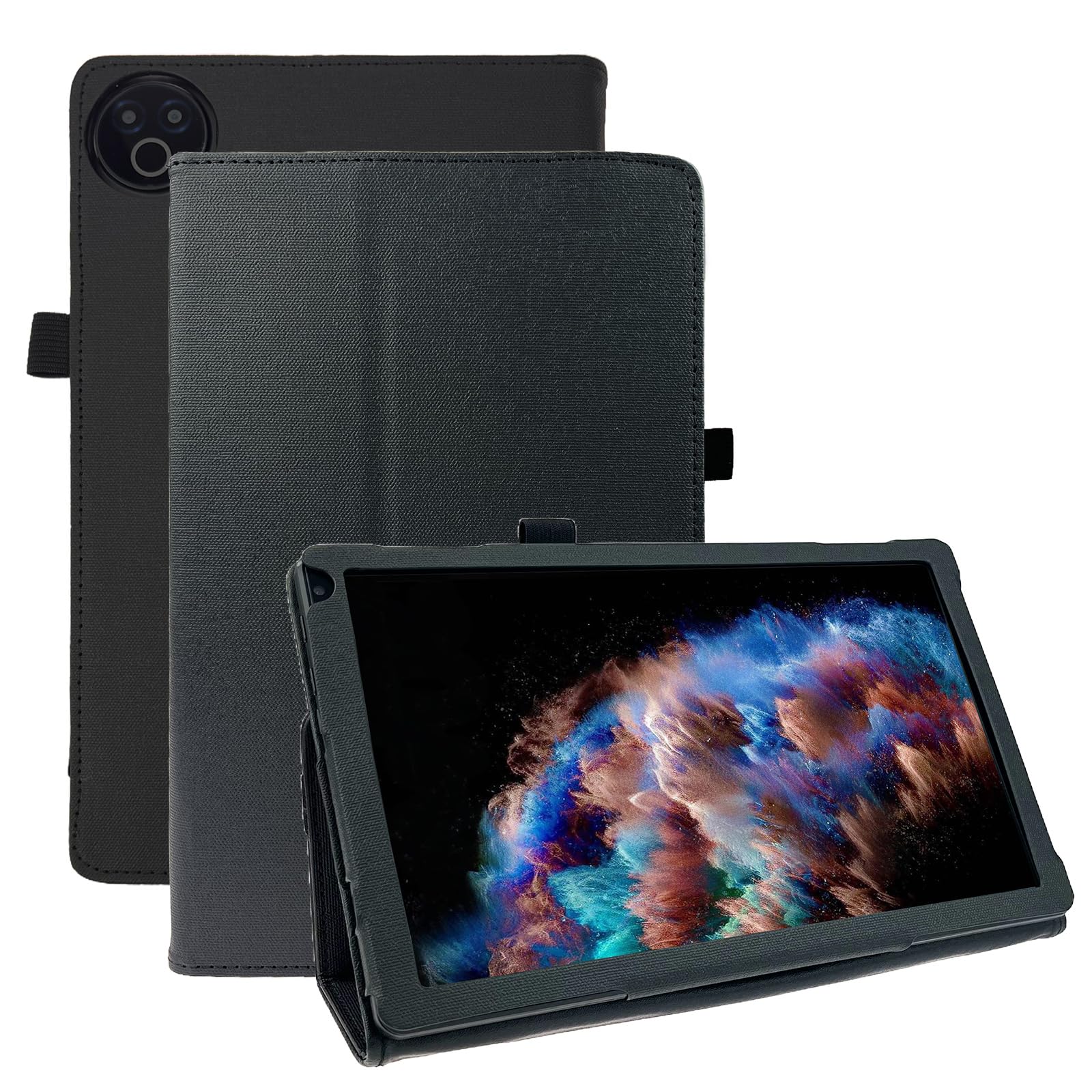
Image: The Transwon case in stand mode, demonstrating its use for hands-free viewing.
Using the Stylus Holder
A dedicated stylus holder is integrated into the case for convenient storage of your stylus (stylus not included). Simply slide your stylus into the elastic loop located on the side of the case.
Magnetic Closure and Strap
The case features a magnetic closure to keep the front cover securely closed when not in use, providing screen protection. Additionally, a built-in strap helps to further secure the folio case, ensuring a snug fit and added protection during transport.
Maintenance
Cleaning the Case
- To clean the exterior of the case, use a soft, damp cloth.
- For stubborn marks, a mild soap solution can be applied to the cloth, then wipe clean and dry thoroughly.
- Avoid using harsh chemicals, abrasive cleaners, or solvents, as these may damage the faux leather material.
- Ensure the case is completely dry before reinserting your tablet.
Troubleshooting
- Tablet does not fit: Ensure your tablet is an Evermyth Tablet 10 inch, model KB1001 or KB1004. This case is specifically designed for these models.
- Stand is unstable: Make sure the front cover is fully folded back and securely locked into the designated grooves to form a stable triangular support.
- Magnetic closure not holding: Check for any debris or objects preventing the magnetic strips from making full contact.
Specifications
| Brand: | Transwon |
| Compatible Devices: | Evermyth KB1001/KB1004 Tablet 10 inch |
| Material: | Faux Leather |
| Form Factor: | Flip Case |
| Special Features: | Kickstand, Lightweight, Magnetic Closure, Stylus Holder |
| Item Weight: | 5.3 ounces |
| Package Dimensions: | 10.04 x 6.97 x 0.75 inches |
Warranty and Support
This product is subject to a 30-day return policy. For any questions, concerns, or support needs regarding your Transwon Protective Case, please contact the seller directly through the platform where the purchase was made. Please refer to your purchase documentation for specific contact details.