
1. Introduction
This manual provides essential information for the safe and effective operation of your SPUNALP UHD 8K Underwater Camera. Please read these instructions thoroughly before using the device to ensure optimal performance and longevity. This camera is designed for capturing high-quality photos and videos in challenging environments, including underwater up to 33 feet (10 meters).
2. What's in the Box
Verify that all items listed below are included in your package:
- SPUNALP UHD 8K Underwater Camera (Model CM027)
- 64GB SD Card
- USB Charging Cable
- Wrist Lanyard
- User Manual (this document)

Image: The SPUNALP UHD 8K Underwater Camera in orange, shown with a 64GB SD card, USB cable, and wrist lanyard.
3. Initial Setup
3.1. Charging the Battery
The camera is equipped with a built-in 2500mAh lithium battery. Before first use, fully charge the camera using the provided USB charging cable.
- Locate the charging port on the camera.
- Connect the USB charging cable to the camera and a compatible USB power source (e.g., computer, wall adapter).
- The charging indicator light will illuminate. Once fully charged, the light will change or turn off.
3.2. Inserting the SD Card
A 64GB SD card is included for storage. Ensure the camera is powered off before inserting or removing the SD card.
- Open the battery/SD card compartment cover.
- Insert the SD card into the designated slot with the metal contacts facing the correct direction (refer to the diagram inside the compartment if available).
- Gently push until it clicks into place. To remove, push the card again until it springs out.
- Close the compartment cover securely to maintain waterproof integrity.

Image: The SPUNALP UHD 8K Underwater Camera shown with its accessories, highlighting the SD card and charging cable for setup.
4. Operating Instructions
4.1. Powering On/Off
Press and hold the Power button (usually located on the top or side) for a few seconds to turn the camera on or off.
4.2. Taking Photos and Recording Videos
The camera supports 70MP still images and UHD 8K video recording.
- Switching Modes: Use the 'Mode' button to cycle between photo, video, and playback modes.
- Taking a Photo: In photo mode, press the Shutter button (usually on top) once to capture an image.
- Recording a Video: In video mode, press the Shutter button to start recording. Press it again to stop.
4.3. Using Dual Screens
The camera features a 2.88'' HD rear screen and a 1.44'' HD front screen for selfies and vlogging.
- To switch between the front and rear screens, locate the dedicated screen switch button (refer to camera layout).

Image: The SPUNALP UHD 8K Underwater Camera displaying its dual screens, with the front screen showing a selfie view.
4.4. Digital Zoom and Autofocus
The camera offers 18X digital zoom and an autofocus system.
- Zoom: Use the 'W' (Wide) and 'T' (Telephoto) buttons to zoom in or out during photo or video capture.
- Autofocus: The camera automatically focuses on subjects, even in low-light conditions.
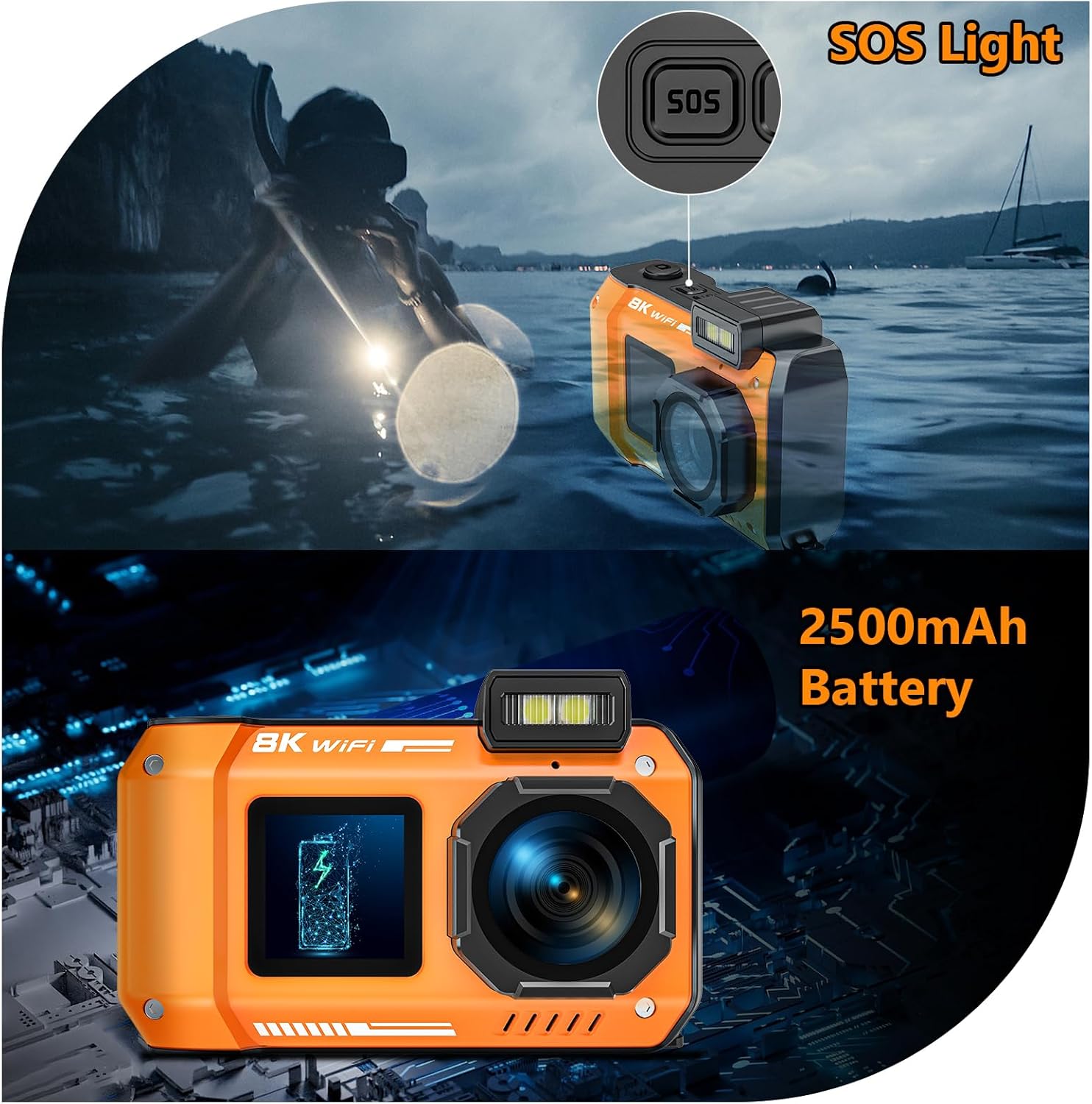
Image: The SPUNALP UHD 8K Underwater Camera showing its autofocus capability on a butterfly, with self-timer options (2s, 5s, 10s) indicated.
4.5. Self-Timer and Continuous Shooting
- Self-Timer: Access the self-timer settings through the camera's menu to set delays of 2, 5, or 10 seconds.
- Continuous Shooting: Enable continuous shooting mode via the menu for capturing multiple shots in quick succession.
4.6. Anti-Shake Function
Activate the one-click anti-shake function through the camera's menu to reduce blur in photos and videos.
4.7. WiFi Connectivity
Connect your camera to a smartphone, tablet, or computer via WiFi for easy transfer and sharing.
- Download the "Smart DV2" app from your device's app store.
- Turn on WiFi on both your camera and smart device.
- Connect to the camera's WiFi network and enter the password (usually found in the camera's WiFi settings).
- Use the app to transfer and share media.
Note: WiFi signals cannot travel underwater. This feature is for above-water use only, with a clear range of about 5 meters.

Image: The SPUNALP UHD 8K Underwater Camera connected wirelessly to a smartphone via the "Smart DV2" app, demonstrating easy photo and video sharing.
4.8. SOS Emergency Signaling
The camera includes an integrated SOS emergency signaling system for critical situations. Refer to the camera's menu for activation instructions.
5. Waterproof Usage
Your SPUNALP camera is designed to be waterproof up to 33 feet (10 meters) deep. It features a fully sealed system and double-lock construction for robust performance in aquatic environments.
- Ensure all ports and compartments (battery/SD card slot, charging port) are securely closed and locked before submerging the camera.
- The camera is also dustproof, sandproof, and freeze-resistant, making it suitable for various outdoor conditions.
- It can withstand drops from up to 4 feet.
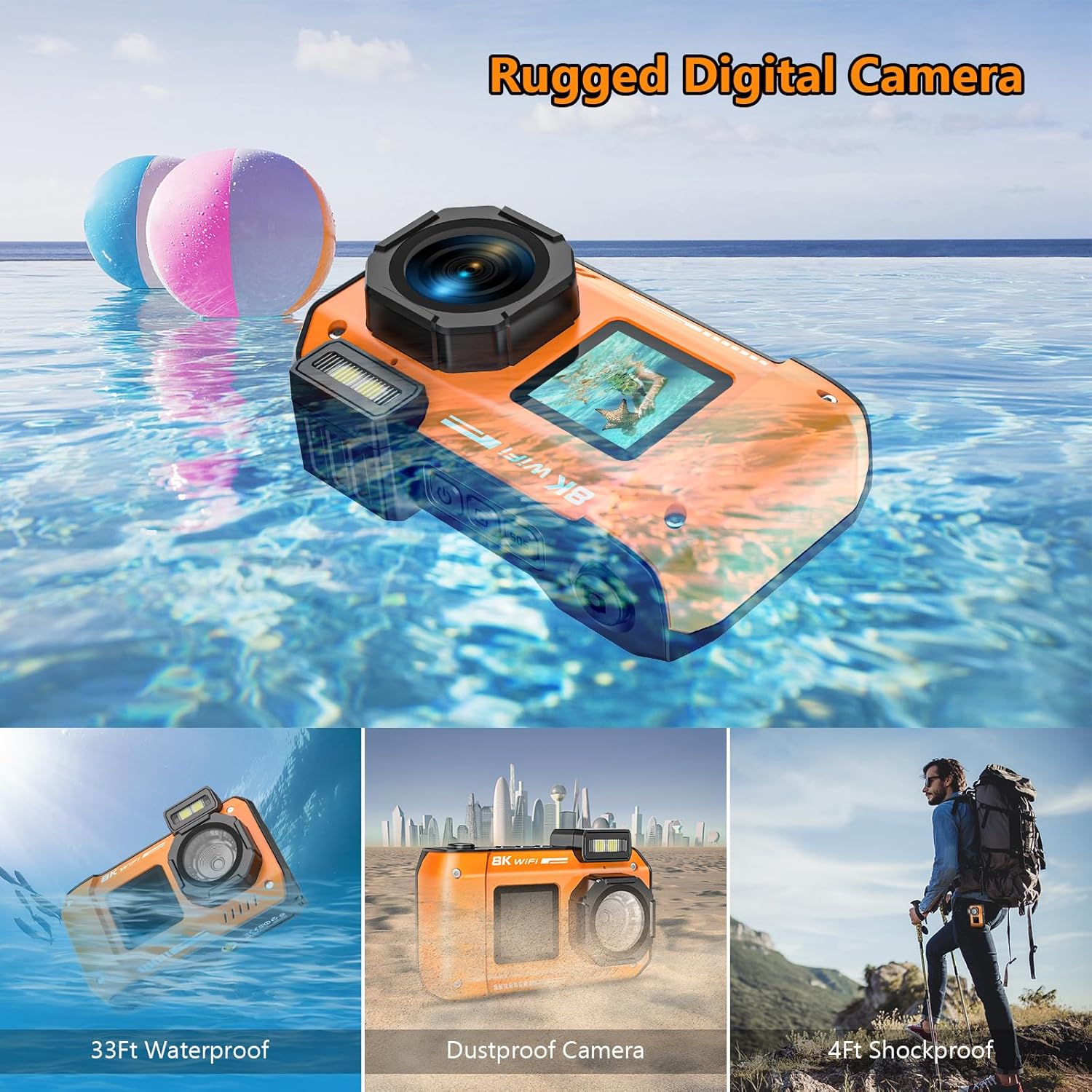
Image: The SPUNALP UHD 8K Underwater Camera highlighting its rugged design, showcasing its waterproof, dustproof, and shockproof capabilities.
Video: A demonstration of the camera's waterproof capabilities, showing it submerged in water while still functioning.
6. Maintenance
6.1. Cleaning
- After using the camera in saltwater, rinse it thoroughly with fresh water to prevent salt buildup and corrosion.
- Wipe the camera dry with a soft, clean cloth.
- Do not use chemical cleaners or solvents, as they may damage the camera's seals or finish.
6.2. Storage
- Store the camera in a cool, dry place away from direct sunlight and extreme temperatures.
- Ensure all compartments are dry before closing them for long-term storage.
7. Troubleshooting
If you encounter issues with your camera, try the following solutions:
- Camera not turning on: Ensure the battery is fully charged.
- Blurry images: Check if the lens is clean. Ensure autofocus is enabled.
- Water leakage: Immediately power off the camera. Check all seals and compartment covers for proper closure and any damage. Do not use the camera if seals are compromised.
- WiFi connectivity issues: Ensure the camera and your device are within range (approx. 5 meters above water) and that the correct password is entered.
For further assistance, please refer to the Warranty and Support section.
8. Specifications
| Feature | Detail |
|---|---|
| Model Name | CM027 |
| Photo Sensor Resolution | 70 MP |
| Video Resolution | 8K |
| Water Resistance Level | Waterproof (33FT/10M) |
| Digital Zoom | 18X |
| Display Type | LCD (2.88'' rear, 1.44'' front) |
| Connectivity Technology | Wi-Fi |
| Battery Capacity | 2500mAh Lithium Ion |
| Memory Storage Capacity | 64 GB (SD card included) |
| Image Stabilization | Digital |
| Special Feature | WiFi Connectivity & Dual-Screen Selfie, SOS Emergency |
9. Warranty and Support
9.1. Warranty Information
This SPUNALP camera comes with a 2-year warranty. Please retain your proof of purchase for warranty claims.
9.2. Customer Support
If you encounter any issues or have questions regarding your SPUNALP UHD 8K Underwater Camera, please contact our customer support team. We aim to respond to all inquiries within 12 hours.
Contact details can typically be found on the product packaging or the official SPUNALP website.