1. Introduction
This manual provides essential instructions for the safe and effective use of your Generic AC DC Adapter Charger, specifically designed for compatibility with the Duralast GL055B 800A Jump Starter. Please read this manual thoroughly before use and retain it for future reference.
2. Safety Information
WARNING: Failure to follow these safety instructions may result in fire, electric shock, or other injury or damage.
- Ensure the adapter is used only with compatible devices, specifically the Duralast GL055B 800A Jump Starter.
- Do not expose the adapter to water, rain, or excessive moisture.
- Avoid dropping or subjecting the adapter to strong impacts.
- Do not disassemble or attempt to repair the adapter yourself. Refer all servicing to qualified personnel.
- This adapter features Over Voltage Output Protection, Over Current Output Protection, and Short Circuit Output Protection to ensure safe operation.
- Always unplug the adapter from the power outlet when not in use or during electrical storms.
- Keep out of reach of children.
3. Package Contents
- 1 x AC DC Adapter Charger
4. Product Overview
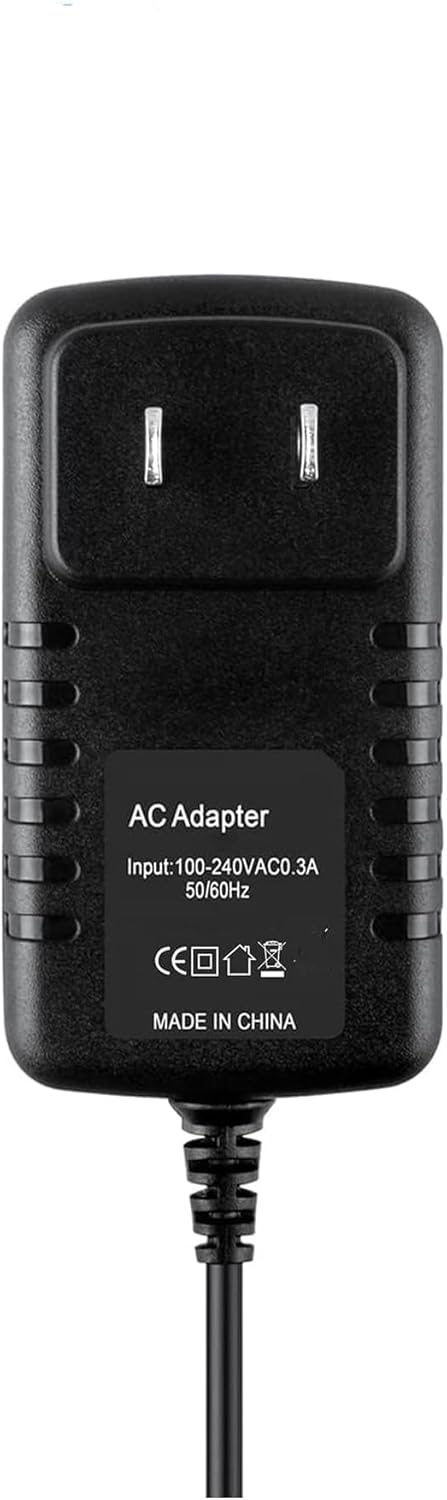
Figure 1: Front view of the AC DC Adapter Charger, showing the input specifications (100-240VAC, 0.3A, 50/60Hz) and output cable.
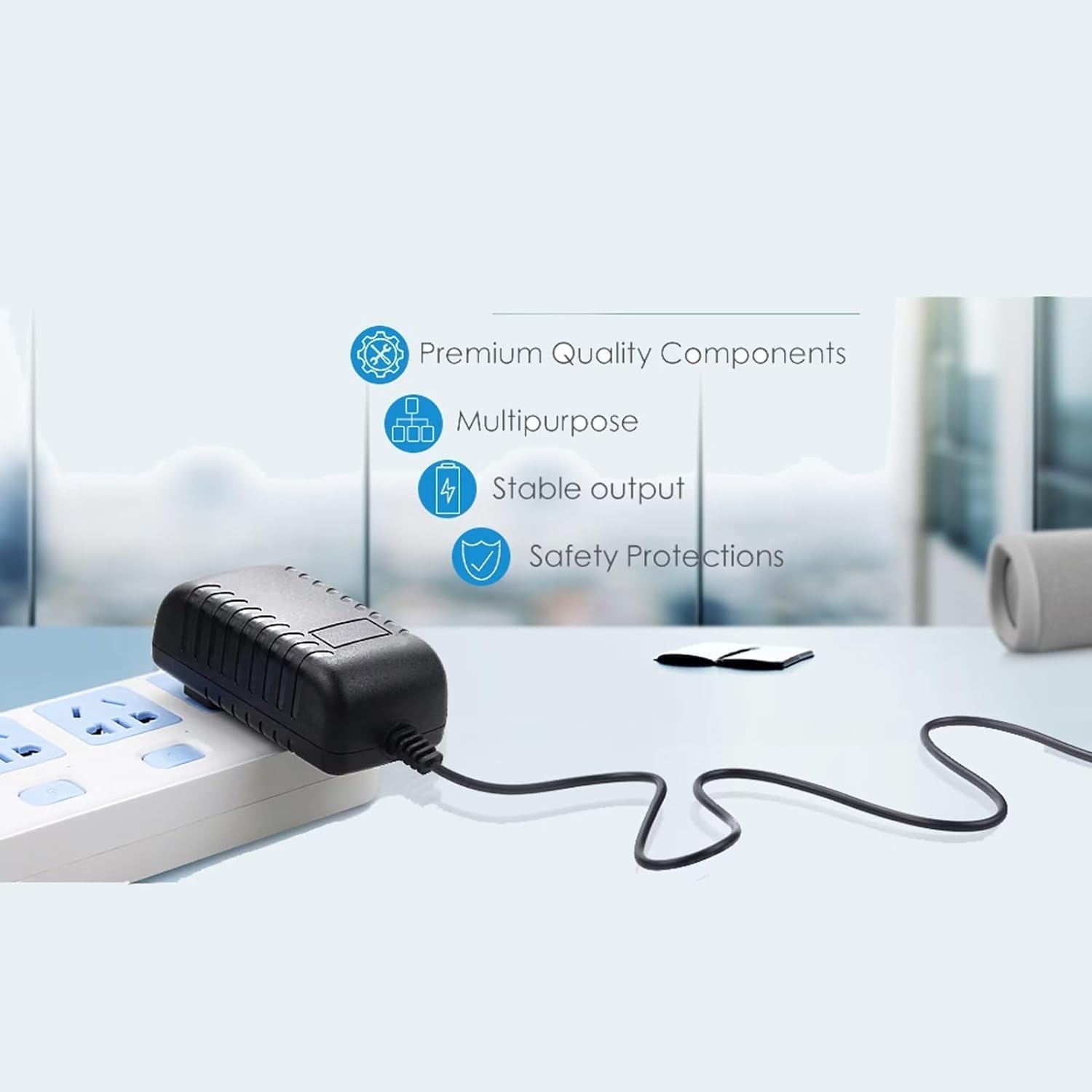
Figure 2: Illustration highlighting the adapter's key features, including premium quality components, multipurpose design, stable output, and built-in safety protections.
5. Setup
- Ensure the Duralast GL055B Jump Starter is turned off before connecting the adapter.
- Locate the charging port on your Duralast GL055B Jump Starter.
- Insert the barrel connector of the AC DC Adapter Charger firmly into the charging port of the jump starter.
- Plug the AC adapter into a standard 100V-240V wall outlet.
6. Operating Instructions
Once the adapter is properly connected to both the Duralast GL055B Jump Starter and a power outlet, the jump starter should begin charging. Refer to your Duralast GL055B Jump Starter's manual for specific charging indicators (e.g., LED lights) and expected charging times.
Important Note:
- Rechargeable batteries have a limited lifespan, typically 1 to 3 years. If your jump starter's battery is old or dead, it may not accept a charge, even with a functional charger. This is a battery issue, not a charger malfunction.
- To verify if the charger is working, you can use a voltmeter to test its output. If you are unsure, please contact customer support for assistance.
7. Maintenance
- Keep the adapter clean and free from dust. Use a soft, dry cloth for cleaning.
- Store the adapter in a cool, dry place when not in use.
- Avoid wrapping the cable too tightly around the adapter, as this can damage the wiring over time.
8. Troubleshooting
- Jump Starter Not Charging:
- Ensure all connections are secure between the adapter, the wall outlet, and the jump starter.
- Verify that the wall outlet is functional by plugging in another device.
- Check the condition of the jump starter's battery. An old or dead battery will not accept a charge.
- If possible, test the adapter's output with a voltmeter to confirm it is supplying power.
- Adapter Feels Warm During Use:
- It is normal for the adapter to feel slightly warm during operation. If it becomes excessively hot or emits smoke/odor, immediately unplug it and discontinue use.
9. Specifications
| Input Voltage | 100V - 240V AC, 50/60Hz |
| Output Current | 2 Amps |
| Connector Type | Barrel Connector |
| Compatible Devices | Duralast GL055B 800A Jump Starter (Fit This Model Only) |
| Cable Length | 7 feet (approximately) |
| Color | Black |
| Product Dimensions | 4 x 3 x 2 inches |
| Item Weight | 4 ounces |
10. Warranty and Support
For any questions, technical support, or warranty inquiries regarding your AC DC Adapter Charger, please contact the seller directly through the platform where the purchase was made. Provide your order number and a detailed description of the issue for prompt assistance.
