
Introduction
This manual provides comprehensive instructions for the Skechers Fiske Digital Watch, Model SR5258. It covers essential information regarding the watch's setup, daily operation, maintenance, and troubleshooting. Please read this manual thoroughly to ensure proper use and to maximize the lifespan of your timepiece.
Setup
1. Unboxing and Initial Inspection
Carefully remove the watch from its packaging. Inspect the watch for any visible damage. The watch comes with a pre-installed 12V battery.

Image: The Skechers Fiske Digital Watch, Model SR5258, presented in its retail packaging. The watch features a black rectangular case and a black silicone strap.
2. Adjusting the Strap
The watch features a black durable silicone band with a magnetic Skechers Slip-Ins clasp. This band is self-adjustable for a customized fit. Simply wrap the band around your wrist and secure the magnetic clasp to the desired tightness.
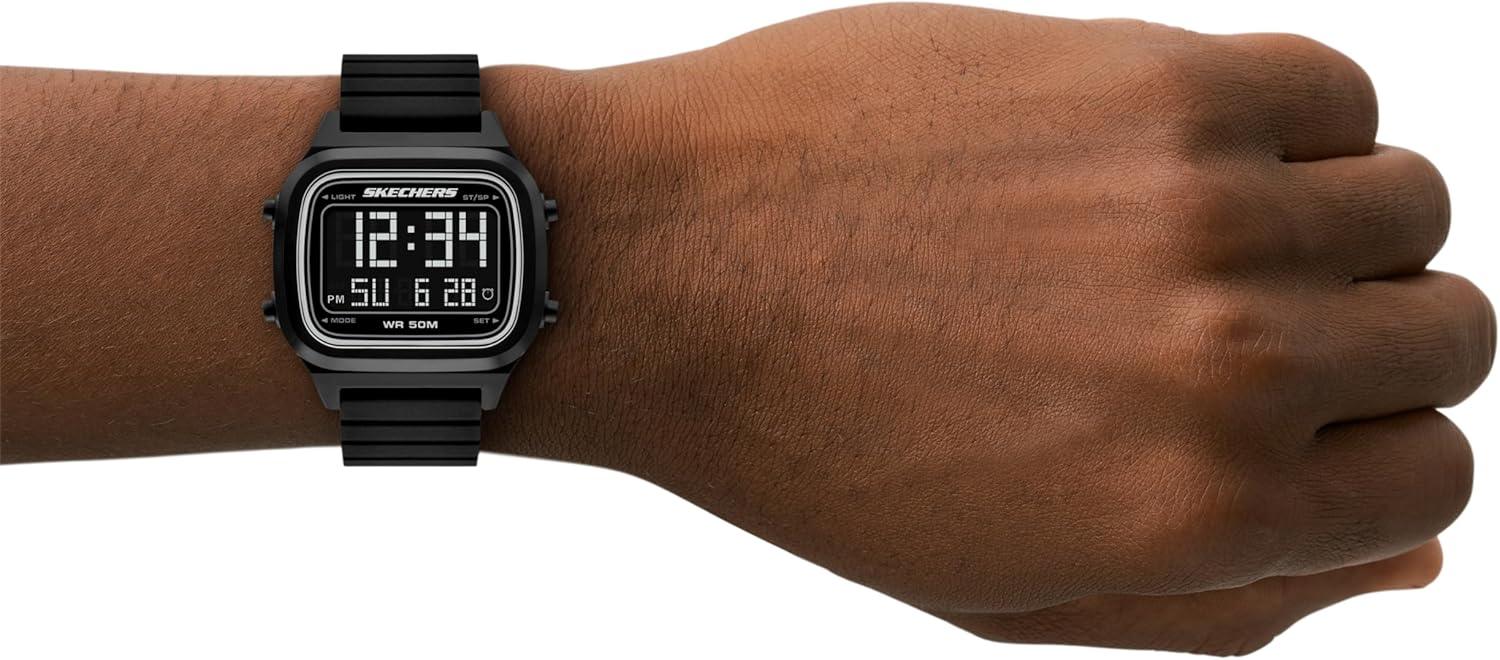
Image: The Skechers Fiske Digital Watch worn on a wrist, displaying the time and date. This illustrates how the watch appears when worn and the digital display.
Operating Instructions
1. Understanding the Display
The watch features a negative digital display, showing time (hours, minutes, AM/PM indicator), day of the week, and date. The display also indicates 'WR 50M' for water resistance.
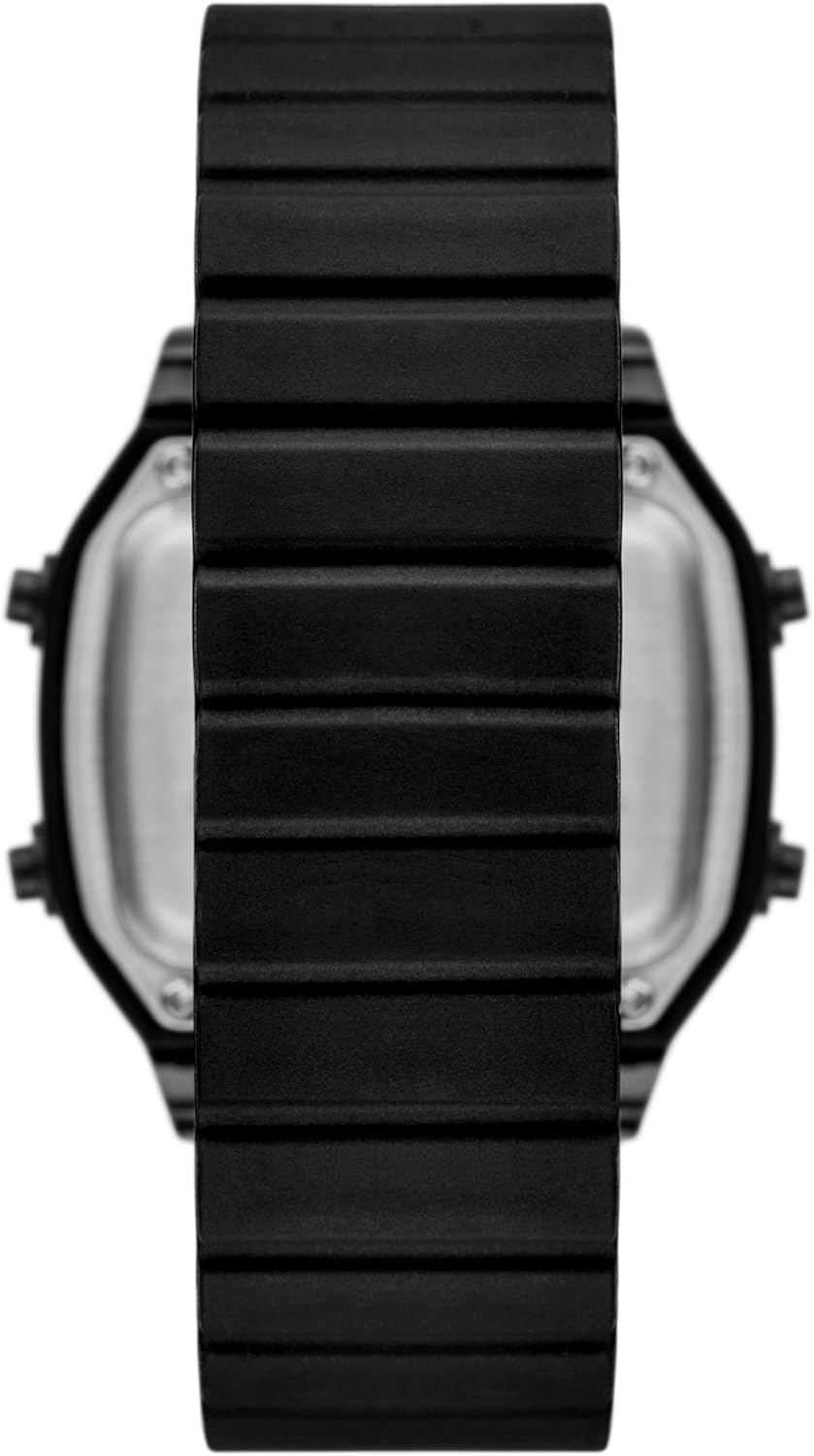
Image: A clear front view of the Skechers Fiske Digital Watch, highlighting its negative digital display with time, date, and water resistance indicator.
2. Button Functions
The watch has four buttons located on the sides of the case. These buttons are typically labeled or have icons for 'LIGHT', 'MODE', 'ST/SP' (Start/Stop), and 'SET'.
- LIGHT: Activates the backlight for visibility in low-light conditions.
- MODE: Cycles through different display modes such as time, date, stopwatch, and alarm.
- ST/SP (Start/Stop): Used for starting and stopping functions like the stopwatch.
- SET: Used to enter and confirm settings adjustments (e.g., time, date, alarm).

Image: A side profile of the Skechers Fiske Digital Watch, clearly showing the two control buttons on the right side of the watch case.
3. Setting Time and Date
- Press the MODE button repeatedly until the time setting mode is displayed (often indicated by flashing digits).
- Use the SET button to select the digit you wish to adjust (e.g., hours, minutes).
- Use the ST/SP button to increase the value of the selected digit.
- Repeat steps 2 and 3 for all time and date components (hours, minutes, month, day, year).
- Once all settings are correct, press the MODE button to exit the setting mode.
4. Water Resistance
This watch is water resistant up to 50 meters (165 feet) or 5 ATM. This means it is suitable for short periods of recreational swimming and showering. It is not suitable for diving or snorkeling. Avoid pressing buttons while the watch is wet or submerged to prevent water ingress.
Maintenance
1. Cleaning
To clean your watch, wipe the case and strap with a soft, damp cloth. For the silicone strap, a mild soap solution can be used, followed by rinsing with clean water and thorough drying. Avoid using harsh chemicals or abrasive materials, as these can damage the watch's finish or strap.
2. Battery Replacement
The watch uses one 12V battery. When the display dims or stops functioning, it indicates that the battery needs replacement. Battery replacement should ideally be performed by a qualified watch technician to ensure proper sealing and maintain water resistance.
3. Storage
When not in use, store your watch in a cool, dry place away from direct sunlight and extreme temperatures. Avoid exposing the watch to strong magnetic fields, which can affect its accuracy.
Troubleshooting
- Display is blank or dim: The battery may be low or depleted. Replace the battery.
- Incorrect time/date: Refer to the 'Setting Time and Date' section in Operating Instructions to reset the time and date.
- Buttons are unresponsive: Ensure the watch is dry. If the issue persists, the watch may require servicing.
- Water inside the watch: Immediately take the watch to a professional watch repair service. Do not attempt to open it yourself, as this will void the warranty and may cause further damage.
Specifications
| Model Name | SR5258 |
| Brand | Skechers |
| Display Type | Digital |
| Movement Type | Quartz |
| Case Material | Plastic |
| Case Diameter | 42 Millimeters |
| Case Thickness | 12 Millimeters |
| Band Material Type | Silicone |
| Band Width | 22 Millimeters |
| Band Length | 210 Millimeters |
| Clasp Type | Magnetic Clasp |
| Crystal Type | Acrylic |
| Water Resistance Depth | 50 Meters (5 ATM) |
| Battery | 1 x 12V battery (included) |
| Product Dimensions | 1.65 x 0.87 x 0.47 inches |
| Item Weight | 120 Grams (4.23 ounces) |
| UPC | 807320017103 |
Warranty Information
This Skechers Fiske Digital Watch comes with a limited warranty. For specific details regarding warranty coverage, duration, and terms, please refer to the warranty card included with your purchase or contact Skechers customer support directly. Keep your proof of purchase for warranty claims.
Support
If you encounter issues not covered in this manual or require further assistance, please contact Skechers customer support. Refer to the official Skechers website or product packaging for contact information.