
1. Introduction
This manual provides detailed instructions for the Inefala Car Radio, Model A4443H1M, designed for Jeep Wrangler vehicles from 2007 to 2018. It covers installation, operation, maintenance, and troubleshooting to ensure optimal performance of your new car radio system. Please read this manual thoroughly before installation and use.
2. Setup and Installation
2.1 Compatibility
This car radio is compatible with Jeep Wrangler models manufactured between 2007 and 2018.
2.2 Package Contents
Verify that all items are present in the package:
- Inefala Car Radio Unit
- Power Cable
- Canbus Box
- RCA Cable
- GPS Antenna
- Rear View Camera Input Cable
- AHD Rear View Camera
- External Microphone
- USB Cable
- Radio Antenna
- Installation Tool
2.3 Installation Steps
Professional installation is recommended for this product. Ensure the vehicle's power is disconnected before beginning installation.
- Remove the original car radio unit from your Jeep Wrangler.
- Connect the provided Power Cable and Canbus Box to the vehicle's wiring harness.
- Connect the GPS Antenna, ensuring it has a clear view of the sky for optimal signal reception.
- Install the AHD Rear View Camera and connect its input cable to the radio unit.
- Connect the External Microphone for hands-free calling.
- Connect the USB Cable for external device connectivity.
- Connect the Radio Antenna.
- Carefully mount the Inefala Car Radio unit into the dashboard opening.
- Reconnect the vehicle's power and test all functions.

Figure 2.3.1: Visual comparison of the dashboard before and after the Inefala car radio installation.

Figure 2.3.2: Dimensions of the car radio unit and a visual representation of the package contents.
3. Operating Instructions
3.1 System Overview
The Inefala Car Radio operates on Android 15, featuring 4GB RAM and 128GB internal storage for stable performance and access to various applications.
3.2 In-Cell Screen Display
The 7-inch In-Cell screen offers superior color accuracy, higher contrast, and wider 178° viewing angles for an enhanced multimedia experience. Its integrated touch sensors provide a responsive interface.

Figure 3.2.1: Features and benefits of the 7-inch In-Cell screen.
3.3 Wireless Carplay and Android Auto
Connect your smartphone wirelessly to access Carplay or Android Auto. This allows for voice or touch control of navigation, calls, messages, and music, enhancing driving safety and convenience.

Figure 3.3.1: Wireless Carplay and Android Auto interfaces.
3.4 Mirror Link Function
Mirror your smartphone screen onto the car radio display via either wireless or wired connections. This feature supports both Android and iOS devices.

Figure 3.4.1: Mirror Link functionality for smartphone screen mirroring.
3.5 GPS Navigation and WiFi Connectivity
The unit supports both online and offline GPS navigation. Real-time road conditions can be accessed via online maps to help avoid traffic. Connect to WiFi for high-speed internet access, allowing you to download navigation apps, stream music, and browse online content.
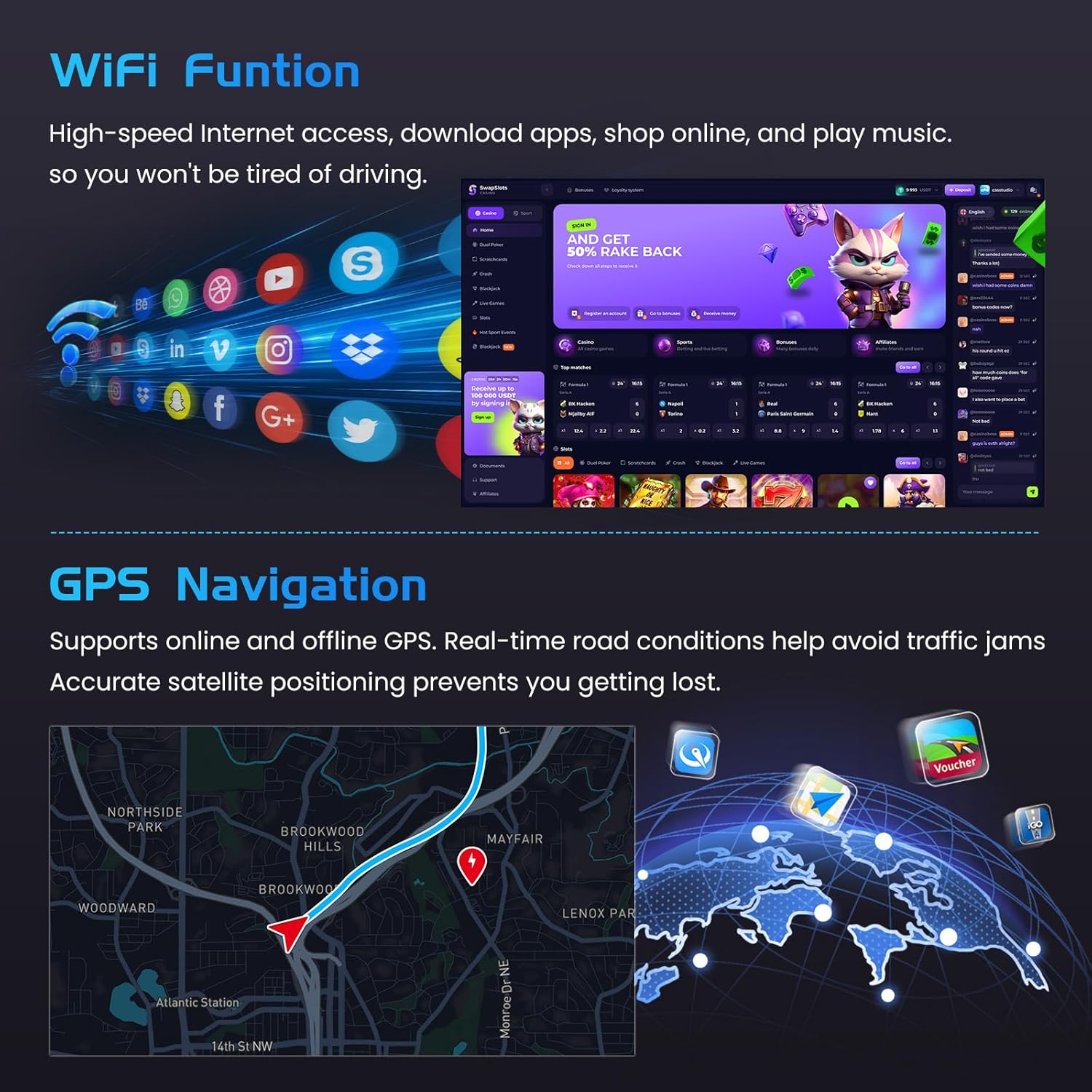
Figure 3.5.1: WiFi connectivity for app access and GPS navigation interface.
3.6 FM/RDS Radio, EQ, and Bluetooth 5.0
Enjoy FM/RDS radio with support for 54 preset stations. Enhance your audio experience with the 32-band EQ function for digital signal processing. Built-in Bluetooth 5.0 enables wireless music streaming, hands-free calls, and file transfer, contributing to safer driving.

Figure 3.6.1: FM/RDS Radio, 32-band EQ, and Bluetooth 5.0 interfaces.
3.7 Rear View Camera and Steering Wheel Controls (SWC)
The included AHD rear view camera automatically displays the rear view on the screen when the vehicle is in reverse, aiding in safe maneuvering. The steering wheel control function allows you to manage calls, adjust volume, and change tracks without taking your hands off the wheel.
4. Maintenance
To maintain the performance and appearance of your Inefala Car Radio, follow these guidelines:
- Cleaning: Use a soft, dry cloth to clean the screen and unit. Avoid abrasive cleaners, solvents, or harsh chemicals, as they can damage the surface.
- Software Updates: Periodically check for system updates via the WiFi connection to ensure optimal performance and access to the latest features.
- Environmental Conditions: Avoid exposing the unit to extreme temperatures, direct sunlight for prolonged periods, or excessive moisture.
5. Troubleshooting
If you encounter issues with your car radio, refer to the following common problems and solutions:
| Problem | Possible Cause | Solution |
|---|---|---|
| No Power | Loose power connection, blown fuse. | Check power cable connections. Inspect vehicle's fuse box for blown fuses. |
| No Sound | Volume too low, incorrect audio source, loose speaker wires. | Increase volume. Select correct audio source. Check speaker wire connections. |
| GPS Signal Loss | GPS antenna obstructed or disconnected. | Ensure GPS antenna has a clear view of the sky and is securely connected. |
| Bluetooth Connection Issues | Bluetooth not enabled, device not discoverable, interference. | Ensure Bluetooth is enabled on both devices. Make sure the phone is in pairing mode. Try restarting both devices. |
| Carplay/Android Auto Not Connecting | Phone compatibility, app not installed, incorrect settings. | Ensure your phone supports Wireless Carplay/Android Auto. For Android Auto, some Huawei and Samsung phones may require Google Services and the Android Auto app to be installed. Check connection settings on both devices. |
| Touchscreen Unresponsive | System freeze, temporary software glitch. | Restart the car radio unit. If the issue persists, a factory reset may be required (refer to system settings). |
If the problem persists after attempting these solutions, please contact customer support.
6. Specifications
| Feature | Specification |
|---|---|
| Brand | Inefala |
| Model Name | A4443H1M |
| Operating System | Android 15 |
| Memory (RAM + ROM) | 4GB RAM + 128GB Storage |
| Screen Size | 7 Inches |
| Screen Type | In-Cell LCD Touchscreen |
| Connectivity | Bluetooth 5.0, USB, Wi-Fi |
| Special Features | Wireless Carplay, Android Auto, Mirror Link, FM/RDS Radio, 32-band EQ, GPS, SWC |
| Supported Navigation System | GPS (Street Map Types) |
| Audio Output Mode | APE/FLAC/WAV/MP3/WMA |
| Human-Interface Input | Touchscreen |
| Compatible Devices | Smartphone |
| Vehicle Service Type | Car (Jeep Wrangler 2007-2018) |
7. Warranty and Support
7.1 Warranty Information
This product may be eligible for extended warranty options, such as 1-Year or 2-Year Extended Warranties by Salama Care. Please refer to your purchase documentation or contact your retailer for specific warranty terms and conditions.
7.2 Customer Support
For technical assistance, troubleshooting beyond this manual, or warranty claims, please contact the Inefala customer support team or your authorized dealer. Have your product model number (A4443H1M) and purchase details ready when contacting support.