
Introduction
This manual provides instructions for the GWVEE replacement remote control, designed for use with specific VEVOR Electric Garage Heater models. It details how to set up, operate, and maintain your remote control, ensuring proper functionality with your compatible heater.
Compatible Heater Models: BGP2102-75R, BGP2102-50R, BGP2102-50R-02, BGP2102-100R.
Setup
1. Battery Installation
The remote control requires two AAA batteries (not included). Follow these steps to install them:
- Locate the battery compartment on the back of the remote control.
- Slide the battery compartment cover downwards to open it.
- Insert two AAA batteries, ensuring the positive (+) and negative (-) terminals align correctly with the markings inside the compartment.
- Slide the battery compartment cover back into place until it clicks securely.

The remote control's battery compartment, showing the required two AAA batteries.
2. Initial Use and Pairing
This replacement remote control is designed for immediate use with compatible VEVOR Electric Garage Heaters. No complex programming or technical knowledge is required. Simply insert the batteries, and the remote will automatically pair with your heater upon power-on, allowing for instant control.

The remote control is ready for use without additional setup or pairing.
Operating Instructions
Remote Control Layout
The remote control features an intuitive button layout for easy operation of your VEVOR Electric Garage Heater.

Overview of the remote control buttons and their functions.
Basic Functions
- Power Button (⏻): Press to turn the heater ON or OFF.
- Mode Button (⌂): Press to cycle through available operating modes (e.g., fan, low heat, high heat).
- Temperature Up Button (▲): Press to increase the desired temperature setting.
- Temperature Down Button (▼): Press to decrease the desired temperature setting.

Adjusting the temperature setting using the remote control.
Signal Range
The remote control operates effectively within a maximum distance of approximately 26 feet (8 meters) from the heater. Ensure there are no significant obstructions between the remote and the heater for optimal signal transmission.
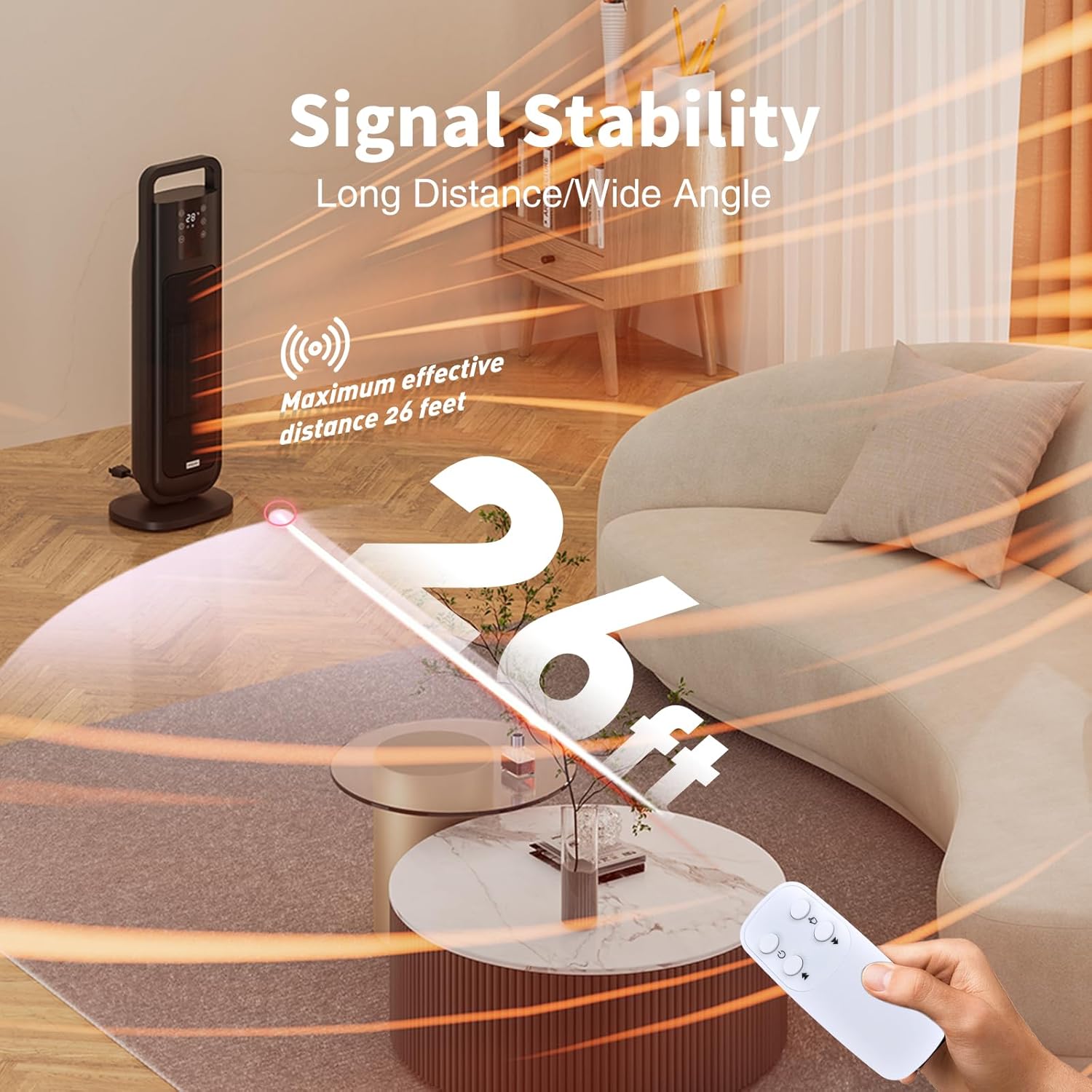
The effective signal range of the remote control is up to 26 feet.
Maintenance
Battery Replacement
If the remote control's response becomes sluggish or stops working, the batteries may need replacement. Refer to the "Battery Installation" section for instructions on how to replace the AAA batteries.
Cleaning
To clean the remote control, use a soft, dry cloth. Do not use liquid cleaners, aerosols, or harsh chemicals, as these may damage the remote's surface or internal components.
Troubleshooting
| Problem | Possible Cause | Solution |
|---|---|---|
| Remote not responding | Dead or incorrectly installed batteries. | Replace batteries with new AAA batteries, ensuring correct polarity. |
| Heater does not respond to commands | Remote is too far from the heater or an obstruction is blocking the signal. | Move closer to the heater (within 26 feet) and ensure a clear line of sight. |
| Intermittent response | Low battery power. | Replace batteries. |
Specifications
- Model Number: B0FX2N47D1
- Compatible Devices: VEVOR Electric Garage Heaters (Models BGP2102-75R, BGP2102-50R, BGP2102-50R-02, BGP2102-100R)
- Power Source: 2 x AAA Batteries (not included)
- Material: ABS Plastic
- Color: White
- Dimensions: Approximately 3.9 x 1.69 x 0.47 inches
- Weight: Approximately 0.64 ounces
Warranty and Support
For any queries or assistance regarding your GWVEE replacement remote control, please contact our customer support. We are committed to providing reliable after-sales service.
Please refer to your product packaging or purchase documentation for specific warranty details and contact information.