
1. Introduction
The STRICH Pipe Tones is a compact, desktop-style multi-effects processor designed for both electric guitar and bass. It offers a wide array of features suitable for home practice, recording, and live performance. This manual provides detailed instructions for setting up, operating, and maintaining your device to ensure optimal performance.
Key features include:
- 125 effect types with 10 simultaneous modules.
- Advanced DSM (Dynamic Spectrum Modeling) amp modeling.
- 40-second stereo looper and 100 drum patterns.
- Built-in USB audio interface for 48 kHz / 24-bit recording.
- Wireless app-based control for parameter editing.
- Rechargeable lithium battery for portable use.
2. Setup
Before using your Pipe Tones pedal, familiarize yourself with its physical layout and connections.
2.1 Front Panel Controls

Figure 2.1: Front Panel Overview
- Display Screen: Shows preset name, effect chain, volume, and battery status.
- Volume Knob (VOL): Adjusts the overall output volume. Press to mute/unmute.
- Edit Knob (EDIT): Navigates menus and adjusts parameter values. Press to confirm selections.
- Left Footswitch: Typically used for preset down or effect bypass.
- Right Footswitch: Typically used for preset up or effect bypass.
2.2 Rear Panel Connections

Figure 2.2: Rear Panel Connections
- Power Switch (ON/OFF): Turns the unit on or off.
- USB-C Port: For charging, firmware updates, and USB audio interface connection to a computer.
- Input (IN): 1/4 inch (6.35 mm) jack for connecting your guitar or bass.
- Output/Phones (OUT/PHONES): 1/4 inch (6.35 mm) stereo jack for connecting to an amplifier, mixer, or headphones.
- Expression/Control (EXP/CTRL): 1/4 inch (6.35 mm) TRS input for an external expression pedal or control footswitch.
2.3 Initial Power On and Charging
To power on the device, slide the Power switch to the 'ON' position. The unit will boot up and display the current preset. For initial use, it is recommended to fully charge the internal lithium battery using the provided USB-C cable and a compatible power adapter (not included). The battery indicator on the display will show charging status.
3. Operating Instructions
The Pipe Tones pedal offers intuitive controls for navigating presets and editing effects.
3.1 Preset Navigation
The unit comes with 99 factory presets. Use the Left and Right Footswitches to cycle through presets. The display will show the preset number (e.g., P01) and its name.
3.2 Effect Modules and Editing
The Pipe Tones features 10 effect modules that can run simultaneously. These include Noise Gate, OD/FX (Overdrive & gain effects), AMP (Amplifier), CAB (Cabinet), EQ (Equalization), MOD (Modulation), DELAY, REVERB, LOOPER, and DRUM. The order of these modules can be freely adjusted.

Figure 3.1: Multi-functional Effector Matrix
To edit an effect:
- Press the EDIT knob to enter the effect editing menu.
- Turn the EDIT knob to select the desired effect module (e.g., AMP, DELAY).
- Press the EDIT knob again to select a parameter within that module.
- Turn the EDIT knob to adjust the parameter value.
- Press the EDIT knob to confirm the value or press the VOL knob to exit the editing menu without saving.
- To save your changes to the current preset, navigate to the 'Save' option in the menu and confirm.
3.3 Looper Functionality
The built-in looper allows for up to 40 seconds of stereo recording. It supports phrase recording with loop playback and overdubbing.
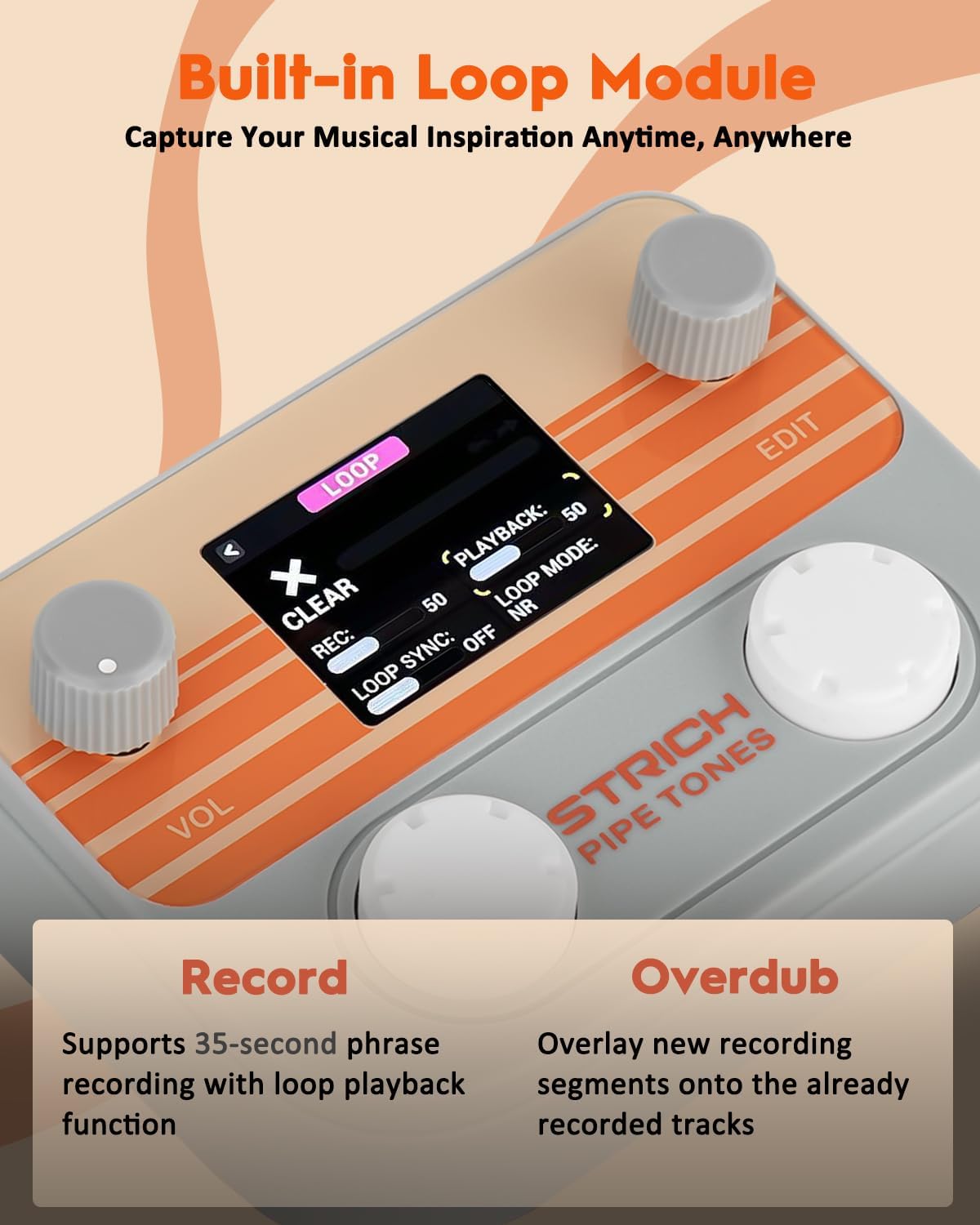
Figure 3.2: Built-in Loop Module Interface
To use the looper:
- Access the LOOPER module via the editing menu.
- Press the appropriate control (usually the EDIT knob) to start recording.
- Press again to stop recording and start playback.
- Press a third time to enter overdub mode, allowing you to record additional layers.
- Use the controls to clear the loop or adjust playback parameters.
3.4 Drum Machine
The Pipe Tones includes 100 drum patterns for practice and songwriting. These can be accessed and controlled through the DRUM module in the editing menu.
4. Features Overview
4.1 DSM Amp Modeling & Tone Library
The pedal utilizes advanced DSM (Dynamic Spectrum Modeling) technology to accurately recreate the dynamics and feel of tube amplifiers. It features 30 built-in amp models (25 guitar, 5 bass).

Figure 4.1: High-precision DSM Speaker Simulation
The unit also supports NAM (NFILE) amp model import and third-party IR (Impulse Response) loading, with 10 dedicated slots for each, allowing for extensive tone expansion.
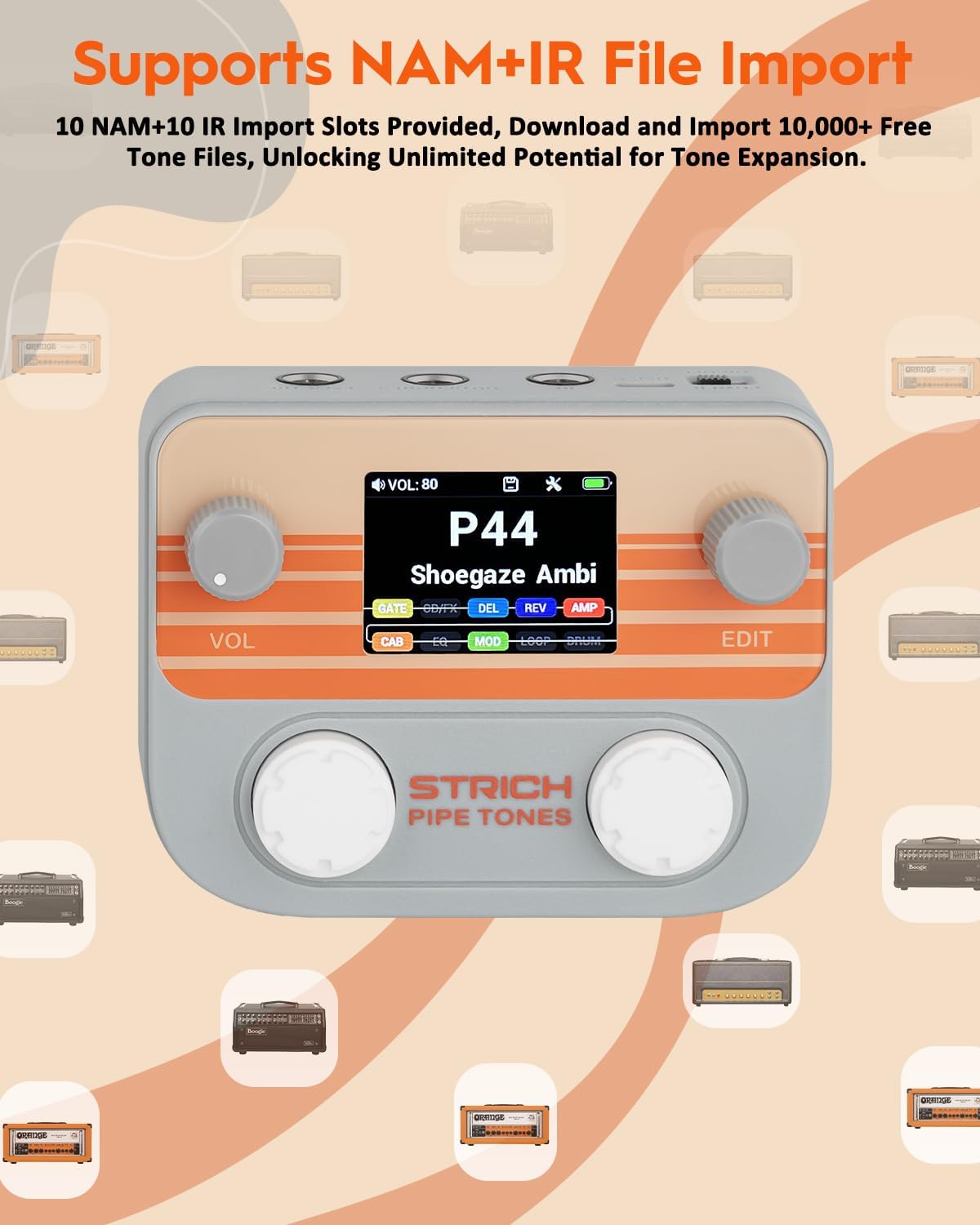
Figure 4.2: NAM+IR File Import Capability
4.2 USB Audio Interface
The Pipe Tones functions as a USB audio interface, providing 48 kHz / 24-bit recording capabilities. It supports ASIO drivers for low-latency recording directly to your computer.
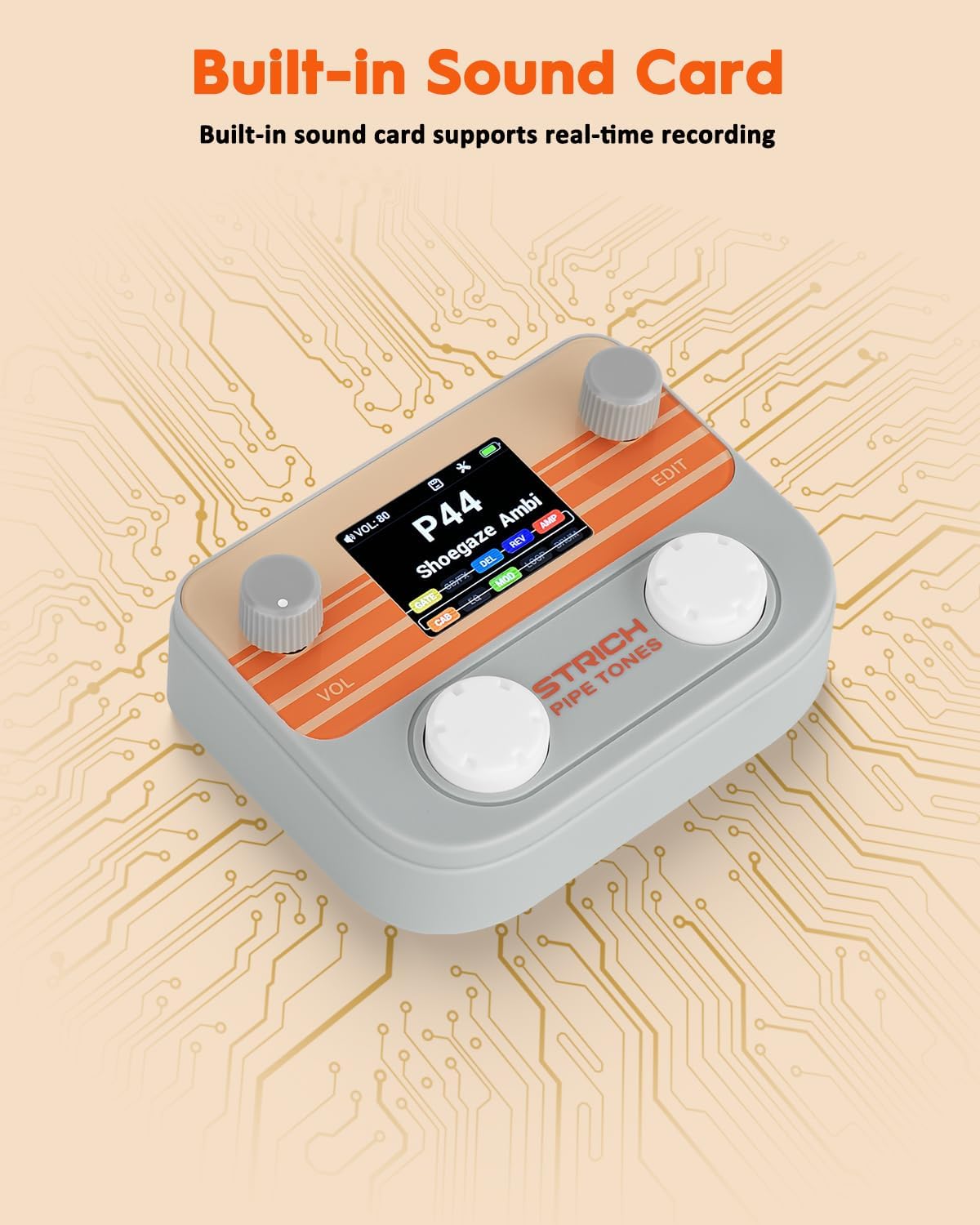
Figure 4.3: Built-in Sound Card for Real-time Recording
4.3 Wireless Control and Smart App
The device supports wireless audio playback and app-based control. A dedicated smart app (available for computer and mobile devices) allows for detailed parameter editing and preset management.

Figure 4.4: Smart App for Wireless Control and Parameter Storage
4.4 Portability
With its compact size and lightweight design, the Pipe Tones is highly portable, making it ideal for musicians on the go.

Figure 4.5: Ultra-Portable Design
4.5 Integrated Tools
The pedal includes a built-in tuner for accurate instrument tuning.
5. Connectivity
The Pipe Tones offers various connectivity options for integration into your setup.
5.1 Instrument Connection
Connect your guitar or bass to the IN jack using a standard 1/4 inch instrument cable.
5.2 Output to Amplifier/Headphones
Connect the OUT/PHONES jack to your amplifier, mixer, or headphones. This is a stereo output.
5.3 External Expression Pedal/Footswitch
An external expression pedal or control footswitch can be connected to the EXP/CTRL 1/4 inch TRS input for additional control over effects or preset changes.
5.4 USB Connection
The USB-C port serves multiple purposes:
- Charging: Power the unit and recharge the internal battery.
- USB Audio Interface: Connect to a computer for direct recording.
- Firmware Updates: Update the device firmware for new features and improvements.
6. Maintenance
To ensure the longevity and optimal performance of your STRICH Pipe Tones pedal, follow these maintenance guidelines:
- Cleaning: Use a soft, dry cloth to clean the exterior of the unit. Avoid abrasive cleaners or solvents.
- Storage: Store the pedal in a cool, dry place away from direct sunlight, extreme temperatures, and high humidity.
- Battery Care: For best battery life, avoid fully discharging the unit frequently. If storing for extended periods, charge the battery to approximately 50% every few months.
- Connections: Periodically check all cable connections for wear and tear. Ensure cables are securely plugged in.
- Firmware: Check the official STRICH website for any available firmware updates to keep your device running with the latest features and bug fixes.
7. Troubleshooting
If you encounter issues with your Pipe Tones pedal, refer to the following common troubleshooting steps:
| Problem | Possible Cause | Solution |
|---|---|---|
| No power | Battery discharged, power switch off, faulty USB cable/adapter. | Ensure power switch is ON. Connect to a power source via USB-C. Try a different USB cable/adapter. |
| No sound output | Incorrect cable connections, volume too low, muted, faulty instrument/amp. | Check IN and OUT/PHONES connections. Increase VOL knob. Ensure unit is not muted. Test with different instrument/amp. |
| Distorted or poor sound quality | Input level too high, incorrect effect settings, faulty cables. | Adjust input level on your instrument or pedal. Review effect parameters. Try different cables. |
| App connection issues | Bluetooth/Wi-Fi off, app not updated, interference. | Ensure Bluetooth/Wi-Fi is enabled on your device. Update the app. Move away from potential interference sources. |
| Looper not recording | Incorrect looper mode, memory full. | Ensure looper is in record mode. Clear existing loops if memory is full. |
If the problem persists after trying these steps, please contact customer support.
8. Specifications
- Brand: STRICH
- Model Name: Pipe Tones
- Color: Gray
- Audio Output Effects: Multi-Effect (125 types)
- Controls Type: Knob
- Power Source: Battery Powered (Rechargeable Lithium Battery)
- Hardware Interface: USB Type C
- Signal Format: Digital
- Item Dimensions: 6.89 x 4.72 x 2.17 inches
- Connectivity: USB, Wireless (App Control)
- Amp Models: 30 (25 Guitar, 5 Bass) with DSM technology
- Looper: 40-second stereo
- Drum Rhythms: 100 patterns
9. Warranty and Support
9.1 Warranty Information
The STRICH Pipe Tones pedal comes with a 1-year warranty from the date of purchase. This warranty covers manufacturing defects and malfunctions under normal use. It does not cover damage caused by misuse, accidents, unauthorized modifications, or normal wear and tear. Please retain your proof of purchase for warranty claims.
9.2 Customer Support
For further assistance, technical support, or warranty inquiries, please visit the official STRICH brand store or contact their customer service department.
Official STRICH Brand Store: STRICH Store on Amazon
10. Product Videos
Watch these official videos for a visual guide to the STRICH Pipe Tones pedal's features and performance.
STRICH Pipe Tones Pocket Multi-Effects Guitar Pedal Unboxing
This video provides an unboxing experience of the STRICH Pipe Tones pedal, showcasing its contents and initial appearance.
STRICH Pipe Tones Pocket Guitar Effects Game Style Play 01
Experience the sound and versatility of the Pipe Tones pedal with this performance video, demonstrating various guitar effects.
STRICH Pipe Tones Pocket Multi-Effects Guitar Performance
A performance video showcasing the multi-effects capabilities of the STRICH Pipe Tones pedal for guitar.