
Introduction
The Tccbac Wireless Indoor Hidden Camera with Clock & Bluetooth Functionality, Model KP05, is a versatile device designed for discreet home security and monitoring. It integrates a high-definition camera with a functional digital clock and a Bluetooth speaker, offering multiple functionalities in a compact form factor. This manual will guide you through the setup, operation, and maintenance of your device to ensure optimal performance.
What's in the Box
- Camera Unit
- Charging Cable
- Instruction Manual
Product Overview
The Tccbac KP05 combines a digital clock, a Bluetooth speaker, and a hidden security camera. Its discreet design allows it to blend seamlessly into various indoor environments. Key features include:
- 4K HD Clarity & Infrared Night Vision: Captures clear video in both daylight and low-light conditions.
- Motion Detection: Sends alerts upon detecting abnormal activity.
- SD Card Storage: Supports local recording and playback (SD card not included).
- Multi-Scene Bluetooth Speaker: Connects to phones/computers for audio playback.
- Wireless Connectivity: Supports Wi-Fi for remote viewing.
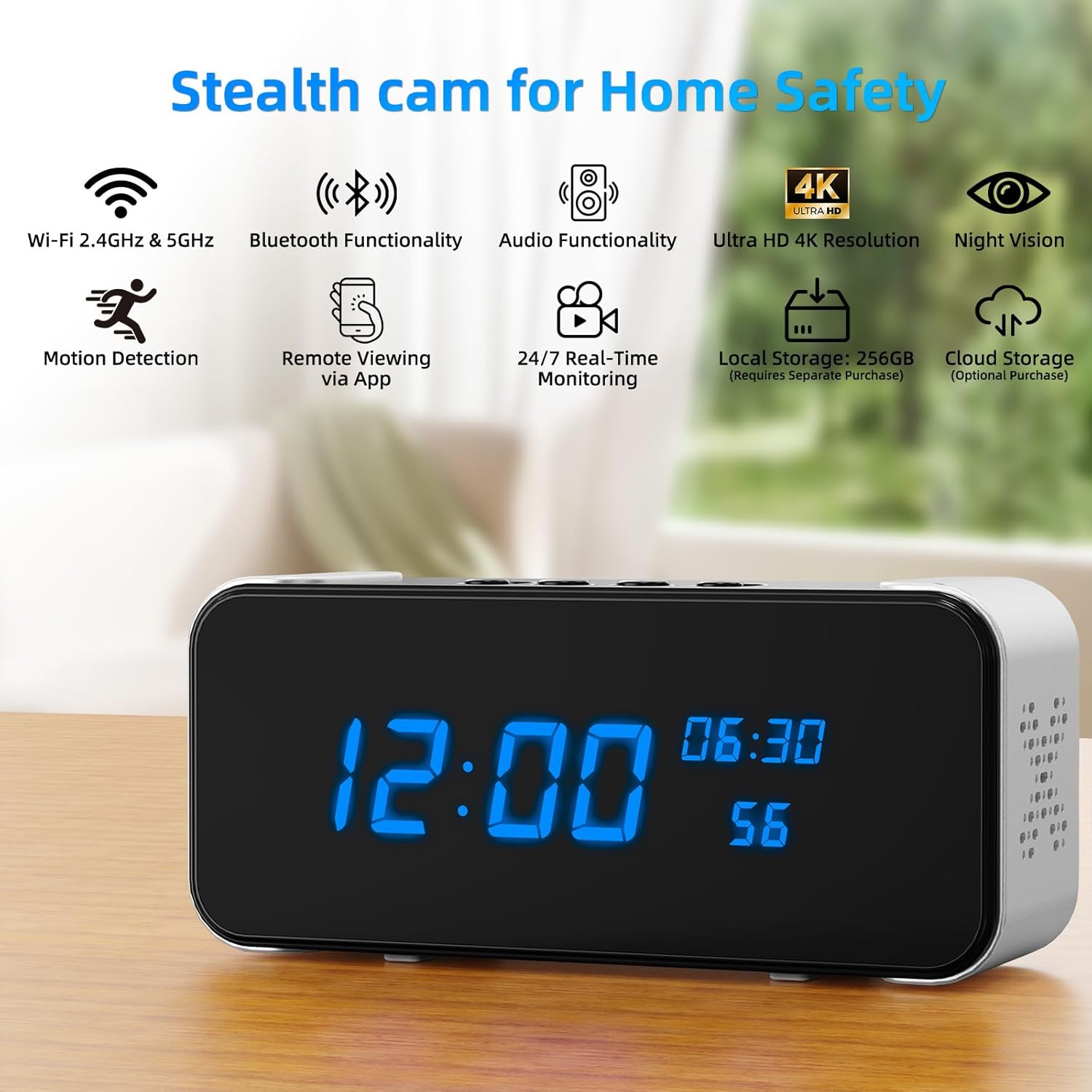
Image: Front view of the Tccbac KP05 Hidden Camera Clock, highlighting its Wi-Fi, Bluetooth, Audio, 4K HD, Night Vision, Motion Detection, Remote Viewing, 24/7 Monitoring, Local Storage, and Cloud Storage capabilities.

Image: Detailed diagram showing the button functions and ports on the Tccbac KP05 Hidden Camera Clock, including Battery, Wi-Fi Config Indicator Light, Micro SD Card Slot, Camera On/Off Charging Reset, Cover Board, Alarm Switch, Time Set, Increase, Reduce, Bluetooth Speaker, Charging Port, AUX, and Bluetooth Switch.
Setup Instructions
Initial Power-Up and App Connection
- Download the App: Download the "Tuya" app from your smartphone's app store.
- Log In/Register: Log in to your existing account or register for a new one within the Tuya app.
- Connect to Power: Connect the camera device to a power source using the provided charging cable.
- Reset Device: Turn on the camera. Press and hold the reset button for approximately 5 seconds until the indicator light flashes, indicating it's ready for pairing.
- Enable Bluetooth: Turn on the Bluetooth function on your phone.
- Add Device: In the Tuya app, tap the "+" icon to add a new device. The app should automatically detect the camera. Select the device and follow the on-screen prompts to connect.
- Wi-Fi Configuration: Follow the app's instructions to connect the camera to your 2.4GHz Wi-Fi network. Ensure your Wi-Fi password is correct.

Image: Visual guide illustrating the four steps to connect the Tccbac KP05 Hidden Camera Clock to the Tuya app, including downloading the app, connecting to power, resetting the device, and adding it via the app.
Operating Instructions
Camera Functionality
- Live View: Access the live video feed through the connected mobile application.
- Motion Detection: Enable motion detection in the app settings. The camera will send alerts to your phone when movement is detected.
- Night Vision: The camera automatically switches to infrared night vision in low-light conditions, providing clear images up to 26 feet.
- Recording:
- Local Storage: Insert a Micro SD card (up to 256GB, not included) into the designated slot for continuous, event-based, or scheduled recording.
- Cloud Storage: Optional cloud storage services may be available through the app for remote backup.
- Two-Way Audio: Use the app's microphone function to speak through the camera's speaker.

Image: The Tccbac KP05 Hidden Camera Clock displaying its 4K Ultra HD video capability and 26 feet invisible night vision range, shown with a smartphone displaying a live feed.

Image: The Tccbac KP05 Hidden Camera Clock demonstrating 24/7 real-time alerts and live check functionality, with a smartphone showing motion detection notifications and a live view of a person entering a room.

Image: A comparison shot highlighting the superior 4K 30fps video quality of the Tccbac KP05 Hidden Camera Clock compared to 1080P, showing a clear image of a dog.
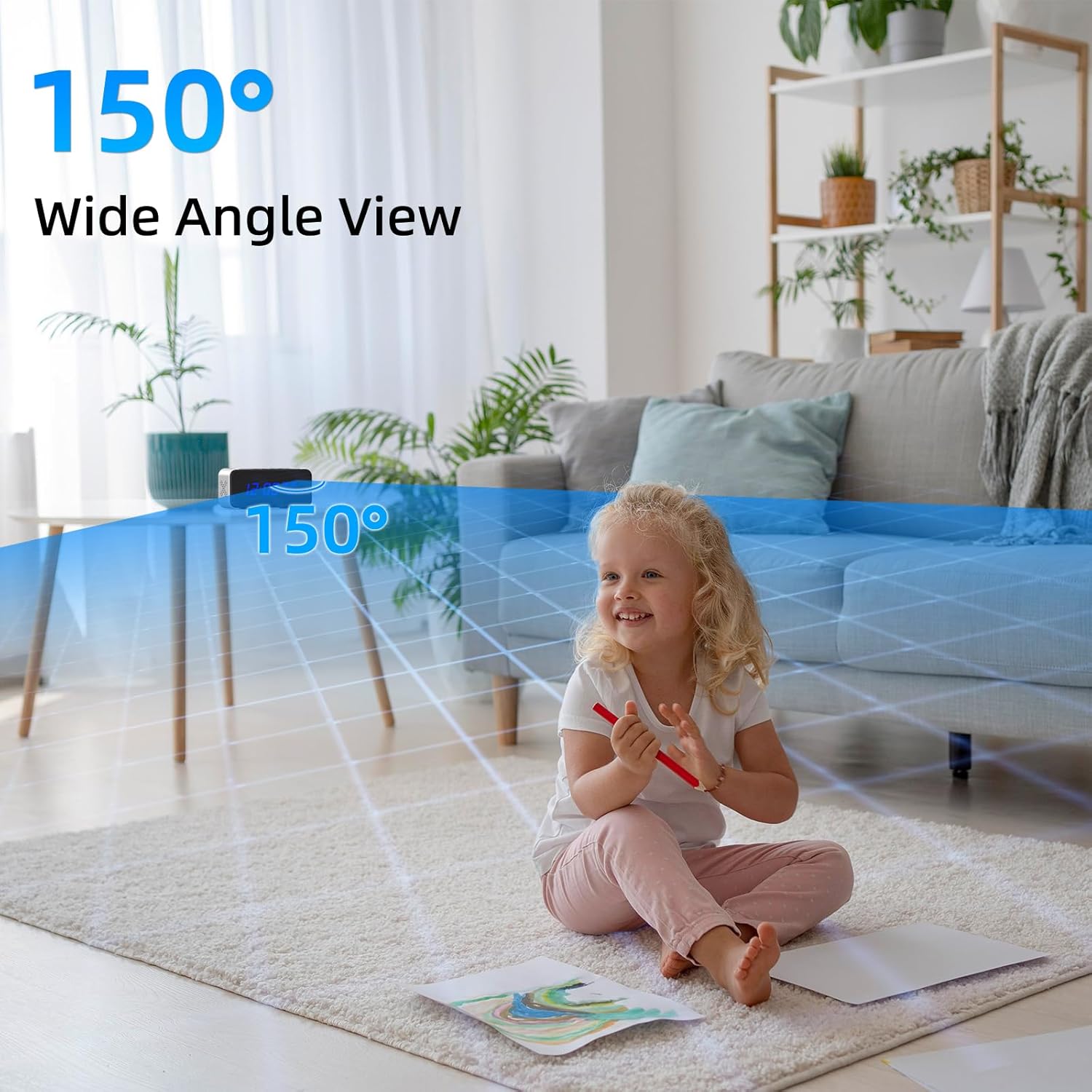
Image: The Tccbac KP05 Hidden Camera Clock illustrating its 150-degree wide-angle view, capturing a broad area of a living room with a child playing.
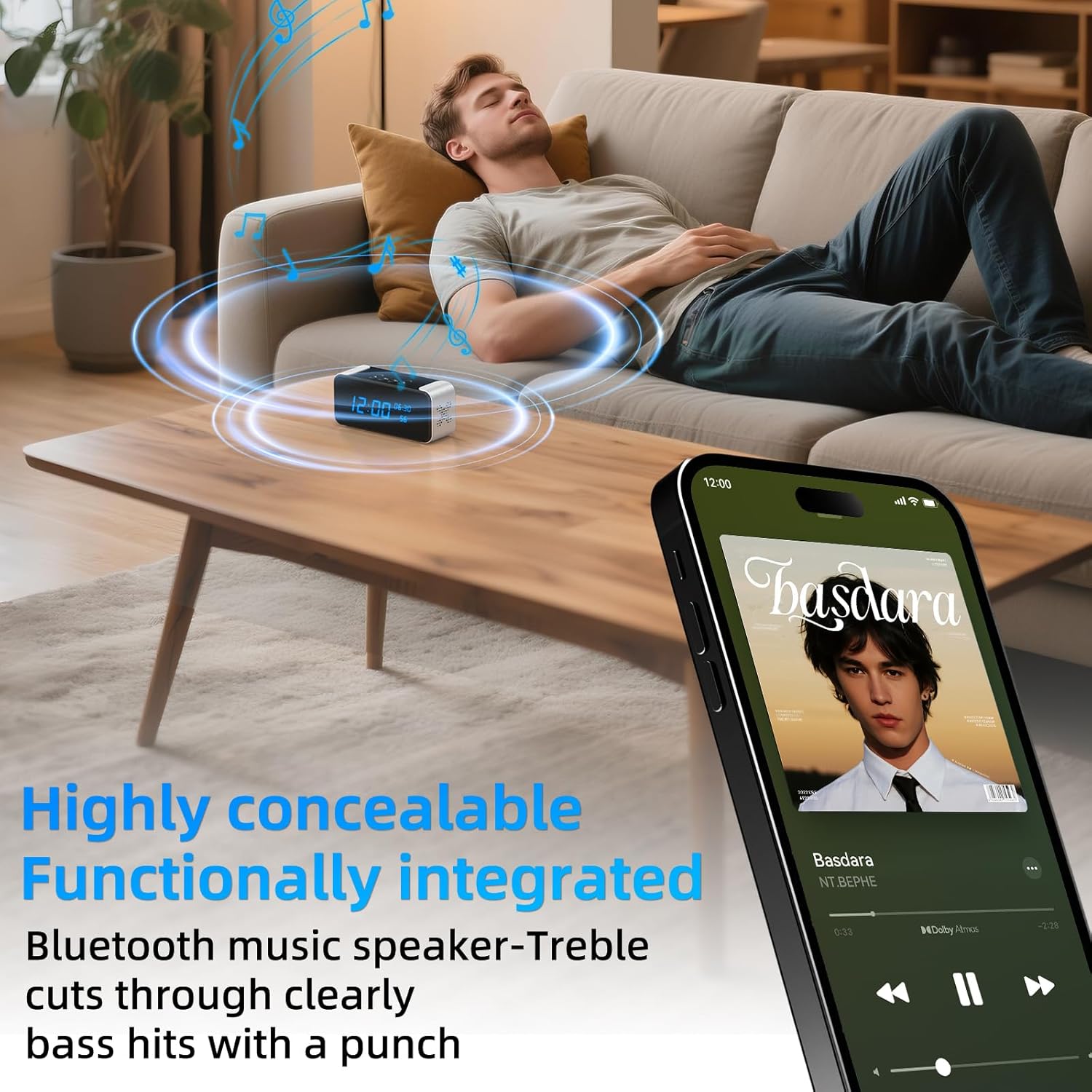
Image: The Tccbac KP05 Hidden Camera Clock functioning as a Bluetooth music speaker, with a person relaxing on a couch and a smartphone displaying music playback.

Image: The Tccbac KP05 Hidden Camera Clock demonstrating multi-user and multi-device simultaneous viewing, showing two people viewing the camera feed on a smartphone and an elderly woman waving.

Image: The Tccbac KP05 Hidden Camera Clock displaying its recording settings, including Loop Recording, Event Recording (Motion Detection Recording), and Schedule Recording options for a maximum 256GB SD card (not included).

Image: The Tccbac KP05 Hidden Camera Clock illustrating its home security features, showing automatic alarms for intrusion and instant alerts via the app with a 150-degree angle lens.
Clock Functionality
- Time Display: The front LED display shows the current time.
- Setting Time: Use the buttons on the top of the device to adjust the time and alarm settings. Refer to the detailed instructions in the included manual for specific button functions.
Bluetooth Speaker Functionality
- Pairing: Activate Bluetooth on your smartphone or other audio device. Select "KP05" (or similar device name) from the list of available devices to pair.
- Audio Playback: Once paired, audio from your device will play through the camera's speaker.
- Volume Control: Adjust volume using your connected device or the physical buttons on the camera.
Product Videos
Video: A detailed review of the TCCBAC Alarm Clock Security Camera, demonstrating its features and functionality in action. This video highlights the ease of use and various capabilities of the device.
Maintenance
- Cleaning: Use a soft, dry cloth to clean the device. Avoid abrasive cleaners or solvents.
- Battery: The device is battery-powered and can be charged using the provided cable. Ensure the battery is charged for continuous operation, especially if not connected to a constant power source.
- SD Card: Regularly check the SD card for storage capacity. Format the card periodically to maintain optimal recording performance.
Troubleshooting
- Device not powering on:
- Ensure the charging cable is securely connected and the device is fully charged or connected to a power source. Check the power adapter and outlet.
- Cannot connect to Wi-Fi:
- Verify that your Wi-Fi network is 2.4GHz. Ensure the Wi-Fi password is entered correctly. Try resetting the device and attempting the connection process again. Move the device closer to your Wi-Fi router.
- No video recording to SD card:
- Check if an SD card is inserted and properly formatted. Ensure recording settings (loop, event, schedule) are configured correctly in the app. Verify the SD card is not full.
- Motion detection alerts not received:
- Confirm that motion detection is enabled in the app settings. Check your phone's notification settings to ensure the app has permission to send alerts. Verify stable internet connection.
- Bluetooth speaker not pairing:
- Ensure Bluetooth is enabled on both the camera and your audio device. Make sure the camera is in pairing mode. Try unpairing and re-pairing the devices.
Specifications
| Feature | Detail |
|---|---|
| Brand | Tccbac |
| Model Name | KP05 |
| Recommended Uses | Indoor Security |
| Connectivity Technology | Wireless (Wi-Fi) |
| Special Feature | 4K HD Resolution, Motion Detection, Night Vision |
| Indoor/Outdoor Usage | Indoor |
| Compatible Devices | Smartphone (Android) |
| Mount Type | Tabletop Mount |
| Power Source | Battery Powered |
| Video Capture Format | MPEG-4 |
| Item Dimensions | 2.89 x 1.9 x 1 inches |
| Video Capture Resolution | 4K |
| Night Vision Range | 6 Millimeters |
Warranty and Support
For warranty information and technical support, please refer to the contact details provided with your product packaging or visit the official Tccbac website. Keep your purchase receipt for warranty claims.